Table of Contents
Tender responses are one of those things that always sound simple… until you’re actually doing them. You’ve got a pile of requirements, tight deadlines, and a team that needs to sanity-check everything. That’s exactly why I wanted to test Specgen. The big promise here is faster drafting without messing around with confidentiality or cutting corners.
Specgen Review: Does It Actually Speed Up Tender Responses?
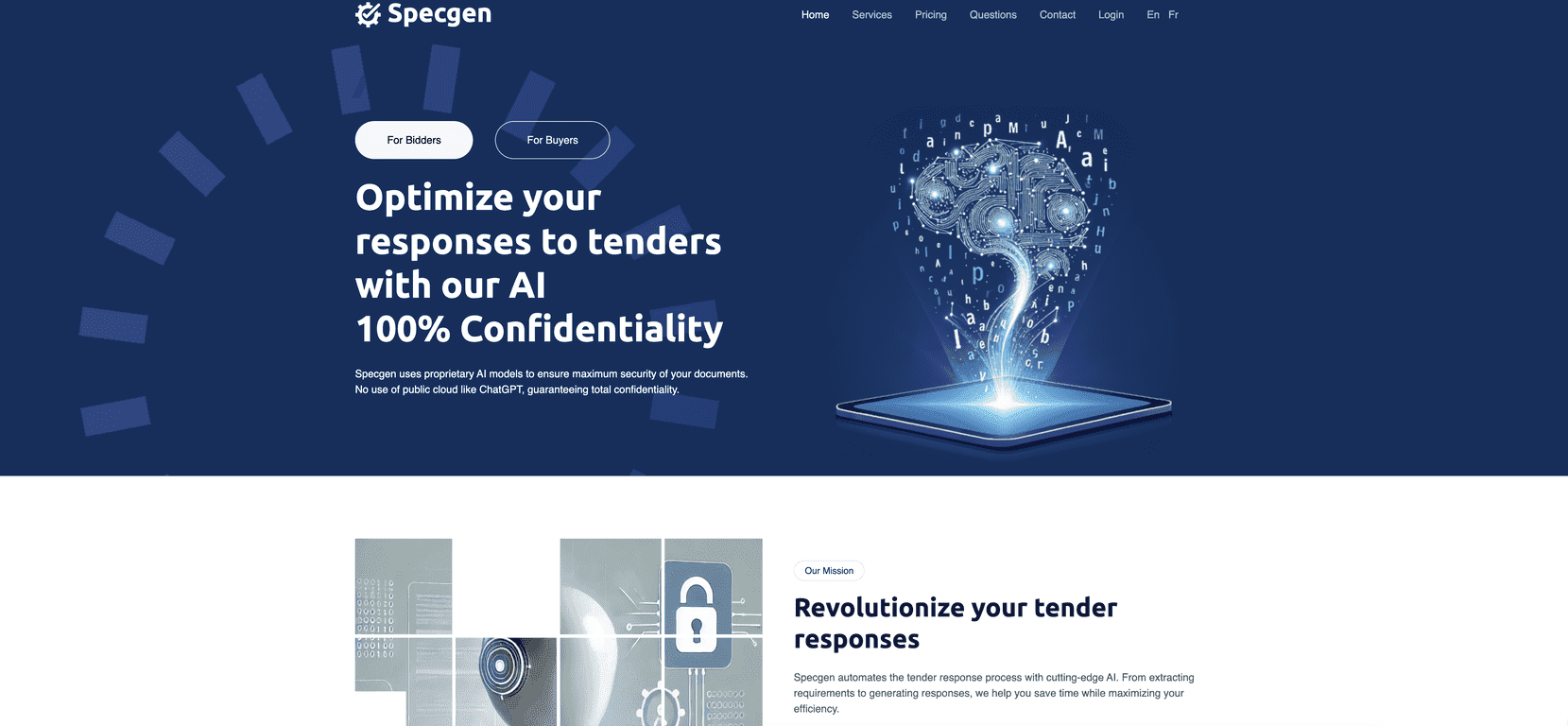
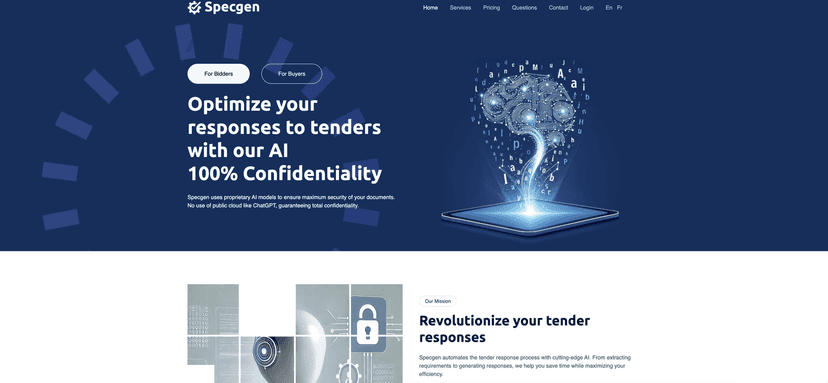
Specgen is built for one job: automating and improving how you respond to tenders. The headline feature for me is the confidentiality angle. The pitch is that documents and data are processed on secure servers, rather than being exposed through sketchy third-party handling. When you’re submitting proposals that include pricing, team details, or proprietary processes, that matters. It’s not the part you want to “hope for the best,” right?
What I liked immediately is how it handles requirement extraction. You can upload common tender files like .pdf, .docx, and .pptx and then pull out what you actually need to respond to—without doing a bunch of manual copy/paste. In my experience, that first step is usually the most boring and time-consuming part. Specgen tries to remove that friction.
Then comes the response generation. The output isn’t just a generic paragraph dump. It’s meant to be tailored for your tender, and you can review it as a draft your team can edit. I also noticed it includes compliance scoring, which is useful when you’re juggling multiple sections and trying to make sure nothing important is missed. It doesn’t replace human judgment, but it helps you spot gaps faster than reading everything from scratch.
There are also collaboration tools, which is a big deal if you’re not the only person touching the response. In a typical workflow, someone drafts, someone else checks compliance, and someone else verifies that the tone and claims match what your company can actually deliver. Specgen’s collaboration approach is designed for that handoff.
One more practical point: Specgen supports English and French. If you’re bidding across regions (or your internal reviewers prefer French), that saves a surprising amount of time. You don’t want your team spending hours translating before they can even start reviewing.
Key Features I Care About
- Data Confidentiality — designed to keep your tender documents and sensitive information protected while being processed.
- Requirement Extraction — pulls requirements from .pdf, .docx, and .pptx so you’re not manually hunting for key sections.
- Tailored Response Generation — generates drafts in .docx format, which makes it easier to edit and circulate internally.
- Compliance Scoring — helps you evaluate how well the response matches what the tender asks for (useful when you’re reviewing multiple sections).
- Collaboration Tools — supports teamwork so assignments and reviews don’t live in random email threads.
- Multilingual Support — works in English and French, which is handy for cross-market bids.
Pros and Cons (Real Talk)
Pros
- Confidentiality-first approach — the “secure processing” angle is exactly what I look for when proposals include sensitive data.
- Faster tender drafting — especially the requirement extraction step. That’s where time usually disappears.
- Collaboration-ready — it’s easier to manage review roles when everyone isn’t working off different versions.
- Supports common tender formats — .pdf, .docx, and .pptx cover a lot of real-world tenders.
- Free trial available — you can test the workflow with your own documents instead of guessing from marketing claims.
Cons
- Pricing could be tough for small teams — if you only bid occasionally, the cost might feel steep.
- File format limitations — if a tender comes in an unusual format, you may still need to convert before uploading.
- Collaboration features need buy-in — if your team doesn’t actually use shared review workflows, those tools won’t magically save time.
Pricing Plans (What You Get for the Money)
Here’s how Specgen’s plans break down, based on the info provided:
- Solo Plan: €150 for 300 pages per month.
- Team Plan: €299 for unlimited users with a limit of 1000 pages per month.
- Team + Plan: €990 for 5000 pages per month and support for unlimited users.
All plans include a free trial for 100 pages. That’s enough to run a real tender workflow and see whether the extraction + drafting quality fits your standards.
Wrap up
Specgen is the kind of tool that can genuinely reduce tender response time—mainly because it tackles the early bottlenecks: extracting requirements and producing a usable draft your team can review. The compliance scoring and collaboration features are also the right direction, as long as your team actually uses them.
The main downside? Cost and format constraints. If you’re a small business bidding rarely, you’ll want to make sure the page limits and pricing align with how often you submit tenders. But if you’re bidding frequently and want a more organized, confidential workflow, Specgen is worth putting through its paces.
Promote Specgen