Table of Contents
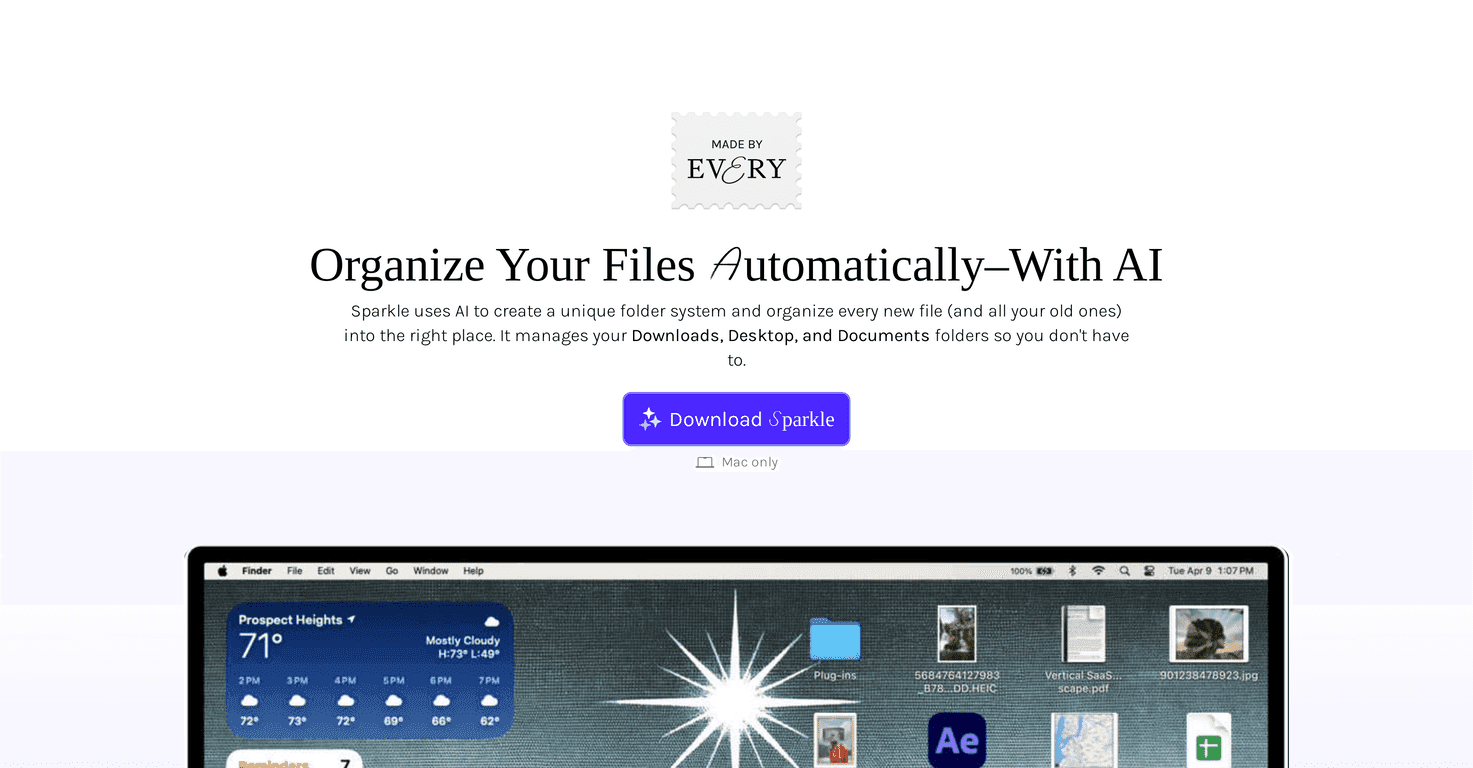
If your desktop is anything like mine, it’s basically a digital junk drawer. Downloads pile up, screenshots multiply, and suddenly you can’t find that one PDF you swear you saved “a minute ago.” So when I came across Sparkle, I actually wanted to see if it could fix the mess without me spending my evenings doing manual sorting.
Sparkle is a Mac-focused file organizer that uses AI to sort your files into a folder system. The big idea is simple: it watches what’s sitting in your folders and then organizes it for you based on file names. No digging through your documents, no reading the contents—just name-based categorization.
Here’s what I noticed right away. Sparkle sets up three subfolders inside your library:
- Recents — where new or temporary-ish files land
- Manual Library — for folders you’ve left alone (or files you don’t want Sparkle touching)
- AI Library — where Sparkle moves the organized files
It’s meant to work with both local folders and cloud storage locations, so you’re not stuck only cleaning up one place. And if privacy is a concern (it is for me), Sparkle’s approach is reassuring: it organizes based on file names and doesn’t read or download your files. The app also doesn’t keep data around for long—claims are that file name data is anonymized and not stored longer than 30 days.
In day-to-day use, it’s pretty seamless for the stuff that usually clutters your system—think Downloads and Desktop. It doesn’t just organize new files; it can also reorganize existing messy folders, which is honestly the part that matters most when you’re already behind.
That said, I don’t want to pretend it’s magic. If your file names are inconsistent (like “IMG_4829” mixed with “invoice-final-v3”), you might still end up doing a few manual tweaks. But once you’ve nudged it into the pattern you like, it’s much less work going forward.
Overall? If you want an organized file system with minimal effort, Sparkle is worth a look—especially if you’re a Mac user who’s tired of fighting your Downloads folder every week.
Sparkle Review
In this Sparkle review, I’m going to be straight with you: the only reason I care about a tool like this is whether it actually reduces the time I spend hunting for files. Sparkle is built for Mac users, and it aims to keep your file organization from turning into chaos again.
The AI part is mainly about categorization. Sparkle creates a personalized folder setup and then organizes your files into that structure. What I liked is that it’s not just for “future” files—Sparkle can also organize existing clutter, which is huge if you’ve already got a messy Desktop or a packed Downloads folder.
By default, it creates three subfolders: Recents, Manual Library, and AI Library. In practice, that structure makes sense. New stuff doesn’t immediately vanish into deep folders, and you still have a place for items you want to keep untouched.
One detail that matters for privacy (and for my trust) is that Sparkle doesn’t access your file content. It organizes based on file names only. So if you have “IMG_” photos, “invoice” documents, “meeting notes” PDFs, etc., it can do a decent job. If your filenames are super vague, you may need to do some manual cleanup after the first run.
Bottom line: if you want a clean system with less manual work, Sparkle can help. Just don’t expect it to fully replace your judgment on messy naming habits.
Key Features
- AI-driven folder organization that builds a personalized folder system
- Automatic file sorting into the designated folders
- Three default subfolders: Recents, Manual Library, and AI Library
- Supports both local and cloud folders so you can organize more than one location
- Privacy-first approach: no reading or downloading file contents—Sparkle organizes based on file names
Pros and Cons
Pros
- Really reduces manual sorting—especially for common problem areas like Downloads and Desktop
- Flexible enough to match your workflow since you can add additional folders beyond the defaults
- Easy to stay in control—if something lands in the wrong place, you can adjust without starting over
- Privacy-focused: file names are anonymized and not stored longer than 30 days (based on the product’s claims)
Cons
- Mac only (so if you’re on Windows, you’ll need to look elsewhere)
- Name-based sorting has limits—if your filenames don’t carry useful hints, you may still need to manually fix a few categories
Pricing Plans
Sparkle is available through Every with unlimited access for subscribers. There’s also a 7-day free trial for new users, which I think is the right move—because you really want to test it on your own Downloads/Desktop situation to see if it matches how you name and store files.
Wrap up
Sparkle is a practical file organizer for Mac users who want less clutter and fewer “where did I save that?” moments. The default Recents/Manual Library/AI Library setup is simple, and the name-based organization approach keeps things privacy-friendly. Just know the tradeoff: since it relies on file names, you might need a little manual adjustment if your naming habits are messy (we’ve all been there).
If you want to see whether it fits your workflow, start with the free trial and run it through your biggest mess first.
Promote Sparkle



