Table of Contents
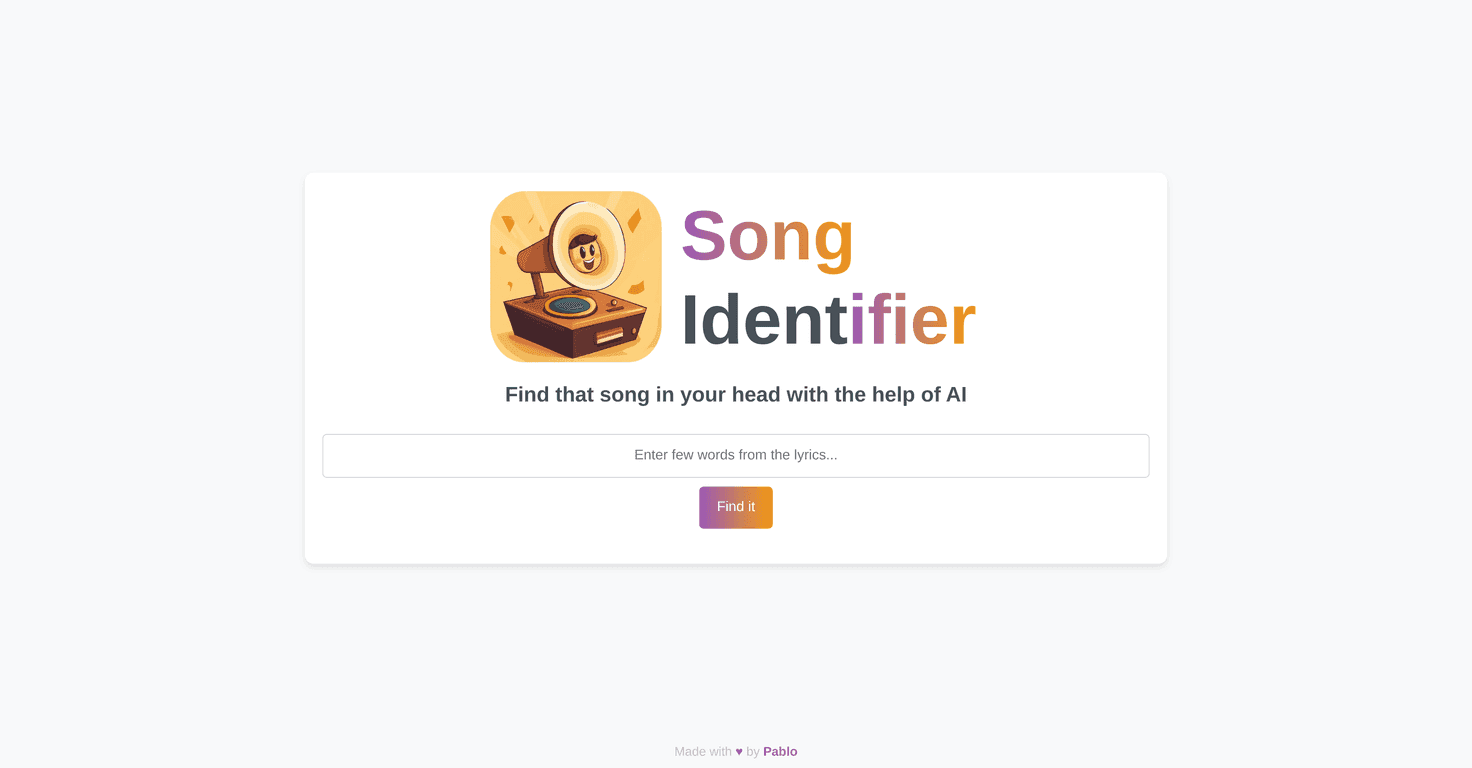
You know that moment when you’ve got the chorus stuck in your head… but the title is gone? Yeah, I’ve been there a bunch of times. Usually I’d waste 10 minutes searching guesses on YouTube, hoping something matches. That’s why I was curious about Songifier, an app that identifies songs from a few lines of lyrics and then takes you straight to YouTube to listen.
In my experience, the biggest win isn’t just that it “finds songs.” It’s how quickly it gets you to the right place without you doing all the back-and-forth searching. If you’re a music lover, or you just want to stop playing detective with lyrics, this one’s worth a look.
Songifier Review: Can You Really Find a Song From Lyrics?
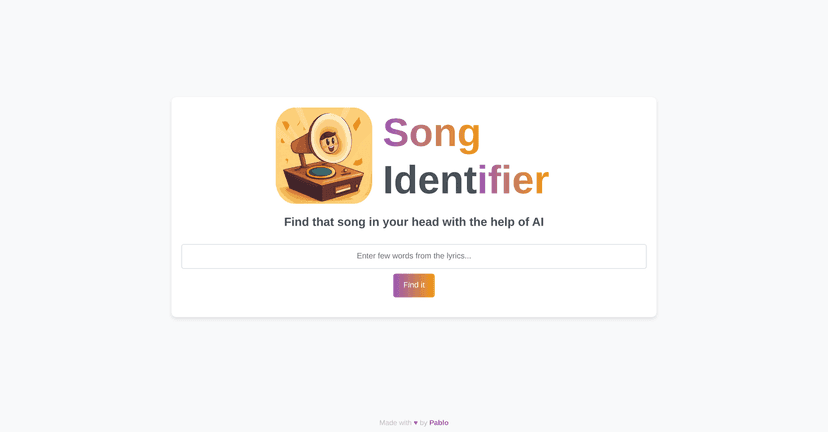
Songifier is built around a pretty simple idea: type in a few lyrics (even partial lines), and it tries to identify the track. Once it finds a match, it links you to YouTube so you can listen right away. No switching apps. No hunting through search results.
When I tested it, I noticed two things immediately:
- Speed: it doesn’t feel like you’re waiting around. You type, submit, and you’re usually looking at results quickly.
- Flow: the YouTube integration is a big deal. Even if the song title is the “answer,” the real payoff is hearing it within seconds.
It’s also pretty easy to use. If you’re not super techy, you don’t have to be. You just paste a line or two and go. That said, I wouldn’t call it magic—lyrics recognition still depends on what you enter.
Key Features That Stand Out
- AI-powered song identification from lyrics
- This is the core feature. You provide a few words (or a short snippet), and Songifier tries to match it to a track.
- YouTube integration for instant listening
- Instead of stopping at “Song found: Artist — Title,” it takes you to YouTube so you can hit play right away. In my opinion, that’s the part that makes it feel actually useful.
- Simple input experience
- The app is built for quick use. You don’t need to know anything about audio fingerprints or complicated search operators—you just enter lyrics and submit.
Pros and Cons (What I Liked vs. What to Watch Out For)
Pros
- Works well with incomplete lyrics
- If you only remember a fragment of the chorus, it still has a shot. I had the best luck when the line I typed was distinctive (not just a generic phrase).
- Quick path to listening
- The YouTube link means I’m not stuck doing another search round. That saves time—especially when you’re in “I just want to hear it” mode.
- Beginner-friendly
- You don’t need to be tech-savvy. The interface is straightforward, and the task is simple.
Cons
- Results depend on lyric accuracy
- If you type something slightly off (or the lyrics you remember are vague), the match can be hit-or-miss. It’s not the app being “wrong” so much as the input being too broad.
- Less popular tracks can be harder
- I noticed that songs with a lot of similar lyric phrases—or songs that aren’t as widely indexed—may not show up as reliably.
Pricing Plans: What Does Songifier Cost?
The document I saw doesn’t list specific pricing plans for Songifier. If you’re trying to budget before you use it, I’d recommend checking the official website for the most up-to-date pricing (and any free trial or limits, if they have them).
Wrap up
Overall, I think Songifier is a genuinely convenient tool—especially if you’re the type who hears a snippet, remembers a line, and wants the song now. The YouTube integration is the standout feature for me, because it turns “finding” into “listening” immediately.
Just keep expectations realistic: if your lyrics are too generic or slightly incorrect, results might be weaker, and some less popular songs may take extra tries. Still, for quick song discovery from lyrics, it’s a solid option. If you’ve got a chorus you can’t name, give it a shot—you might be surprised how fast it gets you there.


