Table of Contents
If you’ve ever had a line stuck in your head—something like “I’ll be your shelter when the storm comes” or a random hook you can’t shake—then you already have the hardest part. The rest is turning that idea into something that actually sounds like a song. That’s where Song.do comes in.
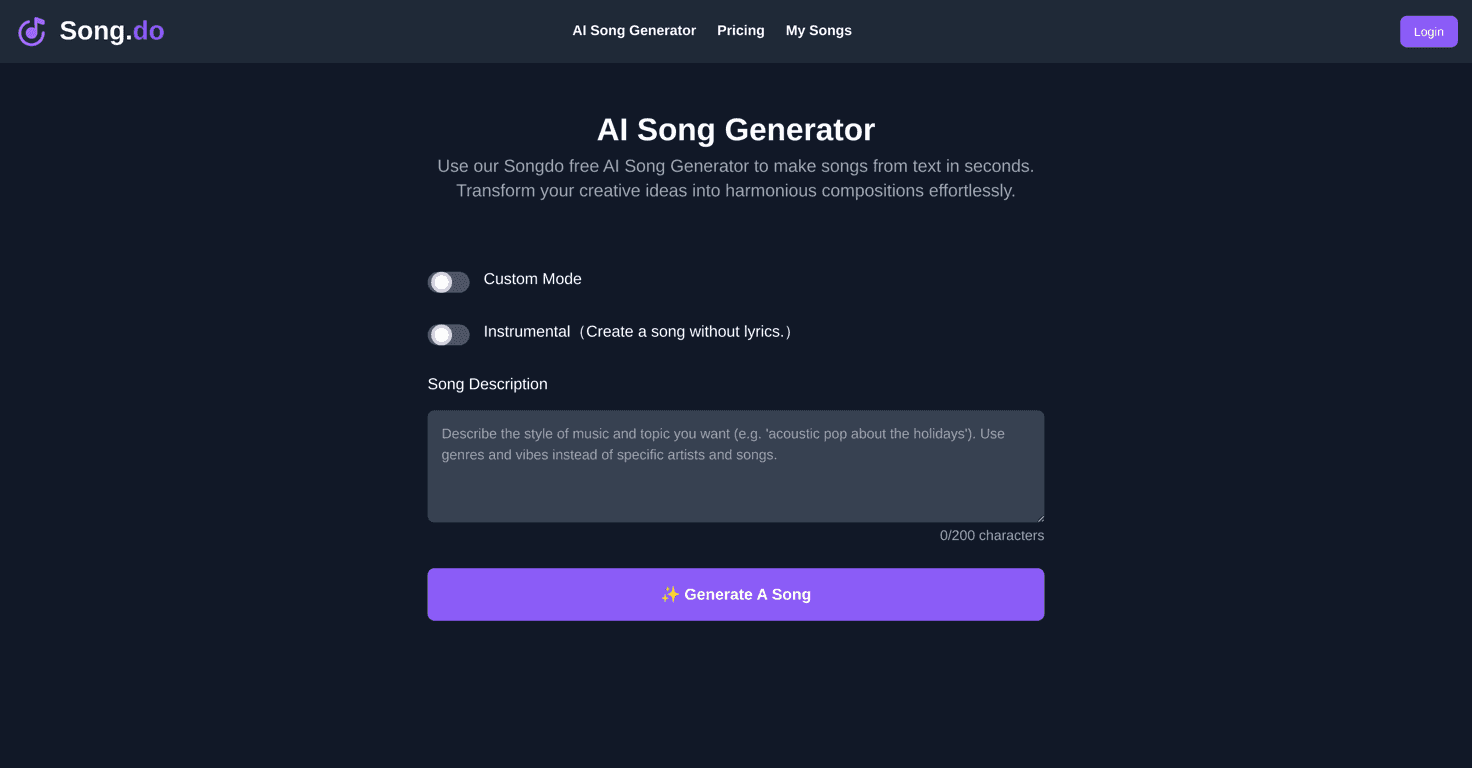
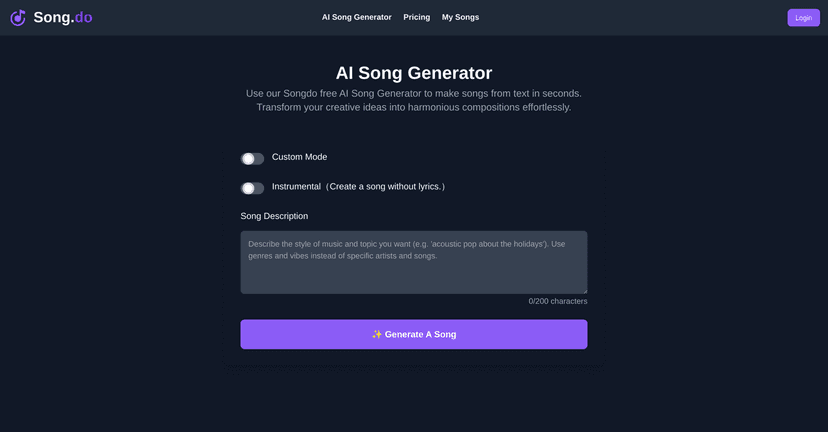
In my experience, Song.do is built for people who don’t want to learn production, chord theory, or a bunch of complicated songwriting tools. You type in what you want (lyrics or a vibe), pick a style, and it generates a track you can listen to right away. No “studio required” energy.
Song.do Review: Can It Turn Your Ideas Into Real Songs?
Let me be straight: Song.do won’t replace a songwriter sitting with a guitar for hours. But for quick, fun results? It’s honestly pretty satisfying.
When I tested it, the flow felt simple enough that I didn’t have to “figure out” the tool. I could paste a few lines, pick a style, and generate something I could actually play back. That matters, because a lot of AI music tools either feel too technical or too vague. Here, it’s more like: give it direction, and it does the heavy lifting.
Here’s what stood out to me:
- It’s easy to start. You don’t need a music background. You just enter your lyrics/title idea and go.
- Style selection helps. Choosing a genre (like Pop or Blues) changes the feel enough that you can steer the result.
- You can generate instrumental tracks. I liked having the option to skip lyrics entirely—sometimes a mood is all you want.
- Playback + MP3 download. Once the song is generated, you can listen right on the platform and download the MP3 if you want to share it or save it.
One more thing: the “gift” angle isn’t just marketing fluff. If you’re trying to make something personal—like a short song for a birthday, anniversary, or even a “thank you” message—Song.do gives you a fast way to turn words into music.
Key Features I’d Actually Use
- Text to Song for turning lyrics or ideas into a full track
- Custom Mode so you can personalize the lyrics instead of starting from scratch
- Instrumental option when you want music without words
- Style selection to guide the genre and overall vibe
- User-friendly interface that doesn’t overwhelm you with settings
- Listen and download in MP3 for easy sharing
- Gift creation—handy if you want something themed or personal
Pros and Cons (Real Talk)
Pros
- Free tier exists. You can test the platform without immediately paying.
- No music knowledge needed. The interface is straightforward, and I didn’t feel like I needed a tutorial to get results.
- Quick turnaround. You’re not waiting forever to hear something back.
- Good basic customization. Being able to tweak lyrics and choose a style makes a noticeable difference.
Cons
- Free access is limited. Like most tools, you’ll probably hit limits pretty fast if you’re generating a lot of variations.
- AI output isn’t always “wow.” Sometimes the phrasing or performance won’t match what I envisioned. It’s more “creative starting point” than “instant masterpiece.”
- Advanced results may require payment. If you want more generations, more control, or better output, you may need to upgrade.
If you’re expecting fully polished, radio-ready songwriting every time—yeah, you might get frustrated. But if you want a fast way to explore ideas and iterate on hooks and moods? That’s where Song.do shines.
Pricing Plans: What to Expect
Song.do includes a free tier that lets you generate a limited number of songs. For more options or more generations, the site points you to additional pricing details.
My advice? If you’re on the fence, use the free tier to answer one question: Do you like the style of the output? Generate a few tracks with different genres and see whether the results feel like something you’d actually share.
Wrap up
Song.do is a solid option if you want to write hit-worthy songs fast—or at least you want to turn your ideas into something musical without going through a whole learning curve. It’s easy to use, quick to generate, and the MP3 download makes it practical for sharing. I also appreciate that you can do lyrics or go instrumental depending on the vibe you’re after.
Just go in with realistic expectations. You’ll get fun, creative outputs and good starting points, but not every generation will be perfect. Still, if you’ve got a hook, a message, or a mood you want to turn into sound, Song.do is worth a try.