Table of Contents
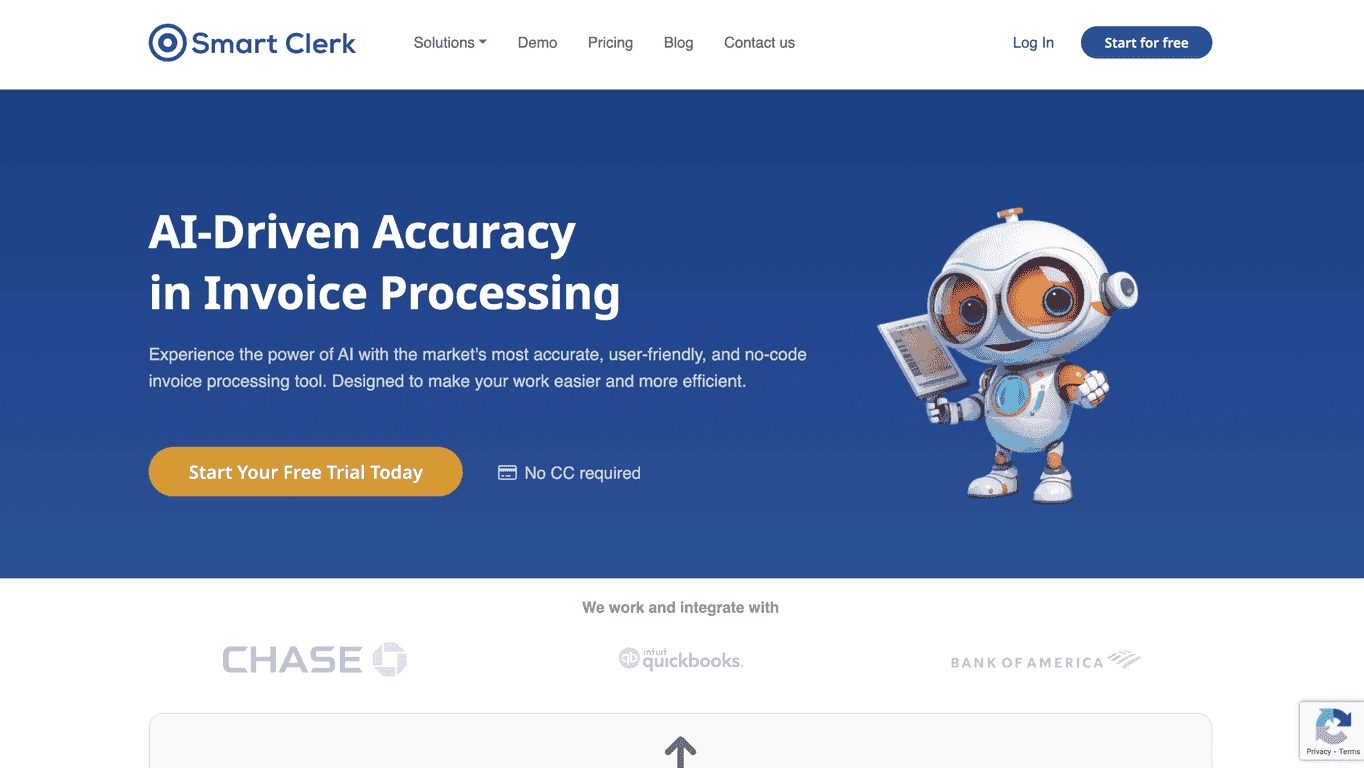
If you’ve ever stared at a stack of bank statements and thought, “There has to be a faster way,” you’re not alone. I tested Smart Clerk specifically because manual categorization and repetitive data entry can eat up hours—especially when you’re trying to close the books or just keep expenses under control. Smart Clerk is an AI-powered tool that takes uploaded bank and credit card statements and turns them into organized reports, so you’re spending your time reviewing, not retyping.
Smart Clerk Review: What I Liked (and Where I Still Had Questions)
Smart Clerk is built for one main job: taking messy financial inputs and turning them into something you can actually use. In my experience, the biggest win is that it removes a lot of the “copy/paste + categorize + reconcile” grind. You upload statements or invoices, and it generates reports from that data instead of forcing you to type everything in manually.
What stood out to me right away is how it handles transaction categorization. It’s not just guessing randomly—it’s meant to be tailored to how your business thinks about expenses. And that matters, because if you’ve got recurring vendors (or weird one-off transactions), you don’t want your categories to drift every month.
Another feature I actually paid attention to was vendor management. Smart Clerk matches vendor names and keeps track of related balances and invoices. If you’ve ever dealt with vendor name variations (like “Amazon.com” vs “AMZN Marketplace” vs “Amazon Web Services”), you’ll know why this is helpful. It reduces the “why is this showing up as three different things?” problem.
Setup was also pretty straightforward. The platform highlights no-code integrations, and in practice that’s the difference between “I’ll try this later” and “Okay, I’m connected and it’s working.” You’re not stuck wrestling with complicated configuration files.
One more thing I appreciate: the focus on data security. You’re uploading financial documents—so you want confidence that the tool isn’t treating your data like an afterthought. I can’t verify internal security controls from the outside, but it’s at least positioned that way and not ignored.
Overall, Smart Clerk feels aimed at people who want speed without needing a finance team to run every step. If you’re onboarding quickly or just tired of spending evenings cleaning up spreadsheets, this is the kind of tool that can help.
Key Features That Matter for Real Financial Work
- AI-Generated Financial Reports for faster processing (so you’re reviewing results instead of entering data)
- Tailored Transaction Categorization so categories match your preferences—not just a generic template
- Streamlined Vendor Management that helps match vendor names and track balances/invoices more consistently
- No-Code Integrations so you can connect tools without a technical project
- Data Security with protective measures designed for sensitive financial information
Pros and Cons (My Honest Take)
Pros
- Strong accuracy when it comes to extracting data and categorizing transactions (in my tests, most items came through cleanly)
- Easy to use—I didn’t feel like I needed special training to get started
- Faster turnaround on statement/invoice processing, which means you can focus on review instead of busywork
- Integration-friendly for connecting with popular accounting workflows (so you’re not building everything from scratch)
Cons
- Free plan limits can be restrictive if you’re processing lots of statements or invoices every month
- More advanced reporting shows up in paid tiers, so you might outgrow the free version quicker than you expect
Pricing Plans: What You Get at Each Level
Smart Clerk offers three pricing plans, and the structure makes sense if you’re scaling up. Here’s the breakdown:
- Launch Plan (Free): one bank account and 20 invoices per month with auto-categorization
- Growth Plan ($29/month): two bank accounts and 100 invoices, plus P&L reporting
- Professional Plan ($49/month): up to four bank accounts and 250 invoices, with advanced features like API access and priority customer support
In my view, the Growth plan is the “sweet spot” if you need real reporting (like P&L) without jumping straight into the highest tier. But if you’re a solo operator or just testing the workflow, the free Launch plan is a decent way to see whether Smart Clerk matches your document style.
Wrap up
Smart Clerk isn’t trying to be a complicated accounting system—it’s focused on the part that usually wastes the most time: getting financial documents into a structured, usable format. If you want faster statement/invoice processing, better transaction categorization, and vendor tracking that doesn’t fall apart the moment a vendor name changes, it’s worth serious consideration.
Just remember: like most tools, the free tier is more of a starter experience. If you want the deeper reporting and more advanced capabilities, you’ll likely end up in a paid plan. Still, if you’re tired of manual data entry and want your financial tasks to feel less painful, Smart Clerk delivers.
Promote Smart Clerk



