Table of Contents
Human-style writing looks simple on the surface. Many people want content that reads naturally, feels real, and passes AI detectors without extra effort. Humanize AI Text is one tool that claims it can turn robotic text into smooth writing that sounds like a person. This review looks deep into how it works and what results it can give.
Overview of Humanize AI Text
Humanize AI Text is a free online tool powered by state-of-the-art AI technology that works to convert AI-generated content into human-style. You paste any AI-generated text inside it, and it rewrites the full piece in a more natural tone. The tool aims to remove patterns that detectors mark as machine-written. Its main idea is to break the typical style that language models follow.
The tool focuses on small details. It edits the rhythm of sentences, switches word placement, and changes structure. These changes help the content look more organic. Students, bloggers, and freelance writers often try it when they need text that feels natural.
How Humanize AI Text Works to Bypass AI?
Humanize AI Text does not follow the usual rewriting path. It targets some habits that AI writing tools repeat in every paragraph. These habits create clear signals that detection tools notice. The tool tries to fix them in a few simple ways.
Eliminate transition terms
AI writing tools use transition words too often. Words like "however" or "moreover" appear in random places. Humanize AI Text trims these words or replaces them with plain language. The result becomes cleaner and does not look like a formula.
Replace Em-dashes where necessary
AI-generated text overuses symbols like Em-dashes. These signs give a clear hint to detectors that the text might be robotic. Humanize AI Text replaces them with full stops or commas so the flow appears balanced.
Restructure sentences completely
Many AI sentences follow a fixed structure. Long sentences, repeated rhythm, and balanced clauses appear again and again. Humanize AI Text breaks this pattern. It rearranges ideas and shortens lines. This gives the text a human look because people do not follow perfect structures while writing.
Enhance content readability
Readable content always feels more natural. The tool shortens long sentences and adjusts phrases that sound too stiff. It gives the final text a lighter tone. Readers can follow the message without feeling like the text came from a machine.
Testing Humanize AI Text Output: Is it Efficient or not?
People want a tool that can rewrite text and pass AI detectors. So we tested Humanize AI Text with two different types of content. One was a small part of an academic assignment. The other was a part of a blog post. Both pieces first came from ChatGPT. Then we tested the results through ZeroGPT.
Testing Academic Content:
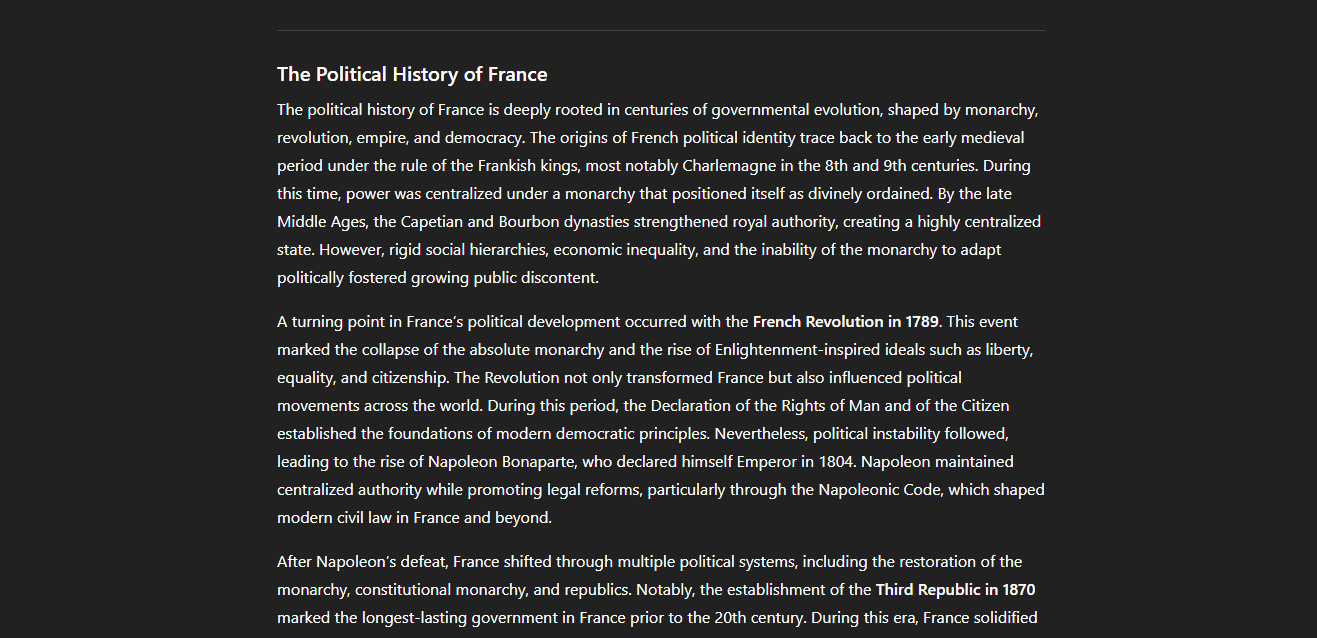
Let's humanize the AI-generated academic assignment first with Humanize AI Text. The content we generated from ChatGPT is shown in the image.
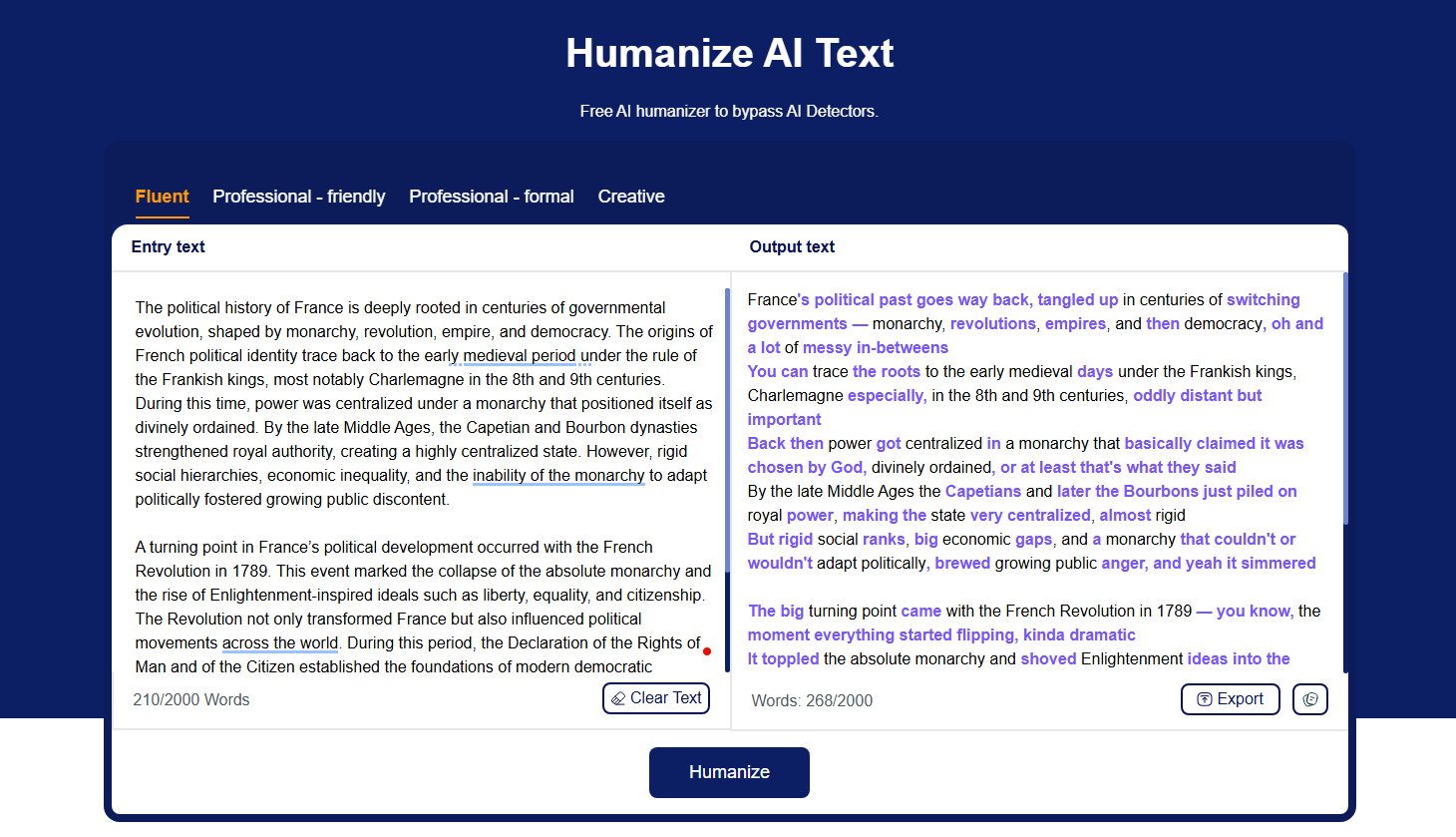
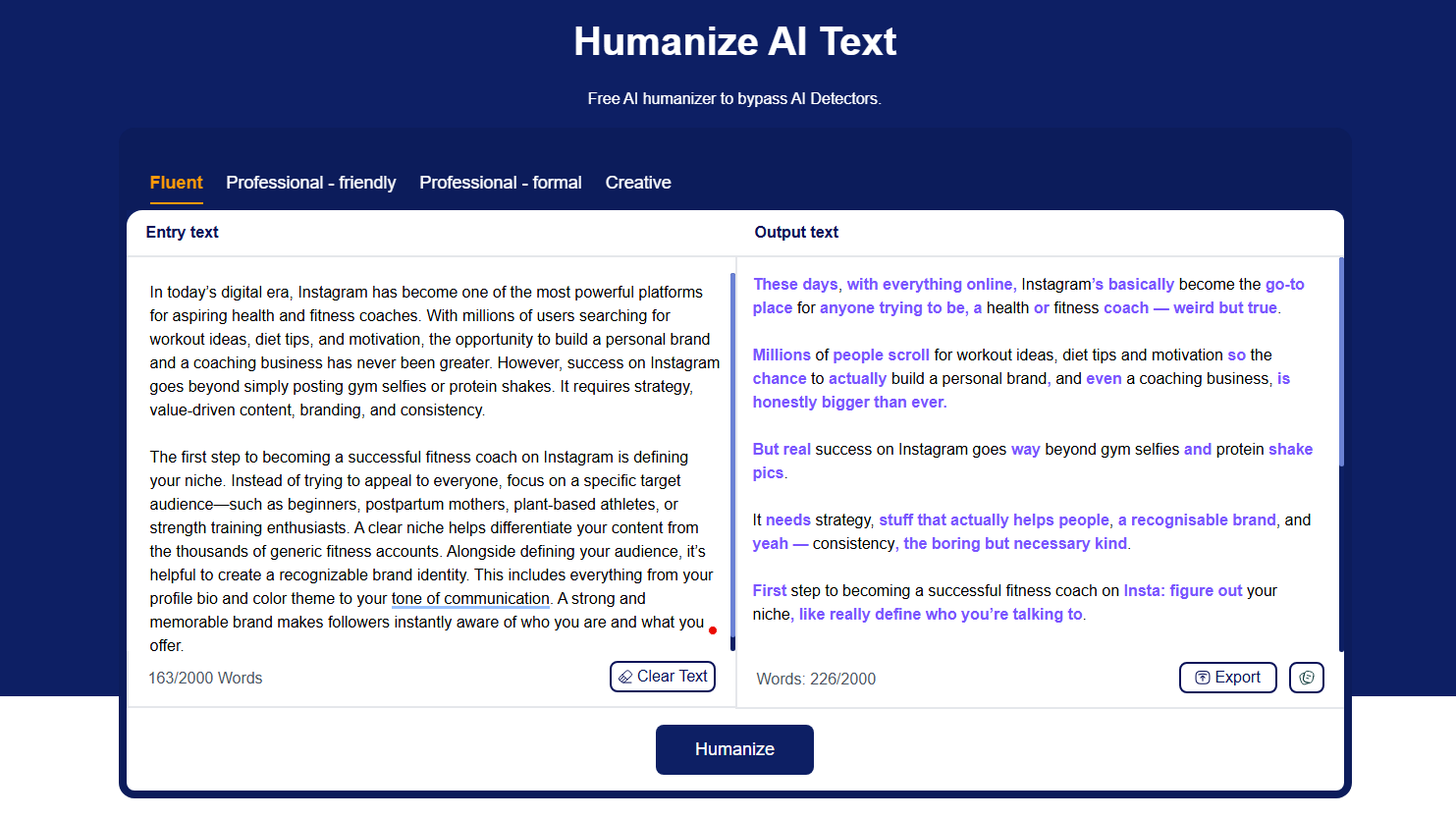
Time to humanize it with this free text humanizer.
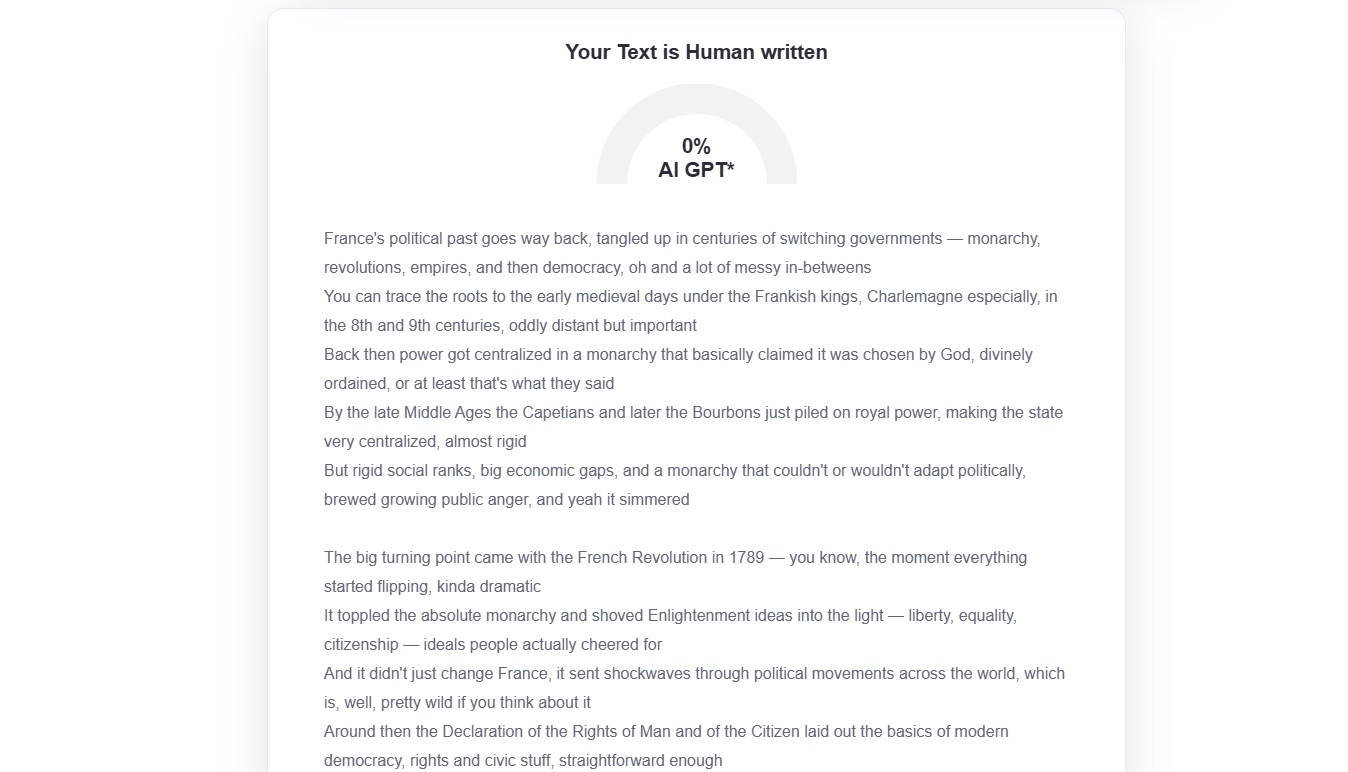
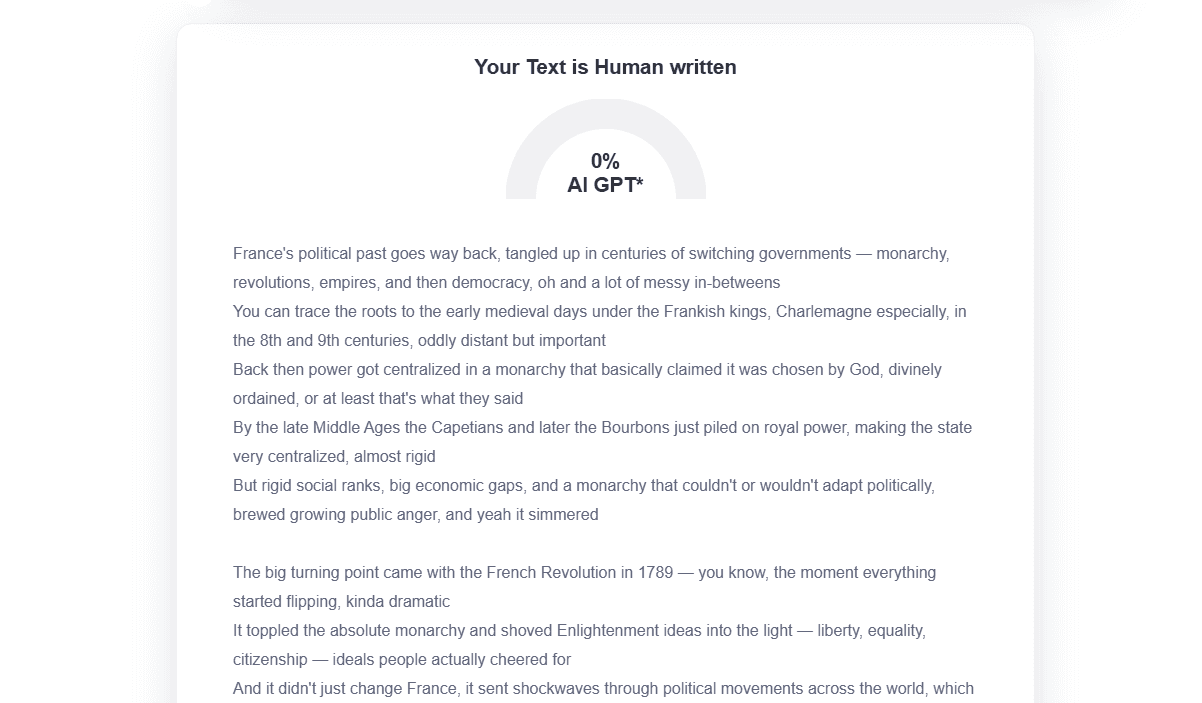
As you can see, it successfully transformed AI text. Let's run it through ZeroGPT and see if it really bypassed it or not. The results are shown below.
Hence, it is proven that Humanize AI Text can eliminate AI from your content and make it sound natural and fluent.
Testing Blog Content:
Let's apply the same procedure in humanizing blog content and see if it really makes it human-written or not. We used ChatGPT to craft blog content and humanize it in the same way we did for academic content. The output of Humanize AI Text is shown below.
Let's verify it through ZeroGPT.
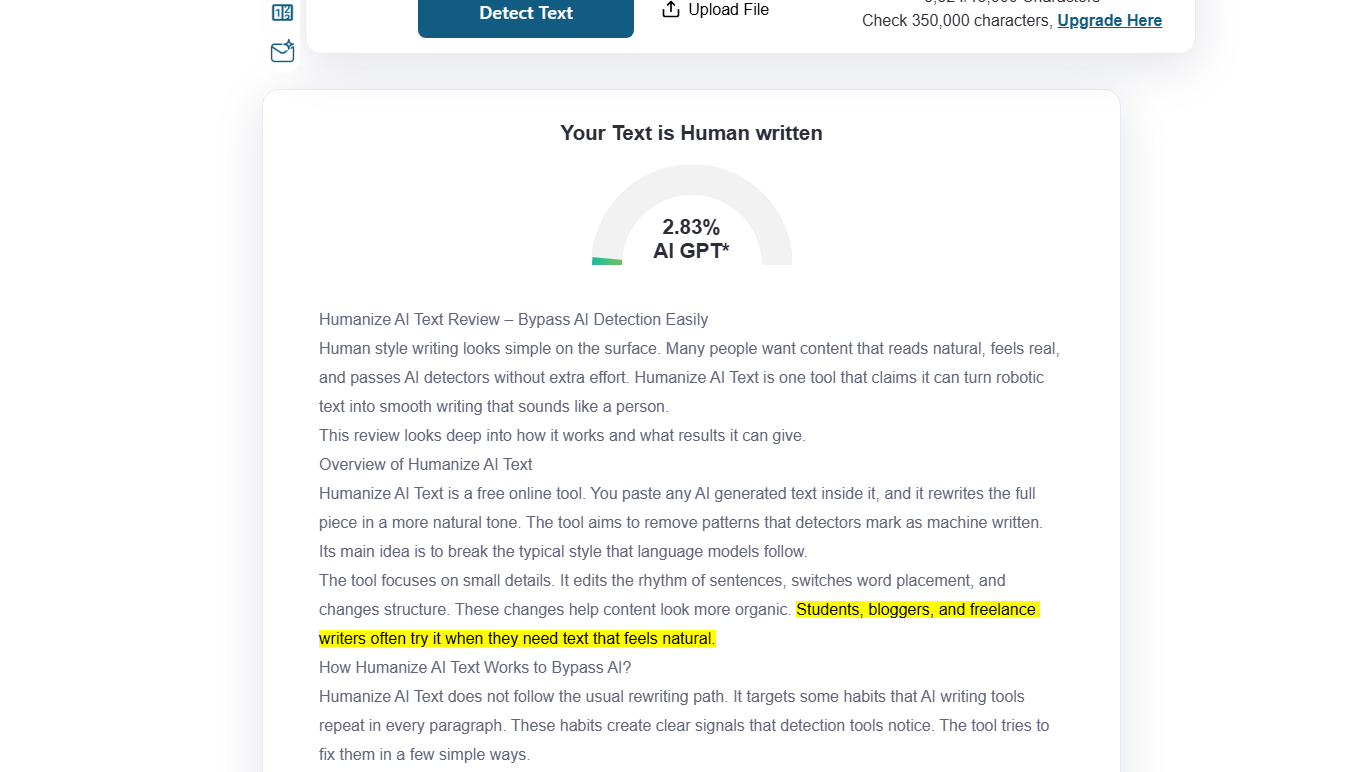
In the image above, you can clearly see that Humanize AI Text successfully rewrote the AI-generated content and made it human-written.
In both tests, Humanize AI Text proved to be efficient in removing AI from content.
Features of Humanize AI Text
Below are some exclusive key features that you can find useful in the Humanize AI Text tool.
- No sign-up process: You do not need an account to use the tool. You open the site, paste your content, click humanize, and the tool gives the result.
- Unlimited free usage: The tool does not lock users. You can run long or short text as many times as you want. This helps people who write daily.
- Multiple humanizing modes: Humanize AI Text offers different rewriting options. Each mode rewrites the text with a new style. Users can try a few until they get the tone they prefer.
- AI-powered humanization: Even though it removes AI patterns, the tool uses advanced models under the hood. It mixes natural style patterns and avoids the robotic flow.
- Downloadable output: After humanizing the text, you can download the final version. This helps when working on long assignments or entire blog posts.
Final Talk: Does Humanize AI Text Worth It?
Humanize AI Text works well for people who want content that feels natural. It does not try to make the writing too perfect. This small messiness makes it sound like a real person typed it. The tool helps remove repeated patterns, heavy transitions, and stiff phrases.
Writers can use it when they want a readable text that blends into any platform. The tests show that it can bypass AI detectors in many cases. If someone wants fast results and simple use, the tool is a good pick.
Humanize AI Text keeps things plain. It rewrites in a way that helps the content look like everyday writing. Anyone who needs a natural tone or wants to avoid detection tools may find it helpful. The tool gives a safe path for creating writing that feels human without complex steps.