Table of Contents
If you film solo, you already know the problem: you’re either holding the phone, hitting record with one hand, or trying to juggle timing while your other hand is busy with… everything else. Shootsolo is built around a pretty simple idea—use voice to control filming so you can stay focused on the shot, not the screen. In my experience, that’s exactly where it shines. Below is what I found, what worked smoothly, and where it didn’t.
Shootsolo Review: What It’s Like to Film Solo With Voice Control
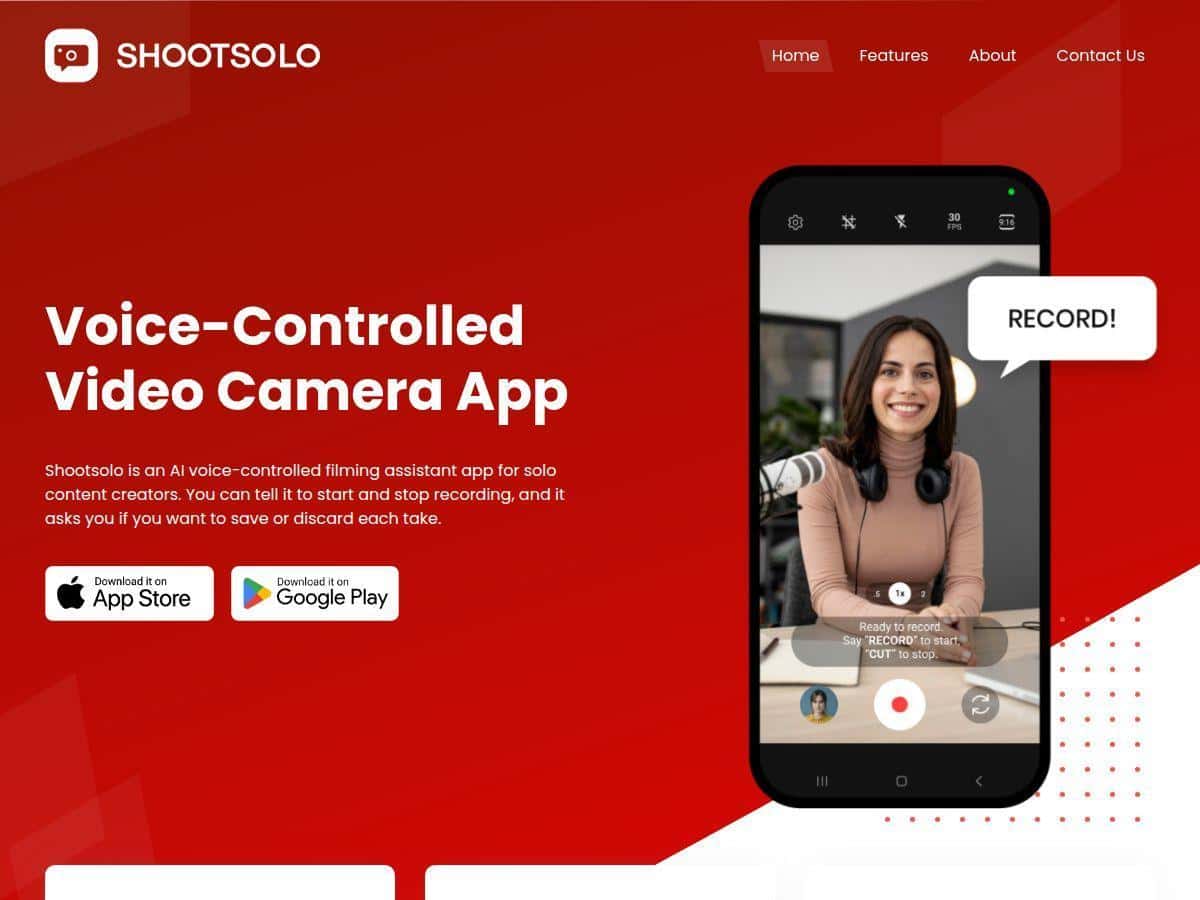
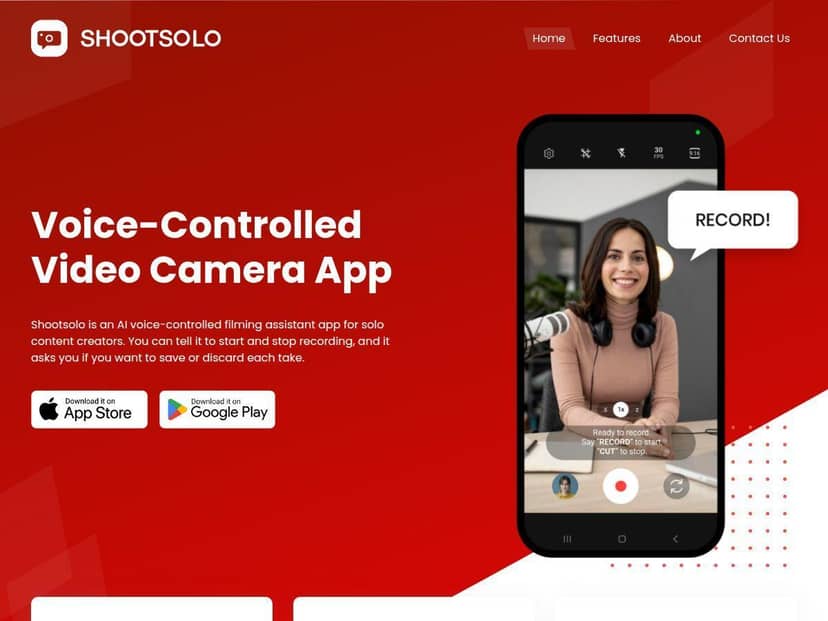
Shootsolo is one of those apps that makes you ask, “Why didn’t someone do this sooner?” The core pitch is voice-controlled filming—so instead of tapping buttons (or trying to set up a tripod remote), you talk to the app and it handles recording. In my experience, the big win isn’t just convenience. It’s that it keeps you in “creator mode.” You’re watching your framing and performance instead of watching your thumbs.
Here’s the practical flow I kept coming back to: set up your shot, start recording using the app’s voice control, then capture a handful of takes. After each take, Shootsolo prompts you to save or discard. That “decision moment” matters more than you’d think. If you’ve ever filmed 20 clips and then spent 30 minutes deleting the obvious duds, you’ll understand why. It helps you avoid turning your gallery into a junk drawer.
It also has a dual framing grid, which is handy if you repurpose content. For example, if you’re posting the same clip to TikTok (vertical) and YouTube Shorts (also vertical) or even planning a crop for another platform, the grid makes it easier to keep your composition consistent instead of guessing later.
One more thing I like: it’s designed to be distraction-free. When you’re filming solo, you don’t want a screen full of menus. Shootsolo keeps you in the background and pushes the key actions—recording and take management—front and center.
Key Features That Actually Matter in Real Filming
1) Voice-activated control (start, stop, switch cameras)
This is the heart of Shootsolo. The idea is you can control recording without touching your phone. In practice, you typically set up your scene, open the app, and then use voice commands to start/stop. If you’re switching between front and back cameras (or changing angles), voice control is what keeps you moving without breaking your rhythm.
What I’d test first: try the start/stop commands in a quiet room. Then test again with background noise (music, TV, fans). Voice control can work great, but noisy environments are where recognition gets less reliable.
2) Save vs. discard prompts after each take
Instead of dumping every take into your camera roll and hoping you’ll sort it later, Shootsolo prompts you right after you finish a take. That means you can say “save” for the one take that actually works and “discard” for the ones that don’t.
Why this is useful: If you’re doing a talking-head video, a tutorial, or any “do it again” content, you usually know quickly which takes are usable. The prompt turns that instinct into an organized workflow.
3) Dual framing grid for multi-platform content
The dual framing grid is one of those features that sounds simple until you try to repurpose footage. With a grid visible, you can keep your subject positioned properly for different crops.
Example: If your framing is slightly off, you’ll notice it immediately while you’re still filming—rather than discovering it during editing when it’s too late to re-record quickly.
4) Multi-device recording for multiple angles
This is for people who want more coverage without a full crew. The app supports multi-device recording so you can capture different angles at the same time.
Quick setup tip: before you start recording, make sure each device is stable (tripod or solid stand), and that lighting is consistent across angles. Multi-device recording won’t fix messy lighting—what it does is help you avoid repeating the whole shoot just to get a second angle.
5) Distraction-free interface
It’s not trying to be a full editing suite. It stays focused on filming and take management. When you’re solo, that matters. You don’t want your app to feel like a dashboard.
Pros and Cons (The Honest Version)
Pros
- Hands-free filming is genuinely useful when you’re alone and need both hands for setup or performance.
- Take prompts (save/discard) help keep your gallery cleaner and reduce editing cleanup time.
- Dual framing grid makes repurposing content easier because you’re thinking about crops while you film.
- Multi-device support lets you capture more angles without repeating everything.
Cons
- Voice recognition can struggle in noisy environments. If you’re filming near traffic, with music playing, or in a loud space, expect occasional misses.
- Learning the voice workflow takes a little getting used to. Once it clicks, it’s smooth—but the first few sessions can feel slower.
- Some advanced functionality may require extra setup (especially if you’re using multiple devices).
- Freemium limitations are possible. If you want every feature unlocked, you may end up with in-app purchases depending on what you need.
Pricing Plans: Free to Start, Freemium Beyond That
Shootsolo is available for free on both the App Store and Google Play, and it uses a freemium model. That usually means you can try the basics without paying, then upgrade if you want access to additional features.
One thing to keep in mind: specific prices aren’t clearly listed in the public info I can see, so I can’t give you exact numbers here. What I can say is this model is pretty common for mobile apps like this—free entry, paid options for expanded functionality—so it’s worth downloading and checking what’s available in your version.
Wrap up: Is Shootsolo worth your time?
If you mostly film solo and you’re tired of tapping buttons, adjusting settings, or babysitting your phone while you try to perform, Shootsolo makes a strong case for itself. The voice control is the headline, but the real convenience comes from the take management—save/discard prompts keep your footage organized while you’re still in the filming moment.
That said, if you regularly record in loud places (concerts, clubs, noisy outdoor locations), voice recognition may not feel consistent. In those cases, you might still prefer a traditional remote or timer.
Worth it if you’re filming indoors or in controlled environments and you want a faster, cleaner solo workflow. Not ideal if your shoots are constantly noisy and you can’t rely on clear voice commands.