Table of Contents
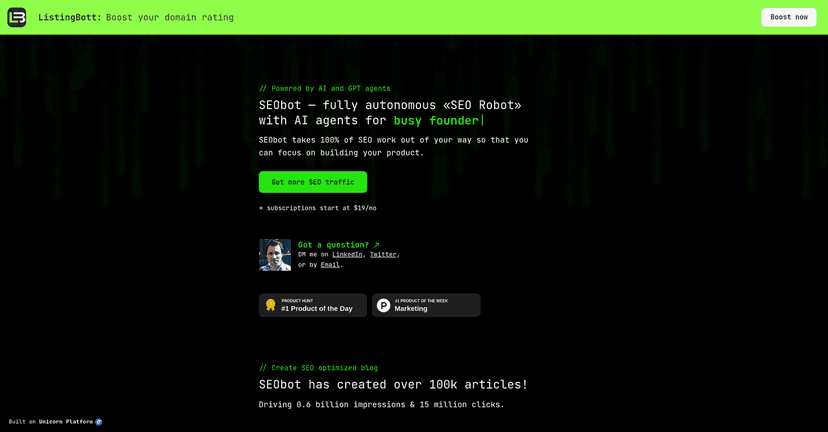
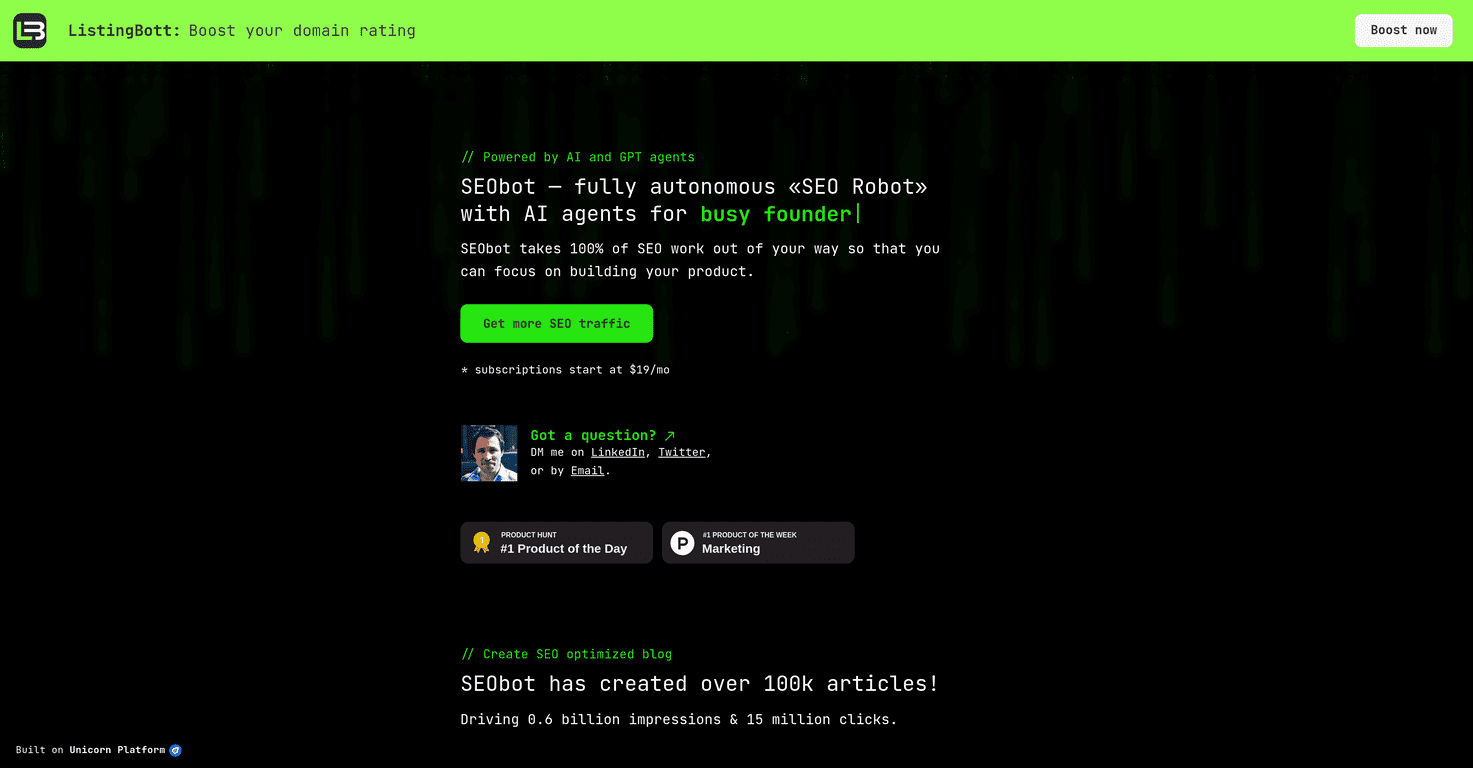
If you’ve ever tried to keep up with SEO while also shipping product, you already know how brutal it can get. I’ve been there—one week you’re publishing, the next week you’re fixing bugs, and somehow your keyword research and internal linking are still stuck in “later.” That’s why I wanted to test SEObot: an SEO assistant that handles a bunch of the repeatable work so you can spend your time on the stuff that actually moves the needle.

SEObot leans hard into “programmatic SEO,” meaning it generates content plans, drafts articles, suggests internal links, and helps with keyword research—basically the busywork that usually eats up hours. It also claims multilingual support (up to 50 languages) and CMS integrations like WordPress and Shopify, which matters if you’re not just writing for one market.
SEObot Review
Here’s what I liked right away: SEObot doesn’t feel like “just another AI writer.” It’s more like a system for getting SEO tasks done—keyword research, content planning, drafting, and internal linking—so you’re not bouncing between 4 different tools and spreadsheets.
When I tested it, the workflow that stood out was the idea of building a content plan first, then producing articles based on that plan. That’s a lot closer to how SEO actually works than random one-off blog posts. You’re aiming at topics, mapping them to intent, and then linking them together so your site has some structure.
That said, I wouldn’t pretend it’s magic. AI can draft quickly, but it can still miss nuance—especially in industries where the “right” wording depends on what your customers actually say. So you’ll want to review and edit. If you don’t, you might end up with content that sounds fine but doesn’t quite match your brand voice or your audience’s pain points.
Key Features
- Programmatic SEO for automated processes
- AI-generated blog content tailored for SEO
- AI Linking to strengthen internal linking (this is one of the most practical parts)
- Auto keyword research to help you find topics you can actually compete for
- Content planning based on audience and goals (so you’re not just writing “whatever”)
- Multilingual support in up to 50 languages
- Integrations with WordPress, Shopify, and more
- Moderation tools for article approval (thankfully, because you don’t want to publish everything blindly)
Pros and Cons
Pros
- You save real time. If you’re currently doing keyword research + outlining + internal linking manually, SEObot can cut that down a lot. Even if you still edit, you’re starting from a solid draft and structure.
- Consistent output. It’s easier to publish regularly when the planning and drafting steps aren’t dragging on for days.
- Multilingual support is genuinely useful. If you’re targeting multiple regions, being able to generate content in more than one language can help you scale without duplicating the whole process.
- CMS integrations reduce friction. When a tool connects to WordPress or Shopify, it’s less likely that you’ll waste time copying/pasting and reformatting.
- Moderation helps you stay in control. I like that you can review before going live. That’s where you protect quality and avoid “AI spam” on your site.
Cons
- Content quality can vary. AI drafts can be decent, but they don’t automatically know your product details, your customer objections, or your exact positioning. Expect to edit, at least lightly.
- There’s a learning curve. The more you want to customize (topics, internal link strategy, approvals), the more you’ll need to spend time figuring out the best way to use the platform.
- Don’t treat it like SEO autopilot. You still need to check things like search intent, on-page structure, and whether the internal links actually make sense for your site architecture.
Pricing Plans
SEObot starts at $19/month. The plan includes automated onboarding, content planning, article production, and internal linking for up to 4000 words.
One thing I appreciate is the refund policy: if you’re not satisfied after the first article, you can request a full refund. That’s a fair way to test whether the content quality matches what you’re trying to do.
Quick practical tip: if you’re evaluating SEObot, don’t judge it based on one generic topic. Try a keyword/topic that’s close to your product and has real competition. Then check whether the draft captures the right angle and whether the internal link suggestions fit your existing pages.
Wrap up
SEObot is a solid option if you want an SEO assistant that handles the repetitive stuff—keyword research, content planning, drafts, and internal linking—without you spending your evenings in SEO tools. In my experience, it works best when you treat the output as a starting point, not a final product. You’ll still want to review, tweak, and make sure the content sounds like you.
If you’re a busy founder who wants more consistent SEO activity (and you don’t mind doing some light editing), SEObot is worth a look.