Table of Contents
I’ve been testing Seekh for a few weeks now, mostly for exam prep when I’m staring at PDFs and wondering why I’m still not retaining anything. The short version: it can make studying feel less miserable by turning your material into quizzes and flashcards. But it’s not magic, and the quality depends a lot on what you upload and how you use the generated practice.
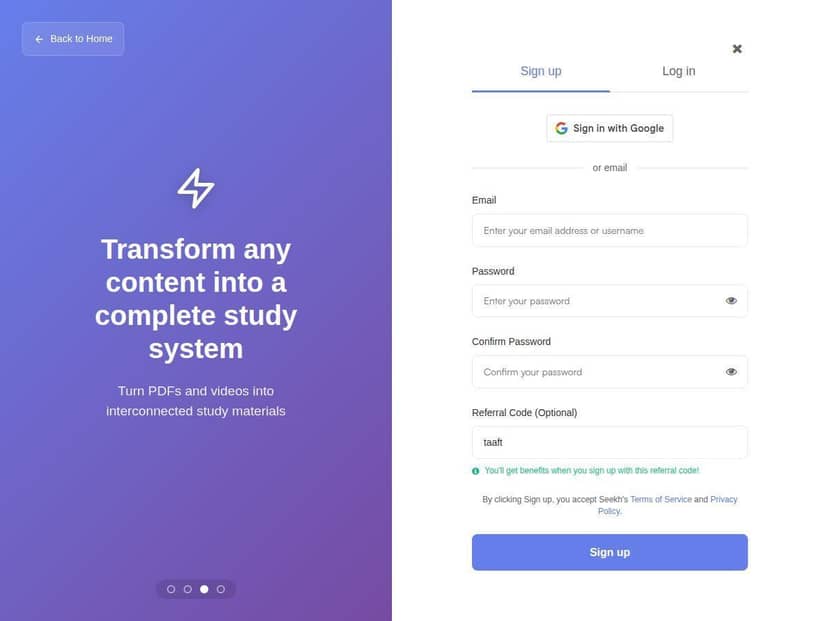
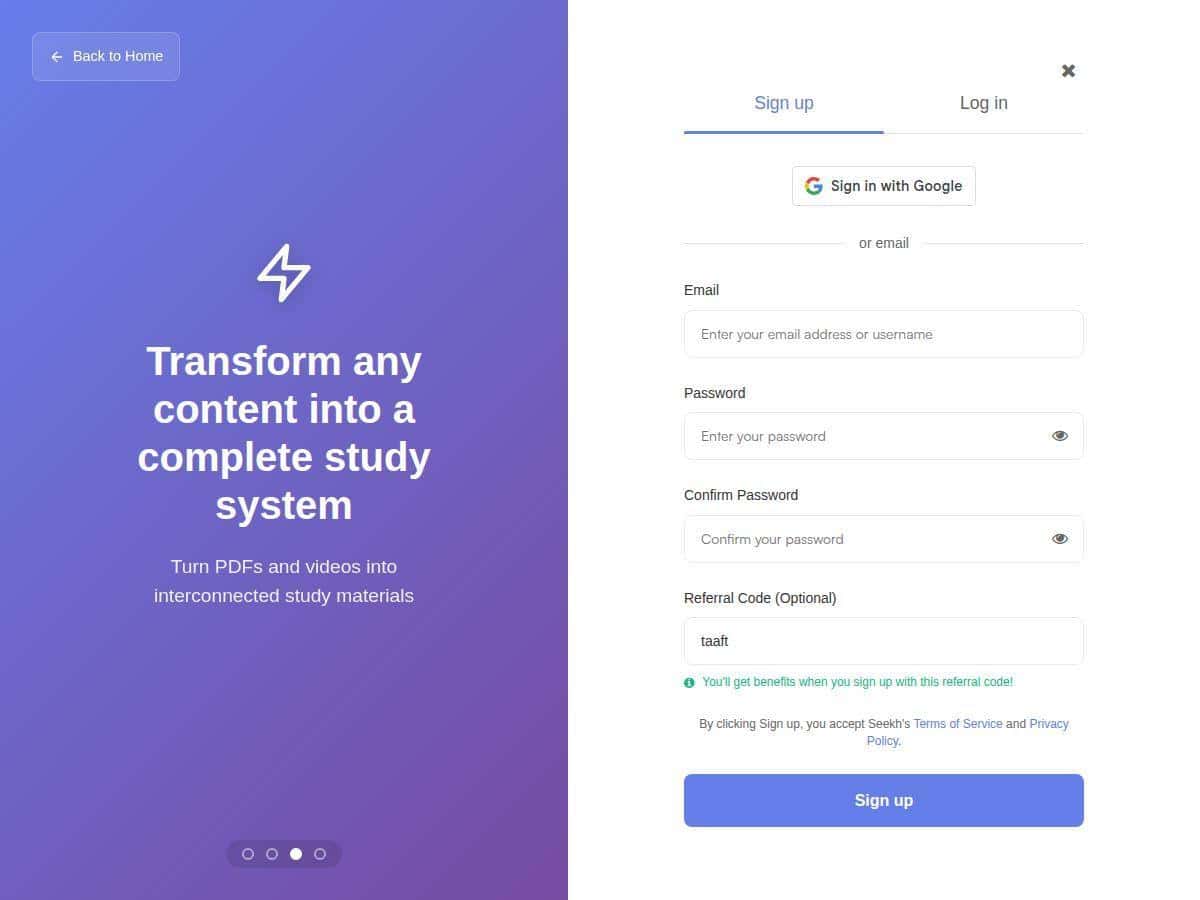
Seekh Review: What I Actually Did (and What I Saw)
Here’s what I tested, in a way that’s actually useful if you’re deciding whether to try it.
How I used it: I uploaded two things: (1) a 25-page lecture PDF for a biology unit and (2) a set of 10–15 minute class notes in document form (mostly definitions + short sections). I also tried one video upload, but I’ll be honest—that one was more hit-or-miss for accuracy than the clean PDFs.
What Seekh generated: After uploading, I got a set of AI-generated flashcards and quizzes based on the material. The flashcards were mostly “term → definition” style for biology concepts (like processes and key terms). The quiz questions felt more like short recall checks rather than complicated multi-step problems.
My quick example: One section in the PDF covered a concept with about a paragraph of explanation. Seekh turned it into a short summary note (roughly 4–6 lines on my end) and then created flashcards that asked for the definition and a related “what does it do” type prompt. When I reviewed those flashcards, I noticed I remembered the wording better than when I just skimmed the original PDF.
How it helped my routine: I used the quizzes the same day I uploaded the content. Instead of re-reading the whole PDF, I’d do a quick quiz, then open the summary notes, then retry. That loop helped—especially because I could see what I didn’t know yet (rather than hoping I’d “covered it”).
Where it fell short: If the uploaded material was messy (low-contrast text, awkward formatting, or lots of tables), the generated summaries sometimes skipped details or flattened distinctions that mattered for the exam. Also, the quiz questions can sound a little generic if the source text is too broad. In my experience, it works best when your source is already study-ready (clear headings, readable paragraphs, and not too many scanned images).
So, does it “unlock smarter studying”? It can, but only if you treat it like a practice tool—not a replacement for understanding. You still have to review what it generates and correct anything that’s off.
Key Features: The Stuff I Used Most
- Content conversion from PDFs, videos, and documents
In my test, PDFs were the smoothest. Document-style notes also worked well. Video conversion took longer and produced more occasional “close but not perfect” phrasing. - Customizable flashcards for active recall
The flashcards were easy to review and felt geared toward memorizing definitions and key ideas. I liked that the cards were grounded in the content I uploaded, not random filler. - Practice quizzes that adapt to your pace
The quizzes didn’t feel like one static set. When I got questions wrong, I saw more repetition on related topics during my session. It wasn’t a full “AI tutor” experience, but it did nudge me toward weaknesses. - AI-generated summaries to highlight key points
These summaries were best when the source had clear structure (headings and short paragraphs). When the source was dense, the summaries got shorter—and sometimes left out nuance. - Personalized study plans based on your goals
I didn’t rely on this feature as much as the direct quiz/flashcard workflow, but I did notice the plan-style prompts encouraged consistency. If you’re the type to fall behind, this can help. - Progress tracking and analytics
This is where you can actually stay honest with yourself. I checked my performance trends after a couple of sessions, and it helped me see which topics I was repeatedly missing. - Multi-device support
I tested on desktop and mobile for quick review. For short quiz sessions, switching devices worked fine.
Pros and Cons (Based on My Test)
Pros
- It turns reading into practice fast. I didn’t have to manually convert notes into flashcards. That alone saved time on days when I was behind.
- Good for active recall. Once I started using the flashcards + quizzes loop, my review sessions became more “test myself” and less “re-read until it feels familiar.”
- Works across multiple content types. PDFs and documents were solid. Video worked, but I wouldn’t treat it as the best source for high-stakes accuracy.
- Progress tracking makes you accountable. Seeing weak areas repeatedly is honestly more useful than generic motivation.
Cons
- Accuracy depends on the input. Poor formatting, scanned pages, or dense tables can lead to summaries that miss details.
- Not every quiz question is exam-perfect. Sometimes the wording is a bit generic, and occasionally a question doesn’t match the exact phrasing from the source.
- Some features feel credit/premium gated. In my testing, the “best” outputs and heavier usage seemed tied to paid tiers/credits. I could do a decent amount for free, but I hit limits sooner than I expected once I started generating a lot of practice.
- It won’t study for you. The biggest “limitation” is still you. If you generate flashcards and never review them, you won’t magically retain anything.
Pricing Plans: How the Freemium Model Worked for Me
Seekh uses a freemium model. In my case, the free tier let me start generating text-based quizzes and getting study materials from uploads. Where it got tighter was when I tried to do lots of repeated generation and deeper practice sessions—those advanced outputs and heavier usage appeared to require premium access or credits.
Because exact numbers can change, I recommend checking the current breakdown directly on their official site: seekh.co. It’s the fastest way to confirm what’s included with the free plan vs what costs credits/subscription today.
Who Seekh Is Best For (and Who Should Be Careful)
If you’re prepping for an exam and you have a stack of lecture PDFs, chapters, or well-written notes, Seekh is genuinely useful. It turns passive reading into active recall without you doing all the manual card-writing.
On the other hand, if your material is mostly scanned images, low-quality screenshots, or complicated diagrams, you’ll probably spend extra time correcting what it generates. And if you need deep problem-solving (like math proofs or multi-step engineering questions), Seekh is better as a review companion than a primary learning tool.
Wrap up
Seekh is one of those tools that makes studying feel more interactive—especially when you’re using the quizzes and flashcards right after uploading your material. The big win for me was speed: I could go from “I have a PDF” to “I’m practicing” quickly. The big warning is accuracy: garbage-in (messy scans, dense formatting) can lead to summaries and questions that don’t fully reflect what you actually need for your exam.
If you’re willing to review what it generates and use it as practice, not a shortcut, it’s worth trying.