Table of Contents
Project scope management sounds simple on paper… until someone emails “quick change” and suddenly your timeline (and your sanity) takes a hit. I’ve been there—scope creep shows up quietly, clients remember things differently than the contract, and suddenly you’re rewriting the same scope sections over and over.
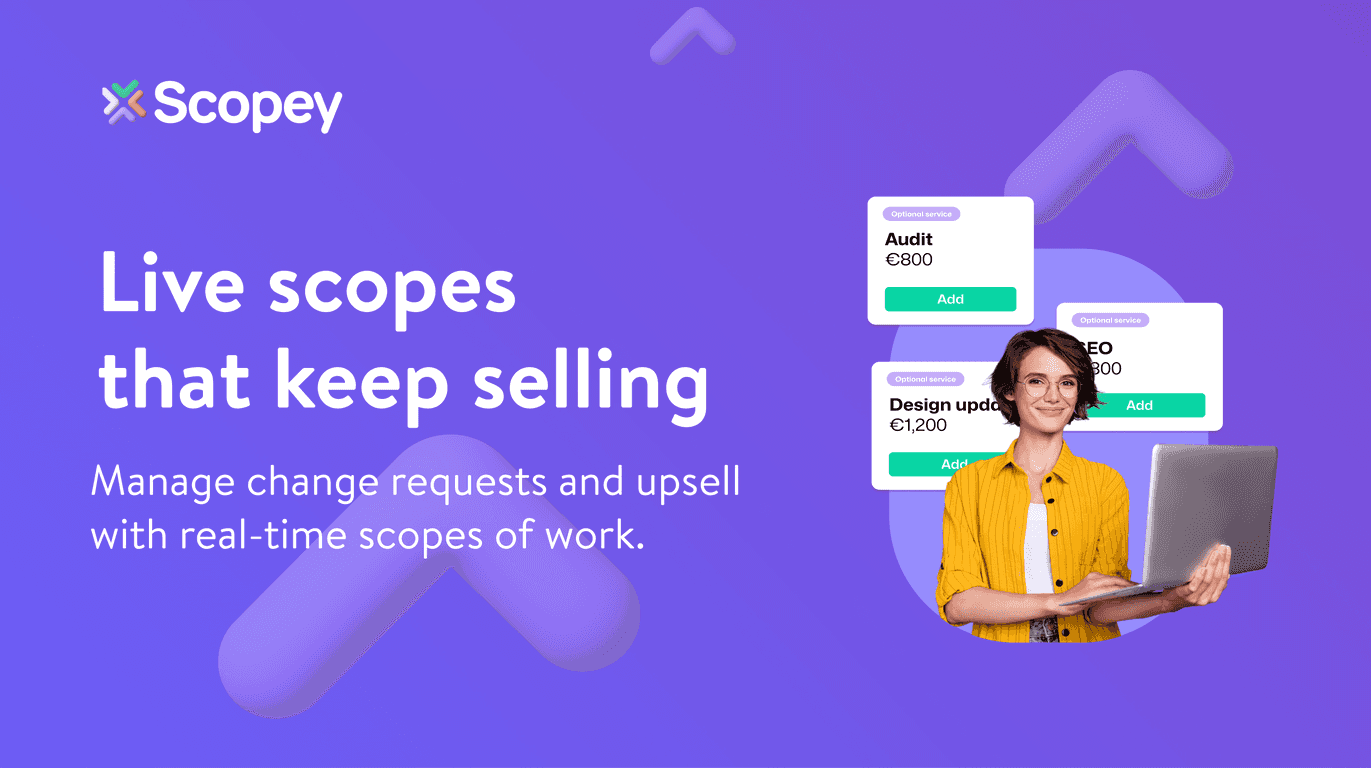
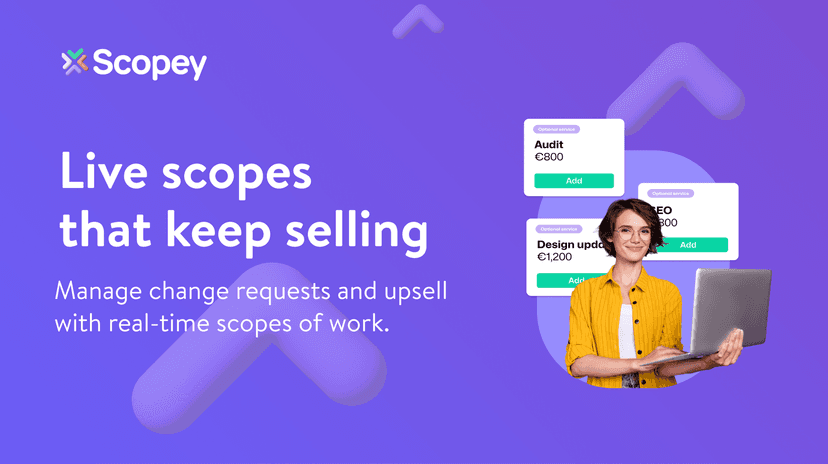
That’s why I was interested in Scopey. It’s a scope management software built to help you create a solid scope of work faster, track changes in real time, and present out-of-scope requests as optional add-ons (instead of awkward “wait, that wasn’t included” conversations).
In this Scopey review, I’m going to break down what it does well, where it still feels unfinished, and what I think you should watch for if you’re considering it for your team.
Scopey Review: What It’s Like to Manage Scope Without the Chaos
Scopey’s pitch is pretty straightforward: help you build a detailed scope of work quickly, then keep everything organized when changes come in. And honestly, that’s the part most teams struggle with—creating the first draft is one thing, but handling the “after the fact” revisions is where things get messy.
Here’s what stood out to me right away:
1) Scope creation doesn’t feel like a blank-page nightmare.
If you’ve ever started a scope document from scratch, you know how long it can take to get the structure right. Scopey focuses on smart suggestions and pre-built templates, so you’re not reinventing the wheel every time a new project starts. I like that it pushes you toward a complete scope instead of leaving you with a vague document you’ll regret later.
2) Real-time change tracking helps you separate “included” vs “optional.”
This is the core of Scopey. When a new request lands, Scopey captures it so you can clearly present out-of-scope work as optional services. That matters because it changes the conversation from “Why didn’t you do this?” to “Here are the options—what would you like to add?”
3) Sharing and collaboration are built in.
Scopey is designed so you can share scopes via email and PDF. That’s a practical detail—because in the real world, clients don’t always want to log into yet another portal. They want something they can read, forward, and approve.
4) It’s also aimed at improving revenue, not just documentation.
If your team already knows that change requests often become paid add-ons, Scopey seems built to make that easier. Instead of letting optional work stay buried in emails, you can surface it as a clear upsell opportunity.
One more thing: the “one-tap approval” idea is meant to reduce friction. I’m a big fan of anything that shortens the gap between sending the scope and getting a decision back. Delays there can stall the entire project.
Key Features I’d Actually Use
- Quick Scope Creation with smart suggestions and templates (so you’re not starting from a blank doc every time)
- Real-time Change Management to capture new requests as they come in
- Seamless Sharing via email and PDF, plus compatibility with invoicing and project management tools
- Upsell Support by presenting out-of-scope work as optional services (instead of burying it)
- User-Friendly Editing so you can update and refine scopes without turning it into a full-day task
- One-tap Approval to speed up client sign-off
Quick example (the kind of situation Scopey is trying to solve)
Let’s say you’re building a website. Midway through, the client asks for an extra landing page and a new analytics setup. In a messy workflow, that turns into a thread of emails and “we’ll figure it out” messaging. With Scopey’s approach, you can capture that request, label it clearly, and offer it as an optional add-on—so you can price it, schedule it, and get approval without arguing about what was originally included.
Pros and Cons (Real Talk)
Pros
- Time savings on scope creation: the product claims up to 20 hours a week saved. I can see how that’s possible when templates do most of the heavy lifting.
- Better upsell opportunities: when out-of-scope requests are presented clearly, it’s easier to convert “change requests” into paid additions.
- More transparency for clients: fewer misunderstandings because the scope stays structured and visible.
- Less scope creep: real-time change handling makes it harder for changes to slip in silently.
- Potentially happier clients: if approvals and updates are faster, clients feel more in control.
Cons
- It’s still in beta (so you might run into bugs or rough edges depending on what stage they’re at).
- Desktop-only use: if your team lives on mobile or needs quick edits on the go, this could be limiting.
- Integrations and functionality may still be developing: if you rely heavily on a specific tool stack, you’ll want to confirm compatibility during onboarding or a demo.
Pricing Plans: What You Need to Know Before You Commit
Pricing details aren’t clearly listed for beta access. What I’d recommend (and what I’d do) is booking a demo and asking directly about:
- Beta eligibility and how long it lasts
- Whether pricing changes after beta
- What integrations are included now vs planned
- Any limits on number of scopes, users, or approvals
For the latest updates, check out the Scopey website.
Wrap up
Overall, Scopey looks like a practical tool for anyone tired of fighting over what’s “in scope.” The biggest win is the combination of fast scope creation plus real-time change management—especially if you want to handle optional work as paid add-ons instead of messy renegotiations.
That said, it’s beta and desktop-only, so it might not fit every workflow right now. If your team can work from a computer and you’re willing to test and adjust as the product matures, Scopey could genuinely reduce the time you spend on scopes while improving how you handle change requests.
If you’re curious, book a demo and see how it matches your process. Sometimes that’s the only way to know if the templates and approval flow actually feel smooth for your team.
Promote Scopey