Table of Contents
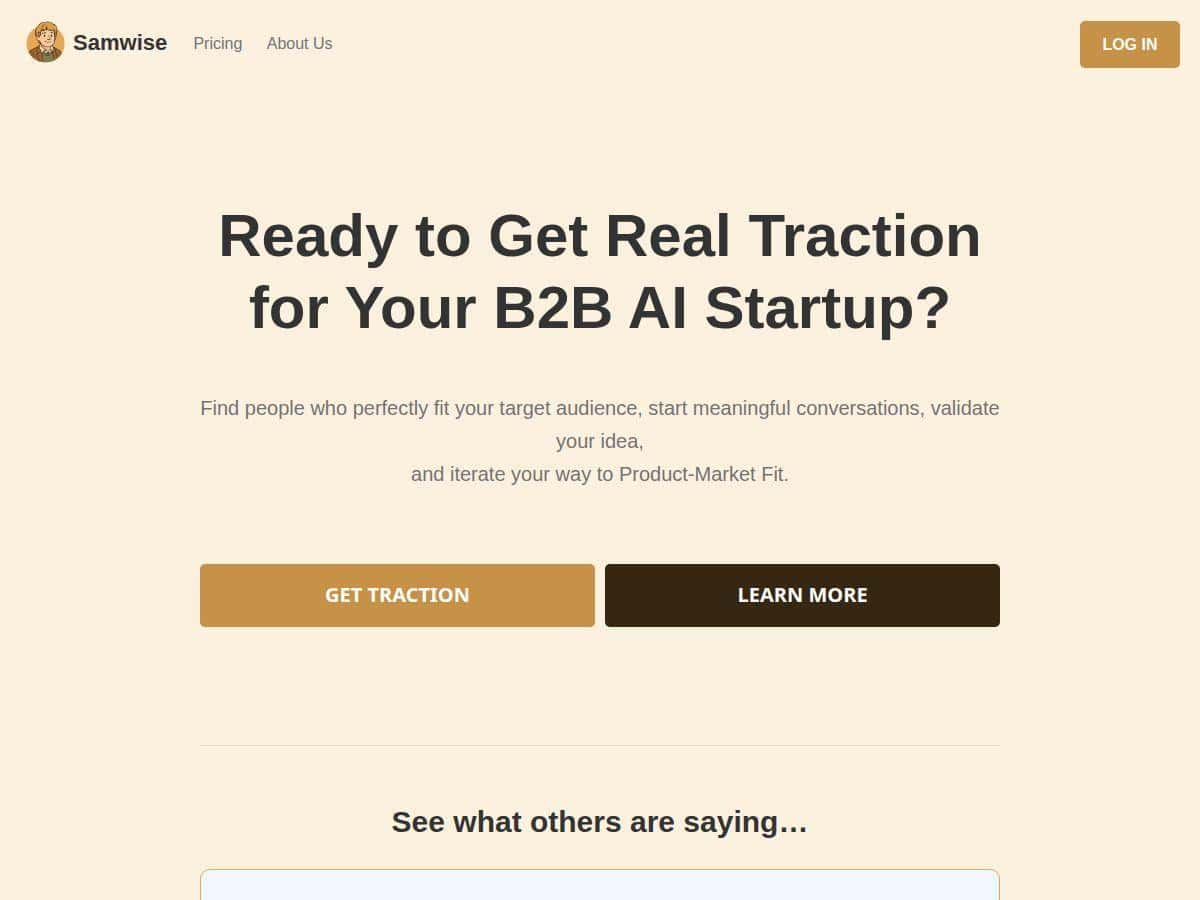
If you’re building a B2B AI startup, you already know the hardest part isn’t the model—it’s getting the first real customers. I tried Samwise with that exact goal in mind: find the right ICP fast, start outreach with better messaging, and actually learn from the conversations (not just “optimize” in a vacuum).
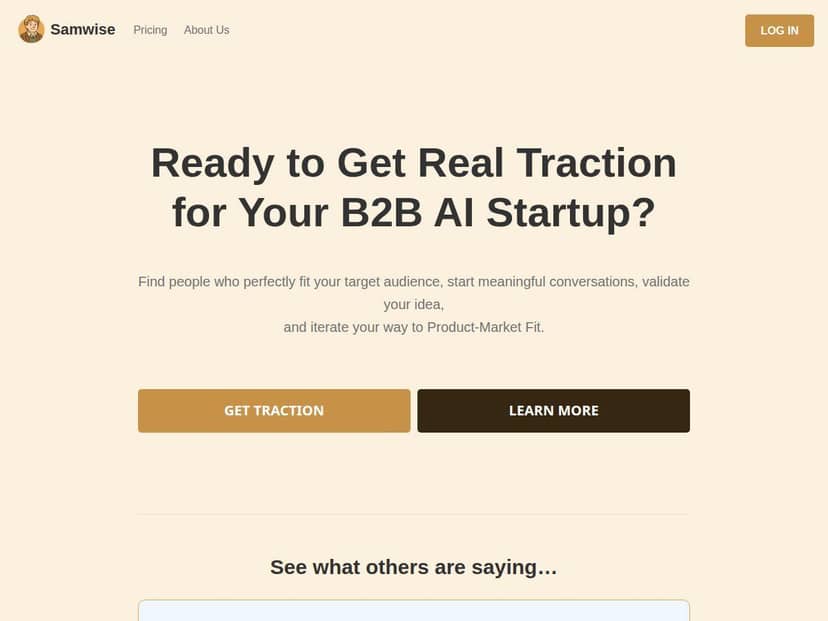
What surprised me is how structured the workflow feels. It walks you through ICP brainstorming, then helps you identify prospects by scanning LinkedIn and Reddit, and finally gives you message templates plus guidance for how to engage. I also liked that it uses what you learn from replies to refine your next messages. It’s not just a dashboard—it’s more like an iterative outreach coach.
Samwise Review: What I Did, What I Got, and Where It Fell Short
I tested Samwise over a short outreach sprint because that’s when these tools either earn their keep or feel like fluff. My startup stage was early (still validating messaging), and my target ICP was B2B teams building or deploying AI who were actively hunting for workflow improvements—specifically people dealing with “we have pilots, but scaling is messy” pain.
Here’s the setup I used:
- Target market: B2B AI product teams (founders, product leads, and engineering managers)
- Main pain I used: manual evaluation + slow iteration on real customer workflows
- Outreach channel: LinkedIn-style first messages (I used the templates as a starting point)
- Timebox: about 2 evenings to get to a usable prospect list + first-message drafts
One thing I noticed right away: the platform doesn’t just throw prompts at you. The ICP builder asks guided questions that force you to be specific. If your ICP is still fuzzy, you’ll feel it here. But if you can answer honestly, it helps you land on a clearer “who” and “why now.”
ICP brainstorming (the part that actually mattered)
I started by answering the ICP questions with my real constraints—industry, job function, and what “success” looks like for them. Then I tightened the pain point into something messageable.
Example of what I entered (simplified):
- ICP role: Product lead / Eng manager in AI-enabled B2B products
- Current workflow: prototypes + manual evaluation, slow feedback loops
- What they care about: faster iteration, measurable improvements, fewer “pilot that dies” situations
- What I offer: structured evaluation + conversation insights to improve product adoption
What I liked is that it pushed me away from vague claims like “we use AI” and toward buyer language like “evaluation is slow” and “iteration is blocked.” That alone made my outreach sound less generic.
Prospect finding (LinkedIn + Reddit scanning)
Next, I used Samwise’s identification feature that scans LinkedIn and Reddit for relevant pain points. The practical win here is time. Instead of spending an hour searching keywords and profiles, I got a list of leads that were already “contextually relevant.”
Example lead entry I saw:
- Name: (redacted)
- Profile source: LinkedIn
- Why it matched: posted about evaluation, rollout blockers, or scaling issues
- Likely role: product/engineering leadership
Now, be realistic—this isn’t magic. The quality depends on how good your ICP inputs are. If your pain point is too broad, the lead list will feel broad too.
Message templates + engagement guidance
The message templates are where I expected the usual “AI writes a generic LinkedIn DM” problem. Instead, I found the templates were more usable than I thought—mainly because they’re tied to the ICP and the prospect’s context.
Here’s a message style I used (based on the template, with my specifics added):
- 1 sentence referencing a scaling/evaluation pain I saw
- 1 question that’s easy to answer (“are you doing X today?”)
- 1 optional value hook that doesn’t sound like a pitch
In my case, I sent outreach to a small batch to test response quality (not volume). After a handful of sends, I started getting replies that were actually about the problem—not just “thanks, tell me more.” That’s the difference between “template spam” and targeted messaging.
Feedback loop: what changed after replies
This is the part I care about most, and it’s also the part that’s hardest to fake. Samwise uses feedback from conversations to refine your approach. I noticed the improvement in two ways:
- My follow-ups got tighter. Instead of re-explaining my whole offer, I honed in on the exact reason they weren’t moving faster.
- My next messages matched the objection. For example, when a reply hinted that evaluation was “hard because data is messy,” my next message leaned into that instead of staying at the high level.
I can’t claim it will guarantee conversions (nobody can), but I can say the iteration felt faster than my usual “rewrite by gut feel” process.
Results snapshot (what I observed)
I didn’t run a huge campaign, so I’m not going to invent numbers. But I did track basic outcomes for this test sprint:
- Setup time: ~60–90 minutes to get from “new account” to a usable ICP + first batch of message drafts
- Prospect list quality: felt strong for context-matching; weaker when my ICP pain point was too broad
- Reply quality: replies were more relevant when I used the feedback suggestions and adjusted my question
- Sales outcome: I didn’t close a deal inside this short test window (early-stage validation is slow), but I did get responses that turned into deeper conversations
If your goal is immediate revenue, you still need a follow-up process and sales cadence. Samwise helps you start better conversations—it doesn’t replace closing.
Key Features (with how I used them in practice)
- ICP brainstorming with guided questions
- I used this to translate “we help AI teams” into buyer-ready pain language. The guided flow made it easier to create an ICP that’s specific enough to drive better outreach.
- Finding potential customers through LinkedIn and Reddit
- The scanning saved me from manual research. It’s best when your ICP inputs are sharp—otherwise you’ll get leads that don’t line up with your messaging.
- Message templates and engagement tips
- I started drafts from the templates, then customized the first sentence and question to match what I expected the prospect to care about. That’s what made it feel natural.
- Feedback-driven suggestions to refine strategies
- After replies, I used the feedback to adjust follow-ups and tighten my angle. This is where the “iterative” part actually shows up.
- Tracking customer acquisition and closing deals
- I used the tracking to keep my outreach organized during the sprint. It’s helpful for not losing context when you’re juggling multiple conversations.
- Collaborative AI support tailored to startup needs
- In practice, this means the suggestions are oriented around outreach + validation—not generic “marketing strategy” talk.
Mini example: an ICP questionnaire answer that worked
Here’s a more “real” version of what I think the tool is good at. When I narrowed the ICP to a specific scenario (scaling pilots, evaluation bottlenecks, slow iteration), my lead matching improved.
- Scenario: “They have pilots, but scaling is stuck.”
- Why now: “They’re trying to reduce iteration time before budget cycles end.”
- Buying trigger: “They’re looking for proof that improves adoption, not just model performance.”
When I removed those details and stayed general, the results felt less focused. So yeah—garbage inputs lead to garbage leads. That’s true for any AI outreach system.
Pros and Cons (based on my test)
Pros
- ICP builder is genuinely useful. It helped me define a clearer audience and buyer language instead of staying vague.
- LinkedIn + Reddit scanning saves real time. I didn’t have to do the usual keyword/prospect digging for the first pass.
- Templates are usable, not just “AI-sounding.” Customizing the first line + question made messages feel grounded.
- Feedback loop improves follow-ups. My second-wave messages were more aligned with the objections I actually heard.
- Good for early validation. If you’re figuring out what resonates, Samwise supports that learning process.
Cons
- It’s not a full multi-channel outreach engine. In my test, it focused on conversation-oriented outreach rather than email sequences or broad automation.
- Prospect quality depends on your ICP. If your pain point isn’t specific, the scanning results won’t magically fix it.
- Pricing transparency is weak. I couldn’t find a clean, upfront pricing table during my review—more on that below.
- No “set it and forget it” guarantee. You still need to review messages and adjust based on replies. If you want fully automated spam-to-leads, this isn’t that.
Pricing Plans (what I could verify)
Samwise doesn’t present a fully transparent pricing table right away in the material I reviewed. What I can say from my experience:
- Pricing wasn’t clearly listed upfront in a way I could quote exact plan names and tiers without guessing.
- Because I couldn’t verify exact current prices from a public table, I don’t want to throw out an estimate like “$500/month” and pretend it’s accurate.
What I recommend: if you’re evaluating Samwise, check the checkout/plan page after you sign up for early access, and compare what’s included (prospect limits, support level, and how tracking works). If you tell me what plan page you see (even just the tier names + monthly/annual prices), I can help you sanity-check whether it’s worth it for your outreach volume.
Wrap up
Samwise felt like a practical tool for B2B AI startups that need faster ICP clarity and better first conversations. The best part, in my opinion, is the loop: ICP → prospect context (LinkedIn/Reddit) → messages → feedback → improved follow-ups. That’s exactly what early-stage teams need when they’re trying to validate messaging and find real buyers.
Just don’t expect it to replace good outreach hygiene or a sales process. If you’re willing to plug in real ICP details and iterate based on replies, Samwise can make that iteration feel a lot less painful.