Table of Contents
Job hunting is already stressful. Then you add the whole “write a resume that actually gets past ATS” part and… yeah, it can feel overwhelming fast. I tried Resume Studio because I wanted something that didn’t require me to start from scratch every time I applied to a new role. What I liked right away is that it’s built around tailoring your resume to a specific job posting, not just producing a generic document and calling it a day.
Resume Studio Review: What I Actually Liked (and What to Watch)
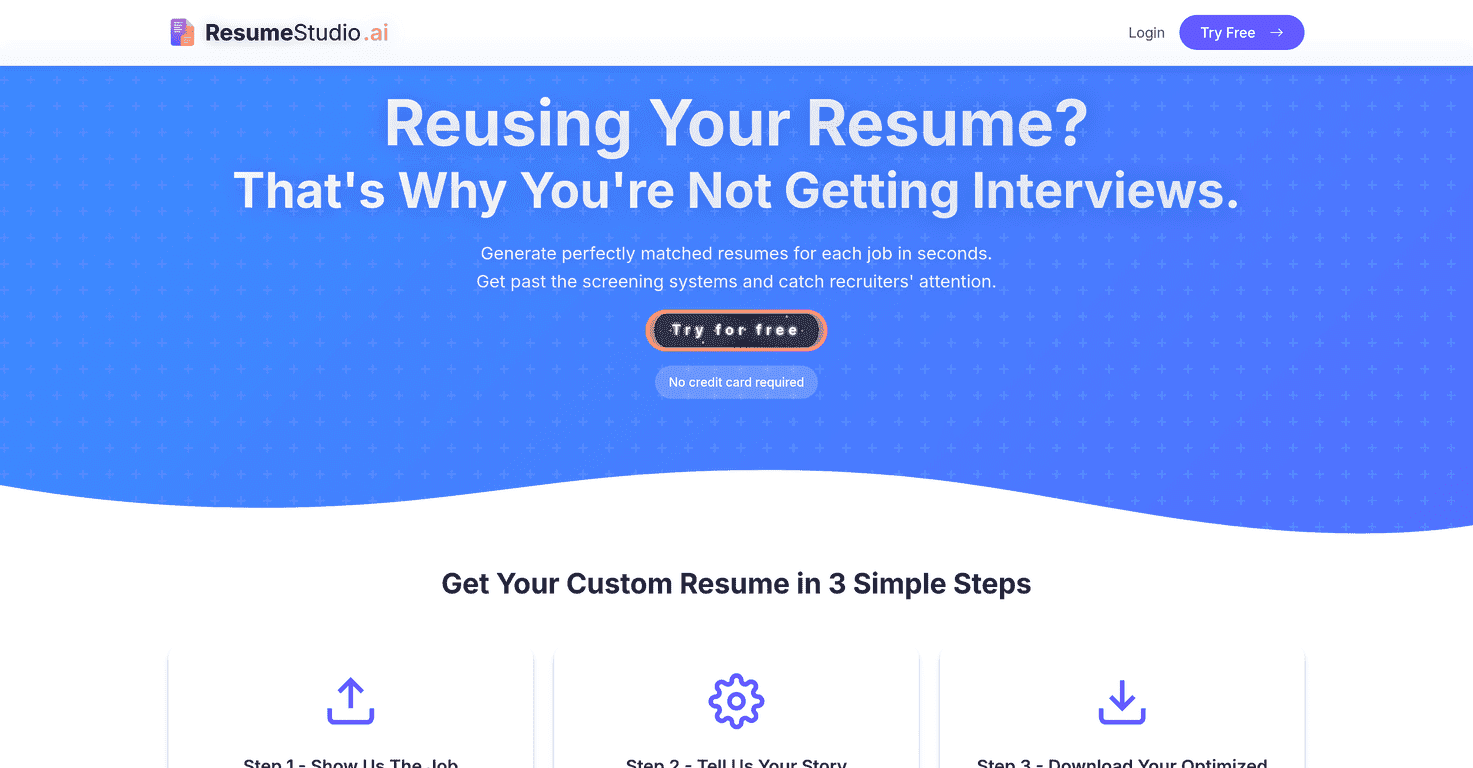
Here’s the basic idea: Resume Studio is an AI resume generator that helps you build a resume tailored to a specific job description, with ATS optimization in mind. It’s designed around a simple flow—tell it what role you want, provide your skills (or upload an existing resume), and then download the finished resume (and cover letter, if you choose).
In my experience, the biggest win is speed. I didn’t have to “figure out the structure” the way I usually do when I’m rushed. Instead, I could focus on feeding the tool the right job info and then reviewing what it produced. And honestly, that review step matters—ATS-friendly writing is great, but you still want it to sound like you.
What also stood out: it’s not just a one-size-fits-all resume builder. If you’re applying to multiple roles, you can generate different versions without starting over from a blank page each time. That’s the kind of thing that saves real time when you’re applying after work or on weekends.
Key Features That Matter (Not Just Buzzwords)
- AI-Powered Resume Generation
- The tool generates resume content based on the job you’re targeting and what you provide (skills or an uploaded resume). I noticed it tends to mirror the language of the job description more than I expected, which is helpful when you’re trying to match keywords for ATS.
- Simple 3-Step Process
- It really is straightforward: (1) input the job you’re targeting, (2) share your skills or upload your existing resume, and (3) download the optimized resume/cover letter. No complicated setup.
- Free Credits to Start
- You get initial credits so you can test it before committing. I always appreciate this—because you can see how the output reads for your background before paying.
- Downloadable Optimized Resumes and Cover Letters
- Having both options is useful if you’re applying to roles where a cover letter actually helps. The download part is also where the “is it usable?” question gets answered.
- Multiple Plans for Different Needs
- If you’re applying casually, you probably don’t want to pay for a huge bundle. If you’re job hunting hard, you’ll want more credits. Resume Studio gives you both paths.
Pros and Cons: My Honest Take
Pros
- No Cost for Initial Use – Try before you buy
- Starting with free credits means you can judge the quality yourself. I’d rather test outputs than gamble on a subscription.
- User-Friendly Interface – Easy to navigate
- It didn’t feel like I needed a tutorial to get going. The process is pretty obvious once you land on the page.
- High Success Rate – Many users get interviews quickly
- I can’t promise results for every applicant (no tool can), but the “ATS-aware” structure is a good foundation. When your resume is formatted correctly and includes relevant keywords, you’re already ahead.
- Customization Available – Tailor applications for any job
- This is the part that makes it worth using. You can adapt your resume per job instead of sending the same document everywhere.
Cons
- Limited Initial Usage – Only three resumes for free
- If you’re applying to, say, 10 roles in a week, those free credits won’t last long. I’d treat the free run as a “test and learn” period, not your full job search plan.
- Credit-Based System – Requires paid credits for more resumes
- This is the biggest potential downside. You’re paying per output, so if you like generating multiple variations to compare, costs can add up.
- Potential Limitations on Free Version – Fewer features compared to paid plans
- In other words: you may get the basics for free, but the more advanced customization or extra generations likely live behind paid tiers.
Pricing Plans: What You’re Paying For
Resume Studio offers pricing tiers based on credits. Here’s what the plans look like:
- Starter: $5 for 10 credits
- Standard: $10 for 50 credits
- Professional: $20 for 500 credits
My advice? Think about how many applications you’re realistically going to submit. If you’re applying to 5–15 jobs and want tailored resumes for each, the Starter or Standard plan usually makes sense. If you’re actively job searching and iterating versions, the Professional credits can be the smarter move—especially if you plan to generate both resumes and cover letters.
Also, don’t forget the “human” part. Even with AI writing, you’ll still want to double-check dates, job titles, and anything that should be specific (metrics, tools, results). If you don’t, the resume can sound right but still be slightly off.
Wrap up
Resume Studio is one of those tools that feels practical. It helps you get from “I need a resume” to “I have something ATS-friendly and tailored” without spending hours formatting and rewriting. I especially liked the tailored approach and the fact that it’s quick to generate a new version for a new job posting.
That said, the credit system is real, and the free trial is limited. If you’re the type who wants to generate lots of variations, you’ll probably end up paying sooner than you think. Still, if you use it strategically—test first, then generate the best-fit resume for each job—it can absolutely make your job search easier.
Promote Resume Studio