Table of Contents
If you’ve ever tried to wrangle software requirements across a few teams, you already know the pain: user stories get rewritten five times, “final” specs aren’t really final, and scope creep shows up right when you think you’re safe. That’s why I was interested in Reqops. It’s built to help teams capture, structure, and visualize requirements—without living in spreadsheets all day.
In my experience, the biggest win with tools like this isn’t just “writing requirements faster.” It’s keeping everyone on the same page while the project changes. Reqops leans into AI-assisted generation for user stories and requirements, and it also pushes the work into visuals like BPMN 2.0 process maps and user journeys. When those outputs are accurate, it’s a lot easier to review and align quickly.
Reqops Review
Reqops isn’t trying to be “yet another PM tool.” It’s specifically aimed at requirement management—turning messy inputs into structured artifacts your team can actually work from. What I liked is that it doesn’t just stop at text. You get outputs that help people visualize what’s supposed to happen.
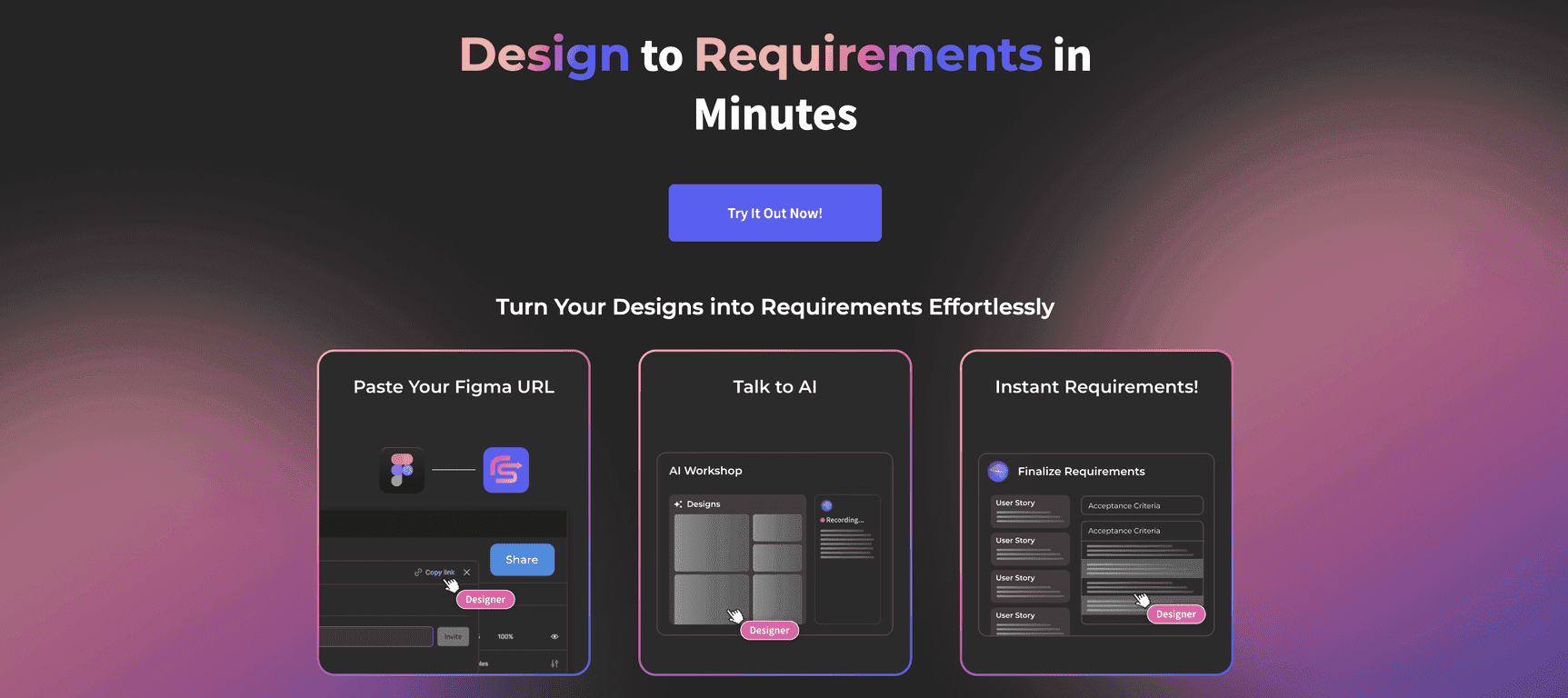
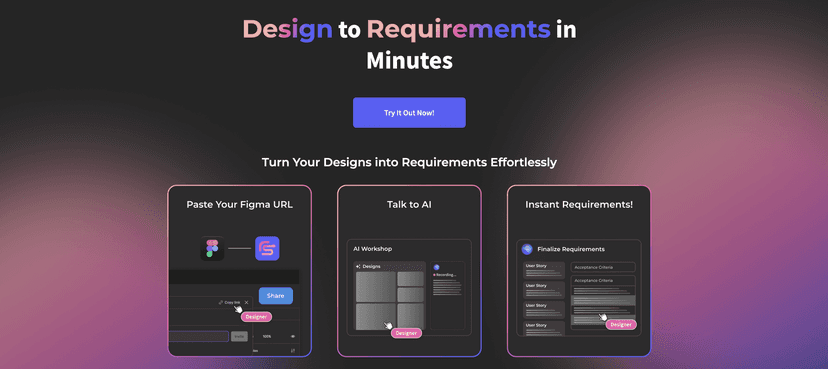
For example, Reqops uses AI-assisted features to help automate the generation of user stories and requirements. That matters because writing the first draft is usually where teams burn the most time. If you’re doing this manually, you’re basically recreating the same skeleton over and over. With automation, you can spend more time refining the details that actually require human judgment.
It also emphasizes communication and collaboration, which is where requirement tools often fall flat. If your team can’t easily see what changed (and why), you’re going to get misalignment anyway. Reqops includes tools meant to keep updates clearer across stakeholders.
One feature I’d pay attention to during evaluation is the automatic generation of BPMN 2.0 process maps and user journeys. When those visuals are aligned with the stories, reviews become less “guessing from bullet points” and more “watching the flow.” And yes—when the visuals are off, you’ll feel it immediately. So it’s not magic, but it can be a huge time saver when the inputs are good.
Key Features
- AI-Assisted Requirement Management that automates user story generation
- Efficient AI-Driven Communication to keep team dialogue clearer during changes
- Scope Creep Management tools for tracking requirement changes over time
- Automatic BPMN 2.0 Generation for easy process mapping and review
- Test Automation support to help create acceptance criteria and speed up testing workflows
- Integration with Third-Party Tools like Jira and Azure so you’re not working in a silo
- User-Friendly Interface for tracking risks and overall project health
Pros and Cons
Pros
- Real time savings from AI-powered drafting. In teams I’ve worked with, the “blank page” phase is where delays start.
- Cost reduction potential. The platform cites savings by reducing testing expenditure by over $70,000—which makes sense if fewer requirements slip through unclear and you catch issues earlier.
- Better collaboration. When stories, processes, and user journeys are connected, it’s easier to align stakeholders without endless back-and-forth.
- Flexible integrations with tools like Jira/Azure, which helps if your dev process already runs there.
Cons
- AI accuracy is the bottleneck. If your input is vague, the output can be vague too. You still need someone to validate and tighten things up.
- Onboarding can feel heavy for new users. If your team isn’t used to AI-assisted workflows, expect a learning curve for how to structure inputs and review outputs.
- Subscription costs may add up depending on which features you need. Like most tools, the “full value” tends to show up after you commit.
Pricing Plans
Reqops has an intro promotional offer: a 50% discount for the first three months. It also supports unlimited users, which is a big deal if you’re rolling it out across multiple teams rather than just a small core group.
There’s also a 7-day free trial, and I’d actually use that time to test real workflows—like generating a couple of user stories from messy inputs, checking the BPMN/user journey outputs, and seeing how smoothly it connects to your existing Jira/Azure setup. Don’t just click around. Run a mini project through it and see if it holds up.
Wrap up
Overall, Reqops looks like a solid option if your main headache is requirement management—especially when you want faster drafting, clearer visualization, and better traceability as the project evolves. The AI features can genuinely cut down the repetitive work, and the BPMN/user journey angle is the kind of thing that helps teams align sooner instead of later.
That said, I wouldn’t treat it as “set it and forget it.” If your requirements inputs are fuzzy, you’ll still need human review. But if you’re willing to use it as a structured assistant—then review, refine, and connect the dots—Reqops is definitely worth a serious look.
Promote Reqops