Table of Contents
Looking to make eye-catching videos without complicated tools? RenderFlow AI promises to turn simple text prompts into stunning videos quickly. I’ll walk you through what I found after testing it myself. Whether you’re a beginner or a pro, this platform aims to deliver professional results with ease. Stay tuned for a straightforward review packed with honest insights!

RenderFlow AI Review
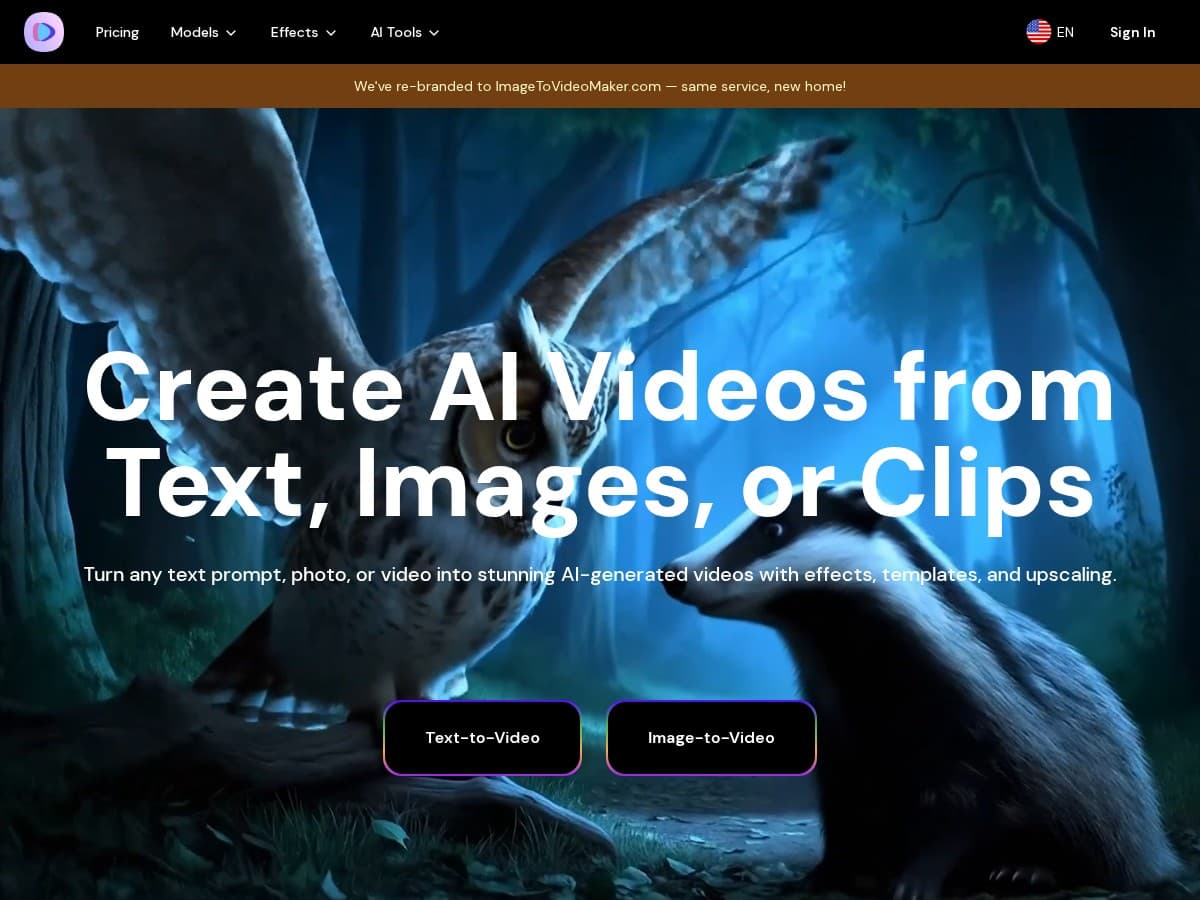
I spent some time exploring RenderFlow AI, and I must say, it’s surprisingly user-friendly. The platform’s clean interface makes it easy to input text and choose from different models like Veo3, Kling 2.1, and Hailuo 2. I was able to generate a variety of clips—from scenic landscapes to animated characters—within minutes. The AI handles the process smoothly, producing videos that look more professional than I expected for such a simple setup. While the free plan offers limited footage, it’s a great way to test its capabilities before considering upgrades.
Key Features
- Text-to-Video Conversion: Easily turn text prompts into engaging videos.
- Multiple AI Models: Choose from Veo3, Kling 2.1, and Hailuo 2 for different styles.
- Customization Options: Adjust video length, resolution, and more.
- Variety of Content: Create scenic, animated, abstract, or product showcase videos.
- Free Credits: Get 70 credits monthly, enough for 8 seconds of video on certain models.
- Full Ownership: Keep rights to all videos for personal or commercial use.
Pros and Cons
Pros
- Very user-friendly, even for beginners.
- Fast generation with high-quality output.
- Offers free credits to start without cost.
- You own the rights to your videos.
- Supports diverse video styles and genres.
Cons
- Free plan limits you to just 8 seconds per month.
- Advanced features and longer videos require paid credits.
- Maximum video length varies by model, which might be restrictive.
Pricing Plans
The free plan grants 70 credits each month, allowing up to 8 seconds of video with select models. For more extensive use, paid credits can be purchased, giving access to longer videos and premium models. Specific prices are not publicly listed, so costs depend on your usage needs.
Wrap up
In summary, RenderFlow AI is a promising tool for quick and easy video creation. It’s perfect for those wanting professional results without the hassle of complex editing tools. While the free version has some limitations, the overall experience is positive and worth trying out for anyone exploring AI-powered video production.