Table of Contents
If you’ve ever tried to make faceless videos consistently, you already know the annoying part: it’s not the filming—it’s everything around it. The scripting, the editing, the finding of ideas, and then finally posting everywhere without losing your mind. That’s where I looked at Renderfire.
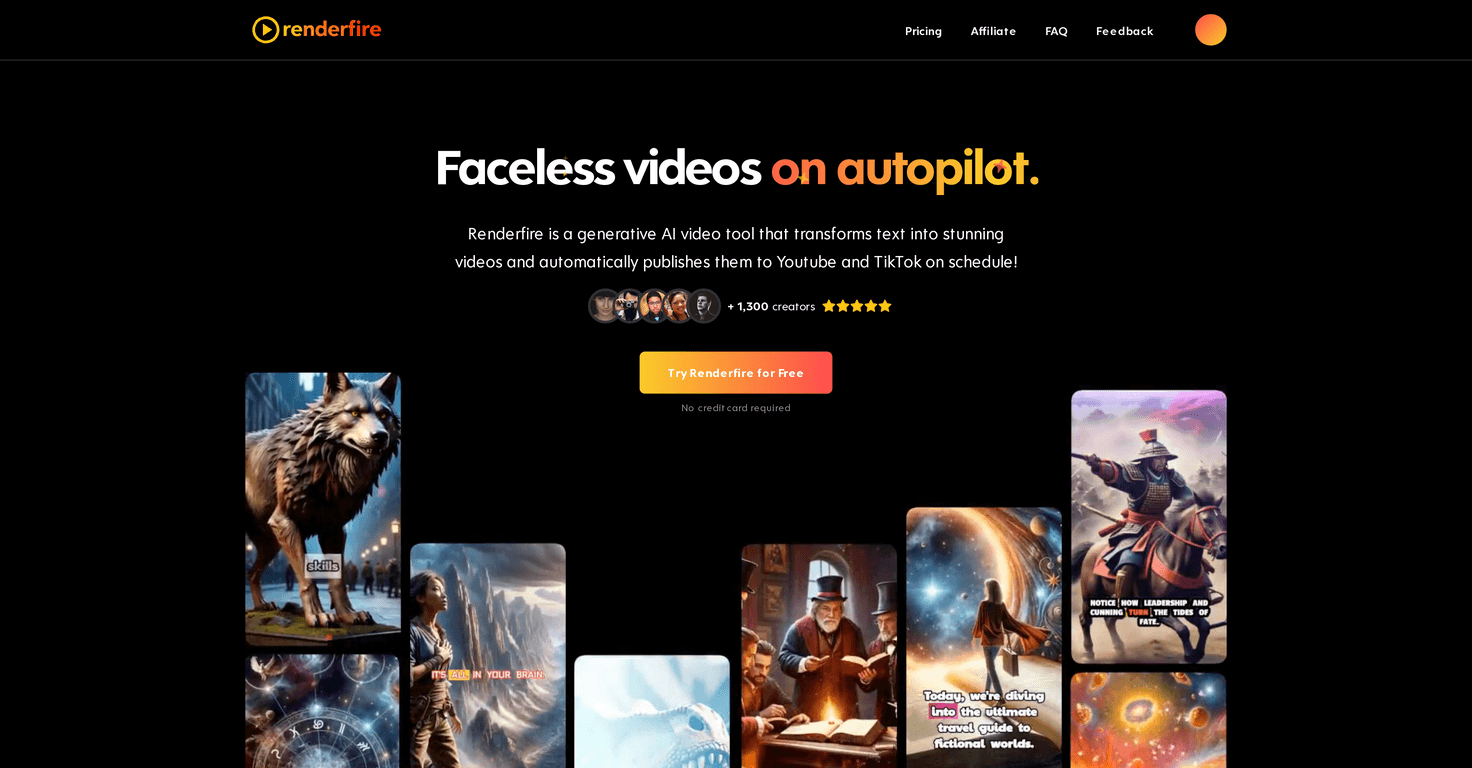
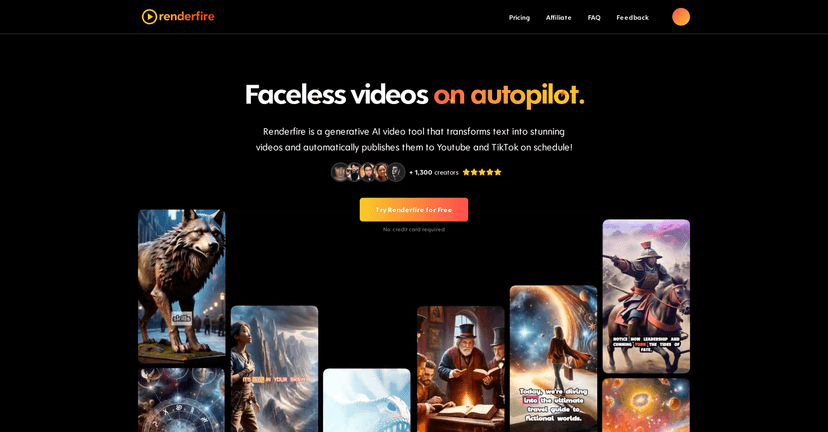
Renderfire is a generative AI video tool that lets you create videos from a topic (no camera needed). In my experience, the main appeal is how fast it gets you from “I have an idea” to “there’s a video ready to publish.” And yes, it also supports automated posting to platforms like YouTube and TikTok, which is a big deal if you’re trying to keep a schedule.
What I noticed most is that it’s built for people who don’t want to spend hours learning editing software. You pick a topic, generate the video, tweak it a bit, and then post. It’s not trying to replace every part of content creation—it’s trying to remove the boring middle.
Renderfire Review
Renderfire uses generative AI to turn a topic into a faceless video. The workflow is simple: you choose what you want to talk about, the tool generates the video, and you can adjust it before publishing. In my testing, the “fast” part is real—once you have a topic, you’re not waiting around like you would with a full production pipeline.
Another big selling point is automated posting. Instead of creating a video and then manually scheduling it across platforms, Renderfire is designed to handle that for you. If you’re posting on both YouTube and TikTok, having one place to manage that is a lot less stressful.
Customization is also where I think Renderfire earns its keep. You’re not just stuck with whatever the AI spits out. You can tweak things before you publish, which matters if you’re trying to keep your style consistent. And honestly? Without at least some control, faceless video tools can start to feel generic fast.
Multi-platform support is included too, which is essential if you’re trying to grow across channels instead of betting everything on one algorithm.
Key Features
- Generative AI technology to create engaging faceless videos from a topic
- Automated posting/scheduling so videos can go out to platforms like YouTube and TikTok without manual steps
- Video customization options so you can align results with your brand style before publishing
- Multi-platform support (YouTube + TikTok) built into the workflow
- User-friendly video management so you can edit and refine without it feeling like a full-time job
Pros and Cons
Pros
- Beginner-friendly: If you don’t know editing software, that’s fine. The process is straightforward enough that you can get something posted without a steep learning curve.
- Time savings are noticeable: The combination of generation + scheduling cuts out a lot of the “extra work” between ideas and publishing.
- Customization helps avoid “cookie-cutter” content: Being able to tweak before you publish makes a difference if you care about your channel looking consistent.
Cons
- Free plan limitations: The free plan includes limited video output, and that can be frustrating if you want to test multiple topics or build a mini content streak.
- Repetition risk: If you reuse similar prompts/topics without variation, the results can start to feel repetitive. You’ll want to deliberately change angles, hooks, and topic wording.
- No free credits for extra features: If you’re hoping to experiment with more advanced options, the free tier may not give you enough runway.
Pricing Plans
Renderfire has four plans, and the pricing is pretty clear. Here’s how it breaks down:
- Free plan: 1 video with limited features. Good for testing the basics, but not enough for serious posting.
- Hobby Plan — $19/month: Post about 3 times per week. It includes useful benefits, but you’ll likely feel the ceiling if you’re trying to post daily.
- Pro Plan — $39/month: Common choice for daily posting. If you’re aiming for consistency (and you don’t want to babysit content creation), this is the sweet spot for many creators.
- Premium Plan — $69/month: Best value if you want heavier output. It supports up to 2 daily posts and includes the most credits/features.
If you’re deciding between plans, I’d honestly base it on how many videos you can realistically publish. AI tools make it easy to create—what matters is whether you can keep the posting schedule without burning out.
Wrap up
Renderfire is a solid option if your goal is faceless video creation with less friction. The combination of topic-based generation, customization before publish, and automated posting is what makes it stand out. In my opinion, it’s especially good for beginners or anyone who wants to stay consistent without spending hours editing.
Just don’t expect it to magically fix content strategy. You still need good topic ideas and you’ll want to vary your hooks so your videos don’t start sounding like clones of each other. If you can do that, Renderfire can be a practical way to keep your channel moving.


