Table of Contents
If your MySQL feels “fine” until it suddenly isn’t, you’re probably not alone. I’ve seen the same pattern a lot: things look okay in dev, then production gets slower after a few traffic spikes, and suddenly you’re staring at slow queries, rising load, and dashboards that don’t explain anything clearly.
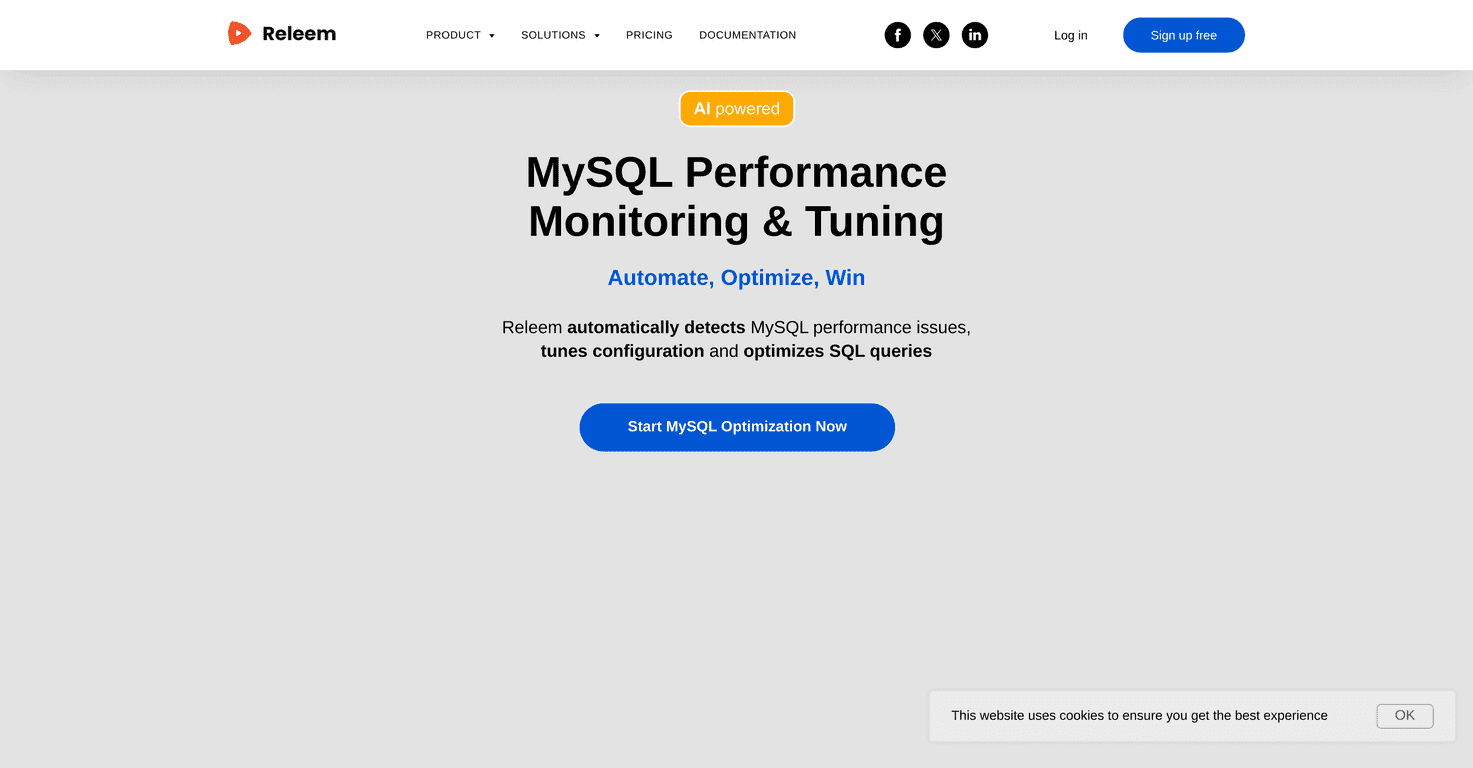
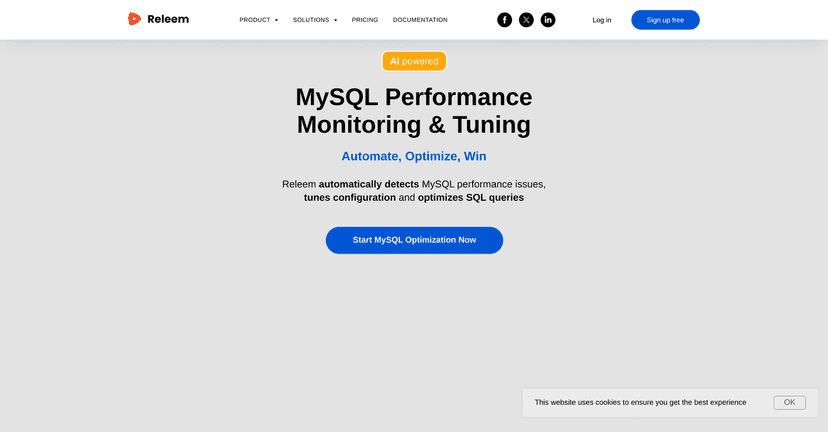
That’s why I was interested in Releem. It’s positioned as an AI-powered tool for MySQL performance monitoring and tuning—so instead of guessing what to change, you get guidance on what’s likely causing the slowdown and what to do about it. In this review, I’m going to break down what it actually focuses on, what I think it does well, and where you might still want to do some manual work.
Releem Review: Does It Actually Help With MySQL Performance?
Releem is built around one main idea: automate the stuff that usually eats your time when you’re tuning MySQL. Instead of manually hunting through slow query logs, digging through execution plans, and tweaking settings blindly, Releem aims to spot performance issues and then suggest tuning actions.
In my experience, the hardest part of MySQL performance work isn’t always “knowing” what to do—it’s figuring out what to look at first. Releem tries to solve that by focusing on a few core areas: configuration tuning, query optimization, and ongoing health checks. If you’ve ever thought, “Okay… but what’s the real bottleneck here?”, you’ll understand why that matters.
One thing I like about the positioning is that it’s not only for hardcore DBAs. The interface is meant to be approachable, which matters if you’re a developer who just wants the database to stop lagging. I also appreciate the “health check” angle. Performance issues don’t always show up once and disappear—sometimes they creep in after schema changes, traffic patterns shift, or indexes become outdated.
As for results, Releem claims performance improvements “up to 290%.” I don’t treat those numbers as guaranteed for every workload, but it’s still a strong signal that they’re seeing meaningful wins. The real question is: will it help your MySQL setup? That’s where the reports and recommendations become important.
Key Features I’d Pay Attention To
- Automatic Performance Detection
- Configuration Tuning
- Query Optimization
- Schema Health Control
- Comprehensive Reports
- Health Checks
- Multiplier Performance Increase of up to 290%
Pros and Cons (Real-World Perspective)
Pros
- It’s easier to navigate than most tuning tools. If you’re not living in EXPLAIN output every day, you’ll probably feel less lost.
- Automation saves time. Instead of spending hours correlating metrics and logs, you get directed attention to likely problem areas.
- Works with common MySQL environments. It’s described as supporting multiple MySQL versions and integrating with AWS RDS, which is a big deal if you’re on managed infrastructure.
- Ongoing health checks. This is the kind of feature that helps you catch issues before they turn into a production incident.
Cons
- You may still need some tuning knowledge. Even with AI assistance, if you don’t understand things like indexing strategy or workload patterns, you might not know what’s safe to change first.
- Customization can be limited compared to manual tuning. When you’re trying to squeeze out performance with very specific settings, a guided tool might not cover every edge case.
Pricing Plans (What to Expect)
Releem offers a free trial, and that’s honestly the best way to evaluate a tool like this. No credit card requirement means you can test it on your own MySQL setup and see if the recommendations match what you’re seeing in your metrics.
For the latest pricing details (tiers, limits, and what’s included), check the official website’s pricing section.
How I’d Test Releem Before Betting the Farm
If you want a practical way to judge whether it’s worth it, here’s what I’d do during the trial:
- Pick a “pain query.” Find one query that’s consistently slow (or one endpoint that spikes latency). Then compare what Releem flags vs. what you already suspect.
- Look for actionable recommendations. Are you getting clear steps (like tuning targets or query/index changes), or just generic advice?
- Check the reports after changes. A good tool shouldn’t only detect issues—it should help you confirm improvements after you apply recommendations.
- Watch for workload-specific behavior. If your workload is write-heavy (or has lots of joins), make sure the tool’s suggestions align with that reality.
That way, you’re not just “hoping” for better performance—you’re verifying it.
Wrap Up
Releem looks like a solid option if you want less manual guesswork and more guided MySQL performance tuning. The combination of performance detection, query optimization help, configuration tuning, and ongoing health checks is exactly what I wish more monitoring tools did—especially when you’re juggling releases and don’t have time for deep DB archaeology.
If you’re curious, I’d start with the free trial and run it against your own workload. If the recommendations are specific and the improvements show up in your metrics, you’ll know pretty quickly whether it’s worth keeping around.
Promote Releem




