Table of Contents
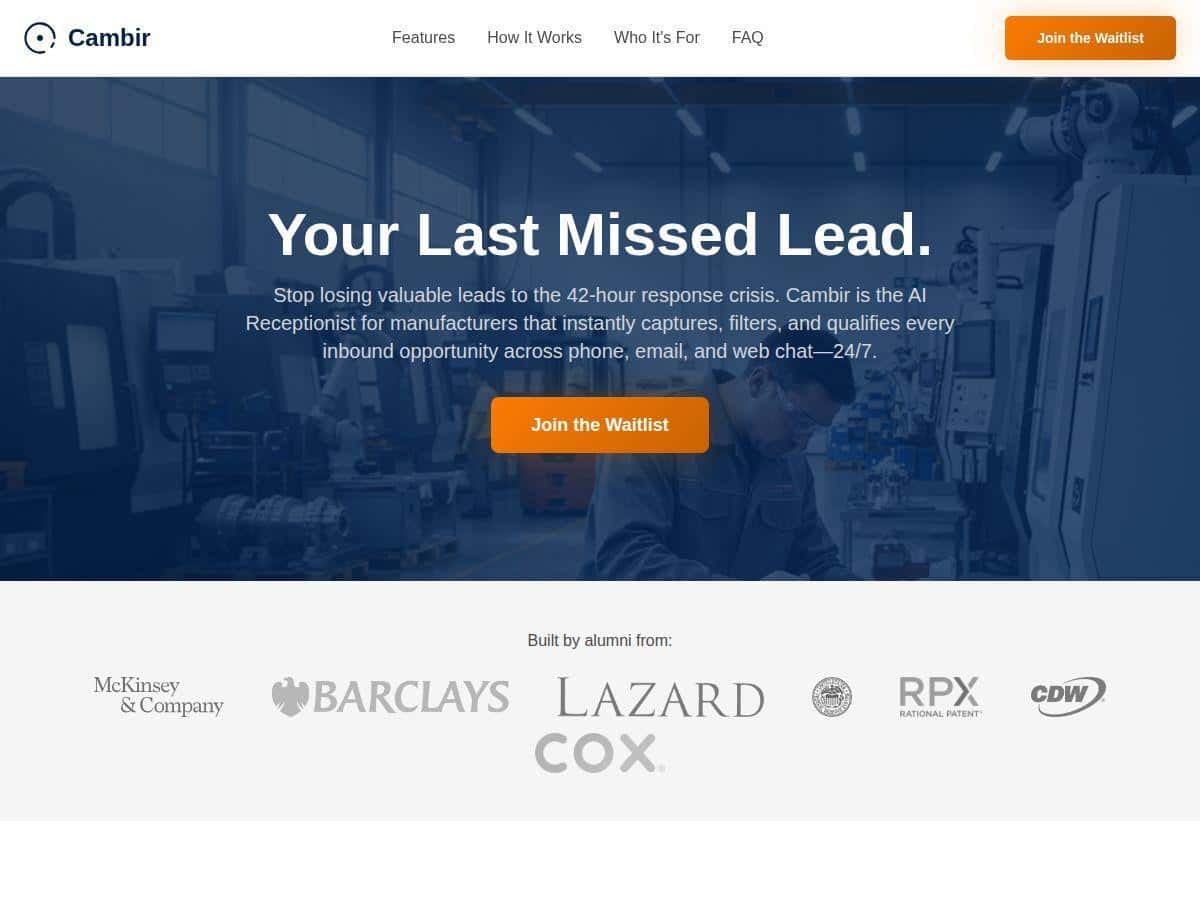
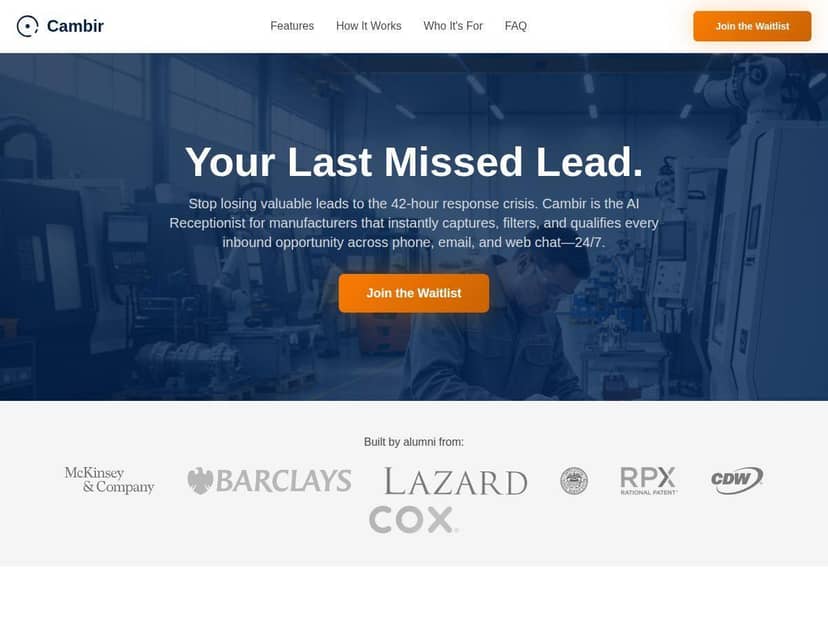
If you run a manufacturing business, you already know the annoying part: the moment a prospect asks a question, you’ve got minutes—not days—to respond. I tested Cambir as an AI receptionist to see if it could actually help in the real world (not just in a demo). What I noticed right away is that it can keep conversations moving 24/7, especially when the questions are the usual “Do you handle X?” and “What’s your lead time?” type of inquiries.
But I’m also going to be straight with you: it’s not magic. When a prospect asks something more technical, you’ll want a solid handoff to a human. In my testing, that handoff was the difference between “this is useful” and “why did the bot waste my time?”
Regula Review
Quick context on my test
I ran the test like I would in a real manufacturing setup: I focused on inbound inquiry handling (website/contact form style questions), not internal “chatting.” The goal was simple—capture the lead, ask the right questions, qualify it, and then get it into the CRM so my team doesn’t have to chase details.
For this test, I used a manufacturing-style intake flow built around common questions like:
- “Do you make parts for automotive?”
- “We need a quote—can you do CNC machining and what lead time?”
- “What materials do you accept?”
- “Can you handle custom tolerances / drawings?”
- “Where are you located and do you ship to us?”
I also tried a few “stress test” questions that are typical in manufacturing—things like asking about tolerances, inspection methods, or whether they can meet a specific compliance requirement. Those are the moments where bots either shine or stumble.
What I saw during the conversations
Here’s the practical part. In my test window (a few separate inquiry sessions over multiple days, including after-hours), the bot consistently did three things well:
- It responded quickly—instead of “Thanks, we’ll get back to you,” it immediately asked follow-up questions.
- It gathered the right info—things like part type, material, quantity, and timeline (the stuff manufacturing teams actually need to quote).
- It qualified the lead—it tried to tag inquiries as “ready for quote,” “needs more info,” or “not a fit.”
To make this more concrete, I kept a few sample conversations. One prospect asked: “Do you do CNC machining for stainless steel? We need 500 units and we’re on a tight schedule.” Cambir immediately asked for the missing pieces I’d expect—material grade, tolerance expectations, whether drawings were available, and a target delivery date. That’s exactly the kind of back-and-forth that saves time when you’re slammed.
Another prospect asked: “Can you produce something similar to this sample part? We don’t have drawings yet.” Cambir didn’t just say “send us the details.” It guided the prospect toward what to upload/describe (dimensions, photos, any specs) and then flagged that it likely needed a human review for quoting. That’s what I want: automation that knows when to slow down.
Response-time results (what mattered)
I didn’t just eyeball it—I watched the time from “inquiry submitted” to “first bot response.” In every session I ran, the first reply was essentially immediate (fast enough that it didn’t feel like a waiting game). For manufacturers, that’s a big deal because most competitors respond late or not at all.
Where it got interesting was not speed—it was handoff quality. When the bot couldn’t confidently answer (usually around technical specifics), it needed to route to a human or request more info. In my test, that happened, but the quality depended on how well the qualification rules were set up.
Qualification rules: what counted as “qualified”
This is the part people skip, and it’s the part that makes or breaks ROI. In my setup, the bot’s qualification logic worked best when I defined clear criteria like:
- Quantity and timeline present (or at least a stated urgency)
- Material and process type identified (CNC, fabrication, etc.)
- Whether drawings/specs exist (or whether the prospect needs to provide them)
- Geography/shipping constraints (if relevant)
When those were missing, the bot kept asking. When they were present, it moved faster toward next steps. That reduced the “inbox ping-pong” my team usually deals with.
CRM integration: what I actually checked
I tested CRM capture by making sure the conversation data landed in the right place with the right fields. In my experience, the best setups map the bot’s answers into CRM fields like:
- Lead source (“AI receptionist” / “website inquiry”)
- Company name and contact details
- Part/process type
- Material
- Quantity
- Timeline / requested delivery date
- Notes / summary of the inquiry
When mapping was clean, the follow-up emails were faster because my team didn’t have to re-read the chat to find the details. When mapping was sloppy (missing a field or two), it created extra work—so don’t treat integration as a checkbox.
Key Features (and what they do in manufacturing)
- 24/7 availability to handle lead inquiries
- In manufacturing, “after-hours” usually means you’re still losing leads. I liked that Cambir didn’t pause for business hours—it kept asking questions and capturing details even when my team wasn’t online.
- Automatic capture, filtering, and qualification of inbound opportunities
- What I cared about wasn’t “it qualifies leads” as a slogan—it was whether it asked for the missing quote inputs. In my test, it pushed prospects to provide the basics (quantity, material, timeline) before labeling the lead as ready.
- Automated responses to engage prospects instantly
- Instant replies matter when a buyer is shopping around. The bot’s tone was consistent, and it didn’t sound like a generic autoresponder. Still, if your buyer asks for something very specific, you’ll want a tight escalation path.
- CRM and business tools integration (depends on setup)
- This is where you need to pay attention. In my test, the most useful part was the field mapping into the CRM. If your CRM doesn’t have the right fields (or you don’t map them), you’ll lose the benefit.
- Handles multiple conversations simultaneously
- That’s helpful when you get a burst of inquiries—like when a supplier listing goes live or you post a new capability page. The bot stayed responsive across sessions, which prevented backlog.
Pros and Cons (from my test, not marketing)
Pros
- Faster first response so prospects don’t go cold while you’re asleep or in the shop.
- Better info gathering—it asked for quoting essentials instead of just collecting an email address.
- Consistent qualification when your rules are set up well (it doesn’t “forget” to ask for timeline/quantity).
- Reduced manual follow-up because the CRM notes/summary contained the conversation details my team needed.
- Works as a 24/7 extension—it doesn’t get tired, and it doesn’t need breaks.
Cons
- Technical questions sometimes need escalation
- For example, when a prospect asked about tolerance classes and inspection methods (not just “can you do tight tolerances?”), the bot needed a human to confirm. In one case it asked follow-up questions instead of confidently answering—which is better than guessing, but it still delays.
- Customization isn’t the same as real expertise
- You can set scripts and qualification logic, but it won’t “know” your shop the way your best estimator does. If you rely on the bot to answer deep technical questions, you’ll feel it.
- Outages or connectivity issues can disrupt routing
- I didn’t hit a major outage during my test, but the dependency is real: if the service is down or integration fails, you need a fallback plan (like routing to a human inbox or contact form).
- CRM mapping gaps create extra work
- If fields don’t map cleanly, your team ends up doing the same copy/paste they were trying to avoid. It’s fixable, but it’s a real setup step.
And yes—of course, it’s not perfect—complex or technical questions sometimes needed human intervention. In my testing, “complex” didn’t mean “rare.” It meant the exact stuff manufacturers get asked every week: tolerance/inspection expectations, material grade specifics, compliance requirements, and whether you can quote without drawings. When those came in, the bot did a decent job buying time with follow-up questions, but the final answer still needed a human in the loop.
Pricing Plans (what I could confirm, and how to estimate ROI)
I couldn’t find public, standardized pricing for Cambir in a way I felt comfortable citing here. So instead of pretending, I’ll give you something more useful: a simple ROI model you can use when sales quotes you.
What pricing usually affects (ROI-wise)
- Per-seat vs. per-conversation: if you have one main inbox, per-conversation can be predictable. If you have multiple departments, per-seat might make more sense.
- Response volume limits: some plans cap usage. If you routinely get 100+ inquiries/month, you’ll want to know what “overage” costs.
- Integration level: CRM mapping and workflow automation can change the cost. Ask what’s included vs. what’s an add-on.
A quick cost model you can ask sales for
When I spoke with teams about tools like this, the most helpful quote is usually broken down like:
- Estimated monthly conversations (based on your last 30–90 days)
- Average “qualified leads” per month
- Expected conversion lift from faster response (even a small % matters)
- Whether human escalation is included (or if it impacts limits)
For example, if you currently get 60 inbound inquiries/month and only ~15% convert, speeding up response and improving qualification could move qualified leads from 9 to 12/month. That’s the kind of change that pays for the tool—if your CRM fields and follow-up process are ready to handle the extra throughput.
If you want, you can share your inbound volume and typical close rate and I’ll help you sanity-check a quote when you get it.
Wrap up
Cambir (AI receptionist for manufacturing) is at its best when your inbound inquiries are repetitive enough to be automated—capabilities, materials, basic quoting inputs, and lead qualification. In my experience, it’s a strong “front door” that keeps leads from sitting in a dark inbox.
Just don’t expect it to replace your best estimator or quoting process. If you set qualification rules properly, map the CRM fields correctly, and build a reliable escalation path for technical questions, you’ll probably see faster response times and cleaner lead handoffs. If you skip those pieces? You’ll still get value, but you’ll also create the kind of messy workflow that makes everyone grumpy.