Table of Contents
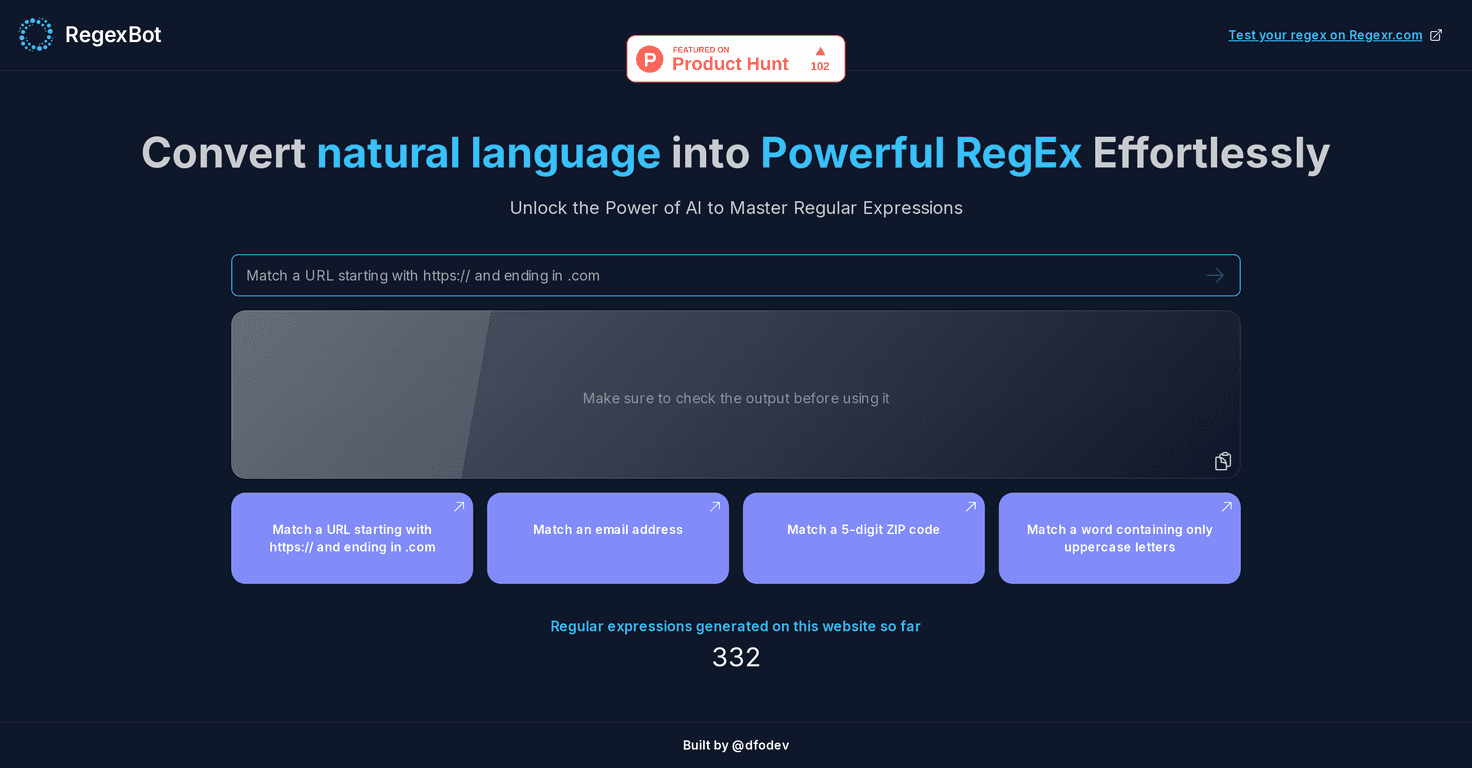
If regex has ever made you feel like you’re trying to learn a whole new language overnight, I get it. I’ve been there—staring at a pattern, changing one symbol, and somehow breaking everything. That’s exactly why I tried RegexBot. The big promise is simple: you type what you want in plain English, and it turns that into a working regular expression.
In my experience, the hardest part of regex isn’t the matching—it’s remembering the syntax. RegexBot helps with that. Instead of hunting for the right character classes, quantifiers, or escaping rules, you can focus on the goal: “match an email,” “find ZIP codes,” “capture the domain from a URL,” or “uppercase all the words.” Then you get a regex back you can copy and test.
One thing I really liked is that it nudges you to verify your results. AI can generate something that looks right but fails on edge cases (and regex is basically all edge cases). So while it’s fast, it’s not “set it and forget it.”
Also, the tool includes a visual/statistical view of the generated expressions. That’s helpful when you’re iterating—because you can see whether the pattern is actually doing what you expected, not just guessing from the regex text.
RegexBot Review: What It’s Like to Use in Real Life
RegexBot is built around one workflow: you write a natural language prompt, and it outputs a regex pattern you can use right away. That sounds simple, but it’s honestly the difference between “I’ll do this later” and “I’ve got a pattern working in minutes.”
Here’s what I noticed as I tested it:
- Plain-English prompts work best when you’re specific. “Match an email” is okay, but “match an email and capture the username and domain” gets you closer to what you actually need.
- You still need to sanity-check. AI-generated regex can be great for common cases and imperfect for edge cases (like unusual TLDs, plus-addressing, or weird punctuation).
- The visual/stats view helps you iterate. Instead of guessing, you can adjust your prompt and quickly see whether the matches look right.
For everyday tasks—like extracting domains from URLs, pulling out ZIP codes, or validating that a string looks like an email—RegexBot feels like a shortcut. For deeper regex work (complex nested groups, heavy backreferences, or very strict formatting rules), you’ll likely end up tweaking the output anyway.
Key Features (and the ones I’d actually use)
- Natural language to regex: You describe what you want, and RegexBot generates the pattern. This is the core feature, and it’s the reason the tool is useful.
- Pattern matching for common data types: It’s aimed at practical matches like URLs, email addresses, and ZIP codes—things you run into constantly in data cleanup and form validation.
- Verification reminders: It doesn’t pretend the first output is perfect. That’s a good thing, because regex correctness depends on your inputs and your edge cases.
- Visual representation of generated regex statistics: I like this because it supports iteration. You can test, adjust, and re-test without having to “mentally simulate” what the pattern should do.
Pros and Cons (my honest take)
Pros
- Beginner-friendly without being useless for pros. If you’re new to regex, it lowers the barrier a lot. If you’re not new, it still helps you get to a first draft faster.
- AI suggestions save time. Instead of writing from scratch, I can generate something, then refine it.
- Good coverage of everyday pattern needs. Matching emails, URLs, and similar text formats is where this tool feels strongest.
- Immediate feedback encourages correct usage. The reminder to review outputs is exactly what you want from a tool like this.
Cons
- You can’t blindly trust the output. For tricky formats, you’ll still need to test with your real data. Regex is unforgiving.
- Advanced regex use can require manual cleanup. If you’re doing complex grouping or strict validation rules, you may find yourself editing the pattern anyway.
- Format differences may pop up. Depending on how you plan to use the regex (different engines, escaping rules, flags), you might have to adjust the output.
Pricing Plans: What I Could (and Couldn’t) Confirm
Pricing details aren’t clearly listed in the content I reviewed, so I can’t give you exact numbers here. That said, tools like RegexBot typically fall into a few buckets: a free tier for basic generation/testing, and a paid tier for higher limits or more advanced capabilities. If you want the real answer for your use case, I’d check the RegexBot site directly to see whether you can use it without paying.
Wrap up
So, is RegexBot worth trying? If regex has slowed you down—or if you just want a faster way to get from “what I need” to “a working regex”—then yes, it’s a solid option. What makes it genuinely useful is that it helps you generate patterns quickly, and the built-in feedback/verification keeps you from shipping something that only works on perfect input.
Just remember: the best regex still comes from testing against your own strings. But with RegexBot, that testing loop feels a lot less painful. If you’re ready to stop wrestling with syntax and start iterating faster, give it a try.


