Table of Contents
If you’ve ever stared at a render for way too long, waiting for “just one more tweak,” you’re not alone. I’ve been there. That’s exactly why I wanted to test Redraw—to see if AI could actually speed up the parts of the workflow that normally eat hours.
Redraw Review: Does AI Rendering Actually Help?
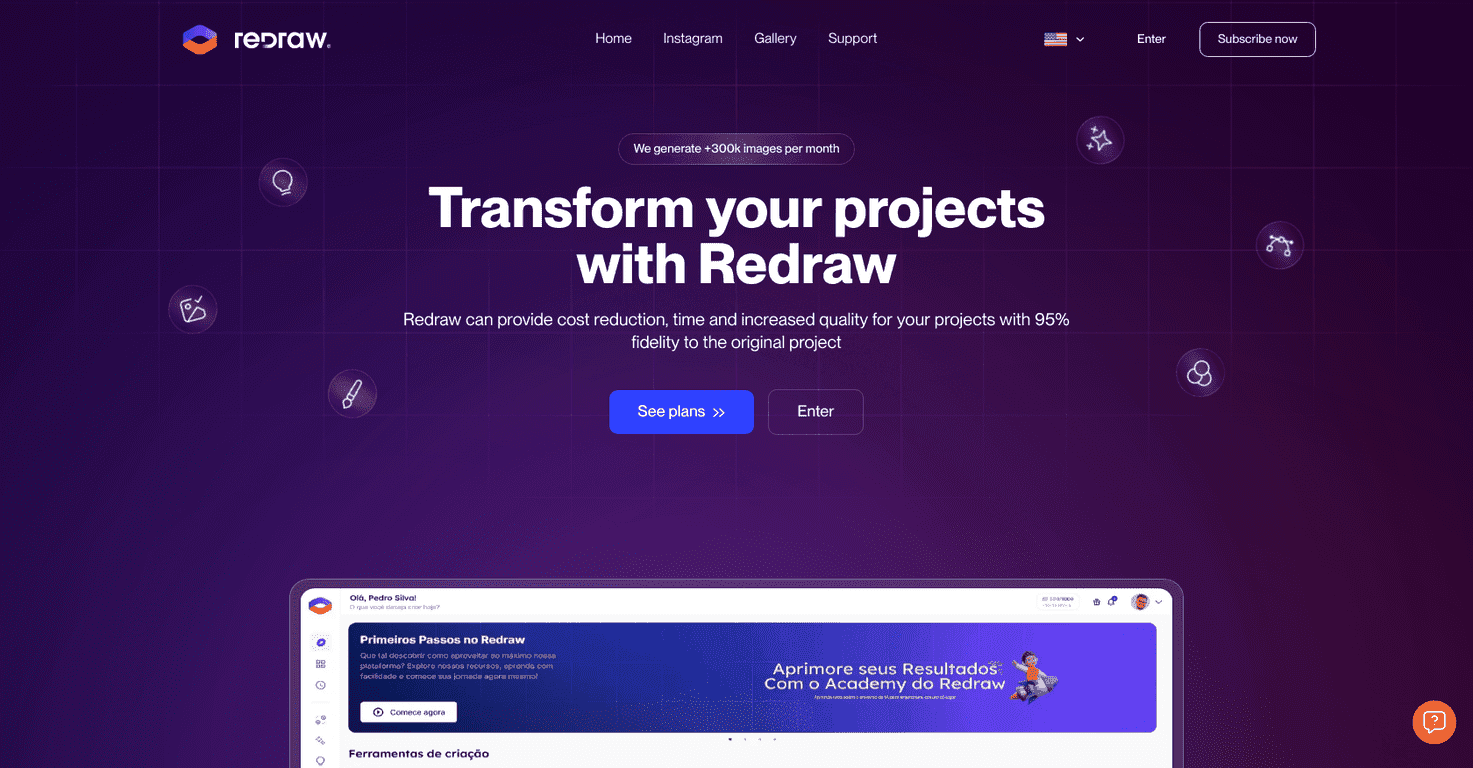
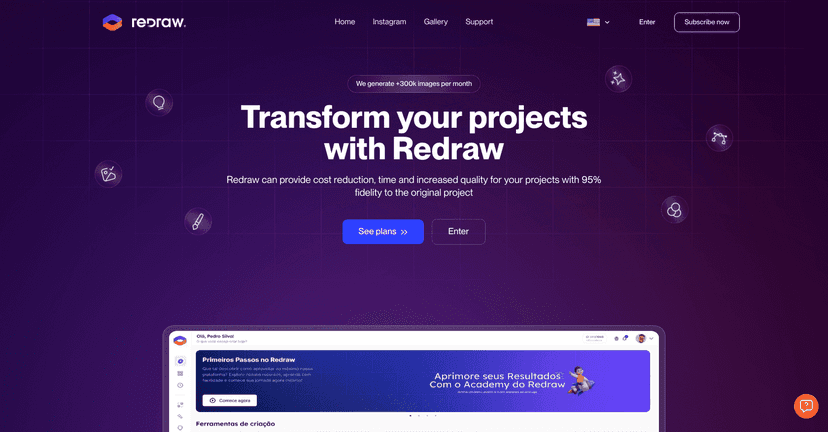
Redraw is getting attention in architecture, A&E, and design because it’s built to turn concepts into visuals quickly. The headline promise is realistic renders in under 30 seconds, and in my testing that part felt pretty believable—especially for first-pass ideas where you just need something you can react to.
What I liked right away is that it isn’t just “one tool.” You’re working with a bundle of AI-driven options (they list 12+ tools) that cover ideation, interpreting existing inputs, and enhancing designs for both indoor and outdoor scenes. If you’re trying to explore multiple styles—say modern minimal vs. warm Mediterranean—you can generate directions without rebuilding everything from scratch.
Here’s the real standout: turning a static image into a video. Traditional rendering is great, but it’s still mostly “freeze-frame.” With Redraw’s video transformations, you can present a concept with motion, which tends to land better in client reviews. I noticed it’s also useful for internal pitching—when you’re trying to explain flow, atmosphere, or how a space might feel at different moments.
Another practical win: it’s cloud-based. That means you don’t need a high-end workstation to start experimenting. If you’ve ever been stuck waiting on a machine that’s tied up with other tasks, you’ll understand why that matters. I could work from a normal laptop as long as the internet was stable.
Now, I’ll be honest about the drawbacks. Because it’s cloud-based, your results depend on your connection. If your Wi‑Fi is spotty, you’ll feel it. Also, some of the “more advanced” tools tend to show up only on higher tiers, so if you’re on a tight budget, you may have to choose what you use most often.
Key Features I Actually Used
- Realistic renders in under 30 seconds (great for quick iterations)
- Over 12 AI-driven tools for different tasks, not just one output style
- Idea generation for multiple architectural directions
- Image enhancement that improves existing designs (not always perfect, but it helps)
- Video transformations from static images to add motion and mood
- Interpret drawings and add objects (useful when you want to visualize “what-if” changes)
- Multiple simultaneous users depending on your plan
Pros and Cons (Straight From My Experience)
Pros
- Fast iteration—the speed is the point. It makes it easier to test 5–10 variations before you commit.
- Cloud-based setup—no need to spec a monster computer just to generate visuals.
- Broad toolset—I didn’t feel like I was locked into one workflow.
- 7-day money-back guarantee—nice safety net if you’re unsure.
- Flexible subscriptions depending on how many renders/users you need.
Cons
- Internet dependency—if your connection isn’t great, the experience slows down.
- Advanced features can be tier-locked—you might outgrow the lower plan faster than you expect.
Pricing Plans: What You Get for the Money
Redraw has three main plans. Here’s the breakdown as I understand it:
- Basic Plan: $15/month, includes 300 monthly renderings and 1 user.
- Expert Plan: $32/month, higher rendering capacity and more users than Basic.
- Business Elite Plan: $92/month, 3 users and 6,000 monthly renderings.
If you know you’ll use it regularly, the annual subscription option can save you two months’ worth of payments. That’s usually the smart move for teams who are already doing weekly client updates or concept iterations.
Wrap up
Redraw is one of those tools that’s easiest to appreciate when you’re busy—because it cuts down the “wait time” between ideas and visuals. If your work involves lots of concept iterations, client check-ins, or presenting indoor/outdoor directions, it can be genuinely useful.
Just go in knowing it’s cloud-first, and some features may cost extra depending on your plan. For me, the speed and the static-to-video option were the biggest reasons I kept using it after the first few tests.
Promote Redraw




