Table of Contents
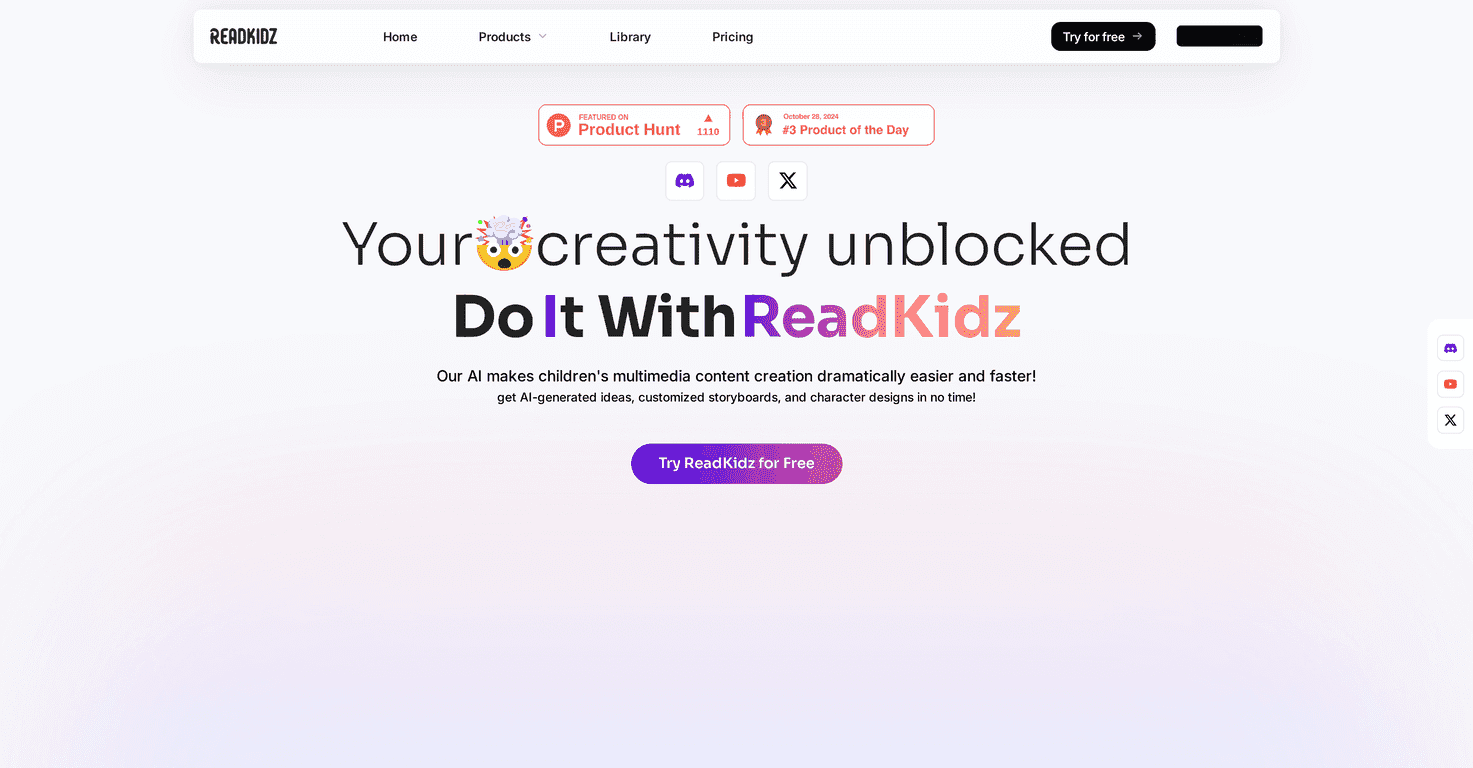
If you’ve ever tried to get your kid to sit still long enough to read… you already know the struggle. That’s why I was curious about ReadKidz. It’s a platform that helps you create personalized e-picture books (and even story videos) using AI—plus it gives you the tools to make the illustrations and narration feel more “you” than generic.
What I noticed right away is that it’s built for kids’ content creation, not just “AI writing.” The templates, drawing styles, and voice dubbing options are all aimed at keeping things age-appropriate and visually engaging. And honestly, if you want something your child will actually look at, the visuals matter just as much as the story.
ReadKidz Review: Can It Actually Help You Make Better Kid Stories?
ReadKidz is aimed at parents and educators who want to create imaginative stories for kids—without spending hours wrestling with complicated design tools. You can generate story text with AI, choose templates and drawing styles, add voice dubbing, and then publish or share your final book/story video.
In my experience, the biggest win here is how the different parts work together. It’s not just “write a story” and hope the illustrations show up. You’re guided through the process of building something that looks like a real children’s book or a kid-friendly story video.
Here’s what stands out most:
- AI story generation that’s kid-focused: It’s built to help you brainstorm and draft storylines quickly. You can steer the direction, and you’re not starting from a blank page.
- Illustrations that aren’t an afterthought: The platform leans into visuals with customizable templates and multiple drawing styles.
- Voice dubbing: This is one of those features that makes the content feel “alive.” It’s not just text on a screen.
- Publishing that doesn’t feel like a hassle: If you want to share your work quickly, there’s a one-click publishing angle.
Now, I’ll be honest: if you’re an experienced writer who wants total control, you may feel a little boxed in by the AI-driven structure. But if your goal is to create something fun and personal in a reasonable amount of time, it’s a pretty practical setup.
Key Features I’d Use (and What They Mean in Real Life)
- AI Story Generation for children-friendly storylines — Great for first drafts, theme ideas, and quick rewrites when you want a different tone.
- Customizable Illustration Creation — You can make the visuals match the story vibe instead of settling for generic artwork.
- Video Production for story videos — Useful if you want something more dynamic than a static e-book.
- 100+ diverse Templates — This helps you avoid the “same-looking book every time” problem.
- 60+ Drawing Styles available — I like having options here because kids respond differently to different art styles.
- Voice Dubbing with over 10 professional options — Having multiple voice choices makes a big difference for engagement.
- One-Click Publishing to various platforms — Handy when you just want to share without exporting everything manually.
- Content Diversity for e-books, story videos, and songs — If you’re building a mini series, it’s nice to have more than one format.
- Character Consistency throughout stories — This matters more than people think. Kids notice when characters keep changing.
Pros and Cons (The Honest Version)
Pros
- Easy to start: The interface feels approachable, even if you’re not “techy.” I didn’t feel like I needed a tutorial just to get moving.
- Faster brainstorming: AI helps you get ideas out quickly. When you’re trying to write after a long day, speed matters.
- More than writing: You’re not only generating text—you’re also creating visuals and audio, which is a huge time saver.
- Options for different age groups: The templates and tone can be adjusted for younger kids versus older kids.
- Personalization is the point: If you want stories that reference your child (favorite things, names, interests), this platform is built for that.
Cons
- There’s still a learning curve: Even though it’s user-friendly, you’ll need a little time to understand the workflow (especially if you want consistent characters and style across pages).
- AI can limit creativity if you let it: If you rely on it too heavily without editing, the story may feel predictable. I’d treat AI like a co-writer, not an autopilot.
- Premium features may cost extra: Like most tools in this space, some of the best templates/styles/voice options may require a subscription.
Pricing Plans: What I Can (and Can’t) Confirm
I didn’t see specific pricing numbers included in the info provided here. What I recommend is checking the ReadKidz website directly for the latest subscription tiers and whether there’s a free trial.
Quick tip: before you commit, look for details on what’s included (voice dubbing options, template packs, export/publishing limits). That’s usually where the “hidden” value is.
Wrap up
Overall, I think ReadKidz is a solid option if you want a kid-focused creative platform that gets you from idea to a finished story (with visuals and voice) without doing everything manually. It’s especially good for parents who want a fun bedtime story routine, and teachers who like having fresh, personalized content for classroom read-alouds.
If you’re the type who enjoys tweaking details—names, themes, art style, and voice—this tool will feel rewarding. If you want total creative control from scratch, you’ll probably need to edit more than you’d expect. Either way, it’s worth trying if your goal is to make storytelling more engaging for young minds.
Promote ReadKidz




