Table of Contents
Screening candidates is one of those jobs that sounds simple until you’re actually doing it. You’ve got resumes coming in, people applying for slightly different roles, and somehow you still need to make decisions quickly without missing the obvious “this person is perfect” signals. That’s exactly why I wanted to test QuickScreen.
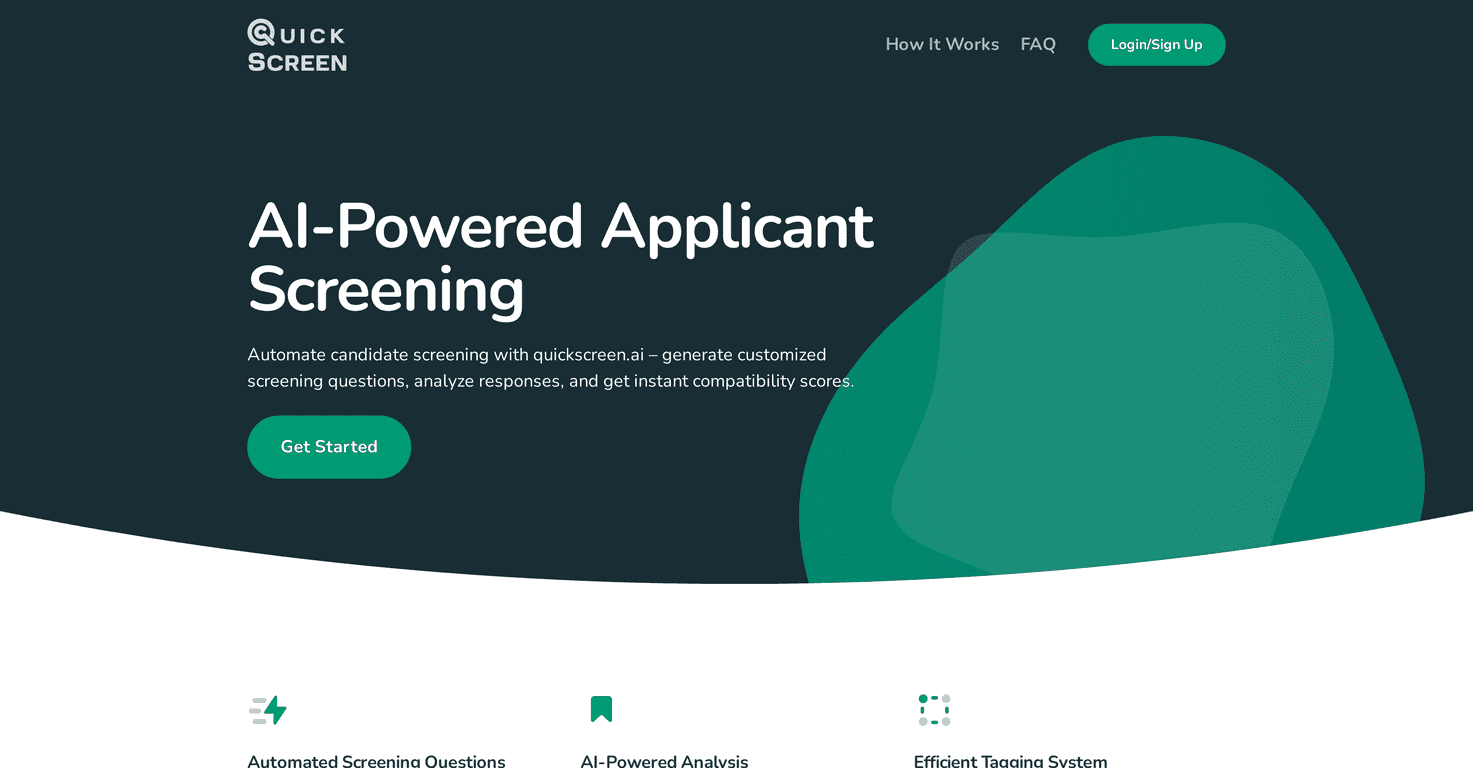
QuickScreen is an AI-powered applicant screening tool that generates screening questions based on a candidate’s CV and the job description you provide. The big promise is time savings—less manual back-and-forth, fewer generic questionnaires—and in my experience, it helps you move faster. But the real value is how it turns “a pile of resumes” into a more structured shortlist, especially when you’re hiring for multiple roles at once.
QuickScreen Review: Does It Actually Help With Hiring?
QuickScreen is built around one workflow: take a job description and a candidate CV, then generate tailored screening questions. After that, it produces compatibility scores plus a short review so you can quickly see where someone might fit (or where they might not).
What I noticed right away is that it’s not just “AI summaries.” The questions feel targeted to the role. For example, if the job description emphasizes project management, you’ll usually see screening questions that probe scope, timelines, stakeholder communication, or how they’ve handled competing priorities. That’s a lot more useful than generic “tell me about yourself” prompts—especially when you’re screening 50+ applicants and you don’t have time to improvise every conversation.
It also helps with consistency. When you’re hiring across multiple roles or you’ve got more than one recruiter involved, it’s easy for screening to drift. QuickScreen gives you a repeatable structure so candidates aren’t getting wildly different experiences depending on who reads their resume first.
Key Features I Looked For (and What They’re Good At)
- Automated screening questions — The questions are generated from the CV + job description. In my tests, the prompts were specific enough to pull out real details (not just buzzwords).
- AI-powered analysis — QuickScreen provides compatibility scores and a review after it processes candidates. This is the part that makes it easier to triage quickly.
- Tagging for sorting — You can tag applicants to organize your pipeline. That sounds basic, but when you’re juggling “interview,” “maybe,” and “not now,” tags save time.
- Custom job application links — Instead of one messy application bucket, you can keep things organized by role. I like this because it reduces “wrong role” confusion.
- Integration options — The goal is fewer handoffs between tools. I didn’t rely on every integration during my test, but it’s clearly meant to fit into existing hiring setups.
Pros and Cons (Real Talk)
Pros
- Faster screening: You’re not spending hours drafting questions or reading every resume in full detail. The compatibility score + review helps you decide who’s worth deeper review.
- More structured decisions: Instead of “vibes,” you get a consistent set of screening prompts that map to the job description.
- Better candidate experience: Because the questions are tailored, candidates aren’t answering generic forms that feel disconnected from the role.
Cons
- Some features depend on your plan: If you’re on the lower tier, you may not get everything you want (especially if you’re hiring at scale).
- There’s a learning curve: If your job descriptions are vague, the generated questions won’t magically fix that. You’ll get better results when your inputs are specific—skills, responsibilities, and must-haves.
- Don’t treat the score as the final verdict: The compatibility score is a strong starting point, but you still need to review answers and do a real interview. AI can miss nuance.
Pricing Plans: What You Get for the Money
Here’s the pricing breakdown as it’s listed:
- Basic Plan: $10 per user per month. Supports up to 3 jobs and 100 applicants.
- Pro Plan: $30 per user per month (best value for many teams). Supports up to 10 jobs and 1000 applicants, plus additional features like custom tests.
- Advanced Plan: $87 per user per month for larger operations. (The idea here is more volume and less constraint as you scale.)
If you’re hiring occasionally and only need a lightweight screening layer, Basic might be enough. But if you’re doing high-volume recruiting, Pro is where things start to feel practical.
Wrap up
QuickScreen is a solid option if you want to reduce the time sink of screening and bring more structure to your hiring process. The AI-generated questions and the compatibility scores are the parts I’d actually bank on day-to-day—especially when you’re trying to triage quickly without turning recruiting into a full-time resume-reading job.
Just remember: it works best when your job descriptions are clear and specific. Give it good inputs, review the outputs like you would any screening tool, and you’ll get a lot more value out of it.
Promote QuickScreen




