Table of Contents
Job searching is stressful enough without having to stare at a blank resume template for hours. I’ve been there—typing the basics, second-guessing wording, and tweaking formatting until my eyes cross. That’s why I wanted to test Quick Resume and see if it actually makes the process faster (and better), or if it’s just another “AI resume” wrapper.
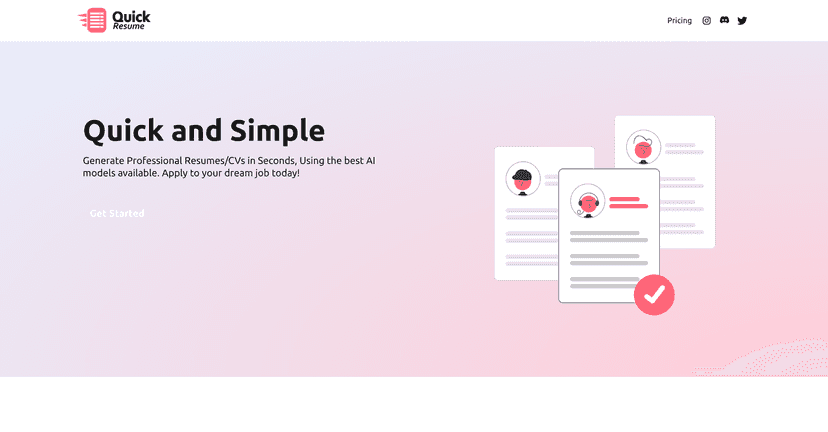
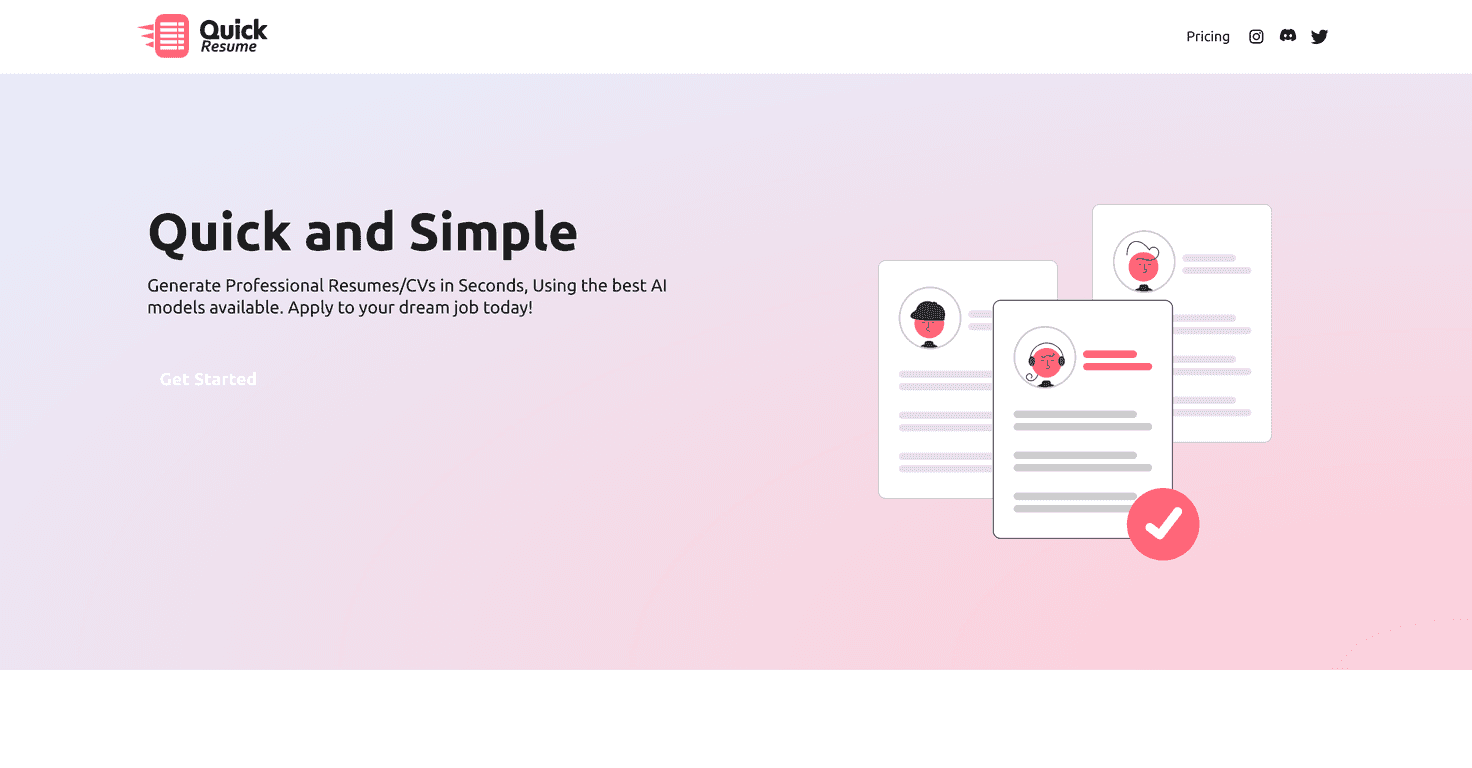
Quick Resume is built to help you create a polished resume quickly using Google Gemini AI. The part I liked right away is that it doesn’t feel like one generic resume style for everyone. You can pick a resume type and a format that fits what you’re applying for—so if you’re targeting something like Software Engineer, you’re not stuck with a template that looks wildly off for the role.
In practice, the workflow is pretty straightforward. You select the resume type, enter your personal details and work history, and then you get to edit before downloading. I also appreciated that you’re not locked into whatever the AI spits out—you can adjust things like job descriptions, phrasing, and overall tone. And yes, it supports multiple download formats, including PDF and LaTeX. That LaTeX option is a big differentiator compared to a lot of resume tools that only offer one “download and done” path.
Another thing I noticed is the focus on ATS-friendliness. You know how it goes—lots of companies screen resumes using automated systems first. Quick Resume aims to generate resumes that are easier for those systems to parse, which is exactly what you want if you’re applying to a high volume of roles.
Now, I don’t want to pretend it’s perfect. There are a couple of real-world caveats. Depending on how the site is set up, you may end up needing to pay to download the final resume. Also, if you don’t know LaTeX (I didn’t at first), that feature can feel a little confusing. You don’t have to use it, but if you’re trying to take advantage of every option, there’s a learning curve.
Overall, though? Quick Resume felt like a solid tool—especially if you want speed without sacrificing quality. If you’re serious about job hunting and you’d rather spend your time tailoring content than wrestling with formatting, it’s worth checking out.
Quick Resume Review: Does It Actually Help You Land Interviews?
Let me be honest: I don’t care how “AI-powered” something is if the final resume still needs a ton of manual cleanup. What I wanted from Quick Resume was fewer formatting headaches and more time spent on the stuff that matters—clear experience bullets, relevant keywords, and a layout that doesn’t get rejected by ATS systems.
Quick Resume uses Google Gemini AI to generate resumes tailored to different industries and job types. That tailoring is what makes it feel more practical than the generic “one size fits all” templates you see everywhere. You can choose styles that match your career direction—like going for a Software Engineer-focused resume versus a more casual format.
Here’s what the setup looks like in real use: pick the resume type, input your personal info and your work history, and then review/edit what the AI generates. I like that last part. If you’ve got specific accomplishments (like “reduced onboarding time by 20%” or “managed a 6-person team”), you’ll want to make sure the wording matches your real impact. AI can get you moving fast, but you still need to steer the content.
When it comes to downloading, Quick Resume gives you options. You can download in PDF, and it also supports LaTeX. I’m not going to pretend LaTeX is for everyone, but it’s a legit perk if you want more control over formatting or you’re already comfortable with it. Compared to many resume builders, that flexibility is a noticeable advantage.
And then there’s ATS-friendliness. In my experience, resumes that are heavy on fancy design elements can get mangled by automated systems. Quick Resume aims to generate resumes that are easier for ATS to read, which is exactly what you need if you’re applying online and hoping to get past the first filter.
That said, there are two issues you should know before you commit. First, you might need to pay to download the final resume (so don’t assume you can generate and leave with a free PDF). Second, if you’re not familiar with LaTeX, that feature may not be super useful right away. You can still go with PDF, but if you’re aiming to use every capability, plan for a little learning.
Bottom line: Quick Resume is a strong option if you want to build a professional resume quickly, with enough control to make it genuinely yours. If you’re currently stuck in the “rewrite my bullets for the 10th time” loop, this can save you time.
Key Features That Matter (Not Just Buzzwords)
- AI-powered resume generation that helps you draft a professional resume based on your input and the job type you’re targeting.
- Multiple resume formats so you can match the style to the role (for example, a Software Engineer-focused layout versus other career directions).
- A simple creation flow—select the resume type, enter details, review, edit, and then download.
- ATS-friendly output intended to be easier for automated resume scanners to parse.
- LaTeX support for users who want deeper customization beyond a standard PDF export.
Pros and Cons: What I Liked vs. What Might Annoy You
Pros
- Fast resume creation—you can go from blank page to a usable draft without spending hours formatting.
- Better flexibility than basic templates thanks to different resume types/styles for different job targets.
- Uses advanced AI (Google Gemini) to help generate content that looks professional right away.
- ATS-friendly focus which is a big deal if you’re applying through online systems.
Cons
- Downloads may require payment depending on how the site handles exports, so it’s not always “free forever.”
- LaTeX isn’t beginner-friendly if you don’t already know it—PDF is the safer default for most people.
Pricing Plans: What You’ll Need to Check Before You Export
Quick Resume’s exact pricing can change, so the most reliable move is to check the official Pricing section on the Quick Resume website. If you plan to download in PDF or use LaTeX exports, make sure you confirm what’s included and whether there are any limits on free versions.
Wrap up
Quick Resume is one of those tools that makes sense when you care about speed—but still want a resume that looks professional and reads well for ATS. In my experience, the biggest win is how quickly you can get a draft you can actually edit, instead of starting from scratch and losing momentum.
Just go in knowing there may be a cost to download, and LaTeX won’t be useful unless you’re comfortable with it. Still, if you want a faster resume-building process with multiple formats and ATS-friendly output, Quick Resume is a pretty solid choice for your job search.
Promote Quick Resume