Table of Contents
If you’ve ever tried to answer a medical question by bouncing between PubMed pages, you already know how slow it can get. That’s why I wanted to see what PubMed.ai is actually like in day-to-day use—not just what the marketing says.
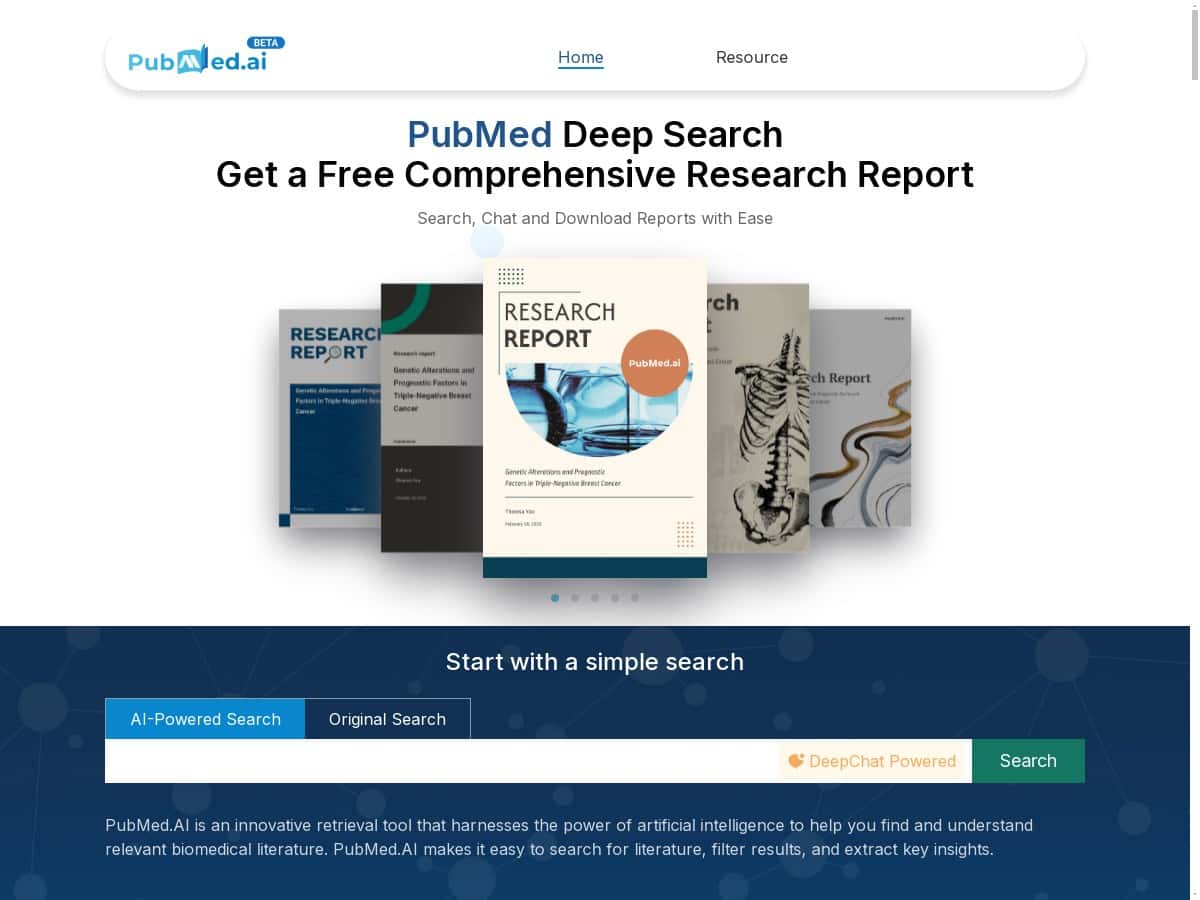
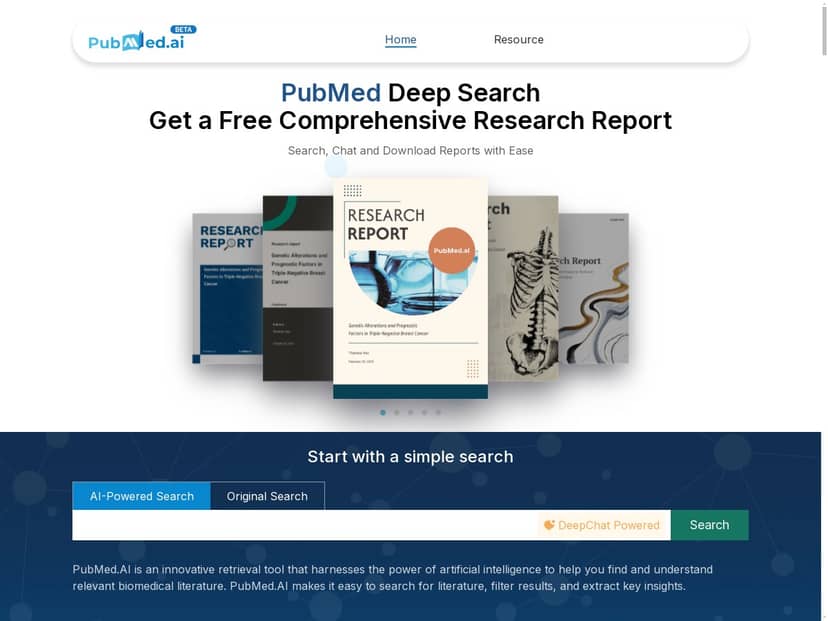
In my experience, PubMed.ai is basically a faster front-end to biomedical literature: you search, it helps summarize, and it can generate a structured “research report” you can use as a starting point. I tested it as someone who spends a lot of time reading abstracts and then deciding what’s worth deeper review. I also tried a couple of “messy” questions (the kind that don’t fit neatly into one PubMed keyword string) to see where it shines—and where it slips.
PubMed.ai Review: what it’s like to use for real literature searches
I didn’t just click around. I ran a few searches that mimic how people actually work: (1) broad clinical questions, (2) narrower “mechanism + outcome” questions, and (3) a quick “start my review” workflow where you want a structured output fast.
Test setup (so you know what to compare): I used PubMed.ai like a student/researcher would—query → scan summaries → ask follow-ups in chat → request a report outline. I also compared the results quality against what I’d expect from a normal PubMed keyword + abstract scan (not a perfect apples-to-apples match, but enough to spot gaps).
1) AI-powered search + summaries (the part people will notice first)
The first thing I noticed is that PubMed.ai tries to summarize the “why it matters” part of papers quickly. Instead of forcing me to open 10 abstracts to figure out what’s relevant, it gives a short summary per result and then lets me drill in.
Example prompt/query I used: “Does metformin reduce cardiovascular events in patients with type 2 diabetes?”
What I got: A list of papers with quick summaries that focused on outcomes (like major adverse cardiovascular events) and study type. That alone saved time—because I could filter out papers that were off-topic (different populations, surrogate endpoints only, or prediabetes-only cohorts) without opening everything.
Where it’s not perfect: On more nuanced questions (think subgroup effects, specific drug timing, or mixed endpoints), the summary can be “directionally right” but miss a detail. In other words, it’s great for triage, but you still have to verify the exact outcome definition and effect size in the full abstract.
2) Traditional search support (when you want control)
One thing I like is that it doesn’t force you to live entirely in AI mode. You can still lean on keyword-style searching when you already know what terms matter.
Example I tried: “immune checkpoint inhibitor myocarditis incidence”
For this type of query, keyword control matters because the terminology can vary (myocarditis vs. inflammatory cardiomyopathy; incidence vs. reported cases). PubMed.ai helped, but it still made me sanity-check whether the search terms were capturing the same concept I meant.
3) Interactive chat (DeepChat integration) for follow-ups
The chat experience is where PubMed.ai feels most “assistant-like.” I used it to ask for clarifications and to narrow the scope after seeing the initial results.
Follow-up prompts I used:
- “Based on these papers, what are the main risk factors and how are they defined?”
- “Can you group the evidence by study type (RCT vs observational) and summarize the consensus?”
- “What key limitations should I mention in a literature review?”
What I noticed: It’s good at turning scattered paper summaries into a cleaner narrative. But if you ask it to be too absolute (“what’s the definitive answer?”), it will sometimes over-simplify. That’s not shocking—AI summaries are still summarizing. The fix is simple: ask for uncertainty, ask for study types, and then verify.
4) Instant research report generation (useful, but treat it as a draft)
The “instant research report” output is the feature that can genuinely save hours—especially if you’re starting a literature review and just need a structure.
Example workflow: I generated a report based on the search results for a question about a clinical intervention. The report came back with sections that read like a mini literature review: background/context, key findings, and a limitations-ish section.
How I’d use it: I’d copy the outline into my document, then replace anything that looks too confident with verified details from the actual abstracts/full text. If you’re writing for publication, you can’t “trust and submit.” But for getting unstuck, it’s strong.
One limitation: If the underlying result set is missing a landmark paper (or if the query is too broad), the report will happily summarize what it has. That means your job is to make sure the search results cover the important literature before you rely on the report.
5) “Real-time access to latest research” (what that means in practice)
PubMed.ai is tied to biomedical indexing, so it’s designed to surface newer papers faster than manual digging. In practice, I found it helpful for staying current on a topic where I hadn’t looked in a while.
That said, “latest” doesn’t automatically mean “complete.” If you’re doing something like a systematic review, you’ll still want a rigorous search strategy (with explicit inclusion/exclusion criteria) and likely more than one database.
Key Features (and what they actually do)
- AI-Powered Search and Summarization
- Input: a natural-language question or topic keywords. Output: a ranked list of papers with short summaries designed for quick scanning. What it looks like: you can read the “gist” before opening each paper. Limitation: summaries can miss nuance (exact endpoints, subgroup definitions, or methodological details).
- Traditional Keyword Search Support
- Input: keywords and phrases you’d normally use in PubMed. Output: results that behave more like a conventional search, which is handy when you already know the terminology. Limitation: if your keywords are slightly off, you’ll still miss papers—AI can’t fix a bad query by magic.
- Interactive Chat with DeepChat Integration
- Input: follow-up questions about the papers you’re viewing. Output: synthesized explanations and organized answers. Limitation: it may generalize—so ask it to separate evidence by study type or to point out uncertainties.
- Instant Research Report Generation
- Input: your topic/question plus the results context. Output: a structured report draft (sections you can paste into your own document). Limitation: treat it like a starting draft, then verify claims against the original abstracts.
- Real-Time Access to Latest Research
- Input: topic queries. Output: newly indexed studies are surfaced as part of the result set. Limitation: “new” doesn’t guarantee “relevant” or “complete.” You still need to screen.
- Evidence-Based, Reliable Answers
- I’d frame this as “evidence-grounded summaries,” not “always correct.” In my tests, it was pretty good at sticking to what the papers generally say, but I still saw cases where the summary phrasing felt stronger than the underlying evidence. That’s why verification matters.
Pros and Cons (what I’d recommend and what I’d watch out for)
Pros
- Faster triage: I could decide what to open next based on summaries instead of reading every abstract.
- Good for “first draft” thinking: the report generation helped me get an outline quickly for a literature review.
- Chat makes follow-ups easier: asking “group by study type” or “what are the limitations?” was straightforward.
- Works for different user types: students can use it to learn the landscape; clinicians/researchers can use it to scan and refine.
- Helpful for staying current: it’s a solid way to catch newer studies without doing everything manually.
Cons
- AI summaries can oversimplify: on complex topics, you’ll need to double-check endpoints, definitions, and effect sizes in the original abstracts.
- Search coverage depends on your query: if the initial search results don’t include key papers, the report will reflect that gap.
- Not a replacement for rigorous review methods: for systematic reviews, you’ll still want explicit screening criteria and possibly multiple databases.
- Verification is non-negotiable: if you’re using it for anything high-stakes, assume you’ll need to confirm details yourself.
Pricing Plans (what’s publicly clear)
When I checked, PubMed.ai didn’t show a clear, public pricing table with specific tiers on the page I landed on. What was available was a free trial option through their website so you can test the features directly.
Because pricing can change (and because I don’t want to guess), I’d treat the trial as the best way to evaluate it. If you want exact subscription details, you’ll likely need to check their site for the latest offer or contact their support team.
Wrap up
PubMed.ai is the kind of tool I’d use when I want to move faster through biomedical literature—especially for the “find relevant papers + understand them quickly” stage. It’s strongest as a triage assistant and a draft generator. Just don’t make the mistake of treating the AI summaries or report output as final truth. Verify the important details in the underlying papers, and you’ll get a lot more value out of it.
If you’re a student, clinician, or researcher who spends too much time hunting for the right abstract, it’s worth giving the free trial a shot and seeing how it fits your workflow.



