Table of Contents
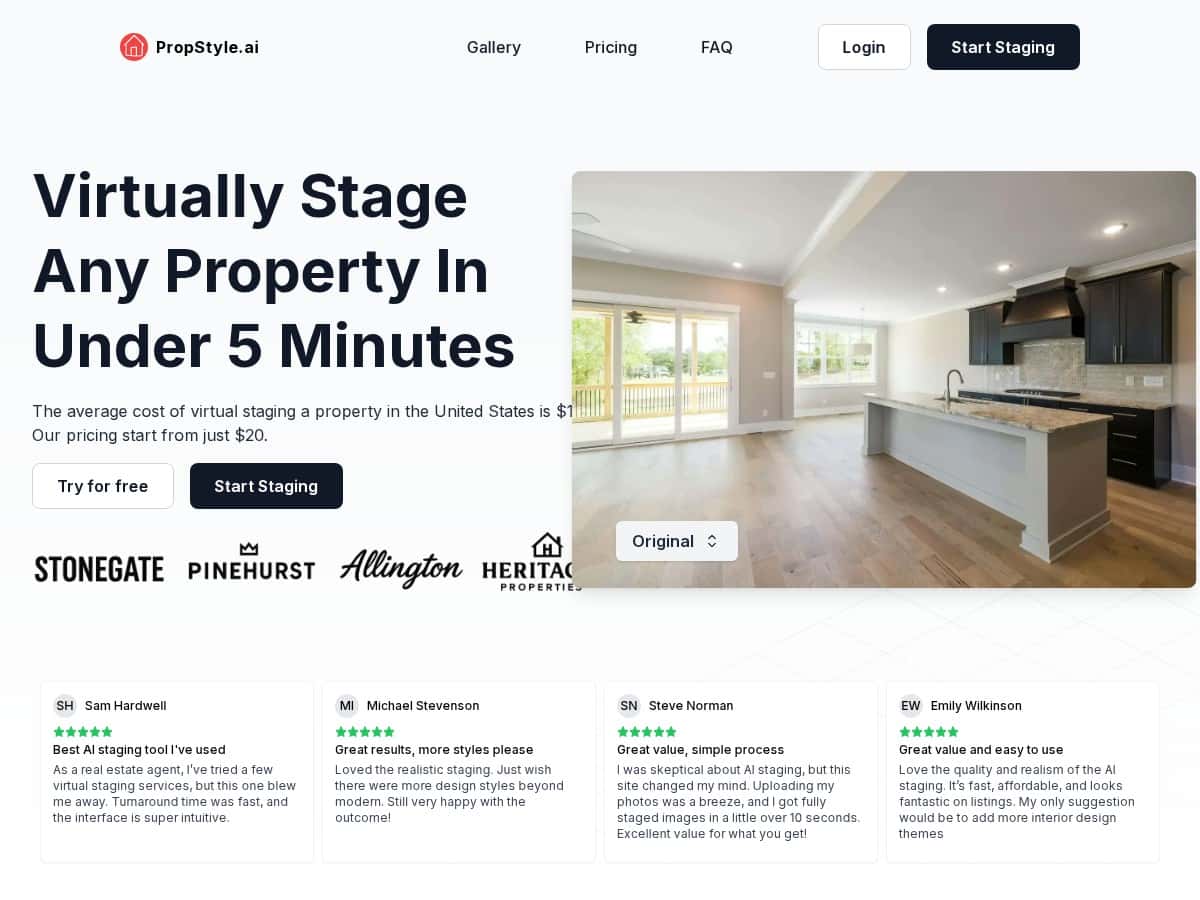
If you’re in real estate, you already know the drill: great photos don’t just look nicer—they can change how fast people book showings. I’ve used a few virtual staging tools over the years, so I wanted to see if PropStyle.ai actually makes that process easier (and cheaper) or if it’s just marketing.
Here’s what I noticed after testing it: the workflow is refreshingly straightforward, the results are fast, and it’s priced in a way that won’t make you wince—at least compared to traditional staging. The one thing I’d flag is that the style/theme range isn’t as broad as some designers would want. Still, if you need presentable, modern-looking rooms for listings, it gets the job done.
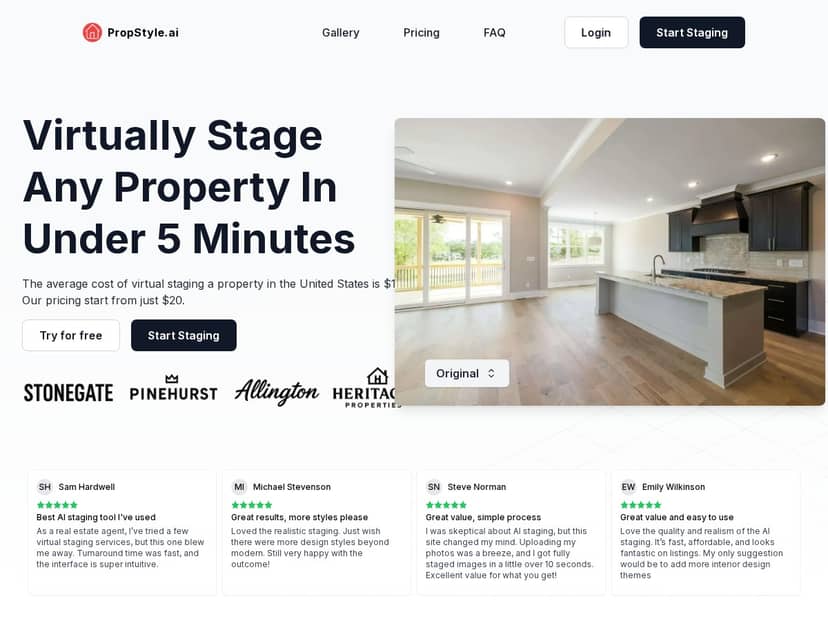
PropStyle.ai Review: What It’s Like to Use (and What You’ll Actually Notice)
I tested PropStyle.ai like I’d test it in real life—using a handful of typical listing photos (living room, bedroom, and one “empty-but-promising” space). I’m not going to pretend every upload came out perfect, but the overall experience was smooth enough that I’d happily use it again for client work.
My quick workflow (the part that matters):
- Upload your image(s) to the PropStyle.ai dashboard (I tried both single-room photos and a small batch of rooms).
- Select the room type so the staging matches what the photo looks like.
- Choose a furniture style (the tool leans heavily into modern looks).
- Let it process—the AI generates the staged output fairly quickly.
- Review and download the results for your listing.
Timing: In my testing, uploading felt fast (it wasn’t the kind of “wait forever” experience). The staging results were available quickly too—fast enough that I could stage multiple rooms in one sitting (I was seeing results in under five minutes per set, depending on how many images I sent).
Output quality (what I looked for):
- Lighting and shadows: Most rooms looked cohesive, with furniture that didn’t feel “pasted on.”
- Perspective: The AI generally matched the camera angle well, especially in the living room shots.
- Realism: It’s not “designer render” level in every corner, but the rooms still read as staged and photo-ready.
Concrete examples from my test:
- Living room (empty couch wall): The sofa + coffee table placement looked natural and made the space feel “move-in ready.” I did notice that if the room was very cluttered with tricky angles or extreme lighting, the furniture sometimes looked slightly less grounded.
- Bedroom (wide shot): The bed and bedside setup made the room feel warmer and more complete. The overall vibe was convincing, though the style choices stayed fairly modern.
- Small den/bonus room: This one surprised me—in a good way. The staging made the space feel usable, not awkwardly empty. Still, I’d want more theme variety for clients who prefer traditional or coastal looks.
So… does it replace physical staging? No. But for most agents, the real question is: will it make the listing photos look better quickly without blowing the budget? In my experience, PropStyle.ai lands on the “yes” side for that.
Key Features That Matter (Not Just Buzzwords)
- Fast virtual staging (I saw results in minutes, not hours)
- Affordable pricing starting at $20 per image
- User-friendly dashboard (easy enough that I didn’t need a tutorial)
- Image upload support (your photos, plus options depending on what you upload)
- Room type selection to guide the staging
- Furniture styles with customization options
- Batch processing for multiple images
- Staged photo usage/ownership claims (see the note in the pricing section below)
Pros and Cons (Based on What I Saw)
Pros
- Cost-effective: $20 per staged image is the kind of number that makes it realistic to stage more than one photo per listing.
- Speed: The turnaround is quick enough to keep you on schedule for listing days.
- Simple setup: I didn’t feel like I needed design software skills—just pick the room and style.
- Batch staging: Being able to stage multiple rooms in one workflow is a big deal when you’re working with tight timelines.
- Modern look: The staging tends to look clean and “current,” which usually performs well for broad buyer audiences.
Cons
- Style variety is limited (mainly modern): If your clients want traditional, rustic, or really specific design themes, you may find yourself wishing for more options.
- Not a tactile replacement: Physical staging still has that real-world texture and authenticity. Virtual staging just can’t mimic that.
- Not every photo is equally easy to stage: If you upload a tough angle or a space with unusual lighting, you might need a couple retries to get the best-looking result.
Pricing Plans (What You’ll Pay and Why It Matters)
PropStyle.ai pricing starts at $20 per staged image, which is honestly one of the biggest reasons agents (and photographers) will try it. If you’re staging just 2–6 photos for a listing, it stays within a reasonable range compared to traditional staging or more expensive virtual services.
They also offer subscription options with monthly or annual plans, and the annual option is about 30% off. That’s particularly useful if you’re staging regularly—like weekly listing prep or multiple units in a month.
One important note on “rights/ownership”: The original product claims include full ownership and usage rights of staged photos. I recommend checking the exact wording in the checkout/terms page before you rely on it for anything high-stakes (like exclusive licensing requirements). If you’re buying for client listings, it’s worth confirming you can use the images in marketing exactly the way you need.
Wrap up
PropStyle.ai is a solid option if you want fast, affordable virtual staging that makes empty rooms look intentionally furnished for real estate listings. The interface is straightforward, the processing is quick, and the results are generally convincing enough to use in marketing.
Where it falls short is variety—if you need lots of design themes beyond modern styles, you may feel boxed in. But if your goal is “make the listing photos look better today,” this is one of the easier tools I’ve tried.


