Table of Contents
If you’ve ever tried to get “good enough” product photos for your store, you already know how annoying (and expensive) it can get. Scheduling shoots, waiting on edits, chasing photographers… it adds up fast. I got tired of that cycle, and that’s why I tested ProductPhoto.
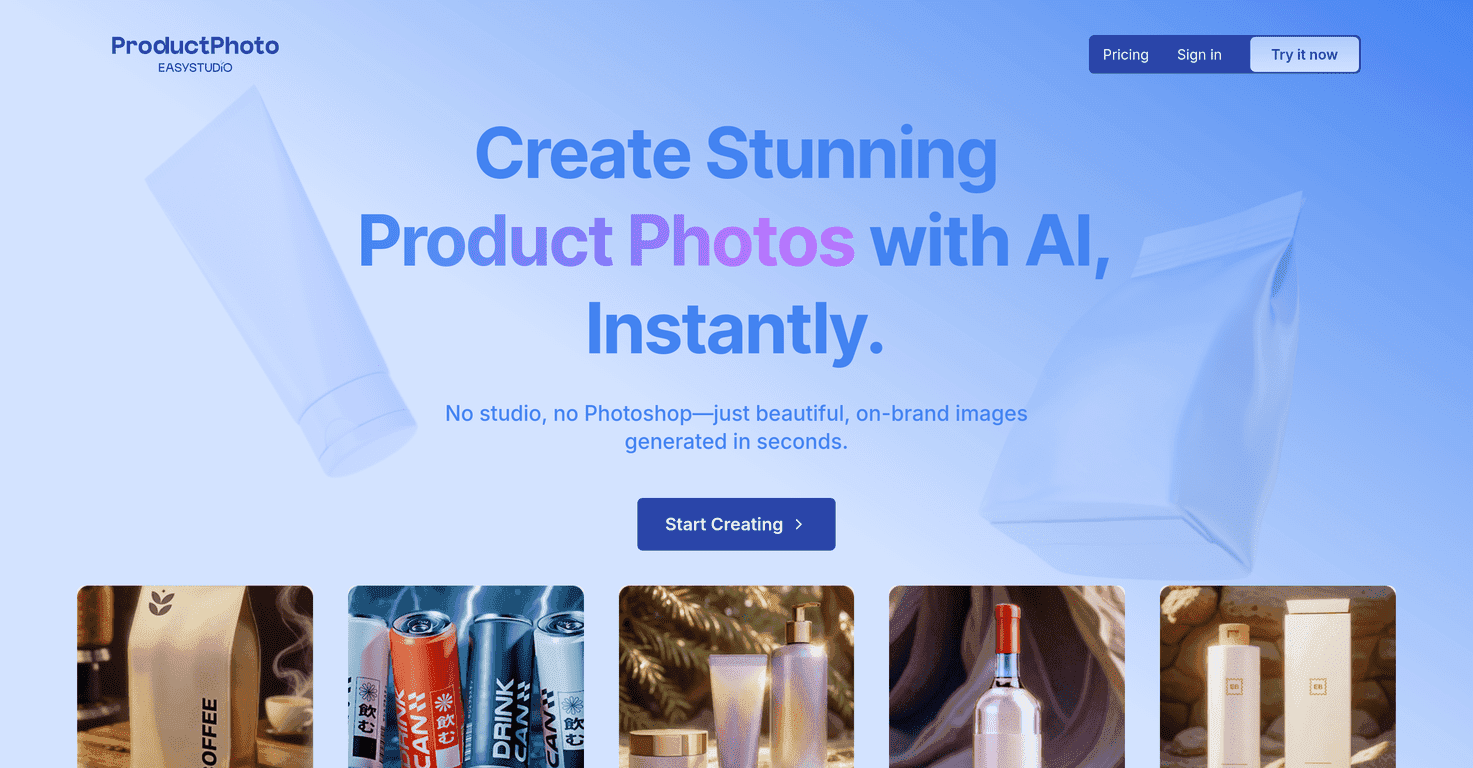
ProductPhoto is an AI tool that turns your prompts into product images pretty quickly. No studio time. No complicated photo editor learning curve. You type what you want, and it generates visuals you can use for product listings. It also includes things like background removal and scene/background controls, which is what most e-commerce sellers actually care about.
ProductPhoto Review: What I Liked (and What Didn’t)
ProductPhoto is aimed at people who want professional-looking product imagery without paying for a full photoshoot every time. I’m not going to pretend it replaces real product photography in every case, but for a lot of listings, it’s a solid shortcut.
Here’s what stood out to me when I used it: the workflow is straightforward. You don’t need to learn Photoshop layers or spend hours prepping scenes. You just provide a prompt, generate an image, and iterate until it looks right.
The biggest practical win is that it supports background removal and scene settings. If you sell on marketplaces where you need a clean product cutout, that matters. You can also push the visual style with filters and scene choices, which helps when you’re trying to make a whole catalog look consistent instead of random.
One more thing: the results can be surprisingly usable for marketing images (like hero banners or social posts). But if you’re expecting every generated image to match the exact dimensions, branding details, or packaging accuracy of your real product… you’ll still want to double-check.
Key Features That Actually Matter
- No More Expensive Photoshoots
- Lightning-Fast Creation Process
- Boost Sales with Eye-Catching Visuals
- Background Remover
- Set the Scene
- Filters
Pros and Cons (Realistic Take)
Pros
- Time and cost savings: I didn’t have to book anything, and I didn’t spend hours editing. For testing variations and making quick listing images, it’s a win.
- Easy to use: The interface is simple enough that I didn’t feel stuck. If you can write a basic prompt, you can get results.
- Commercial use options: On the paid tiers, the licensing is set up for commercial usage, and the no-watermark option is a big deal if you’re actually selling products.
- Multiple tiers: You can start small (Free/Starter) and move up without switching tools later.
Cons
- Free plan is pretty limited: fewer credits and watermarked outputs. That’s fine for getting a feel, but you won’t build a real catalog on it.
- Prompt accuracy affects quality: If your prompt is vague, the model may give you something that looks “close” but not exactly right. I had to tweak wording a few times to get cleaner results.
- Not a perfect replacement for brand-accurate shots: For highly specific products (exact labels, logos, packaging text), you’ll likely need review and some iteration—or combine AI with real photography.
Pricing Plans (So You Can Pick the Right Tier)
ProductPhoto offers three pricing plans:
1. Free Plan
– Price: $0/month
– Features: 3 credits, image generation, 512 px resolution, personal use license, watermark.
2. Starter Plan
– Price: $9.99/month
– Features: 100 credits, image generation, 512 px resolution, personal use license, no watermark.
3. Pro Plan (Most Popular)
– Price: $19.99/month
– Features: 200 credits, multiple generation options (512, 768, 1024, 4096 px), commercial use license, no watermark.
If you’re just testing whether AI product images will work for your niche, the Free plan is a decent try. But if you’re planning to generate images regularly for listings, Starter or Pro is where it starts to feel practical—especially once you want higher resolutions like 1024 or even 4096 px.
Wrap up
Overall, I think ProductPhoto is a useful option if your main goal is faster, cheaper product imagery—without getting stuck in long photo shoots. The speed is real, the background removal and scene controls are helpful, and the paid tiers make it easier to use images commercially without watermarks.
That said, it’s not magic. You’ll still need to review outputs and adjust prompts if you want consistent results, especially for products with very specific branding details. If you’re okay with that workflow, it can save you a lot of time and money while keeping your visuals looking polished.
Promote ProductPhoto




