Table of Contents
Social media is one of those things that sounds simple… until you’re actually trying to keep up. I’ve managed accounts where it’s not just posting—it’s planning, rewriting captions, finding hashtags, checking what competitors are doing, and then doing it all again next week. And when you’re juggling multiple platforms, it can get exhausting fast.
That’s why I wanted to test Prismix. It’s a social media management tool that leans heavily on AI to help with strategy and scheduling. The big promise is that you can generate a content plan quickly (they highlight a 30-day plan), then publish without spending your whole day in spreadsheets or tabs.
So does Prismix actually make social media easier, or is it just another dashboard with buzzwords? Here’s what I noticed after digging in.
Prismix Review: Does the AI Content Plan Actually Help?
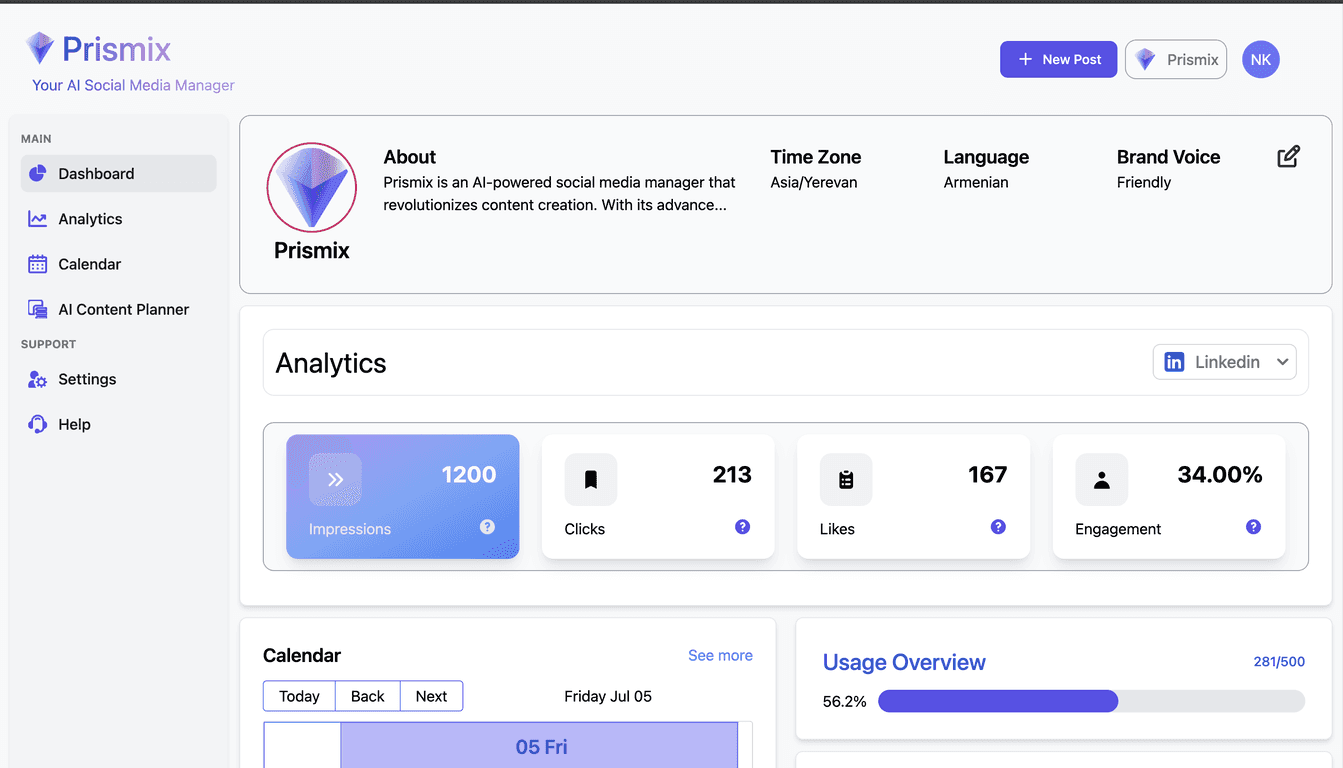
When I first opened Prismix, the thing that stood out was how quickly it tries to get you from “I need content” to “here’s a plan.” The interface feels built for speed—no endless setup marathon. I didn’t feel like I had to be a social media expert to get moving.
Here’s what I liked most: the one-click generation of a full 30-day content plan. Instead of staring at a blank calendar and wondering what to post, Prismix gives you a structure right away. That matters, because the hardest part for most people isn’t writing—it’s deciding what you’re posting and when.
In my experience, the biggest win with a 30-day plan is consistency. You can tweak it, but at least you’re not starting from scratch every day. I also appreciated that the tool doesn’t only think about “posting.” It also tries to connect posts to your brand vibe (based on the inputs you provide). Could it be perfect out of the gate? Not always. But it’s a solid starting point.
Another feature I tested was the real-time competitor analysis and trending hashtag integration. I’m usually skeptical of “trending” claims because some tools suggest hashtags that don’t actually match the niche. What I noticed with Prismix is that the hashtags and competitor insights are more relevant than generic lists I’ve seen elsewhere. Still, I’d recommend doing a quick sanity check—if you’re targeting a very specific audience, you’ll want to make sure the hashtags align with your actual content.
On the scheduling side, Prismix makes it feel like publishing is the final step, not the whole project. Once the plan is created, it’s easier to map posts to platforms without jumping between multiple tools. If you’ve ever copied captions between dashboards, you already know why that’s a big deal.
One more thing: AI tools are only useful if they reduce effort without creating extra editing work. With Prismix, I didn’t feel like I had to rewrite everything from scratch. I still adjusted wording and tightened a few captions, but that’s normal. The difference is that I wasn’t starting at zero.
Key Features That Matter (Not Just the Marketing List)
- AI-driven strategies tailored to individual business needs
I noticed Prismix tries to adapt to what you tell it about your brand and goals, instead of pushing one-size-fits-all prompts. - Streamlined content creation for multiple digital platforms
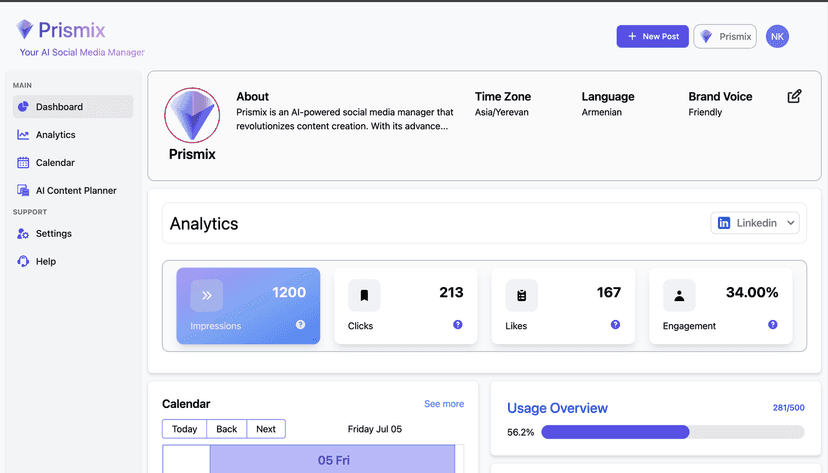
It’s designed to help you build content without bouncing around a dozen workflows. - Advanced analytics for data-driven decision-making
If you’re serious about improving reach, analytics are the part you can’t skip. Prismix focuses on performance insights so you’re not guessing forever. - One-click generation of comprehensive, 30-day content plans
This is the feature that pulled me in. A month of structure in one go is genuinely helpful when you’re busy. - Effortless scheduling and publishing across multiple platforms
Scheduling is where time disappears—Prismix tries to keep it simple. - Real-time competitor analysis and trending hashtags integration
I liked that it nudges you toward what’s working in your space, but I still recommend verifying relevance for your niche.
Pros and Cons (What I’d Tell a Friend)
Pros
- User-friendly interface that makes content planning less painful.
- AI customization helps reduce the “blank page” problem.
- Time-saving tools for planning and distribution—especially if you manage more than one account.
- Free trial available with no credit card requirement, which makes it easier to test without pressure.
Cons
- It’s still relatively new, so you may find fewer tutorials, community tips, or fast answers compared to older, bigger platforms.
- Integrations can be hit-or-miss depending on which social networks you use most. If you’re on a less common platform, you’ll want to confirm compatibility before committing.
Pricing Plans: What You Need to Know Before You Pay
Prismix offers a 30-day free trial with no credit card required. That’s a nice setup because you can actually test the workflow—plan creation, hashtag suggestions, and scheduling—before deciding if it’s worth your budget.
For current pricing beyond the trial, you’ll want to check the Prismix website directly since plans can change. You can start here: Prismix.
Wrap up
Prismix feels like the kind of tool I’d recommend to anyone who wants a clearer content plan without spending hours building one. The standout part for me was the 30-day content plan and how it supports quicker scheduling. It’s not “set it and forget it” magic—you’ll still want to review and tweak—but it definitely cuts down the busywork.
If you’re okay testing a newer platform and you mainly care about planning, publishing, and getting smarter hashtag/competitor ideas, Prismix is worth a look during the free trial. Try it, run your first month of posts, and see if it matches your workflow. If it does, you’ll feel the time savings pretty quickly.



