Table of Contents
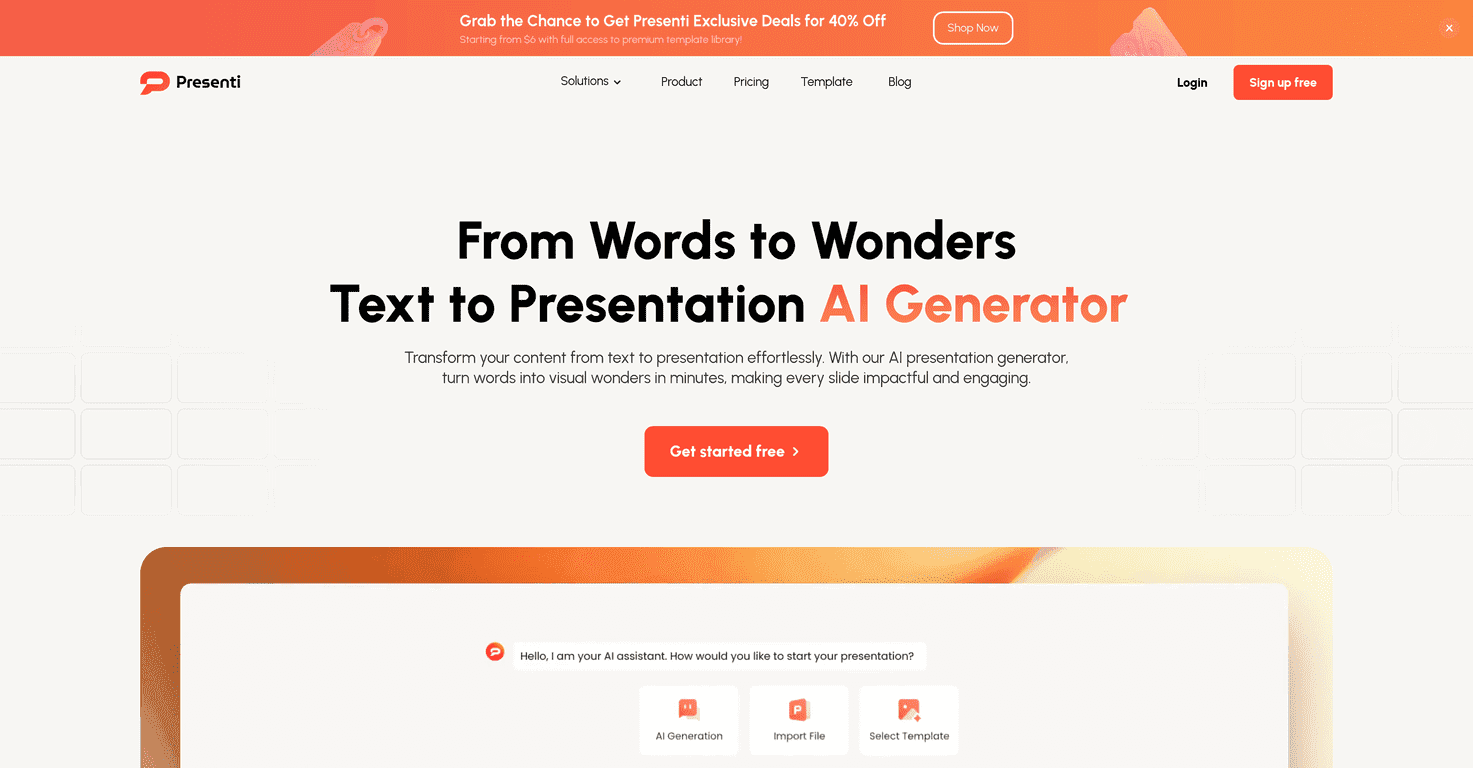
Let me be honest: I don’t love “starting from scratch” with slides. Even when I know what I want to say, the formatting part always eats my time—fonts, spacing, alignment… it turns a quick outline into a half-day project. That’s why I tested Presenti (text-to-presentation) to see if it could actually help beyond the usual AI hype.
What I noticed right away is that Presenti tries to remove the “blank slide” anxiety. You type (or paste) your content, and it builds a full deck from it. From there, you’re not stuck with whatever the AI guessed—you can edit online, tweak the layout, and swap templates until it looks like you meant it.
Presenti Review: Does Text-to-Slides Actually Save Time?
Presenti positions itself as a tool that simplifies presentation creation, and in my experience, it does—especially if you already have the content written. I tried a few different inputs: a short outline (headings + bullet points) and a more “messy” paragraph-style draft. The result was similar: it turned my text into a slide deck quickly, then left me room to clean it up.
The interface feels straightforward. I didn’t have to hunt for basic controls like where to edit a slide or how to change the look. And the template library matters more than people think. A good template can make your content look organized even before you polish every sentence. Presenti’s variety helps with that.
Also, I appreciate that it’s built for real use—students, educators, and business folks all have different needs. If you’re presenting in a meeting, you want clarity and structure. If you’re teaching, you want visuals that don’t look like random screenshots. Presenti tries to cover both.
Key Features I’d Actually Use
- Instant Slide Generation: You paste text and it turns it into slides fast. In practice, this is the feature that gets you from “idea” to “something presentable” in minutes.
- Rich Template Library: Multiple styles so you’re not stuck with one look. I found myself switching templates when the default theme didn’t match the vibe of the topic.
- Online Editing Capability: You can tweak slides directly in the browser. That matters when you’re collaborating or you don’t want to constantly export/import files.
- AI Content Generation: It helps shape your content into slide-friendly wording. Just remember: you still need to review—AI can make things sound polished but not always accurate.
- Data Visualization Tools: Charts and graphs are included, which is great if you have numbers to show. I used this when I had a simple dataset and didn’t want to manually build visuals.
- Multi-format Export: Support for PPT and PDF is a must. Being able to export without weird formatting surprises is where tools usually win or lose.
- Secure Cloud Storage: Your decks are accessible from anywhere. For me, this is a convenience feature, but it’s also a backup.
Pros and Cons (What I Liked vs. What Needs Improvement)
Pros
- It saves time—like, genuinely. I didn’t spend hours getting the first draft into a slide format.
- Templates are a real advantage. Switching styles can make the deck feel intentional instead of “AI-generated.”
- AI assistance helps with presentation structure. Even when I changed parts of it, the overall flow was a good starting point.
- Online editing is easy to use. I didn’t feel lost trying to adjust text blocks and layouts.
- Export options are practical. PPT/PDF support means you can share decks the way people expect.
Cons
- If your input is vague, the output can be vague too. Garbage in, garbage out—AI won’t magically create missing details.
- AI-generated wording sometimes needs a human pass. I noticed occasional phrasing that sounded “safe” rather than specific, especially when my original text was detailed.
Pricing Plans: Starting at $6
Presenti starts at $6. That’s one of the reasons it’s worth considering if you’re doing regular presentations and want something faster than manual slide building. For the most up-to-date details, check the Presenti Pricing Page.
One tip: before you pay, decide how often you’ll use it. If you’re only making a deck once every few months, you might feel like you’re paying for convenience. If you’re producing slides weekly, it can pay for itself quickly.
Wrap up
So, is Presenti the future of presentation creation? I’d say it’s a strong “assistant” for the part of slide-making that usually wastes time. It’s fast, it’s easy to edit, and the template library helps your deck look good without starting from a blank canvas.
That said, don’t treat it like a one-click solution. You’ll still want to review facts, tighten wording, and make sure the slides match what you actually plan to say. But if your goal is to go from text to a polished deck with way less friction, Presenti definitely delivers.
Promote Presenti



