Table of Contents
In the digital world, a professional headshot can make a significant impact on your online presence. I recently stumbled upon PortraitMaker, an AI-powered tool that promises to create high-quality headshots without the hassle of a photo shoot. If you’re looking for an easy, efficient way to upgrade your profile, this tool might just be what you need. Let’s dive into what PortraitMaker has to offer and see if it lives up to the expectations.

PortraitMaker Review
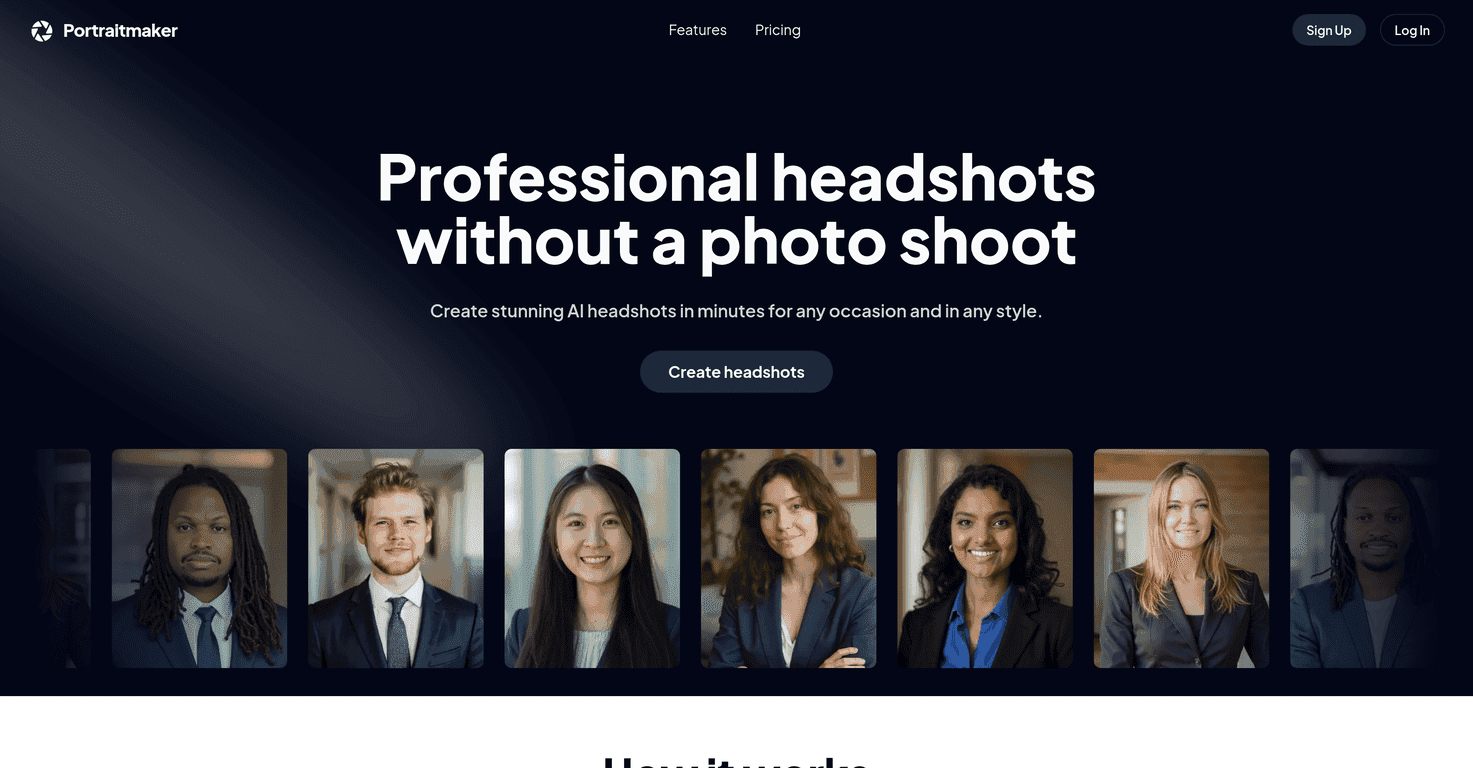
PortraitMaker is designed for individuals who need professional-looking headshots quickly and affordably. The platform allows users to upload selfies, customize their backgrounds and outfits, and receive high-resolution images in a matter of hours. The AI technology works efficiently, making it an attractive option for business professionals, real estate agents, and anyone needing to spruce up their online image without breaking the bank.
After using the service, I was impressed by how easy it was to navigate through the options. You can choose from a variety of backgrounds and attire, giving you the flexibility to match your headshot to your professional needs. Once your selfies are uploaded, you can sit back and relax, knowing that a high-quality headshot is on its way.
In terms of quality, the headshots produced by PortraitMaker are truly commendable. They maintain a professional standard and are suitable for various platforms, whether it’s LinkedIn or company websites. However, it’s worth noting that the headshots may stick to a specific style, which might not appeal to everyone, especially those looking for traditional photographic styles.
Key Features
- Upload Selfies: Users can upload 10-25 selfies taken in good lighting.
- Customization Options: Choose preferred backgrounds and attire styles.
- Fast Turnaround: Plans offer quick returns on headshots.
- Variety of Styles: Mix and match outfits and backdrops.
- High-Quality Outputs: Generates high-resolution headshots.
Pros and Cons
Pros
- Quick and easy process to obtain professional-looking headshots.
- Customizable options for outfits and backgrounds.
- Affordable pricing plans.
- High-resolution and unique outputs suitable for various uses.
Cons
- Limited to specific headshot styles compared to traditional photography.
- Requires quality selfies, which may not be easy for everyone.
- No refunds available based on service policies.
Pricing Plans
PortraitMaker offers three pricing plans: The Basic plan costs $20 and includes 40 unique headshots with a 3-hour turnaround; the Standard plan, priced at $30, provides 80 unique headshots with a 2-hour turnaround; while the Pro plan at $40 features 100 unique headshots with a rapid 1-hour turnaround.
Wrap up
Overall, PortraitMaker is a fantastic option for anyone looking to generate stunning headshots quickly and affordably. While it might not replace the authenticity of traditional photography, its convenience and quality make it a valuable tool for professionals. Whether you’re updating your LinkedIn profile, preparing marketing materials, or getting ready for a new job, PortraitMaker could be your go-to solution for headshots.
Promote PortraitMaker