Table of Contents
If you’ve ever looked at one of your photos and thought, “This would be so much cooler as art,” then you’ll probably like PortraitArt. I tested it with a few different pictures (a couple of close-ups and one group photo), and the results were genuinely fun—like, “wait… that’s my face?” fun.
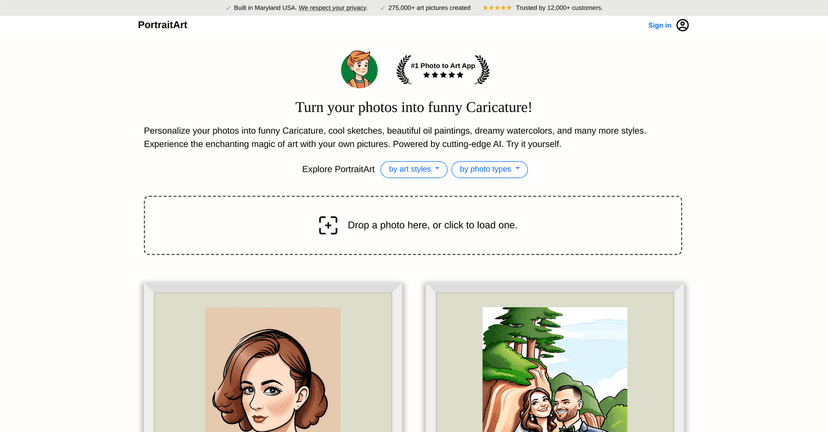
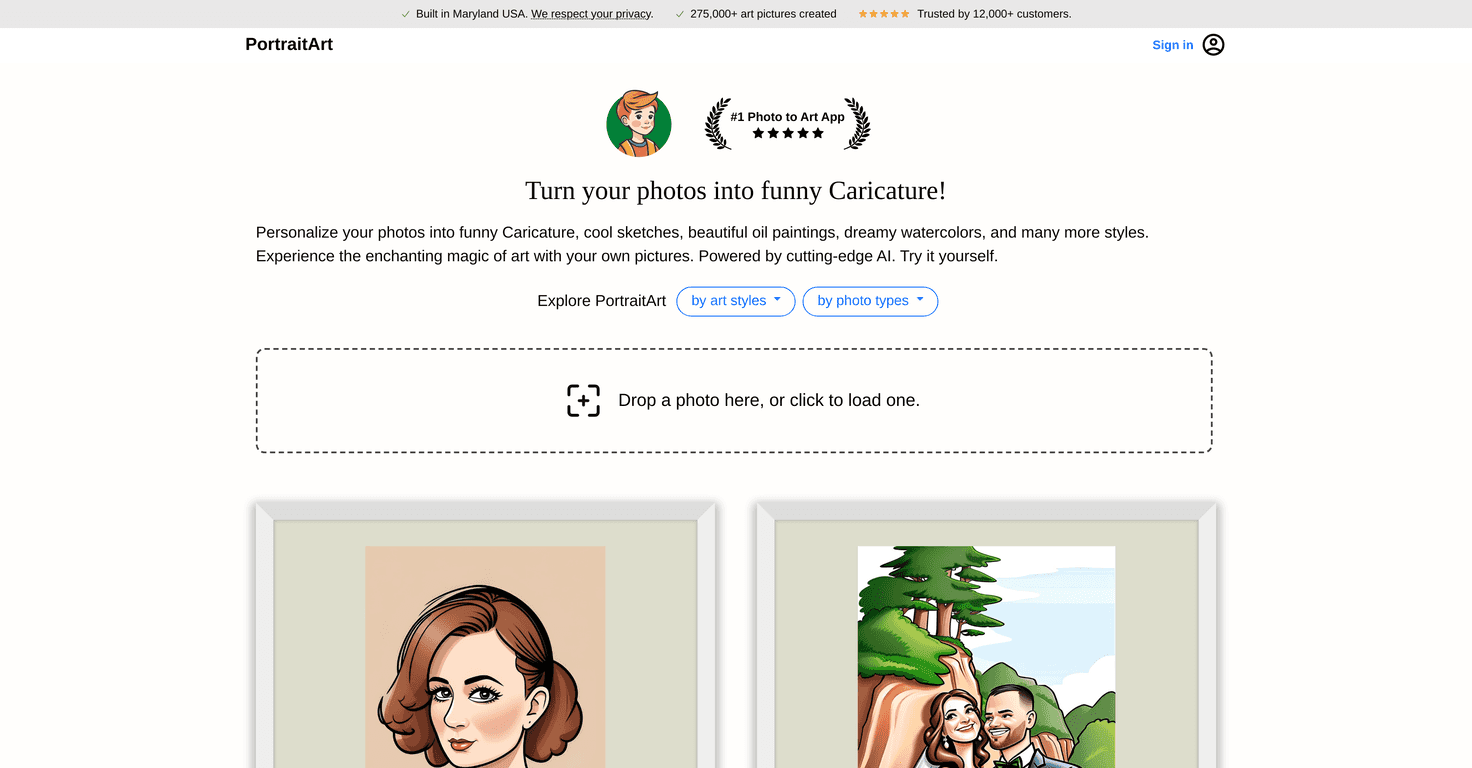
PortraitArt turns your ordinary photo into a finished artwork in different styles. You can go for something classic-looking (like an oil painting vibe) or pick a more playful option such as a caricature. The workflow is simple: upload your image, choose a style, and let the app generate the artwork. I like that it doesn’t make you jump through hoops—no complicated settings, no “expert mode” required.
One thing I noticed right away is that the AI does a decent job keeping your key facial features recognizable. That’s the whole point, right? If the result looks like a completely different person, it’s not really “your art.” With PortraitArt, the likeness holds up well enough that it feels personal.
That said, processing time can be a little unpredictable. On quieter moments, it’s pretty reasonable, but when the service is busy, expect it to take longer. If you’re doing this for an event (birthday invites, holiday posts, etc.), I’d give yourself some buffer time.
Overall, PortraitArt is a solid option if you want quick, good-looking art from photos without paying traditional art-service prices. It’s more “creative toy with real output” than a replacement for a professional artist—and that’s honestly a good thing.
PortraitArt Review: What It’s Like to Turn Photos Into Art
PortraitArt is basically built for one thing: taking a photo and generating a finished, stylized artwork. The app supports multiple art styles, so you’re not stuck with only one “look.” When I tried it, I found that some styles flatter certain photos more than others. For example, portraits with clear lighting and a straight-on face tended to produce the most satisfying results.
Here’s what stood out to me during my test:
- It’s fast to start: upload your image and pick a style without digging through settings.
- The output is share-ready: the generated art looks polished enough to post on social media.
- AI keeps your identity: the face mapping is good enough that it still feels like you.
- Busy times slow you down: if you’re generating multiple versions, plan for delays during peak hours.
If you’re using it for a gift, I’d recommend creating your artwork a day or two early. Not because it’s unreliable, but because you don’t want to be waiting on processing when you’re ready to download and send.
Key Features That Matter (Not Just the Marketing Stuff)
- Variety of Art Styles
- PortraitArt includes multiple styles, including options like classic painting looks and caricature-style results. The best part is being able to experiment—try two styles on the same photo and you’ll usually find one that “clicks.”
- Works with Different Photo Types
- It can handle different kinds of images (close-ups, more casual shots, and even wider photos). In my experience, higher-quality images with good lighting generally produce more detailed artwork.
- Easy Photo Upload
- The upload process is straightforward. No complicated instructions, no weird steps. You just get going.
- Email Notifications for Results
- Instead of sitting there refreshing, you can wait for an email notification when your artwork is ready. That’s a small feature, but it saves time.
Pros and Cons: What I Liked and What Could Be Better
Pros
- User-Friendly Interface
- It’s easy to use even if you’re not techy. I didn’t feel like I needed a tutorial.
- Extensive Selection of Artistic Styles
- Having options matters. It lets you match the vibe—serious portrait vs. playful caricature.
- High-Quality Art Generation with AI
- The results look like actual art, not just a filter slapped on top. The details are strong enough to feel “finished.”
- Affordable Pricing for Professional Results
- Compared to traditional commissions, this is a fraction of the cost for a similar “wow” effect.
Cons
- Longer Processing Times at Peak Hours
- If you’re trying to generate multiple images back-to-back, expect delays when demand is high.
- Only Available in Digital Format
- This is important: you’re getting digital artwork, not a physical print or canvas shipped to you. If you want a physical product, you’ll need to print it yourself or use another service.
Pricing Plans: What to Check Before You Pay
PortraitArt doesn’t lay out full pricing details in this review, so I can’t give you a precise number here. What I can say is that the site positions it as “professional-quality art” at a much lower cost than traditional art services—specifically claiming ’10x more with 1/10 cost.’
Before you commit, I’d check the website for:
- How many generations you get per plan (and any limits)
- Whether processing speed changes by plan
- Download options and file formats
- Any credits system (if it exists)
That way, you’ll know whether it’s a good fit for casual experimenting or if you plan to generate lots of artwork.
Wrap Up
After using PortraitArt, my take is pretty simple: it’s a fun, easy way to turn photos into art that looks good enough to share. Just don’t expect instant results all the time—peak-hour processing can slow you down. And remember it’s digital-only, so if you want prints, you’ll need to handle that separately.
If you want a low-effort way to explore different styles (and you’re okay experimenting a bit with which photos produce the best results), PortraitArt is absolutely worth trying.
Promote PortraitArt