Table of Contents
If you’ve ever watched a tense conversation and thought, “Wait… what’s really going on here?”, you’re not alone. I’ve felt that exact frustration when I can’t tell whether someone’s genuinely expressing themselves or just hiding something. That’s where tools like PolygrAI come in.
In this PolygrAI review, I’m going to break down what it actually does, what stood out to me when reviewing its approach, and where I think people could get disappointed if they expect “mind-reading.” Because let’s be real—no software can do that.
PolygrAI Review
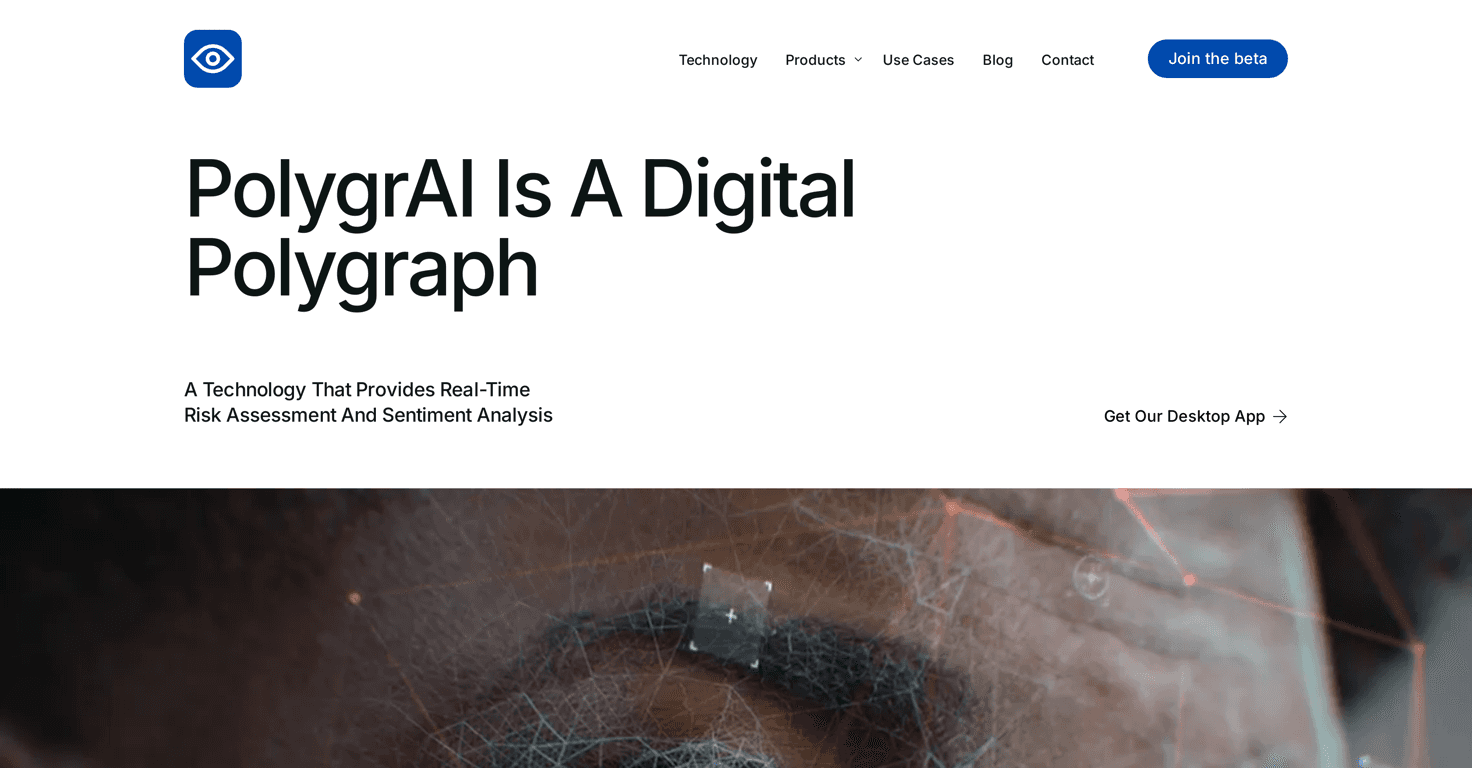
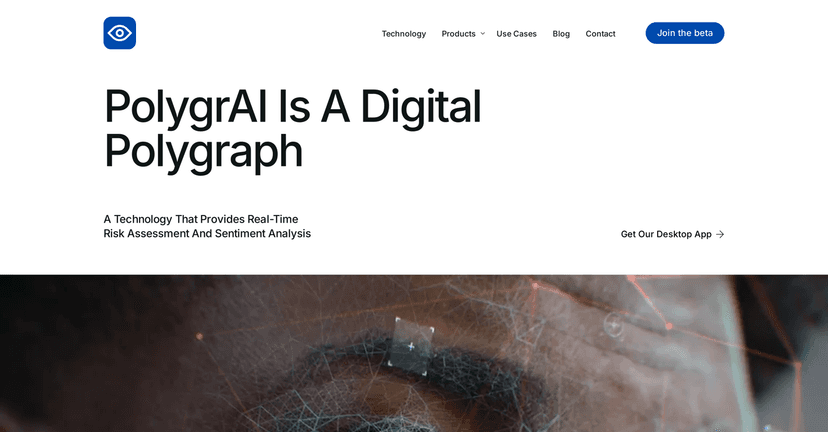
PolygrAI positions itself as a digital lie detection tool that looks at more than just words. Instead of treating deception like a single “tell,” it aims to combine multiple signals—visual, audio, and linguistic cues—to estimate risk and emotional state in real time.
What I like about this approach is that it matches how humans actually communicate. People don’t just lie with language. They also change tone, pace, facial tension, and the way they phrase things when they’re nervous or trying to persuade you.
That said, you should treat the output as insight, not proof. Human behavior is messy. Someone can look “off” for a hundred reasons—stress, trauma, neurodiversity, even just a bad day. PolygrAI can’t magically separate all of that.
Key Features
- Real-time risk assessment and sentiment analysis — you get ongoing feedback instead of waiting until the end of a conversation.
- Multi-modal analysis — it incorporates facial micro-expressions, which is a big part of why it’s more than a basic sentiment tool.
- Body language interpretation — the goal is to add context from non-verbal behavior, not just what’s said.
- Vocal attribute analysis — tone and pitch matter, especially when someone is trying to sound calm while feeling pressured.
- Emotional state assessment — it attempts to gauge how someone might be feeling based on combined signals.
- Linguistic pattern analysis — things like phrasing patterns and communication clues can be part of the overall picture.
- User-friendly desktop application — this matters because the best model is useless if it’s hard to operate.
- Privacy and compliance focus — the product emphasizes privacy standards and data control, which is a must for anything operating on sensitive behavioral data.
Pros and Cons
Pros
- Multi-signal approach: combining facial, vocal, and language cues is more realistic than relying on only one channel.
- Psychology-informed framing: it’s built around emotional and behavioral interpretation, not just generic “text sentiment.”
- Real-time feedback: if you’re using it during interviews or discussions, having live risk/sentiment cues is genuinely useful.
- Privacy emphasis: when you’re dealing with personal behavioral data, I’m glad they’re positioning privacy and user control as a priority.
Cons
- Accuracy isn’t absolute: the model is described as “slightly above 70%,” which means false positives and false negatives are still very possible.
- Human behavior is complicated: nervousness, cultural differences, disabilities, and even lighting/audio quality can skew interpretations.
- Context matters: I wouldn’t treat the results as a final verdict. If you don’t understand the situation, the tool can’t either.
Pricing Plans
As of now, PolygrAI is offered as a beta program, which usually means early access for people who want to test features while the product is still evolving. For the most accurate pricing details (and any changes since beta), you’ll want to check the PolygrAI website and its pricing page.
If you’re deciding whether it’s worth paying for, I’d also look closely at what’s included in the beta vs. any future tiers—things like usage limits, supported inputs (video/audio/text), and how long results are stored.
Wrap up
PolygrAI is interesting because it doesn’t just stare at one signal—it tries to combine visual, vocal, and linguistic cues to estimate emotional state and deception risk. That can be genuinely helpful for interviews, investigations, or any scenario where you want a structured way to think about communication.
But I’d go into it with the right expectations. With accuracy “slightly above 70%,” it’s better viewed as a decision-support tool than a truth machine. If you want certainty, you won’t get it. If you want better context and more structured observations, it could be worth exploring—especially during beta.


