Table of Contents
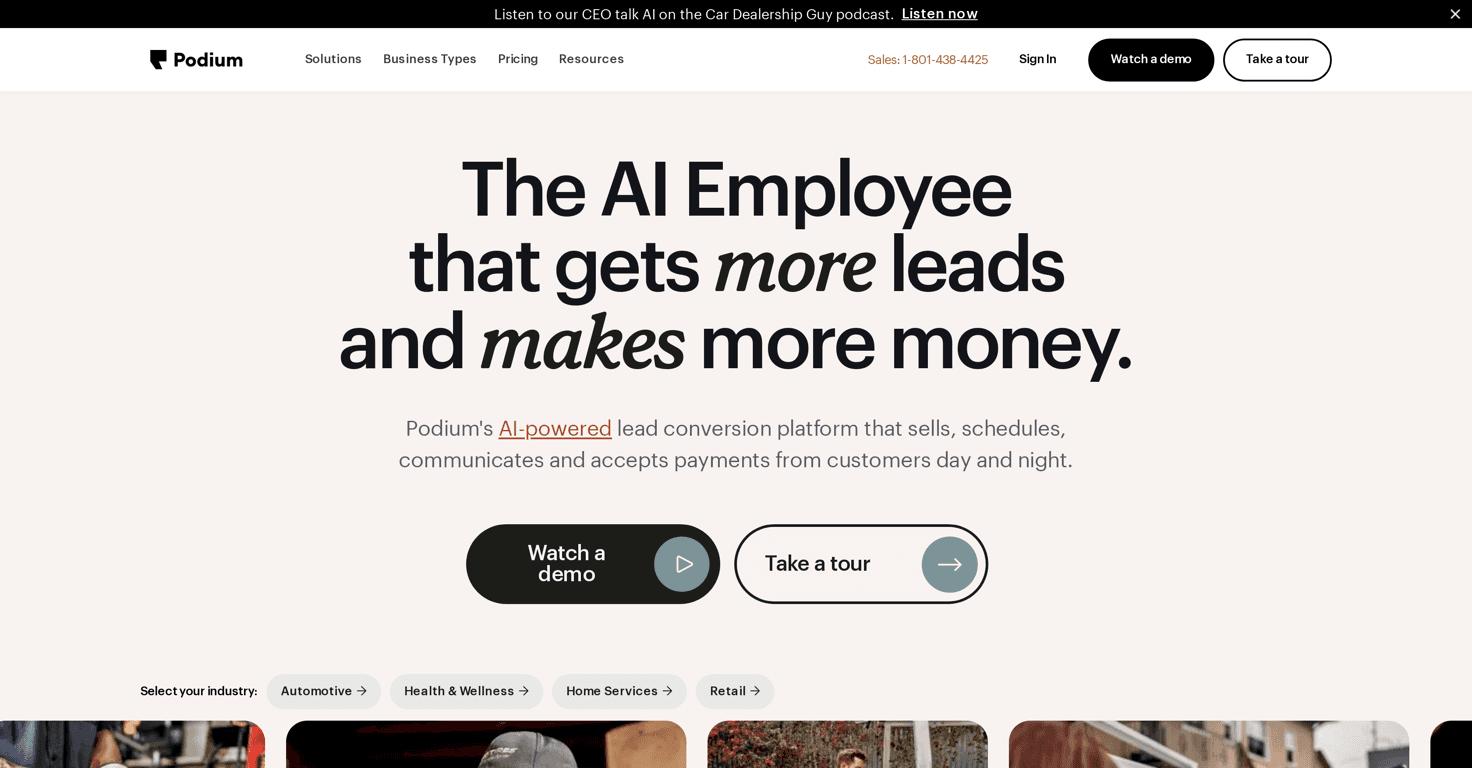
If you’ve ever had a lead fill out a form and then… nothing happens for hours, you already know how painful that is. I’ve been on the other side of that too—waiting on a reply that never quite comes. That’s why I wanted to test Podium. It’s an AI-powered platform built to handle lead follow-up and customer communication without you having to manually chase every message.
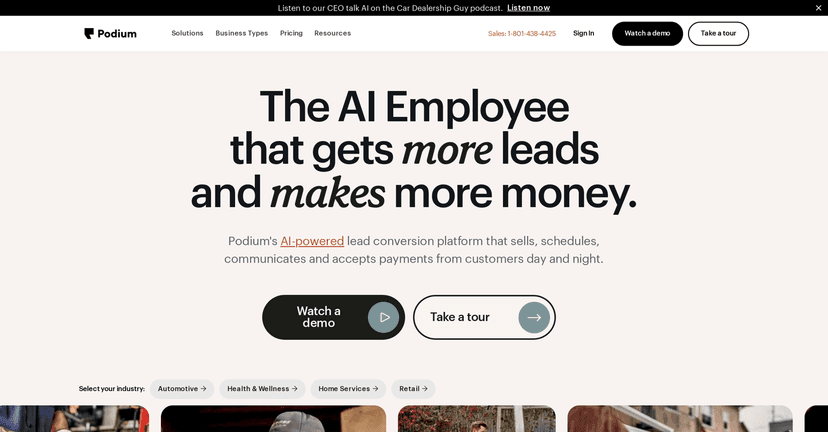
What I noticed right away is that Podium isn’t just “send an SMS” software. The whole point is speed and consistency—getting back to people fast, routing conversations properly, and keeping everything in one place. And yeah, the AI features are the headline, but the real value is what happens when your response times actually improve.
Podium also leans hard into automation for the stuff that usually eats up your day: scheduling, answering common questions, summarizing calls, and managing review responses. If your team is small or you’re juggling multiple inboxes, that “one place for everything” angle matters more than people think.
Podium Review: What It Does (and What I Actually Look For)
Podium markets itself as an AI lead generation and customer communication solution, and that’s accurate—but I’d frame it slightly differently. For me, the “win” is reducing the gap between a lead raising their hand and your business responding.
Here’s how that shows up in practice:
- AI Salesperson / always-on lead follow-up: Instead of leads sitting there wondering if anyone will respond, Podium’s AI can handle conversations around the clock. In my experience, this is especially helpful for after-hours inquiries and weekends.
- AI Scheduling: This is the feature I care about most when I’m trying to book appointments quickly. Capturing lead details and moving them into scheduling without back-and-forth is exactly what saves time.
- AI Instant Answers: If someone asks the same questions repeatedly (hours, pricing ranges, service area, “do you offer X?”), AI Instant Answers can respond immediately so you’re not stuck typing the same message all day.
- AI-Powered Inbox: The central inbox matters because leads don’t just come from one place. When conversations are scattered across SMS, email, and other channels, nothing good happens. Podium aims to keep it consolidated.
- SMS messaging: People actually prefer texting for quick questions. I like that Podium leans into SMS because it feels more immediate and less formal than email.
- Review responses: Reputation management can be a time sink. Podium’s approach to review responses helps you stay consistent, which is huge for local businesses.
One thing I’ll call out: the AI is only as good as what you train it to do and how clear your business info is. If your hours, services, or policies are messy, the AI will reflect that. Garbage in, garbage out—still true, even with “smart” tools.
Key Features of Podium (Broken Down Clearly)
- AI Employee for lead generation and sales automation
- AI Scheduling to capture lead details and schedule appointments
- AI Marketing for personalized drip campaigns to encourage repeat business
- AI Instant Answers for providing immediate responses to inquiries
- AI Salesperson operates 24/7 to assist in converting leads
- AI Review Response for managing customer feedback
- AI-Powered Phones for call management and summaries
- AI-Powered Inbox centralizing conversations from multiple channels
- SMS Messaging to engage leads effectively
- Integrations with over 200 tools for enhanced functionality
If you’re evaluating Podium, here’s a quick checklist I’d use before committing:
- Do you get leads outside business hours?
- Do you already use SMS or want to?
- Are you constantly answering the same questions?
- Do you need help booking appointments reliably?
- Are reviews a real workload for your team?
Pros and Cons (My Honest Take)
Pros
- Big automation coverage: It’s not just one AI feature. You get a suite that touches lead handling, scheduling, answering questions, and review responses.
- Faster customer engagement: The “respond quickly” focus is the whole point, and it shows in how Podium handles inquiries.
- Multi-channel conversations: The AI-Powered Inbox concept is practical—less switching between tools.
- Review responses help keep reputation consistent: This is the kind of thing that quietly improves results over time.
Cons
- There can be a learning curve: If you’re not used to setting up AI automations and conversation flows, expect some setup time.
- Pricing isn’t shown in the content here: That’s not a dealbreaker, but it does mean you’ll need to check Podium directly to see what fits your budget.
- AI still needs good business info: If your answers, services, or policies aren’t clear, you’ll have to refine what the AI uses.
Pricing Plans: Where to Check (and What to Look For)
Podium’s detailed pricing can vary depending on what you need, so I recommend checking their official page first: Podium’s pricing page.
When you’re there, don’t just skim the headline number. I’d compare a few things:
- Whether the plan includes the AI features you actually care about (instant answers, scheduling, review responses, etc.)
- How many locations or team members you can support
- Any limits on messaging or usage
- What integrations are included and how they connect to your existing stack
Also, if they offer a demo, take it. Watching the workflow in real time is honestly the fastest way to see if Podium will feel “set it and forget it” for your business—or if it’ll require more manual tweaking than you want.
Wrap up
Podium is one of those tools that can genuinely reduce the daily friction between leads and sales—especially if you’re tired of slow responses, scattered messages, and repetitive follow-ups. The AI features (scheduling, instant answers, and the always-on salesperson concept) are the backbone, but the real impact is how it helps you stay responsive across channels.
If you want a platform that keeps conversations moving and helps you book appointments faster, Podium is worth a serious look.



