Table of Contents
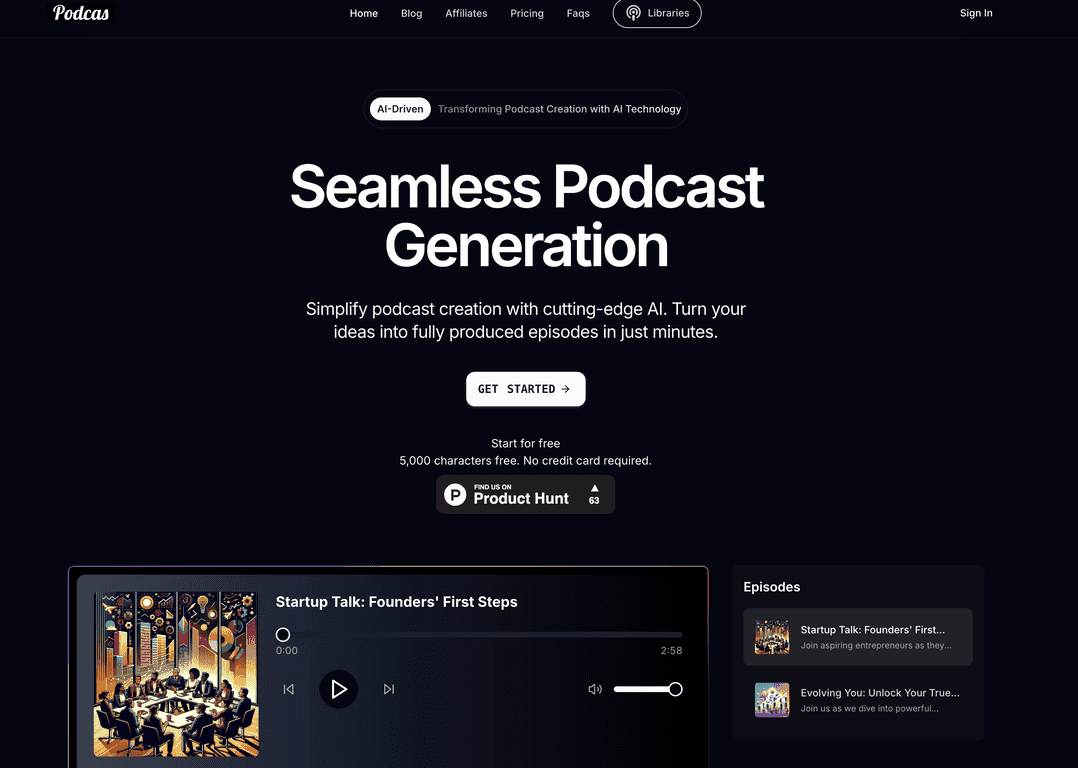
Podcasting sounded fun… until I tried to actually make an episode. Between writing, recording, editing, and figuring out publishing, it can feel like you need a whole production team. That’s why I was curious about Podcas. The pitch is simple: use AI to turn your ideas into a finished podcast episode without all the usual friction.
After spending some time with Podcas, what stood out to me right away was how “guided” it feels. You’re not staring at a blank timeline wondering what to do next. Instead, it nudges you toward script creation, voice selection, and then publishing. It’s aimed at beginners, but I didn’t feel like it was too basic either—there are enough options to customize the output if you want to.
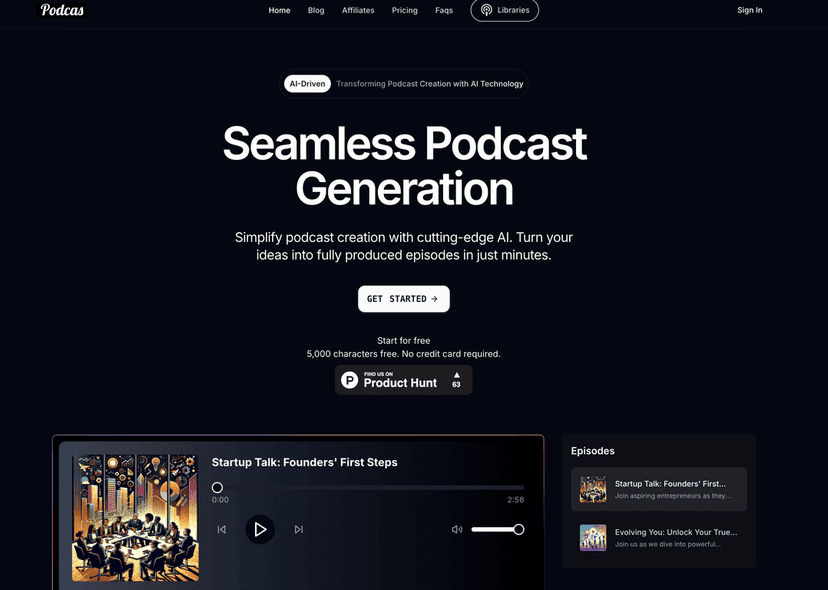
Podcas Review: What It’s Like to Make Episodes Fast
Podcas is an AI-driven platform built to reduce the “setup tax” of podcasting. In my experience, the biggest time sink isn’t even the recording—it’s everything around it: formatting, editing, syncing, and then figuring out where to publish. Podcas tries to compress that whole workflow into a few steps.
Here’s the real-world vibe: you start with an idea (or a rough script), then you use the AI tools to generate content and voices. The interface feels straightforward enough that you don’t need to be a tech person. I also liked that the platform supports customization through characters and voice choices, because a one-voice monologue gets boring quickly.
One thing I paid attention to was how much effort it takes to get something that sounds like a legit episode. With Podcas, you can get there quickly—especially if you’re okay doing light editing after generation. If you expect “perfect on the first try, no changes needed,” you might still want to review and tweak. That’s normal with AI voices and scripts, honestly.
Key Features That Actually Matter
- AI-Driven Technology for smart podcast creation
- Seamless Podcast Generation makes episode creation quick
- Customizable Characters to personalize your podcasts
- Voice Selection with over 1,000 lifelike voices
- Script Editing via an AI-powered editor
- Seamless Publishing to multiple platforms with clicks
- Episode Library for exploring and sharing content
Pros and Cons (My Honest Take)
Pros
- Quick to get an episode: The workflow is built for speed. I didn’t feel stuck hunting for settings like I do in traditional recording/editing tools.
- Good output quality for the effort: When you pick solid voices and review the script, the result can sound surprisingly professional.
- Character + voice customization: Being able to switch voices and use different characters makes it easier to avoid the “AI reading a script” feel.
- Free plan to test it: You can start without a credit card, which is a big deal if you’re just trying to see whether this fits your style.
Cons
- Free plan is limited: The free tier caps you at 5,000 characters per month. If you plan to produce more than one or two drafts, you’ll hit the limit fast.
- Paid plans unlock more flexibility: If you want higher limits and broader voice access consistently, you’ll probably end up subscribing.
Pricing Plans: What You Get for the Money
Podcas pricing is pretty straightforward, and I like that the limits are clear. Here’s how it breaks down:
- Free plan: 5,000 characters/month and access to 3 voices.
- Starter Plan: $144.00 yearly, with 30,000 characters and access to over 1,000 voices.
- Pro Plan: $372.00 yearly, with 100,000 characters/month and the same voice selection.
In my opinion, the Starter plan is the sweet spot if you’re serious about making episodes regularly but you’re not trying to run a full production pipeline. The Pro plan makes more sense if you’re publishing a lot, experimenting with multiple scripts per episode, or you want room to iterate without constantly watching your character usage.
Wrap up
Podcas is a solid option if you want to create podcast episodes without turning it into a whole technical project. The AI-driven workflow, voice selection (especially with the larger paid tiers), and the character-based customization are the parts that made the biggest difference for me. You can also publish quickly, which is honestly where most people lose momentum—getting the episode out the door.
If you’re brand new to podcasting, the free plan is a nice way to test the process before you commit. Just be aware of the 5,000 characters limit; you’ll feel that cap sooner than you think. For anyone ready to publish consistently, the paid plans offer the headroom you need to keep creating.
So, should you consider Podcas? If your goal is “make episodes faster and spend more time improving content,” then yeah—it’s worth a look.
Promote Podcas




