Table of Contents
If you’ve spent any time on Upwork, you already know the problem: jobs move fast, and most clients won’t wait around for you to “get to it later.” I’ve missed opportunities simply because I was busy, and I’ve watched other freelancers land interviews while I was still refreshing the job feed. So when I came across Pitch Pilot, I wanted to see if it actually helps you apply faster without sounding like a robot.

Pitch Pilot Review: Does It Actually Help You Win More Upwork Jobs?
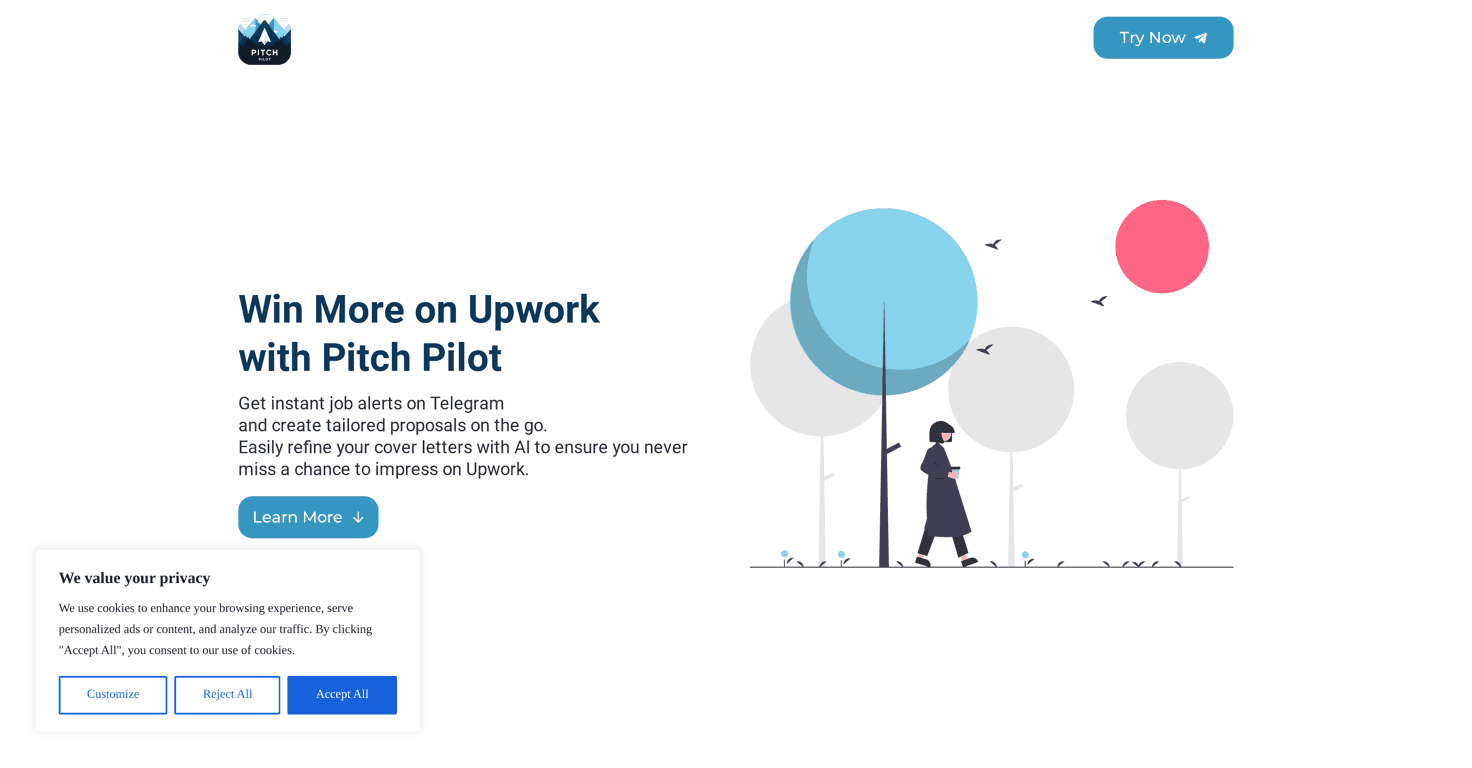
Here’s what stood out to me right away: Pitch Pilot is built around speed. You get real-time job alerts sent to Telegram, and the idea is simple—apply while the job is still fresh.
In my experience, the “freshness” part matters more than people think. Upwork proposals aren’t just about quality; they’re also about timing. If you’re replying quickly, you’re more likely to be in the first wave of applicants. That alone can improve your odds, even if your proposal quality stays the same.
Pitch Pilot also generates proposals using AI. I’m always a little skeptical with AI writing tools—nobody wants to sound copy-pasted. What I noticed, though, is that the tool tries to keep things customizable. You’re not stuck with one generic template. You can tweak the proposal so it still sounds like you.
And yes, the Telegram alerts are a big part of the workflow. If you already live in Telegram or you’re okay with notifications, it’s convenient. If you don’t, you’ll probably find it annoying. More on that in the pros/cons section.
Key Features I Looked For (and How They Work in Real Life)
- Real-Time Job Alerts (Telegram) — The promise is alerts within about 60 seconds. I can’t guarantee your exact speed (network + Upwork timing varies), but the point is you’re not manually checking constantly. You get a heads-up fast enough to actually act.
- AI-Generated Proposals — This helps you move faster when you find a good fit. Instead of staring at a blank “write proposal” box, you get a starting draft. Then you can refine it so it matches the job and your voice.
- Customizable Proposals — This is the part I care about most. If the proposal can’t be adjusted, it’ll sound robotic. The tool’s customization options are meant to help you keep your personal touch—especially important for questions like “Why you?” and “How will you approach this?”
- Freelancer Profile Management — If you work across multiple niches (or you have different positioning for different clients), managing everything manually is a pain. Having multiple profiles set up makes it easier to switch context without rewriting everything from scratch.
- Flexible RSS Feeds — RSS feeds are great when you want curated updates from different sources, not just one stream. It also means you can organize your job discovery process instead of doom-scrolling Upwork all day.
Pros and Cons (What I Liked and What Might Bug You)
Pros
- Instant notifications keep you competitive — When you’re applying to Upwork jobs, being early helps. Telegram alerts reduce the “I saw it too late” problem.
- Saves time without forcing you to skip quality — The draft gets you moving fast. In my case, that helped me spend more time editing and less time formatting.
- Personalization is possible — The ability to customize means you can still address the client’s specific needs instead of sending a generic pitch.
- Multi-profile management helps if you have multiple niches — Switching between profiles is smoother than rewriting your intro and positioning every time.
- 14-day free trial — I like that you can test the workflow before committing. If it doesn’t fit your style, you’re not stuck.
Cons
- Telegram dependency isn’t for everyone — Some freelancers prefer email, Slack, or just checking manually. If Telegram notifications annoy you, this may feel like extra friction.
- Costs can add up — If you’re only applying occasionally, $5/month or $20/month might feel hard to justify. If you apply consistently, it’s easier to see the value.
Pricing Plans: What You Get for $5 vs $20
Pitch Pilot has two plans, and the difference is mostly about how many proposals and RSS feeds you can run.
Freelancer Plan — $5/month
- Unlimited freelancer profiles
- 100 proposals
- 5 custom RSS feeds
Freelancer Pro Plan — $20/month
- Everything in the Freelancer Plan
- Unlimited proposals
- Unlimited RSS feeds
- Roll-over tokens for unused proposals
- Dedicated server for better performance
Both plans include a 14-day free trial, which is honestly the smartest way to evaluate it. Try it during a week when you’re actively applying, not a random slow period.
My quick “should you use it?” take
If you’re applying to Upwork jobs regularly and you struggle with the “I missed it” problem, Pitch Pilot could be worth your time—especially because the alerts are meant to get you in early. If you only apply a few times per week, you might not feel the ROI as much.
Also, don’t treat the AI proposal as “send it and forget it.” I’d still recommend editing the draft so it matches the client’s language and your actual experience. That’s where your conversion rate comes from.
If you want to test the workflow yourself, use the free trial and see how it changes your speed and proposal quality. That’s the only real way to know whether Pitch Pilot fits your Upwork routine.