Table of Contents
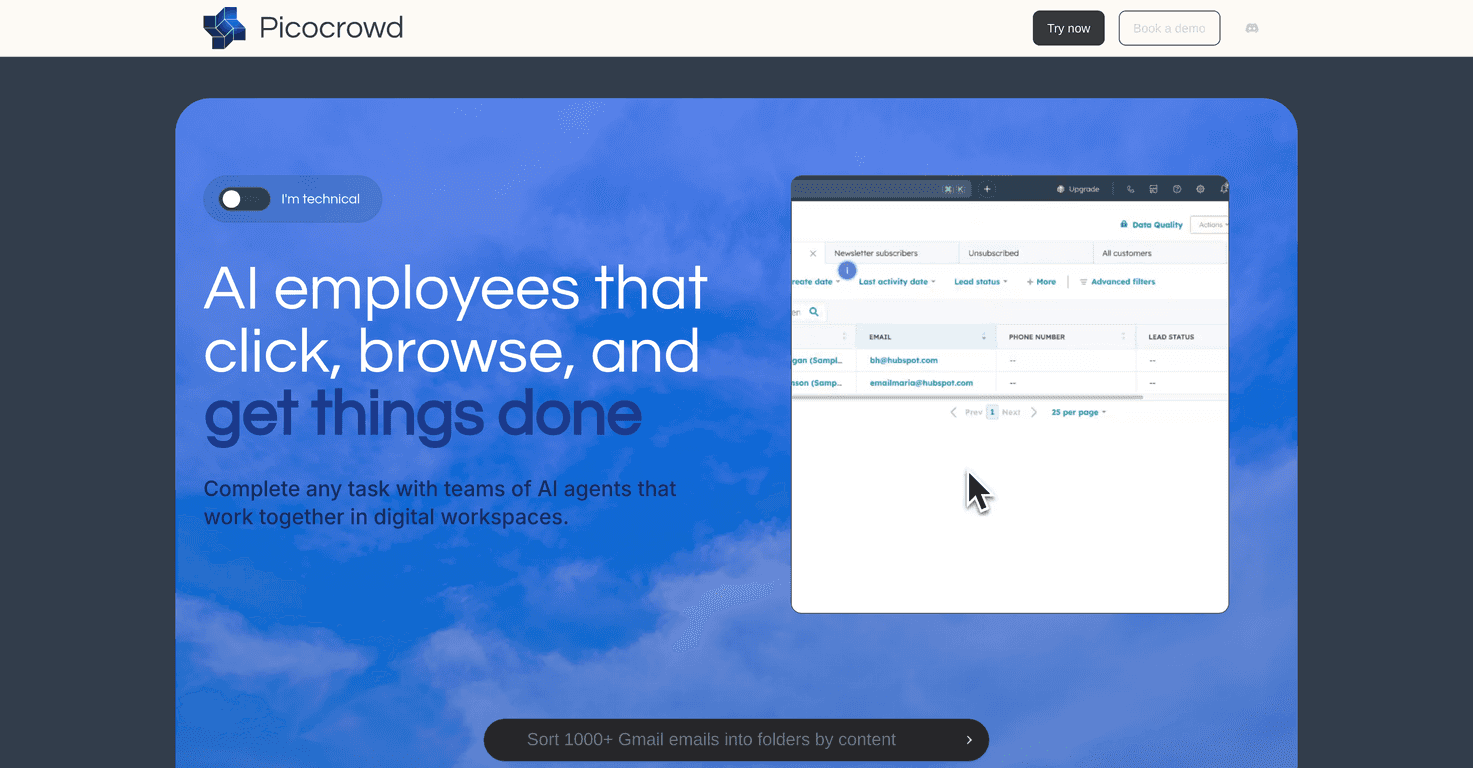
If you’ve ever thought, “Why am I still doing this manually?” you’re going to get why I was interested in PicoCrowd. PicoCrowd is built to help you spin up and manage AI agents that work in a web browser—basically like you’re running a small team of digital helpers.
In my experience, the biggest win isn’t just “automation.” It’s that you can describe what you want in plain language, then keep an eye on what the agents are doing in real time. That supervision part matters more than people think. Left unchecked, automations can go sideways fast. With PicoCrowd, you’re not totally hands-off—you’re more like a manager who can step in when something’s off.
PicoCrowd Review: What It’s Like to Use AI Agents in the Browser
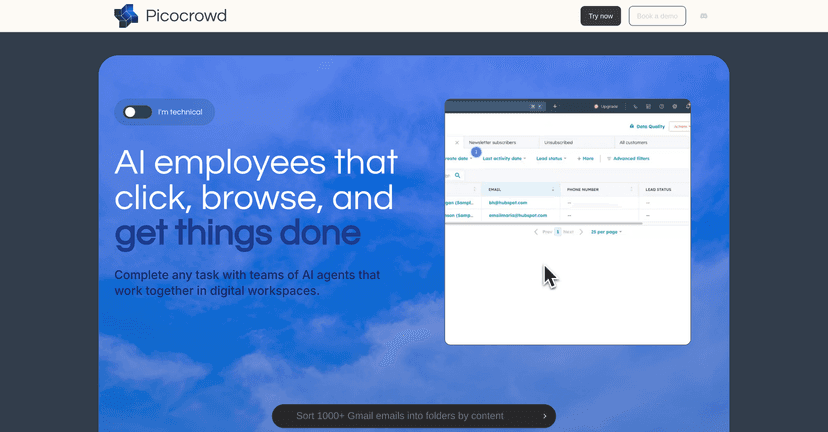
PicoCrowd is designed around a simple idea: you describe a task, and AI agents carry it out in a web browser like they’re doing it for you. That “in the browser” part is honestly the whole point for a lot of workflows—forms, dashboards, web tools, repetitive research, and the kind of stuff that normally eats time.
When I tried setting up tasks, I noticed the workflow is geared toward people who don’t want to tinker with code. You don’t need to be a developer to get started. You just need to be clear. And yes, clarity matters. If you give vague instructions, the agent will still try—but you’ll probably end up doing some cleanup.
Another thing I liked: you can deploy multiple agents at once. In practical terms, that means you can split a bigger project into smaller chunks. For example, one agent can focus on gathering info while another handles a different part of the flow. It’s not magic, but it does help you parallelize work instead of waiting around for one agent to finish before starting the next step.
Now the feature that stood out most to me was real-time supervision. Being able to monitor progress and intervene when needed changes the whole experience. Instead of hoping the automation gets it right, you can watch what it’s doing and adjust mid-run. If an agent hits a weird page state or needs a nudge, you’re not stuck.
There’s also automated task management based on your parameters. I found this helpful for organizing multi-step workflows. It reduces the “okay, what’s next?” mental overhead—especially when you’re juggling more than one project.
Finally, PicoCrowd includes a community on Slack. I’m a big fan of communities for tools like this because you learn faster when you see what other people are actually doing. You can also troubleshoot sooner instead of guessing.
Key Features That Matter (Not Just Buzzwords)
- Plain-language task setup so you can describe what you want without writing code
- Multiple agents at once for parallel work on larger projects
- Real-time agent supervision so you can monitor progress and intervene
- Task management based on your parameters to keep workflows organized
- Slack community access for tips, examples, and troubleshooting
Pros and Cons From a Real-World Perspective
Pros
- Beginner-friendly: I didn’t feel like I needed technical skills to get something running.
- Scales beyond one task: deploying multiple agents helps when you’re working through a backlog.
- Supervision improves reliability: being able to watch and step in is a big deal for browser-based automation.
- Community support: Slack makes it easier to learn best practices and avoid common mistakes.
Cons
- It’s still in beta, so you may run into occasional instability or workflow quirks.
- Free usage is limited, so if you want to test a lot of scenarios, you’ll hit the cap quickly.
- Pricing may feel steep if you’re an individual using it casually—especially compared to “just use ChatGPT prompts” approaches.
One honest note: browser automation is always a little sensitive to UI changes. If a site layout shifts or a page behaves unexpectedly, agents may need supervision more often than you’d like. That’s not unique to PicoCrowd—it’s the nature of web-based tasks.
Pricing Plans: What You Get for the Money
PicoCrowd’s pricing is pretty straightforward. Here’s the breakdown:
1. Free: $0/month for 10 free minutes of use and community access.
2. Basic: $5/month for 5 hours of usage and support for 3 concurrent tasks.
3. Standard: $20/month for 50 hours of usage with advanced observability.
4. Pro: $50/month for 200 hours of usage and support for 10 concurrent tasks.
Each tier includes a free trial, which I think is important. You don’t want to commit before you know whether the workflows you care about actually work smoothly for you.
Wrap up
Overall, PicoCrowd feels like a solid option if you want AI automation that actually interacts with web tools—and you want control while it’s running. The plain-language setup is convenient, the ability to run multiple agents at once is genuinely useful, and the real-time supervision is the feature I’d point to first.
That said, because it’s still in beta and the free plan is limited, I’d recommend testing it with a couple of real workflows before you decide it’s your “forever” automation tool. If you like supervising automation instead of blindly trusting it, PicoCrowd could fit your routine really well.
Promote PicoCrowd



