Table of Contents
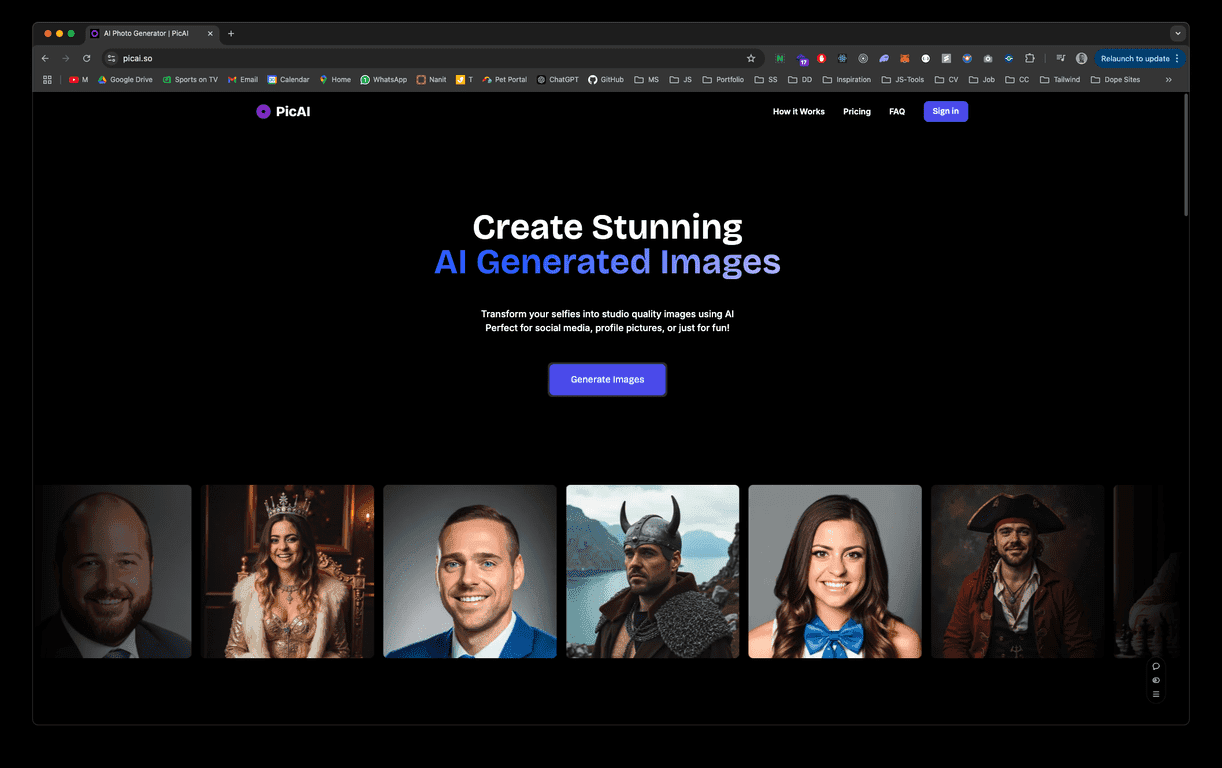
I’ve tried a lot of “AI selfie” tools over the last year, and the ones that actually feel usable are the ones that don’t make you fight the interface. PicAI is one of those. You upload a selfie, pick (or tweak) the direction you want, and it generates images that look polished instead of plastic.
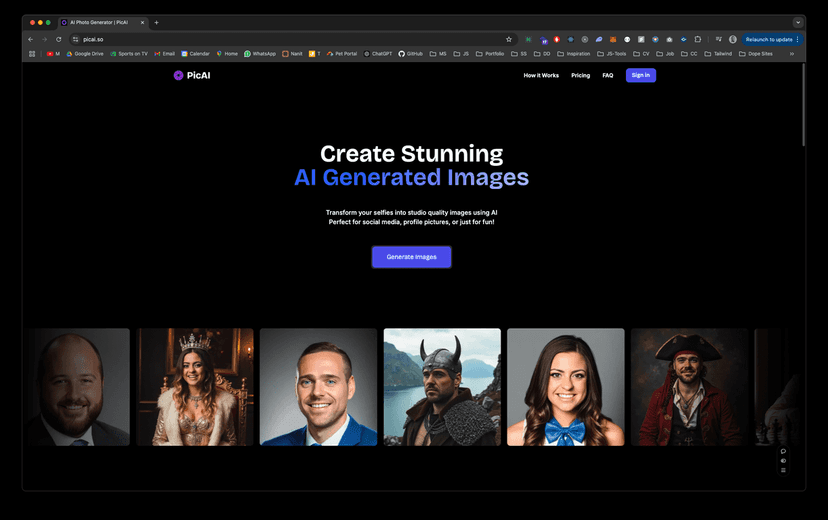
What I liked right away is how fast I could get results. No complicated setup. No “wait 30 minutes while your model trains” drama. And if you’re the kind of person who wants to post something fun on Instagram or update your profile picture, it’s easy to turn a normal photo into something more stylized.
Another big selling point (and honestly, a relief) is the royalty-free ownership angle for the generated images. If you’re creating content for clients, a brand, or even just using your images more broadly, that matters. You don’t want to feel weird about licensing after you’ve already made the art.
That said, I’m not going to pretend it’s perfect. The quality depends on the input photo and the plan you’re on. But overall, PicAI feels like a practical tool, not just a demo.
PicAI Review: What You Get From AI Selfie Images
PicAI is built for people who want to upgrade their selfie quickly—without needing to be a designer or photographer. In my testing, the workflow is basically: upload a selfie, generate, then iterate. You can nudge the output and keep going until it looks right.
One thing I noticed is that the interface stays out of your way. I didn’t have to watch tutorials to figure out where to click. If you’ve used any photo editor before, you’ll get it fast.
On the creative side, the tool supports customization. That’s important because “one style for everyone” gets boring. I tried a few different directions and the outputs felt varied enough that I could actually choose favorites instead of settling for the first result.
Also, depending on your plan, you can create custom AI models. That’s a big deal if you’re aiming for consistency—like having a recognizable “you” across different posts—or if you want to keep the style aligned for a brand.
So, does it replace a professional photographer? No. But for social content, profile pics, and fun creative projects, it’s a solid option.
Key Features That Matter
- AI selfie transformation: Turn selfies into high-quality, stylized images.
- Royalty-free ownership: Generated images are royalty-free, which helps if you want to use them commercially.
- Customization options: Adjust the look so the results don’t all feel identical.
- Custom AI models (plan-based): Create models tied to your style, depending on the subscription tier.
- Monthly and annual options: You can choose the billing rhythm that fits how often you generate images.
- User-friendly interface: Quick upload, easy controls, and straightforward generation.
Pros and Cons From My Perspective
Pros
- Beginner-friendly: I didn’t feel lost—everything is easy to find and use.
- Better-than-average output: The images look polished, especially when your original selfie is clear and well-lit.
- Commercial-friendly ownership: Higher plans include commercial ownership/licensing options, which is a must for creators.
- Generation limits match the plans: If you generate often, the image caps per month are clearly defined.
Cons
- Costs can add up: If you’re generating hundreds of images, you’ll feel the subscription price pretty quickly.
- Custom model training is limited by plan: You don’t get the same model flexibility on every tier.
Pricing Plans (Standard vs Premium)
PicAI has two main subscription options. Here’s what you’re paying for:
- Standard Plan: $19/month — includes 1 custom model and up to 80 images per month.
- Premium Plan: $49/month — includes 3 custom models and up to 300 images per month.
Both plans include royalty-free ownership of your generated images, but the bigger difference is how many custom models you can create and how many images you can generate each month.
In my opinion, Standard makes sense if you’re posting regularly and want variety. Premium is more for power users—people who generate a lot, test styles, or need consistent output for more than just personal use.
Wrap up
PicAI is a pretty straightforward way to upgrade your selfie game with AI-generated images—especially if you care about usability and ownership rights. The interface is easy, the results are good for social and creative projects, and the plan options are clear enough to decide quickly.
If you’re just getting started, I’d try the Standard plan first. If you’re serious about generating lots of variations (or building consistent styles with custom models), Premium starts to look like the smarter move.
Either way, it’s one of those tools where you can upload a photo, get something you like, and actually use it—without spending your whole day tweaking settings.
Promote PicAI




