Table of Contents
Have you ever wished for a quick and easy way to create stunning images? Say hello to PhotoGPT, a cutting-edge AI tool that makes image generation a breeze. It promises personalized, realistic images that cater to your specific needs. Let’s dive into this review and explore the amazing features that make PhotoGPT a game-changer in the world of digital content creation.
PhotoGPT Review
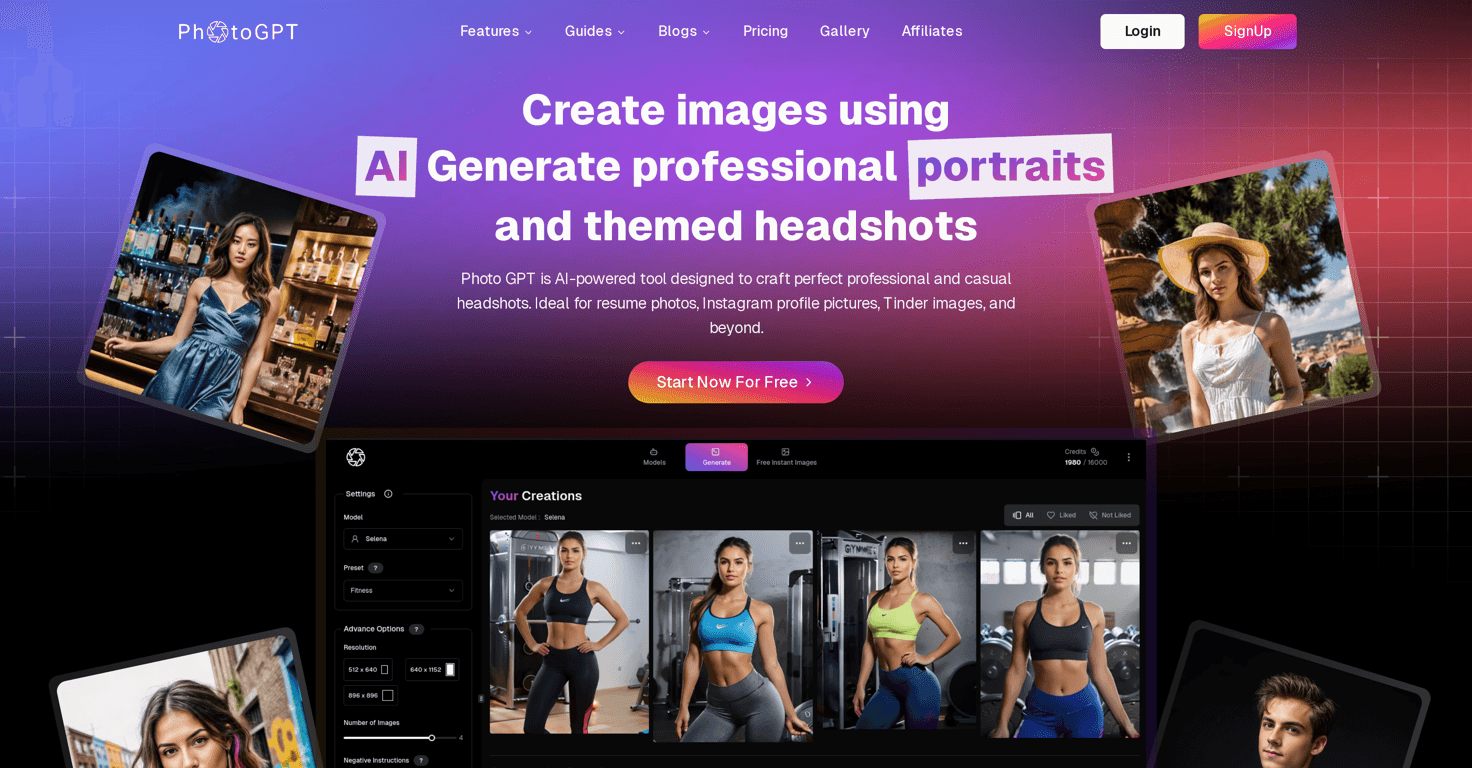
PhotoGPT stands out in the realm of image generation thanks to its powerful AI capabilities. With just a text input, users can craft high-quality images tailored for professional headshots, social media, and even dating profiles. Whether you’re aiming for a business professional look or something more vibrant and stylish, PhotoGPT delivers. Its instant generation feature means you won’t have to wait long to see your ideas come to life. Plus, the ability to upscale images ensures that the final result is nothing short of stunning, meeting the demands of high-definition standards.
Key Features
- AI-powered personalized image generation
- Professional headshots ideal for resumes and LinkedIn
- Various themes available: nightlife, cyberpunk, glamour, and more
- Instantly generate images with fast processing
- Upscale images to enhance quality
Pros and Cons
Pros
- Convenient and easy-to-use interface
- Fast image creation from simple text prompts
- Versatile themes that cater to different audiences
- Immediate image generation saves time
Cons
- Quality and style limitations on some generated images
- Reliance on AI may not satisfy all artistic preferences
Pricing Plans
While users can start creating images for free, details regarding comprehensive pricing plans are not clearly outlined. It’s best to visit the website for more information on pricing options.
Wrap up
In conclusion, PhotoGPT is an innovative solution for anyone looking to create quality images quickly and efficiently. With its user-friendly design and versatile features, it’s an excellent choice for professional, personal, and creative use. Whether you’re a job seeker in need of a polished headshot or someone looking to enhance their social media presence, PhotoGPT has you covered.