Table of Contents
If you’ve ever had to turn a messy Word doc into a “looks professional” PDF, you already know the pain. I’m talking about aligning text, tweaking spacing, resizing headers… and then doing it all again next week for the next invoice, agreement, or ticket. That’s why I tried PDFgen.
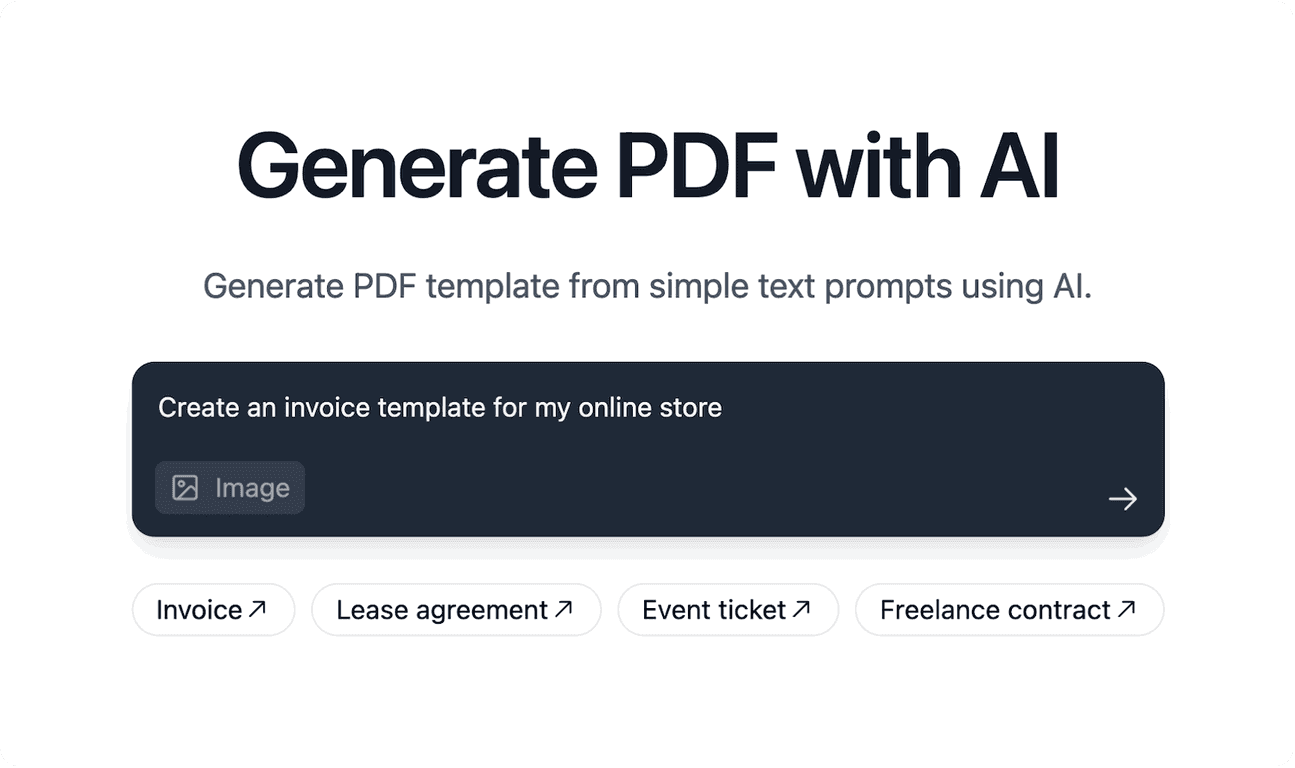
PDFgen focuses on one thing: generating PDFs from plain, straightforward input—without you needing to learn PDF design tools. You type what you want (in regular language), and it handles the layout based on templates and its AI-powered generation. If you’re a small business, a freelancer, or anyone who regularly produces documents for clients, that convenience is hard to ignore. And if you’re building workflows, the REST API angle is a big deal because it means you can automate PDF creation instead of repeating the same steps manually.
PDFgen Review
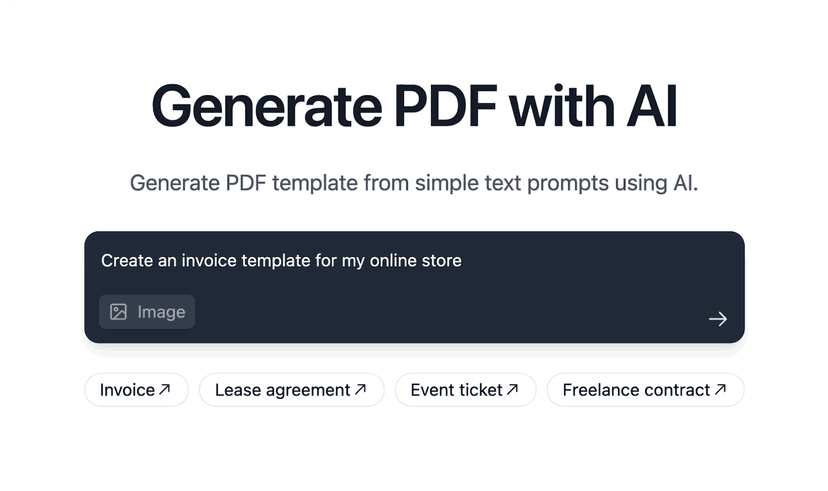
So what does PDFgen actually feel like to use? In my experience, it’s best when you already know the document type and you can describe the content clearly. If you’re trying to create an invoice, agreement, or ticket, you can usually get a solid first draft quickly—especially if you use one of the built-in templates rather than starting from scratch.
Where it really shines is speed. Instead of building a layout from nothing, you’re essentially feeding it the content (and the structure you want) and letting the generator handle the formatting. For example, I’d typically include things like:
- Customer name + address
- Invoice number + date
- Line items (quantity, description, price)
- Total + payment terms
- Optional notes or legal wording
Then I’d review the output and adjust only what needed fixing. That loop matters. If the first result is close, you spend time polishing instead of rebuilding.
Also, the REST API is a practical advantage if you’re running this inside your own app. You can trigger PDF generation when something happens (like a payment confirmation) and store the PDF automatically. No “copy/paste into a form” workflow. Just a call, a response, and you’re done.
Key Features
- AI-powered generation from natural language prompts
You describe what the PDF should contain, and PDFgen generates the document layout around your input. I found this works best when you’re specific about sections (like “Add a table for line items” or “Include payment terms at the bottom”). - REST API for automation
If you want PDFs created as part of a workflow, the API is the difference between “manual convenience” and true automation. This is the feature I’d prioritize if you’re integrating with billing, CRM, or ticketing systems. - User-friendly interface
You don’t need to be technical to get started. The input flow is straightforward, which is exactly what you want when you’re generating documents frequently. - Predefined templates
Templates help you avoid blank-page chaos. They’re especially helpful for common document types like invoices, agreements, and tickets. - File upload capabilities for images
This is useful for logos, stamps, or supporting visuals. In real documents, that little branding detail often makes the PDF look “official” without extra effort.
Pros and Cons
Pros
- Fast turnaround
I noticed I could generate a usable PDF much quicker than doing everything manually in a design tool. - Good for non-technical users
If you can write the details, you can produce a decent document. That’s huge for teams where nobody wants to learn layout software. - Works across common document types
Invoices, agreements, and tickets are all realistic use cases. You’re not limited to one narrow format.
Cons
- Customization isn’t as deep as manual design
If you need pixel-perfect control (custom grids, very specific typography rules, complex multi-column layouts), you may hit limits. - AI can misinterpret nuanced requests
I’ve seen AI-style generators get “close but not exact,” especially when the prompt is vague. If you care about exact wording, make sure you provide it clearly.
Pricing Plans
For the most accurate and up-to-date PDFgen pricing, check their website: pdfgen.com. Pricing can vary based on usage and plan type, so I wouldn’t want to guess and send you in the wrong direction.
Practical tips before you commit
If you’re testing PDFgen (or any AI-driven PDF generator), here are a few things I’d do first:
- Start with a template whenever possible. It saves time and usually improves consistency.
- Be explicit about sections (header, table, totals, terms). Vague prompts tend to produce vague layouts.
- Use consistent data formatting for dates, currency, and line items. It reduces “almost right” outputs.
- Review spacing after generation. Even when the content is correct, spacing and wrapping can differ depending on text length.
- If you’re using the API, test with real data. One edge case (like a long address or extra line item) can reveal layout issues fast.
Wrap up
Overall, PDFgen is a solid option if you want to generate professional PDFs without spending hours formatting documents by hand. The natural-language approach is genuinely convenient, and the REST API makes it much more useful if you’re automating document creation in an app.
That said, if you’re expecting full control like a dedicated design workflow, you might feel constrained. But for invoices, agreements, and ticket-style documents? In my experience, it’s the kind of tool that can save real time—especially once you’ve nailed your prompt structure or template setup.
Promote PDFgen