Table of Contents
If you’ve ever signed up for an AI tool, then realized you only used it a few times… yeah, I get the frustration. Those monthly charges add up fast, especially when you’re experimenting or working on a short project. That’s exactly why I wanted to test PAYG AI—because it’s built around pay-as-you-go instead of a subscription you may not fully use.
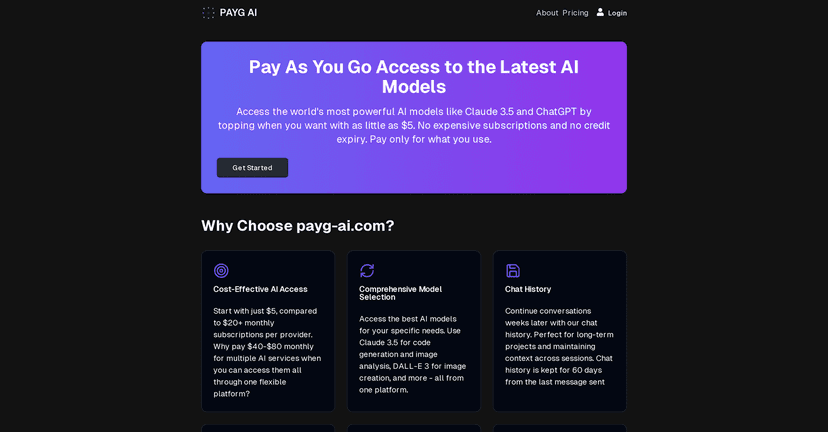
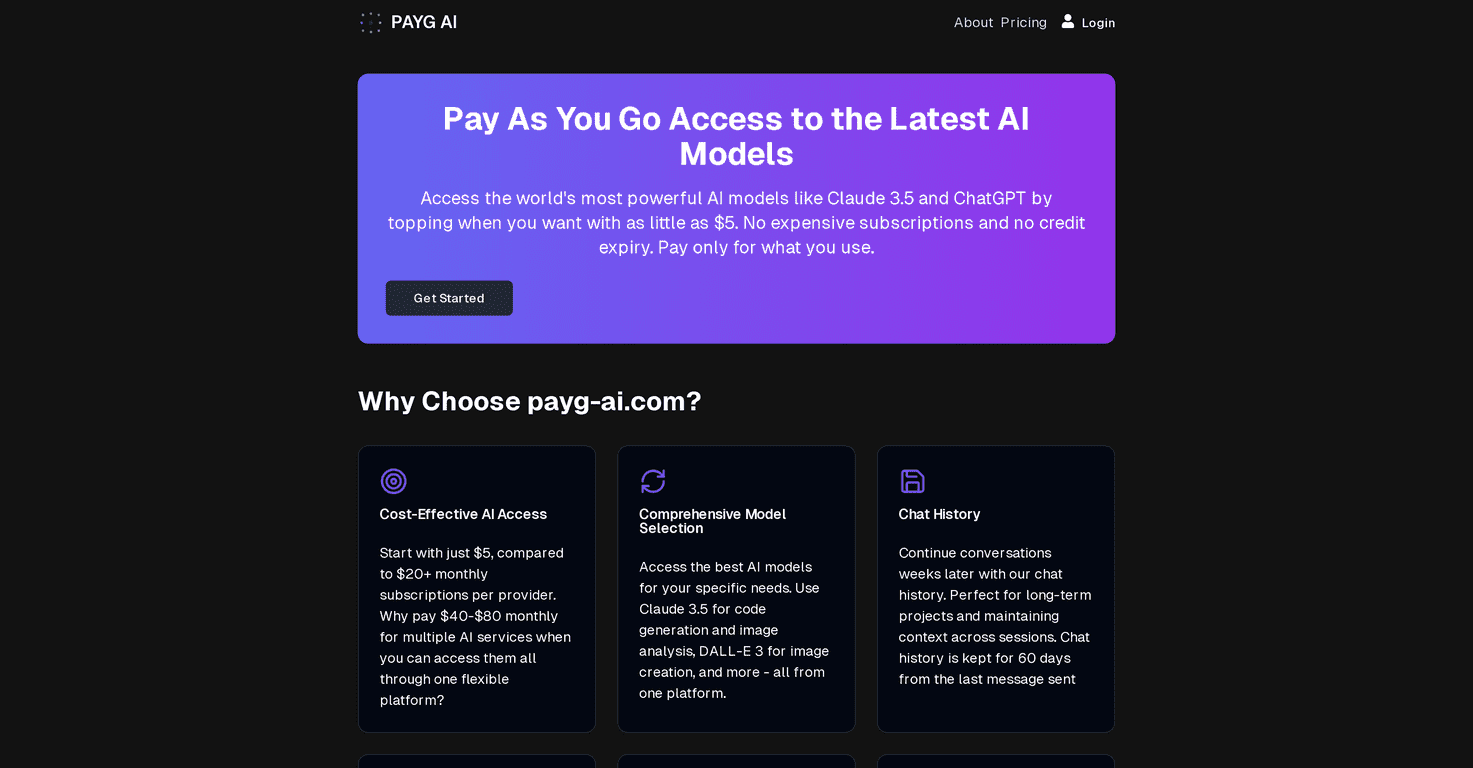
PAYG AI lets you start with a minimum top-up of $5. From there, you can access models like Claude 3.5 and ChatGPT without committing to a monthly plan. In my experience, that “only pay for what you actually use” setup is the big selling point—because it changes how you budget for AI.
What I liked right away is that it’s not trying to be “only for power users.” The interface is pretty straightforward, and you can jump in without feeling like you need a technical background. It also supports different use cases—writing, research, brainstorming, and all those smaller everyday tasks where you don’t want to open a whole subscription just to run one prompt.
One feature that stood out: your chat history can be retained for up to 60 days. That’s genuinely useful. I’ve personally run into the problem where I want to continue refining a response a week later, and I don’t want to recreate the whole context from scratch. Having that short history window makes it easier to build on prior conversations.
PAYG AI Review: What It’s Like to Use Day to Day
Let me be honest—my expectations were pretty simple. I wanted to see if PAYG AI is actually practical, not just “pay as you go” in name only. So I focused on a few things: how fast it is to get started, how easy it is to switch models, and whether the cost structure feels predictable.
Getting started: I didn’t hit any annoying setup walls. Once you’re in, you can choose a model and start prompting fairly quickly. If you’re just testing ideas or doing quick drafts, it feels smooth.
Switching models: Being able to move between different AI models without a whole reconfiguration is a plus. I tried switching between models for different tasks (one for faster ideation, another for more structured output). It wasn’t clunky, which matters when you’re actually working.
Chat history (60 days): This is one of those “small” features that ends up being a big deal. If you’re learning, iterating, or working through a multi-step prompt, the ability to reference earlier chats helps you stay consistent.
Cost feel: Since it’s usage-based, the cost depends on how much you generate and how often you run prompts. That’s not a flaw—it’s the whole concept. Still, I’d recommend keeping an eye on your usage if you’re heavy on long outputs. If you only do occasional prompts, it should stay reasonable.
Key Features That Matter (Not Just Marketing Claims)
- Pay-as-you-go pricing starting at $5 — no monthly subscription requirement.
- Multiple AI models — including Claude 3.5 and ChatGPT for different styles of work.
- Chat history retention for up to 60 days — helpful for ongoing projects and learning.
- Instant top-ups — you can add funds without waiting around.
- Advanced settings — useful when you want more control over how you prompt.
- Easy model switching — I found it convenient when I wanted different outputs for different tasks.
Pros and Cons (My Real Take After Testing)
Pros
- No subscription required — you’re not stuck paying every month for AI you barely use.
- Good variety of models — you can pick what fits the task instead of forcing everything through one chatbot.
- Simple interface — it’s easy to start, even if you’re not super technical.
- 60-day chat history retention — this is genuinely helpful for iterative work.
Cons
- No free trial or demo option — if you’re the type who wants to test before spending, you’ll feel that limitation.
- Costs can add up with heavy usage — if you’re generating long outputs constantly, it won’t stay cheap. It’s still pay-as-you-go, so usage drives the price.
Pricing Plans: How the $5 Top-Up Works
PAYG AI uses a straightforward approach: a minimum top-up of $5, then you pay based on your usage. There’s no monthly subscription to cancel, which is honestly the biggest advantage for me.
In practical terms, this is best if you fall into one of these groups:
- You use AI occasionally (drafting emails, brainstorming, quick research).
- You’re working on short-term projects and don’t want a long-term commitment.
- You’re testing which model you prefer without locking yourself into a subscription.
On the flip side, if you’re generating lots of content every day, you’ll want to keep an eye on your spend. Usage-based pricing can be fair, but it’s not the same as a flat monthly rate.
Wrap up
Overall, I found PAYG AI to be a solid option if you want affordable AI access without commitment. The pay-as-you-go setup makes it easier to budget, the interface is easy to use, and the up to 60 days chat history feature is the kind of detail that actually helps during real work.
If you’ve been burned by subscription tools you didn’t use enough, PAYG AI feels like a smarter way to try advanced models—without pretending you’ll use them every single month. If you’re curious, I’d say it’s worth a shot with that initial $5 top-up.
Promote PAYG AI




