LIFETIME DEAL — LIMITED TIME
Get Lifetime AccessLimited-time — price increases soon ⏳
AI Tools

PaperGen Review – Your AI Writing Companion

Updated: April 20, 2026
5 min read
#Ai tool#writing

Table of Contents

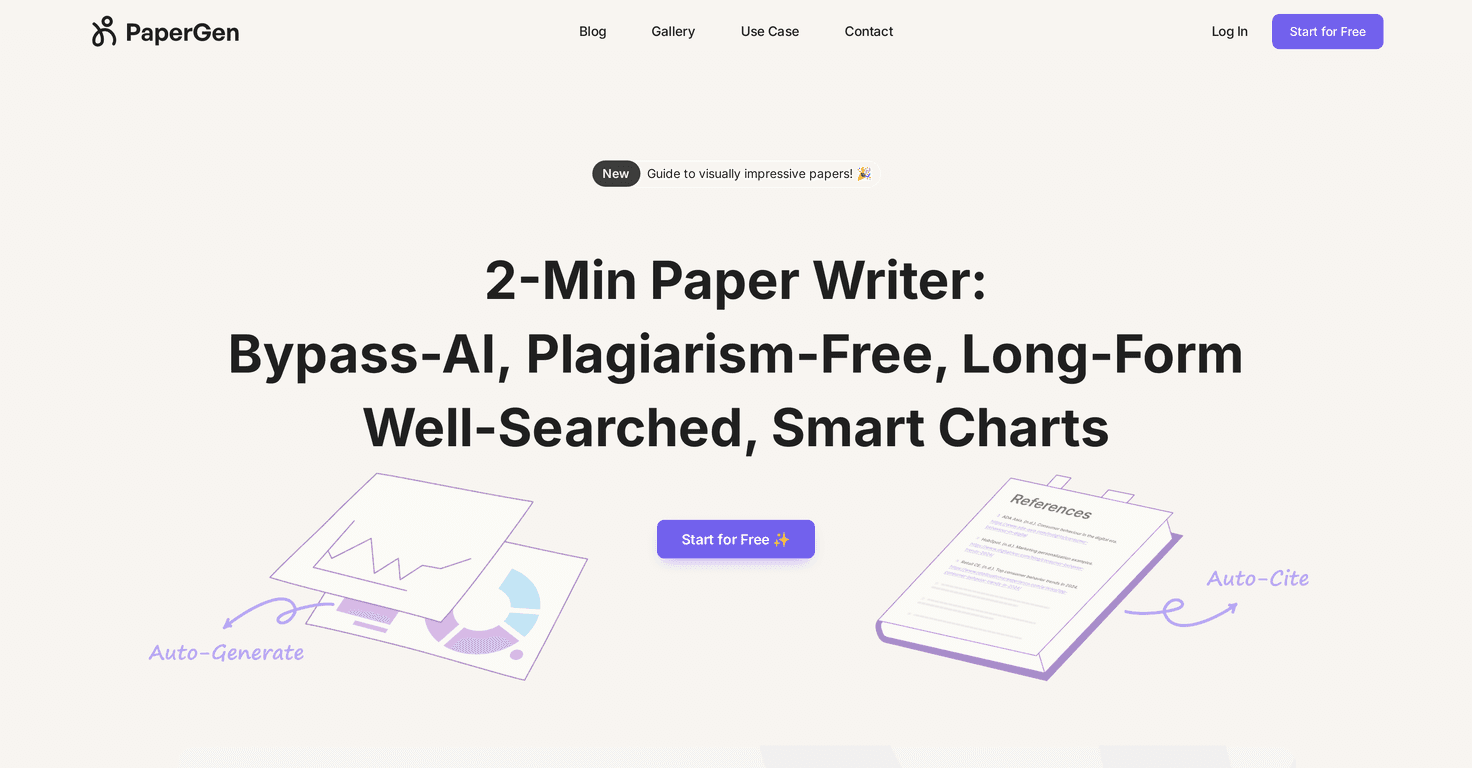
If you’ve ever stared at a blank document at 11:47 p.m. thinking, “How am I supposed to turn this topic into a real paper?”, you’re not alone. I tested PaperGen as an AI writing companion, and it genuinely helps with the boring parts—research starting points, outlining, and getting something formatted fast.

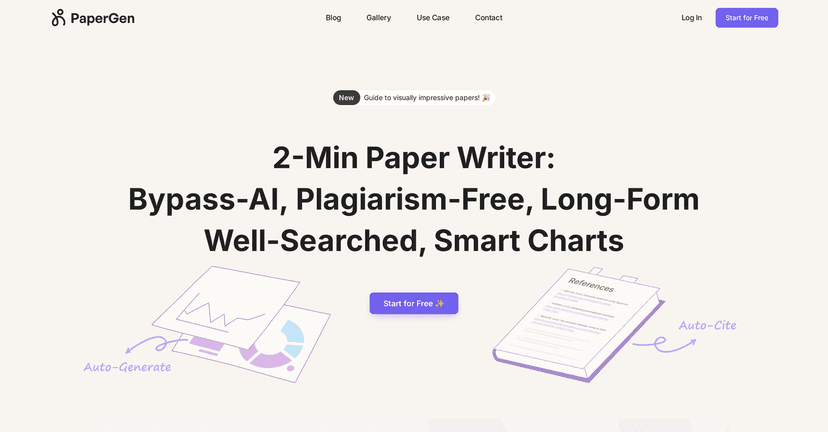
PaperGen is a web-based AI assistant aimed at students and professionals. The big promise is that it reduces the “middle work” you normally do manually: finding relevant keywords/sources, organizing your thoughts into a structure, and then generating a formatted draft. But does it actually save time? In my experience, yes—especially if you already know what you want to argue and you just need help building the skeleton and getting to a first draft quickly.

Papergen

PaperGen Review: what it does (and what it doesn’t)

PaperGen is at its best when you’re doing early-to-mid stages of writing: picking a direction, assembling sources/keywords, building an outline, and generating a formatted draft you can edit. It’s less impressive when you expect it to magically produce a “final, ready-to-submit” paper with zero work.

Here’s what I noticed while testing it:

  • Getting started feels faster. Instead of spending an hour searching for terms and structure, I could move straight into a draft outline and refine from there.
  • Formatting happens early. That matters because once headings and sections exist, editing gets easier. You can see where you’re missing evidence or where your argument needs tightening.
  • You still need to review and personalize. AI-generated text can sound generic if you don’t steer it with your own thesis, examples, and requirements.

Key Features I’d actually use

  1. AI Knowledge Curation
  2. This is the “research starter” piece. In practice, it helps you find relevant keywords and sources to build context. I liked having a jump-off point because it cuts down the time spent guessing search terms.
  3. AI Outline Generation
  4. Outlines are where PaperGen shines for me. It’s quick to produce a structured plan (sections, subsections, and flow). If you’ve ever had to outline from scratch, you know how long that can take—even before you write a single paragraph.
  5. Tip: If the outline is too broad, don’t accept it blindly. Narrow your scope (time period, region, audience) and regenerate so the sections match your assignment.
  6. AI Paper Generation and Formatting
  7. Once you have a structure, PaperGen can generate your paper and format it, including charts and graphs. I found this especially helpful when I needed something presentable quickly for a draft review.
  8. Quick reality check: Graphs/charts are great for illustrating ideas, but you should still double-check that the content matches your data and citations rules.

Pros and Cons (based on real usage)

Pros

  • Easy to navigate. The workflow is simple enough that you don’t feel lost in menus, which is a big deal when you’re on a deadline.
  • Helps with both research and structure. Instead of only writing text, it supports the earlier steps that usually slow people down.
  • Drafts are usable quickly. The generated outlines and drafts give you something concrete to edit—rather than starting over from scratch.
  • Good for iterative writing. You can tweak sections and regenerate portions without fully redoing everything.

Cons

  • Web-based means you’re tied to your connection. If your internet is spotty, it’s not the kind of tool you want to rely on during travel or in low-bandwidth situations.
  • AI can tempt you to stop thinking. If you rely on it too heavily, your paper may end up sounding “template-ish.” You’ll want to add your own examples, citations, and a clearer thesis.
  • Not a substitute for editing. Even when the content looks good, it still needs your voice, your argument, and your verification.

Pricing Plans: what I can confirm

PaperGen doesn’t have clear pricing details listed in the content I reviewed. What I did find is that they offer a “Start for Free” option, which is honestly the best way to test a writing tool before you commit.

If you want the exact current pricing, you’ll need to check the official PaperGen website directly (since prices can change). Use the link below:

Visit PaperGen

My advice: Try it with one assignment you can afford to revise. If you can get from outline to a solid draft faster (and you’re willing to edit), it’s probably worth it.

Wrap up

So, is PaperGen worth trying? For me, yes—mainly because it saves time on the parts that slow most people down: outlining, building structure, and generating a formatted draft you can actually work with. Just don’t treat it like a “set it and forget it” paper writer. If you bring your thesis, your requirements, and a willingness to edit, PaperGen can be a helpful shortcut to a much better draft.

Promote PaperGen

Stefan

Stefan

Stefan is the founder of Automateed. A content creator at heart, swimming through SAAS waters, and trying to make new AI apps available to fellow entrepreneurs.

Related Posts

english voice writer featured image

English Voice Writer: Master Your Voice & Speech in 2026

Discover expert tips, tools, and strategies to develop your unique English voice, improve speech recognition, and excel in voice-to-text writing in 2026.

Stefan
dark mode writing online featured image

Dark Mode Writing Online: Top Extensions & Tips for 2026

Discover how to enable dark mode online for writing, explore top Chrome extensions, best apps, toggle methods, and benefits for focus and eye health in 2026.

Stefan
all free novel reviews featured image

All Free Novel Reviews: Best Free Book Reviews & Sites for 2026

Discover the top free novel review platforms, how to find honest reviews, and tips to boost your book’s exposure without spending a dime in 2026.

Stefan

Create Your AI Book in 10 Minutes