Table of Contents
If you’ve ever tried to make a 360° panorama and thought, “Why is this so hard?”, I get it. The editing tools can be intimidating, and the workflow usually takes forever. That’s why I was curious about PanoPulse.
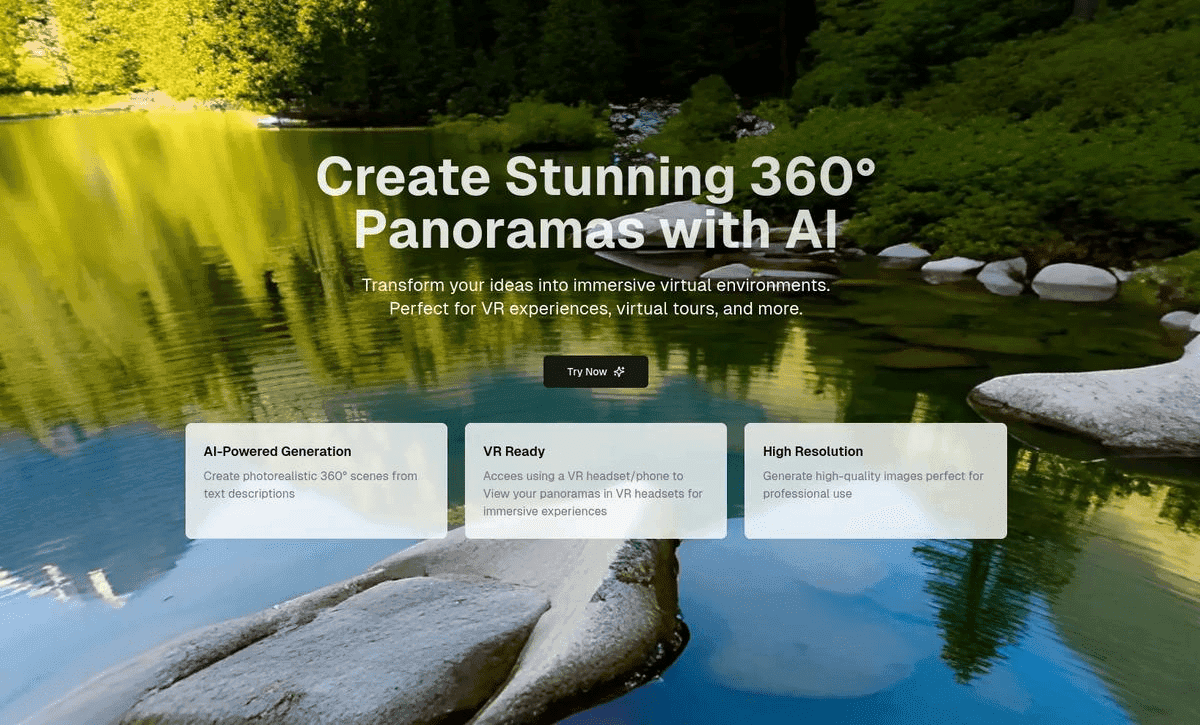
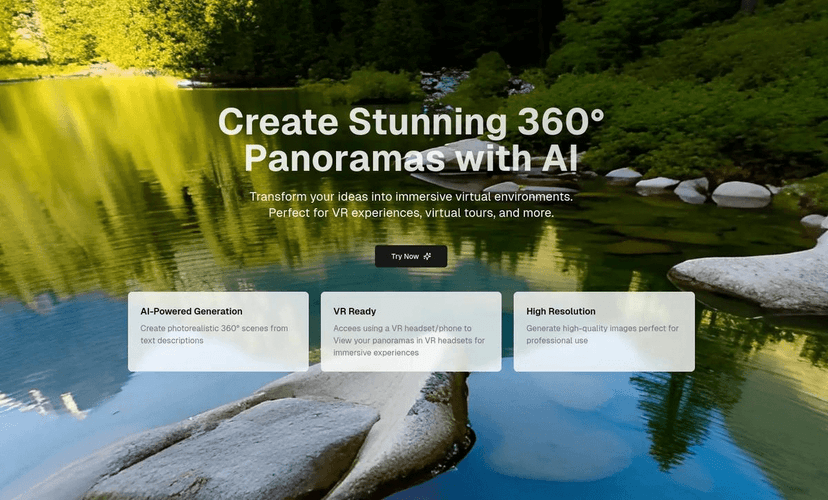
In my experience, PanoPulse is aimed at people who want immersive visuals without needing to be a 3D artist. You describe the scene in plain language, and it generates a 360° panorama you can explore like a virtual environment. I tested a few prompts that were pretty basic (think: “a cozy living room at sunset” and “modern office lobby with soft morning light”), and the results were the kind of “wow, that’s actually usable” images you’d want for demos or quick concepts.
PanoPulse Review: What It’s Like to Create 360° Images
PanoPulse is built around a simple idea: instead of wrestling with complex tools, you describe what you want and let the platform generate a 360° panorama. It’s especially convenient if you’re doing quick mockups—like marketing concepts, storyboards, or “what if we redesigned this space?” visuals.
Here’s the workflow I liked: type a scene description, generate the panorama, then view it as an immersive environment. The “natural language” approach is the real selling point. You don’t need to know camera settings, stitching workflows, or how to map textures correctly. You just tell it the mood, lighting, and what’s in the scene.
And yes, you can view the results in VR and share them on mobile. That matters more than people think. A lot of tools generate something pretty, but it doesn’t translate well to real viewing. With PanoPulse, the output is meant to be explored—so it feels closer to a real virtual experience than a flat image.
One thing I noticed: the more specific you are with lighting and environment details, the better the scene tends to look. For example, “a modern kitchen” is fine, but “a modern kitchen with warm under-cabinet lighting, stainless steel appliances, and morning sunlight through the window” gives the generator a lot more to work with.
Key Features That Matter (Not Just the Marketing Stuff)
- Natural language input for scene descriptions
You can write prompts like you’re describing a location to a friend. No complicated menus or technical jargon required. - AI-powered generation of vivid 360° images
The platform focuses on creating panoramas that feel immersive when you look around, not just “wide-angle” pictures. - VR-friendly viewing
If you use VR headsets, the experience is built for exploration. It’s also easy to share on mobile, which is great for quick feedback from teammates or clients.
Pros and Cons From My Testing
Pros
- Beginner-friendly: I didn’t need any technical know-how to get a decent first result. If you can write a short prompt, you can use it.
- Fast iteration: Generating new variations is quick enough that you can experiment with lighting, time of day, and interior styles without getting stuck in a long workflow.
- Useful across industries: Real estate concepts, training scenarios, creative ideation, and entertainment visuals all make sense here.
- Sharing feels natural: The output is meant to be viewed as a 360° environment, so it’s easier to show someone your idea than sending a single “flat” screenshot.
Cons
- Pricing isn’t clearly listed: When I looked for details, I didn’t see straightforward pricing information. You’ll need to check the official site for the latest plan and any trial options.
- VR knowledge can help: You don’t need to be an expert, but if you want the smoothest VR viewing experience, some basic familiarity with how VR content is consumed is useful.
- Prompt quality affects results: If your description is vague, you’ll likely get a panorama that’s “okay” but not exactly what you pictured. This is common with AI image tools, but it’s still a real limitation.
Pricing Plans: What I Found
At the time I checked, PanoPulse didn’t show detailed pricing information directly in the material I reviewed. That means I can’t give you exact numbers here. What I can say is simple: head to the official website to see the current plans, limits, and whether there’s a free trial or any promotional credits available.
If you’re comparing tools, I’d also pay attention to practical things like how many generations you get per plan and whether output quality or resolution changes by tier. Those details can make a big difference after a couple of days of testing.
Final Take
PanoPulse feels like one of those tools that’s genuinely aimed at helping non-technical people create immersive 360° images without a huge learning curve. If you want to generate visual concepts quickly—especially for real estate, education, or entertainment—it’s a solid option to try.
Just don’t expect magic from vague prompts. Put in a little effort with your scene description (lighting, time of day, key objects, vibe), and you’ll get results that look a lot more “real” and less generic.
If immersive virtual environments are on your to-do list, I’d say it’s worth checking out PanoPulse and running a few prompts of your own.
Promote PanoPulse