Table of Contents
If you’ve ever tried to build a SaaS landing page from scratch, you already know the pain: picking the right layout, writing the sections, getting the spacing right, and then… tweaking it again because it doesn’t convert like you hoped. I’ve been there. That’s why I wanted to test Pagestacks—to see if an AI landing page builder can actually save time without turning your page into something generic.
Pagestacks Review: Does an AI Builder Actually Help?
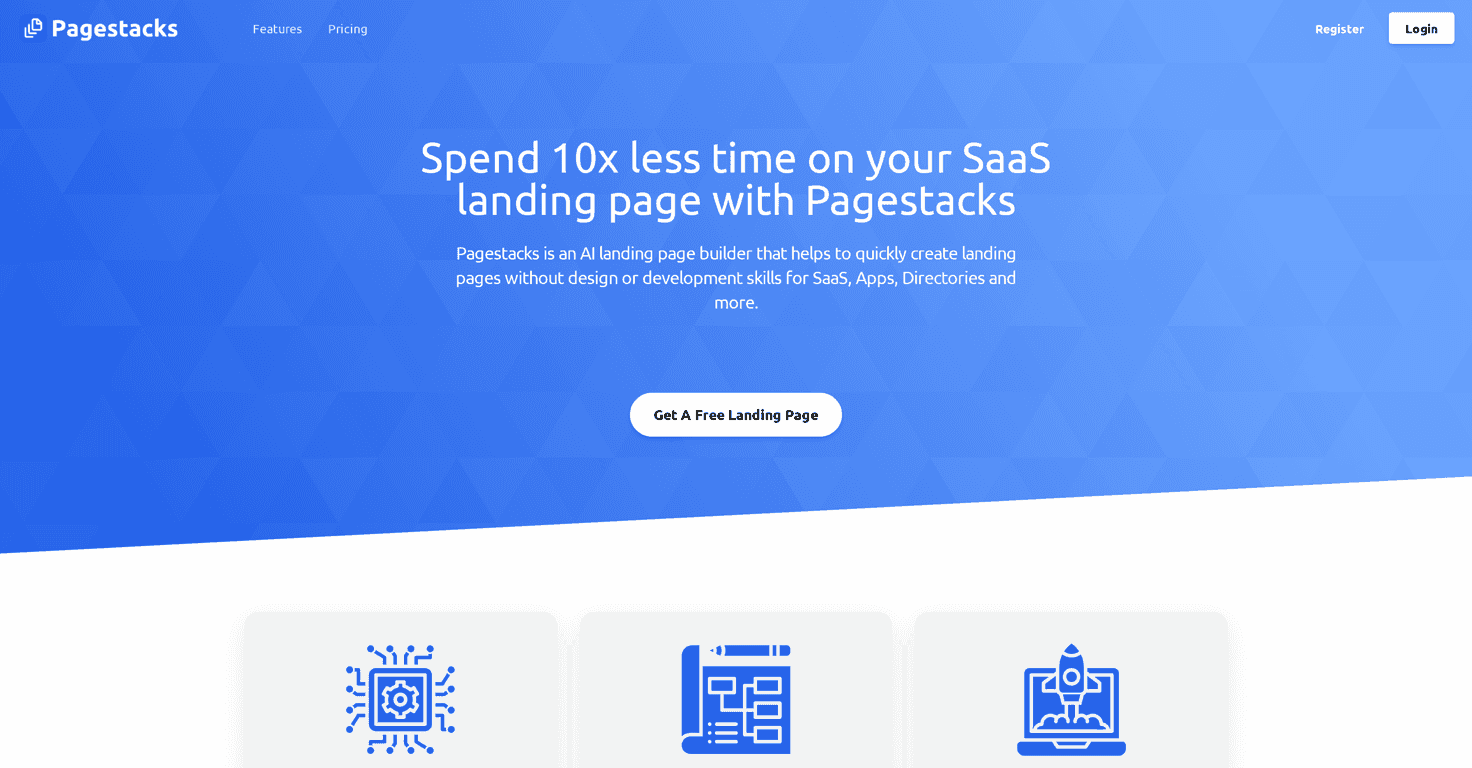
Pagestacks positions itself as an AI-driven SaaS landing page builder, and honestly, that’s exactly what I expected: less time messing around with page structure and more time getting something live. The pitch is simple—get a landing page that looks good, works on mobile, and is set up to convert.
What stood out to me right away is the “guided” feel. Instead of starting with a blank canvas and wondering what goes where, you’re pushed toward common landing page sections (headline, value prop, benefits, CTA, etc.). That’s a big deal if you’re not a designer. I’ve seen too many tools that technically let you build anything, but you still spend hours figuring out what “anything” should look like.
Also, responsive design matters more than people admit. I made sure to preview the page layout on smaller screens while testing. The goal isn’t just “it loads on mobile.” It’s whether the spacing, text sizing, and button placement still make sense when a visitor is scrolling with their thumb. Pagestacks is clearly aiming for that, and the pages I generated stayed readable and usable across screen sizes.
Now, one quick reality check: AI can get you to a solid first draft fast, but you still have to provide the messaging. If your offer is vague, the page will reflect that. A builder can’t magically fix unclear positioning. Still, if you’ve got the basics (product name, who it’s for, main benefit, CTA), it can save you a lot of time.
Key Features
- AI-powered page creation for rapid first drafts (so you’re not staring at a blank page)
- User-friendly interface that works even if you don’t have design or coding experience
- Customization options aimed at improving engagement and conversion (headlines, sections, and layout tweaks)
- Responsive design so your landing page holds up on phones and tablets
Pros and Cons
Pros
- Saves time by automating the heavy lifting of getting a page structure together quickly.
- Helps with conversion-focused layouts—you’re guided into typical high-performing sections instead of guessing from scratch.
- Beginner-friendly if you don’t want to touch CSS or wonder how to align elements.
Cons
- Less control for advanced users who want pixel-perfect control. If you like to micromanage spacing, fonts, and layout details, AI-driven builders can feel a bit restrictive.
- Customization may feel limited compared to manual tools (or more flexible drag-and-drop builders). You might hit the point where you think, “I just want to move this one thing… why can’t I?”
Pricing Plans
Pricing can change, so I don’t want to guess. For the most accurate and up-to-date Pagestacks pricing, check their official site at www.pagestacks.pro.
Wrap up
After testing the idea behind Pagestacks, my take is pretty straightforward: it’s a strong option if you want to publish a SaaS landing page quickly and you’d rather spend your time on your offer than on design mechanics. It’s especially helpful when you’re building your first landing page or you need a second/third page without starting over every time.
If you’re an advanced designer who lives for full control, you may feel boxed in. But if your priority is speed, a clean responsive layout, and a conversion-friendly structure, Pagestacks is worth a look.