Table of Contents
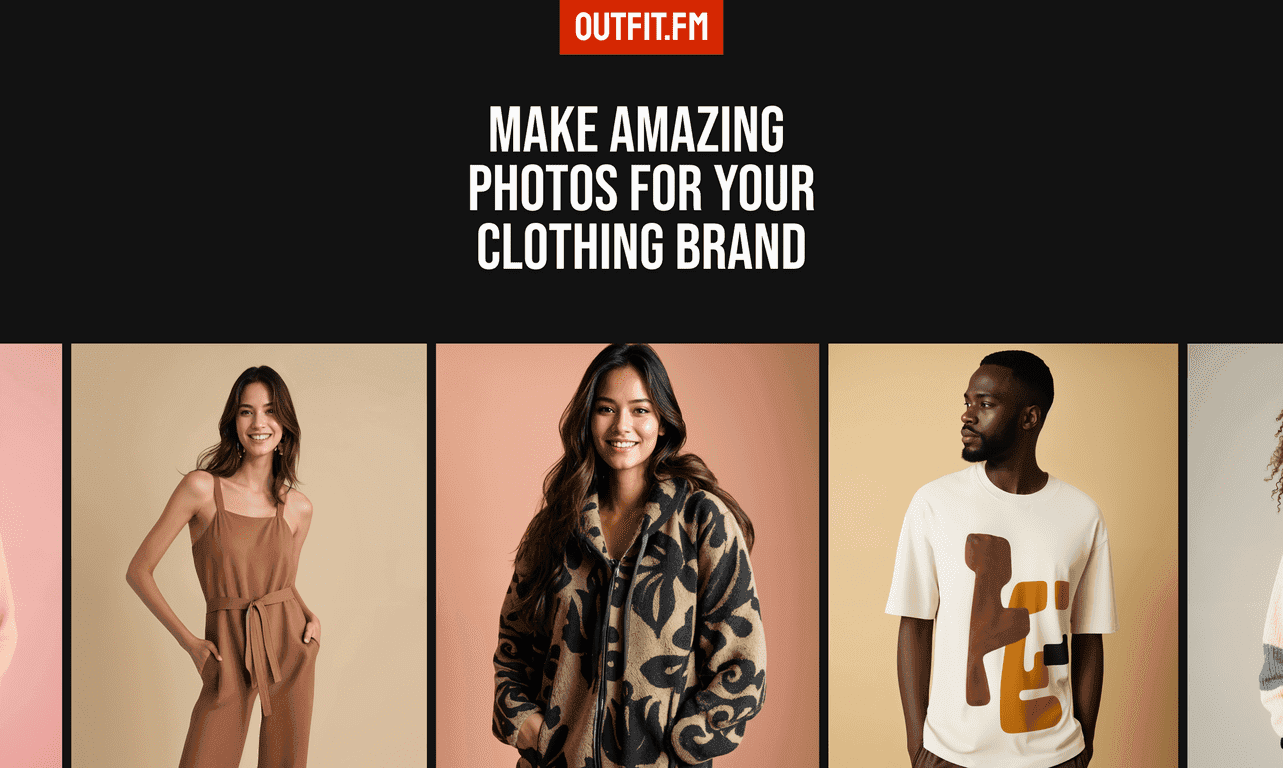
If you run a clothing brand, you already know the annoying part: getting on-model photos that actually look good costs time and money. I’ve been there—either you pay for a full shoot, or you settle for flat product shots that don’t convert as well. That’s why I tried Outfit.fm. The idea is simple: upload your product photo and use AI to turn it into studio-style, on-model imagery, without booking a photographer.
Outfit.fm Review: What I Actually Liked (and What to Watch)
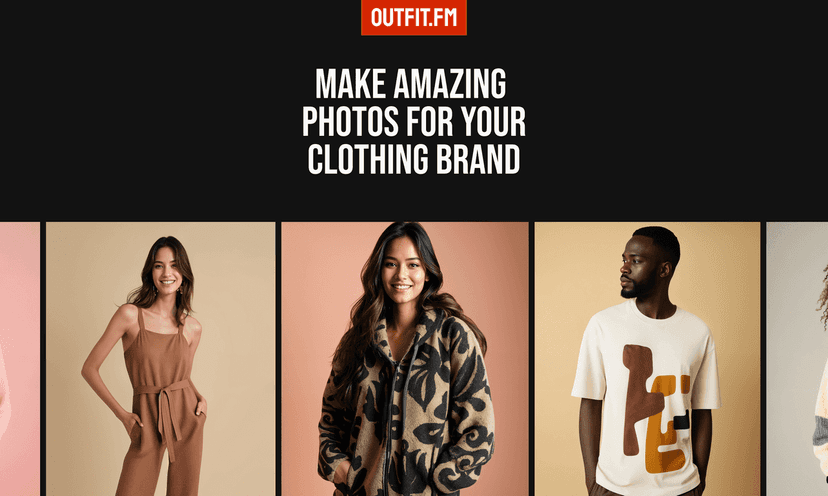
Outfit.fm is built for fashion brands that want on-model marketing images without the usual production headache. When I tested it, the biggest win wasn’t just “AI magic”—it was speed. I could take a basic product photo and get something that looked like it belonged on a product page or ad creative, instead of feeling like a placeholder background.
It’s also pretty straightforward to use. You upload an image, choose what you want, and generate. I didn’t feel like I needed a photography background or design skills to get usable results. That matters, because most small brands don’t have time to learn a complicated tool stack.
One thing I noticed right away: the output looks more convincing when your starting photo is clean. If your product shot is blurry, badly lit, or heavily cropped, the AI has less to work with. So yeah—it can save you from photoshoots, but it doesn’t magically fix a low-quality input.
Also, the “model” aspect is where the tool earns its keep. Instead of showing your item flat, you get imagery that feels more human and lifestyle-oriented. That’s the kind of visual that usually performs better for conversion, especially on mobile.
Key Features That Matter for Fashion Brands
- AI-Driven Photo Generation
You upload your product photo and the tool generates an on-model, studio-style image. In practice, this is what replaces the “shoot day” for a lot of quick marketing needs. - Customizable Models for Brand Match
You can select model options so the vibe fits your brand. I like this because it’s not just a random result—you can aim for a look closer to your target customer. - Scene Customization Options
Scene/background choices help your images feel consistent across a collection. If you’re running seasonal drops, this is a big deal. - High-Resolution Image Outputs
The goal is usable, marketing-ready images. From what I saw, the outputs are designed for real placements like product pages and ads, not just “quick previews.” - User-Friendly Upload Process
No complicated pipeline. If you can upload an image, you can get started.
Pros and Cons (Realistic Expectations)
Pros
- Huge time savings: You can generate visuals without scheduling shoots, coordinating models, or editing hundreds of photos.
- Cost-effective for testing: If you’re launching a new colorway or experimenting with ad angles, this lets you move fast without blowing the budget.
- More brand control than “random AI”: Model and scene options help you keep a consistent look across campaigns.
- Looks professional enough for marketing: The images are positioned as studio-quality, and for most brand use-cases, that’s the point.
Cons
- Input quality matters: If your original photo is washed out, angled weirdly, or low-res, the final result won’t look as polished.
- Customization takes a little trial-and-error: It’s not hard, but it’s not “set it and forget it” either. You may need a few generations to get the vibe right.
Pricing Plans: Start For Free (Then Decide)
Outfit.fm includes a ‘Start For Free’ option with free credits and no credit card required for initial use. That’s honestly a smart way to test it—because you can see how the tool handles your specific product photos before committing.
For current paid plan details, you’ll need to check the website directly since pricing can change over time.
How I’d Use Outfit.fm in a Real Launch
If you’re wondering how this fits into a workflow, here’s what I’d do (and what I think most brands will do well):
- Use it for campaign images and product page upgrades (especially for new drops where you don’t have time for a full shoot).
- Generate multiple scenes for the same item so you can pick the best match for your store theme.
- Keep your product photos consistent (same lighting style, similar framing). When your inputs are consistent, your outputs tend to look more cohesive.
- Don’t over-rely on one perfect generation. I usually prefer to generate a few variations and choose the strongest ones.
Wrap up
Outfit.fm is a practical tool for brands that need better fashion imagery without the usual production grind. It’s fast, fairly easy to use, and the model + scene options help your visuals feel more “real campaign” and less like a stock photo. Just make sure you start with decent product photos—because the AI can enhance, but it can’t fully rescue a bad input. If you want a quicker way to build on-model marketing images, it’s definitely worth trying.
Promote Outfit.fm




