Table of Contents
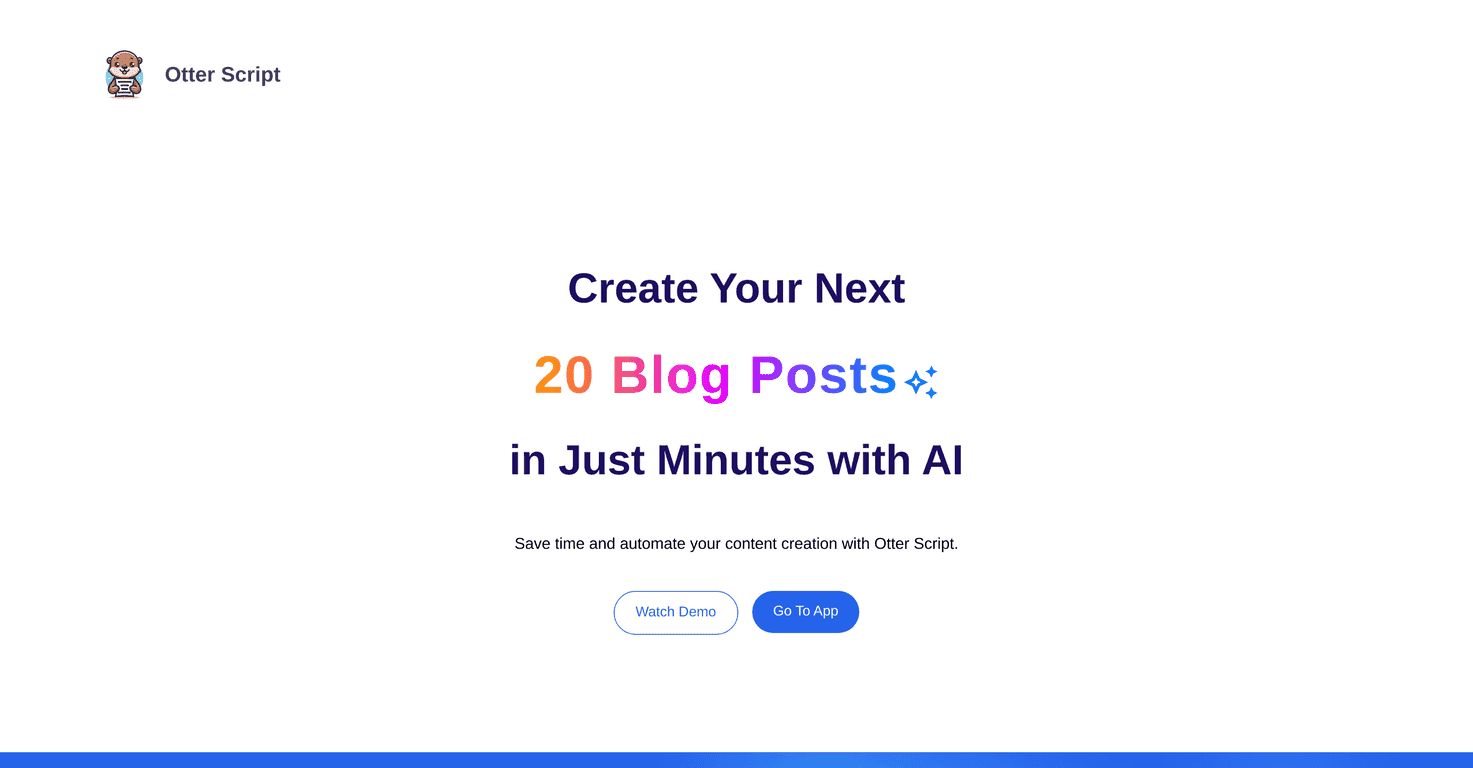
I’ve tried a bunch of AI tools that promise “faster document creation,” and honestly, most of them still feel a bit like you’re wrestling a text box. Otter Script is different in a key way: it’s built around workflows. That means you’re not just generating one-off text—you’re setting up repeatable document steps you can run again and again.
After testing it for writing templates and structured outputs, I noticed the biggest benefit wasn’t “AI magic.” It was the organization. You can keep your process consistent, reuse the same logic, and come back to older outputs when you need to revise. And yes, it’s pretty straightforward to use, even if you’re not super technical.
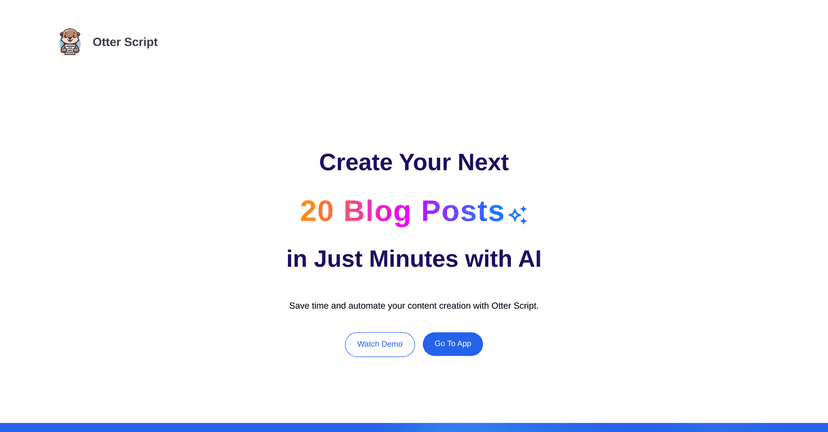
Otter Script Review: What It’s Like to Use for Real Document Work
Here’s the way I think about Otter Script: it’s for people who want structure. If you’re constantly rewriting the same kind of documents—reports, proposals, meeting summaries, SOPs—this approach makes a lot of sense.
When I set up a workflow, I wasn’t just asking for “a document.” I was defining steps. That’s where the tool feels more practical than generic chat-style generators. You can build a reusable path, run it, and then adjust without starting from scratch every time.
One feature I kept coming back to was the ability to continue where you left off. Instead of redoing the whole thing because you changed one section, you can pick up from a previous state. It sounds small, but if you’ve ever been halfway through editing a document and something changes—this saves real time.
Also, the history of generated outputs is a big deal. I like being able to go back and compare versions. It’s not just “here’s one result.” It’s more like a trail you can review when you’re tightening wording, fixing a table, or updating a section for a new client.
Finally, I appreciated the download options. Being able to export in formats like DOCX and JSON is useful depending on what you’re doing next. DOCX is great when you want to drop the content into Word and polish it. JSON is handy if you’re integrating the output into something else (or if you want to keep the structure intact).
Key Features That Actually Matter
- Custom Workflow Creation
Build document processes you can reuse. Instead of rewriting prompts every time, you create a repeatable workflow. - Reusable Outputs
Run the same workflow again and again. This is where it starts to feel like a real productivity tool, not a one-off experiment. - Advanced Table Generation
If your documents include structured tables, this is one of the areas you’ll notice. Tables are often where AI tools get messy—here it’s designed to handle them more cleanly. - Continue Where You Left Off
Pick up from a previous step instead of restarting. In my experience, that’s the difference between “cool demo” and “usable for work.” - History of All Generations
You can review past outputs, which makes revisions way less painful. - Download as DOCX or JSON
Export in common formats so you can use the output in Word, or keep structured data for other workflows.
Pros and Cons (The Stuff I’d Tell a Friend)
Pros
- Faster document creation when you reuse workflows
The time savings really show up after your first setup. Once your workflow exists, generating the next version is much quicker. - Customizable workflows
You can tailor the steps to match how you actually work, not just how a generic template expects you to work. - Better handling of complex tables
Tables are often the hardest part of document generation. I found the output structure easier to work with than many “freeform” generators. - Continuity and revision-friendly history
Being able to continue and review prior outputs makes editing less chaotic.
Cons
- Pricing info isn’t clearly spelled out
When I looked for exact plan details, I didn’t see a clean breakdown. You’ll likely need to check the official site or ask support. - There can be a learning curve at first
If you’re used to “type a prompt and get text,” workflows take a bit to get comfortable with. Once you get the hang of it, though, it clicks.
Pricing Plans: What I Found (and What You’ll Need to Check)
I didn’t see specific pricing details included here, and that’s honestly the one part that makes it hard to recommend confidently without knowing your budget. So what should you do?
- Check the official Otter Script website for the latest plan info.
- If pricing is hidden behind a login or not clearly listed, contact support and ask what plan fits your usage (especially if you’ll be generating lots of documents or tables).
One practical tip: before you commit, think about how often you’ll generate documents and whether you need DOCX, JSON, or both. That will usually determine whether it’s worth paying for higher limits.
Wrap up
Overall, I think Otter Script is a solid option if your goal is document creation with structure—not just random text output. The workflow approach, the ability to continue where you left off, and the history of generations are the features that stood out to me the most. If you’re already producing similar documents repeatedly, this could genuinely make your process smoother.
Just make sure you verify pricing first, because that’s the one missing piece I can’t confidently fill in for you. Once you know the cost, it’s easier to judge if it fits your budget and how much time it’ll save.
Promote Otter Script