Table of Contents
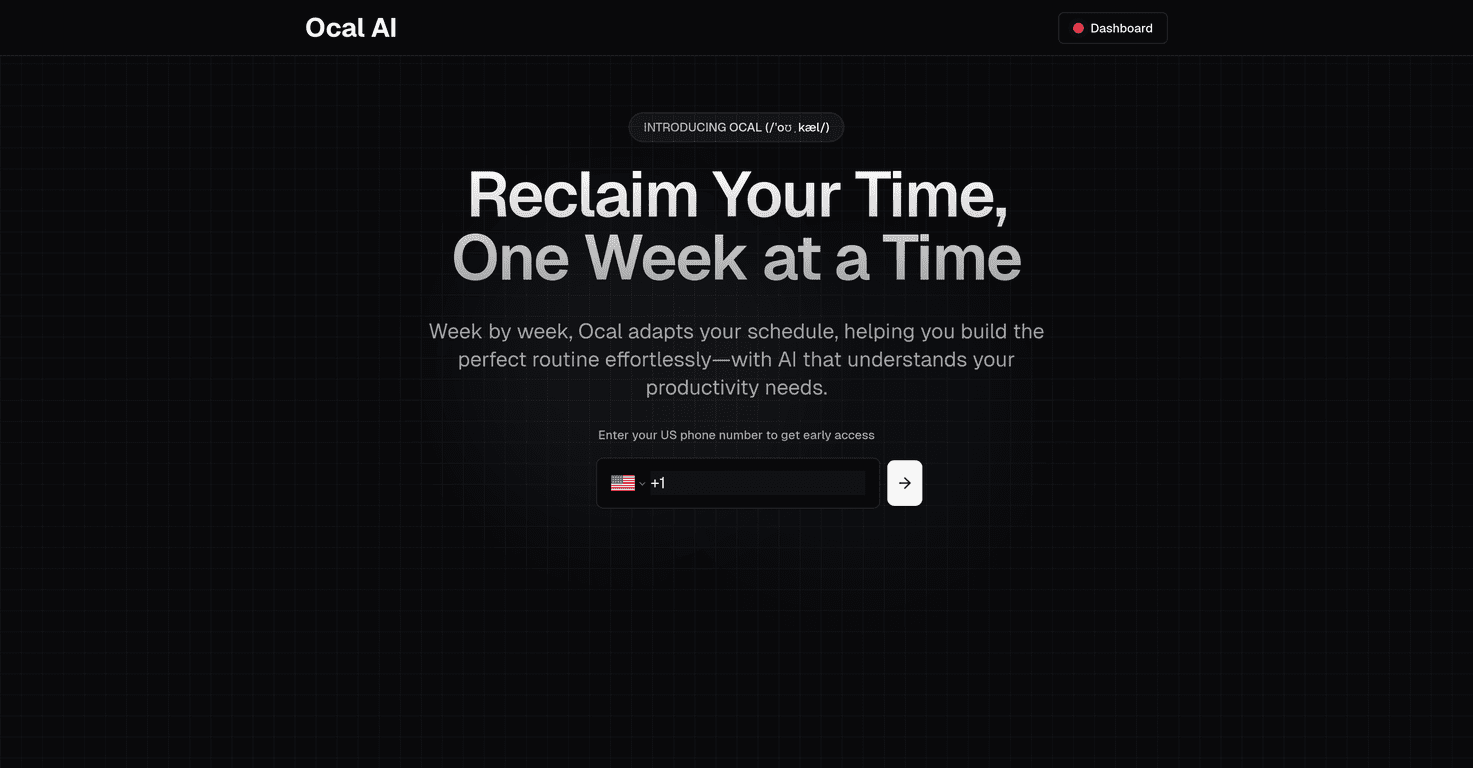
Time management is one of those things everyone talks about—until you’re staring at a pile of assignments, a couple exams on the calendar, and somehow your week still feels packed. That’s why I was interested in Ocal AI. It’s positioned as a scheduling assistant built for students, with an AI layer meant to help you create a weekly plan that actually fits your habits instead of just dumping a generic template on you.
I’ll be honest: I’ve tried a few “smart” planners that were more hype than help. So in this Ocal AI review, I focused on what I’d notice in real use—setup time, how the schedule changes (if it changes), how it handles school tools like Canvas, and whether the privacy angle feels believable or just marketing.
Ocal AI Review: Does a Student Scheduling Assistant Actually Help?
Ocal AI is built around one core idea: students don’t need “more productivity advice,” they need a schedule that matches how they study. The platform is designed to create tailored weekly plans and adjust based on habits and preferences. That part matters, because if your schedule never accounts for your real life (work shifts, commute time, when you actually focus), it’s basically dead on arrival.
One thing I like about Ocal AI’s positioning is the focus on privacy. It’s described as using personalized AI models so the experience is unique per user, and it claims to keep data safe and private. I can’t verify every internal security detail from a public review, but I do appreciate that it’s emphasized rather than ignored.
Where things get practical is the integration with academic platforms like Canvas. If you’ve used Canvas, you know it’s where assignments and deadlines live. So if a scheduler can pull that context in, you’re less likely to forget something or recreate due dates manually. In my experience, that’s the difference between a planner you “set up once” and one you actually keep using.
Key Features I’d Pay Attention To
- Intelligent scheduling for weekly plans
The goal isn’t just to list tasks—it’s to build a weekly schedule that’s meant to fit your routine. I’d expect this to reduce the “I planned too much” problem that happens when schedules are overly optimistic. - Canvas (and similar) integration
If Ocal AI can connect with Canvas, it should make study planning less manual. Instead of copying deadlines into another app, the schedule can be built with real assignment context. - User-friendly dashboard
This sounds simple, but it’s huge. If the interface is clean and the setup is quick, you’ll actually come back to it. If it feels complicated, students won’t bother. - Personalized AI models
This is where the “tailored support” claim comes in. The idea is that the system learns your preferences so you’re not stuck with the same rigid plan every week. - Security and privacy protocols
Ocal AI claims compliance with educational privacy laws. For students, that’s a big deal—nobody wants their academic data handled loosely.
Pros and Cons (What Looks Good vs. What’s Unclear)
Pros
- More customization than generic templates
A big win here is the “weekly schedules that adapt” angle. If it truly responds to habits, it can help you stop fighting your calendar. - Less stress from better planning
When deadlines and study blocks are organized in a realistic weekly view, it’s easier to feel on top of things—especially during midterms. - Privacy is part of the pitch
I like that it’s not an afterthought. Educational privacy matters, and Ocal AI puts that front and center. - Designed to work at scale
“For institutions” is mentioned, which suggests it’s not just a one-off student tool. If schools adopt it, students may get a more consistent experience.
Cons
- Pricing information isn’t clearly public
When I looked for straightforward pricing, there wasn’t much to go on. That means you may need to contact them (or your school) to know what it costs. - There may be a learning curve
Even with a friendly dashboard, AI scheduling tools can take a little time to “click.” You might need a couple weeks to see how it builds your plans.
Pricing Plans: What I Found (and What I Didn’t)
Here’s the honest part: I didn’t see specific, publicly listed pricing for Ocal AI. Instead, the information available suggests that individuals or institutions should contact Ocal AI directly to get details on plans and costs.
If you’re a student, I’d check with your school first—sometimes these tools are bundled through institutions. If you’re trying it independently, be ready to reach out and ask questions like: Is it subscription-based? Is there a free trial? What features are included? You don’t want to sign up without knowing what you’re actually getting.
My Take: Who Ocal AI Is Best For
In my experience, scheduling apps work best when they solve one specific pain:
- You keep missing due dates → integration with Canvas could help a lot.
- Your study plans are unrealistic → an AI that adapts to habits is more likely to produce something you can stick to.
- You don’t stick with manual planners → if the dashboard is easy and the schedule updates, you’ll actually return to it.
But if you already have a system that works (like a solid Google Calendar + weekly review), you might not feel the same “wow” factor. The value is strongest when your current setup is either too manual or too generic.
Wrap up
Ocal AI looks like a solid option for students who want a scheduling assistant that’s built around real study routines—not just a static to-do list. The combination of weekly AI scheduling, Canvas integration, and a clear emphasis on privacy is what stands out to me most.
Still, there are some practical unknowns—especially around transparent pricing and how quickly the tool adapts to different learning styles. If you’re curious, it’s worth checking out their website and seeing whether your school (or you) can access it. That’s usually the fastest way to get clarity and decide if it’s actually a fit for your semester.
Promote Ocal AI




