Table of Contents
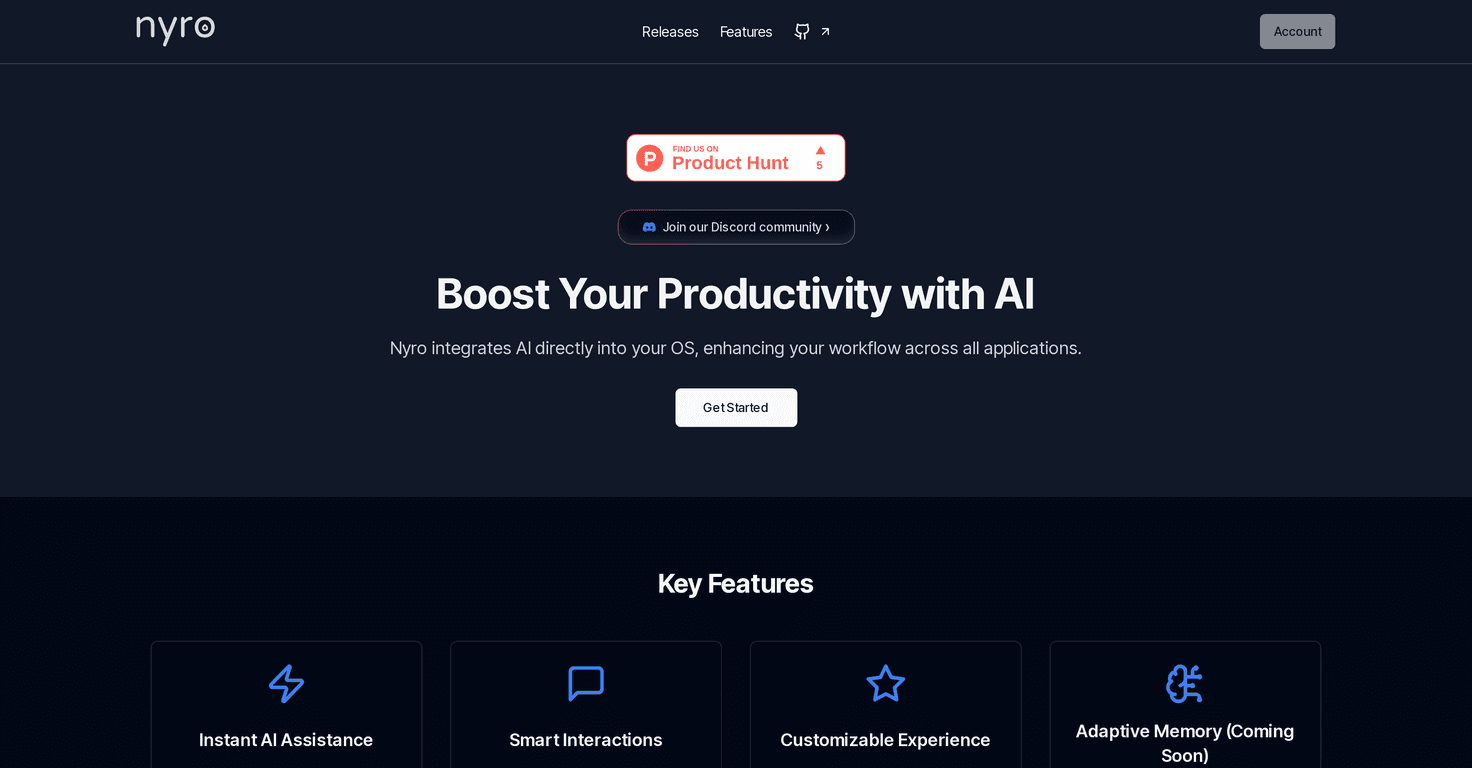
If you’re anything like me, you don’t want another AI app that lives in a separate tab. You want help where you’re already working—email, docs, spreadsheets, Slack, whatever. That’s exactly what Nyro is aiming for: an AI-powered desktop companion that shows up right on your desktop so you can highlight text and get assistance immediately.
In my experience, the “highlight something and ask” flow is the difference between AI feeling useful and AI feeling like a distraction. Nyro leans hard into that interaction model. I highlighted a sentence in a draft and asked it to rewrite for clarity, and the result came back in a way that felt conversational rather than robotic. It’s not just one-purpose either—you can use it for quick explanations, drafting, summarizing, and general info lookups while you’re in the middle of your work.
What I also like is the customization. Instead of forcing one generic assistant behavior on everyone, Nyro lets you tailor the experience to how you work. That matters more than people think. If you prefer shorter answers, different tones, or a more structured response style, you don’t want to fight the tool every time you ask a question.
One feature that caught my attention is the upcoming Adaptive Memory (it’s currently in development). The idea is simple but powerful: Nyro should be able to recall past actions or notes so your future interactions feel more personalized. If it works as promised, it could reduce the “repeat yourself” problem—especially if you’re using it day after day for writing, research, or project management.
That said, it’s not all perfect today. Some capabilities are still being refined, and the biggest limitation right now is the expected query cap on the upcoming Download Plan: 20 AI queries per day. For casual use, that’s probably fine. If you’re a heavy user—like someone who writes a lot of client emails, does research all day, or runs frequent rewrites—that limit could get annoying fast. You might find yourself rationing questions or waiting until you can batch them.
Nyro Review: A Desktop AI That Actually Fits the Flow
Nyro’s main idea is pretty straightforward: it’s an AI assistant built to feel like part of your desktop, not something you open separately. Instead of copying text into a chat box, you highlight text and trigger assistance right away. That small workflow change adds up. After a day of using it, I noticed I was asking fewer “big questions” and more targeted help—rewrite this line, explain that concept, tighten this paragraph. And honestly? That’s where AI is most useful.
When I tested it for writing tasks, I found the “natural conversation” style helped. You’re not stuck with one rigid prompt format. You can ask follow-ups and steer the output. For example, I’d highlight a rough draft, ask for a clearer version, then follow up with “make it more direct” or “shorten this to two sentences.”
Another feature I appreciated is how customizable Nyro is. If you’ve ever used an AI tool that always sounds the same—same tone, same structure—you’ll understand why this matters. Custom settings make it feel less like you’re talking to a generic model and more like you’re working with an assistant that adapts to your preferences.
Now, the big upcoming item: Adaptive Memory. It’s described as an in-development feature that should let Nyro remember past actions or notes. If it’s implemented well, it could help with consistency (same tone across emails, remembering your style choices) and reduce repetition (no need to restate context every time). Still, until it’s actually available, it’s more of a “promising” than a “proven” feature.
One limitation that’s worth calling out is the query limit mentioned for the upcoming Download Plan—20 AI queries per day. If you’re using Nyro for quick fixes a few times a day, you’ll probably be okay. If you’re using it constantly, you might hit the cap and have to adjust your habits. I’d personally want to see how that limit plays out for real heavy users before calling it ideal.
Key Features That Stand Out
- Instant AI Assistance for quick help: highlight text and get assistance without breaking your workflow.
- Natural conversation style: you can ask follow-ups and refine responses instead of starting over.
- Highly customizable settings: adjust how Nyro behaves so it matches your tone and preferences.
- Adaptive Memory (upcoming): planned to recall past actions or notes for a more personalized experience.
Pros and Cons From a Real-World Perspective
Pros
- Faster than tab-hopping: highlight-and-ask is the main reason I’d actually keep using it.
- Desktop integration: it’s designed to work across applications, which is where most productivity wins happen.
- Customizable experience: you can tailor the assistant instead of accepting one fixed style.
- Useful across tasks: drafting, rewriting, explaining, and general assistance all fit the same workflow.
Cons
- Adaptive Memory isn’t available yet: it’s promising, but you can’t rely on it today.
- 20 AI queries/day on the Download Plan: heavy users may feel constrained unless they batch questions.
Pricing Plans (And What They Mean for You)
Nyro is positioned with two options:
- Developer Plan: free and open-source, with all features hosted locally and customizable.
- Upcoming Download Plan: price not specified yet, includes all features, but limits users to 20 AI queries per day.
If you want to try Nyro without worrying about daily limits, the Developer Plan sounds like the safer bet. If you’re planning to rely on it all day, though, that 20-query cap is the first thing I’d check before committing.
Wrap up
Nyro feels like the kind of AI assistant I actually want on my desktop—highlight text, get help, keep moving. The customization helps it fit different working styles, and the upcoming Adaptive Memory could make it even more useful once it’s live. Just don’t ignore the current limitations: some features are still in development, and the 20 queries per day limit on the Download Plan could be a dealbreaker for power users. If you’re looking for an AI companion that supports your workflow instead of interrupting it, Nyro is worth keeping on your radar.