Table of Contents
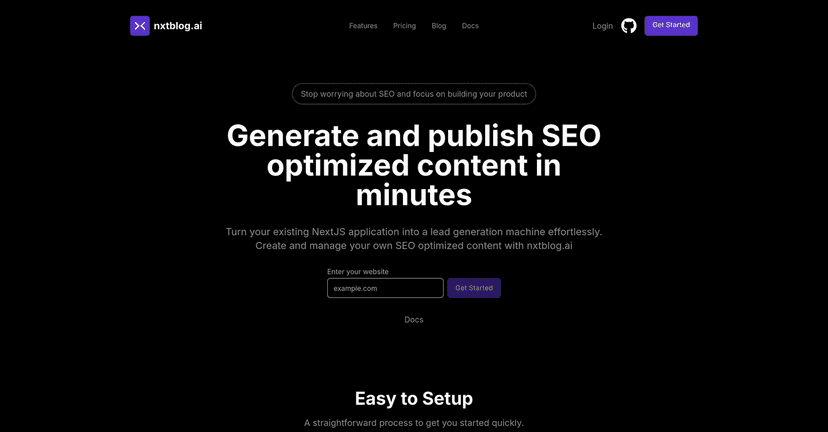
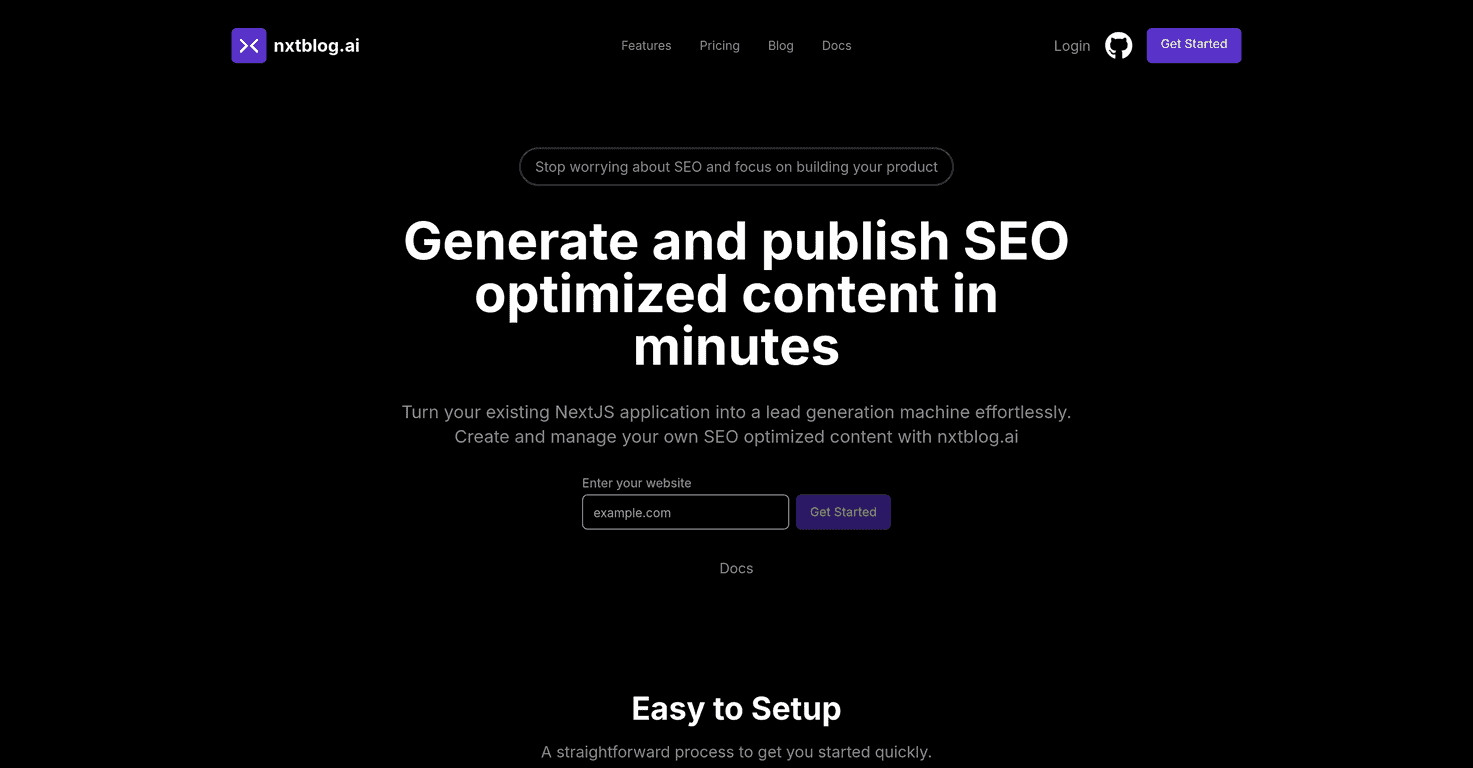
If you’re building with NextJS and you’re tired of the “we’ll add content later” plan, I get it. I’ve been there—your app works, users can find it… but organic search traffic is basically nonexistent. That’s where nxtblog.ai comes in.
In my experience, the hardest part of content for developers isn’t writing. It’s making sure the content actually lands in the right places (routes, sitemaps, indexing signals) and stays updated as your product evolves. This is what nxtblog.ai is trying to solve for NextJS apps—AI-assisted blog content plus the plumbing you normally have to maintain yourself.

nxtblog.ai Review: NextJS Content + SEO, Without the Usual Headaches
Nxtblog.ai is built specifically for NextJS applications, and that matters. A lot of “AI blog” tools feel generic—they generate text, but you still have to wire up routes, sitemaps, publishing workflows, and updates. With nxtblog.ai, the pitch is that you get AI-powered content generation plus the NextJS-friendly setup (including sitemap automation and updates) so your new pages have a better chance of being discovered.
What I noticed right away is that the platform is aiming at the stuff developers actually care about: how content fits into the app’s structure and how quickly changes show up. Because honestly, if your blog takes hours to reflect updates, it’s not very useful for iterative marketing.
Also—real talk—AI content only helps if it’s structured like content that can rank. If you’re expecting “press a button and Google does the rest,” you’ll be disappointed. But if you treat it like a faster draft engine and you still edit for accuracy, clarity, and your brand voice, it can save a ton of time.
Key Features I’d Actually Use
- AI-powered content creation for faster drafting: Instead of starting every post from a blank file, you can generate outlines and full drafts. In practice, I’d use this to cut the first 1–2 hours of “what should this even say?” work.
- Effortless integration into existing NextJS projects: The platform is designed around an npm package approach, so you’re not rebuilding your app just to add a blog.
- Sitemap automation: This is one of the most practical features. When new pages appear, you want search engines to know about them. I like tooling that handles sitemap updates automatically instead of relying on manual steps.
- Full static site generation support: If you’re using Static Site Generation (SSG) patterns, it helps keep performance strong. Fast pages matter for both SEO and conversions.
- Realtime updates: If you’re iterating on content, seeing changes quickly is huge. Nobody wants to wait for a rebuild cycle just to tweak a paragraph.
- Intuitive dashboard: A dashboard is where I’d expect to manage posts, review drafts, and keep everything organized. The goal should be “publish without hunting around in code.”
- Image support with CDN serving: Image handling can get messy fast (paths, optimization, caching). Having CDN-friendly support is a nice quality-of-life improvement.
Pros and Cons (Based on What You’ll Feel Day-to-Day)
Pros
- Setup is developer-friendly: If you already know your way around NextJS, the integration approach should feel straightforward.
- Automates real SEO chores: Sitemap automation and update workflows are exactly the kind of “small but constant” tasks that eat time.
- Better visibility for product-led content: When your blog is part of your app (not a separate orphaned system), it’s easier to connect content to onboarding, feature pages, and conversions.
- NextJS-specific features: Tailoring to NextJS is a big deal. Generic tools often create more work than they remove.
Cons
- Less useful outside NextJS: If you’re using another framework, you’ll likely feel boxed in. This tool is clearly built for NextJS workflows.
- Integration depends on the npm package: That can be a blocker if your team is strict about dependencies, security reviews, or bundle size. I’d want to confirm how it behaves in your build pipeline before committing.
- AI still needs human review: The platform helps generate content, but you still need to edit for accuracy, avoid generic phrasing, and align with your actual product details. Otherwise, the posts can sound “AI-ish” (and search engines can tell).
Pricing Plans: Check the Current Numbers
Pricing can change, and I don’t want to guess. For the latest nxtblog.ai pricing plans, head to the official site and/or documentation directly via nxtblog.ai. That’s also the best place to confirm what’s included (credits, limits, and any integration details).
If you’re evaluating it for a real marketing cadence, I’d also ask: how many posts can you generate per month, and what happens when you exceed limits? Those are the questions that usually matter after the “cool demo” phase.
Wrap up
Overall, I like the idea behind nxtblog.ai: it’s focused on NextJS developers who want SEO-friendly content without turning their codebase into a maintenance nightmare. If you’re already planning to run a blog (or content hub) as part of your product strategy, the sitemap automation, NextJS integration, and realtime update workflow can genuinely save time.
Just remember: AI drafts are a starting point. If you pair the tool with your own editing, examples, and product-specific details, you’ll get way better results than if you treat it like a “publish and forget” button.