Table of Contents
If you’ve ever stared at a PDF at 1 a.m. thinking, “Why is learning so hard?”, you’ll probably like what NotesXP is trying to do. I tested NotesXP to see if it actually turns messy study material into something you can review quickly—without turning the whole process into another frustrating app. In my case, I uploaded a couple of PDFs and a few images, and I watched how fast it could generate notes, flashcards, quizzes, and even audio. Overall? It’s genuinely useful for everyday studying, as long as you know where it struggles.
NotesXP Review: what I actually tested (and what surprised me)
When I opened NotesXP, the first thing I noticed was how quick it is to get to the “do something” part. No long setup. No weird menus before you can upload. I went straight to the upload flow and tried a few different input types:
- PDF test: a ~12-page study PDF (mostly textbook-style headings and paragraphs). I uploaded it and watched for how the app chunked content into notes.
- Image test: a few screenshots of lecture slides (clear text, not blurry).
- Handwriting test: a photo of handwritten notes under normal indoor lighting, plus one darker/less clear shot to see where it breaks.
Here’s what happened in my experience.
1) Instant AI Notes (PDFs + images)
I got summarized notes quickly, and they were “bite-sized” in a way that actually helps you review. Instead of one giant wall of text, it broke things into sections that felt like what I’d write for myself before an exam. The best part? It didn’t just rewrite—there was real structure: key points, short explanations, and headings that made it easy to skim.
Time check: On my device, the note generation felt fast enough that I wasn’t losing momentum. I’d call it “fast” rather than instant-instant, but it was definitely usable for a study session where you don’t want to wait around.
2) Audio Learning (turn notes into podcasts)
This is one of those features that sounds gimmicky until you try it. I converted a generated notes set into audio and listened while doing something else (dishes, basically). The audio made the content feel less “stuck” on my phone screen. It’s not like a professional audiobook, but it’s good for review and repetition.
What I noticed: If the notes are very short/fragmented, the audio can feel choppy. If the notes are more complete, it’s smoother.
3) Mind Maps (visualize complex topics)
I used mind maps on a topic with lots of sub-concepts (cause/effect style). The mind map helped me see relationships at a glance, which is honestly where I usually get stuck when studying. If you’re the type who learns better when you can “see” how ideas connect, this is a strong feature.
4) Smart Flashcards (facts for memory)
The flashcards were actually usable. I generated cards from the notes and then flipped through them like I would in any flashcard app. The cards weren’t just random Q&A—they pulled key definitions and important facts from the source material.
One thing to watch: If the original PDF is very dense or uses lots of technical jargon without clear headings, the cards can end up slightly too broad or too narrow. It’s not a dealbreaker, but it means you’ll want to skim and edit if you’re being picky.
5) Gamified Quizzes (adaptive… but here’s what “adaptive” means)
The quizzes are interactive and keep you moving, which I liked. “Adaptive” in practice seemed to mean the app adjusts difficulty based on how you answer—either by changing which questions you see next or by increasing/decreasing challenge as you go.
What I noticed while testing: If I got a run of questions wrong, the quiz felt like it slowed down and focused more on core ideas. When I answered correctly, it pushed me into more detail. It wasn’t magic, but it was better than a static quiz where every question is the same regardless of your performance.
Privacy: I appreciated the privacy-focused approach too. The app’s pitch is that you don’t need an account and that data stays on your device. I can’t “prove” that from the outside, but the workflow feels designed with that in mind, and it’s refreshing compared to apps that immediately ask you to sign up.
Where it struggled (real talk):
- Handwriting recognition: It worked best when the image was well-lit and the text was sharp. When I used a darker photo, the app missed some words and the resulting notes were less accurate.
- Highly technical material: For more specialized coursework, the summaries and follow-up questions can lose nuance. It’s fine for learning the basics and building a study outline, but if you need deep accuracy (like for advanced math or highly technical papers), you’ll still want to cross-check.
So yeah—NotesXP is a solid study buddy for everyday learners. It won’t replace your textbook or professor, but it can seriously cut down the time between “I have material” and “I can review this.”
Key Features (with what I saw when I used them)
- Instant AI Notes – Upload PDFs or images for quick summarized notes
- I tested this with a ~12-page PDF and slide screenshots. The output was organized into sections with short explanations, which made it easier to skim before a quiz. For best results, use images with clear contrast (text should be readable without squinting).
- Audio Learning – Convert notes into podcasts for learning on the move
- I turned one of my generated note sets into audio and listened while multitasking. It’s convenient, especially for review. Just keep in mind: if your notes are super fragmented, the audio can feel less smooth.
- Mind Maps – Visualize and connect complex ideas easily
- Mind maps worked well when the source topic had obvious subtopics. If the PDF is poorly structured, the mind map can look “messy,” so it helps to start with material that already has headings.
- Smart Flashcards – Generate essential facts to boost memory retention
- I generated flashcards from summarized notes and used them like normal cards. They pulled key facts and definitions, but if the original text is very technical or vague, you may need to adjust a few cards so they match what you’re actually studying.
- Gamified Quizzes – Interactive, adaptive quizzes that make studying fun
- During testing, “adaptive” felt like it changed the quiz flow based on my answers. Get things wrong and it leans into core concepts; answer correctly and it goes deeper. It’s a nice way to stay engaged instead of mindlessly re-reading notes.
- Privacy Focused – No account needed, data stays on your device
- This is a big selling point. I didn’t have to jump through account setup before using it, and the app’s workflow feels designed to respect user privacy.
Pros and Cons (my honest take)
Pros
- Fast workflow: it’s easy to go from upload → notes → review without getting stuck in menus.
- Good for skimming: the notes are structured in a way that makes studying less overwhelming.
- Audio feature is actually useful: great for review while you’re doing something else.
- Flashcards + quizzes keep you moving: you don’t just “read and hope.”
- Privacy-first feel: no account requirement in the basic flow.
Cons
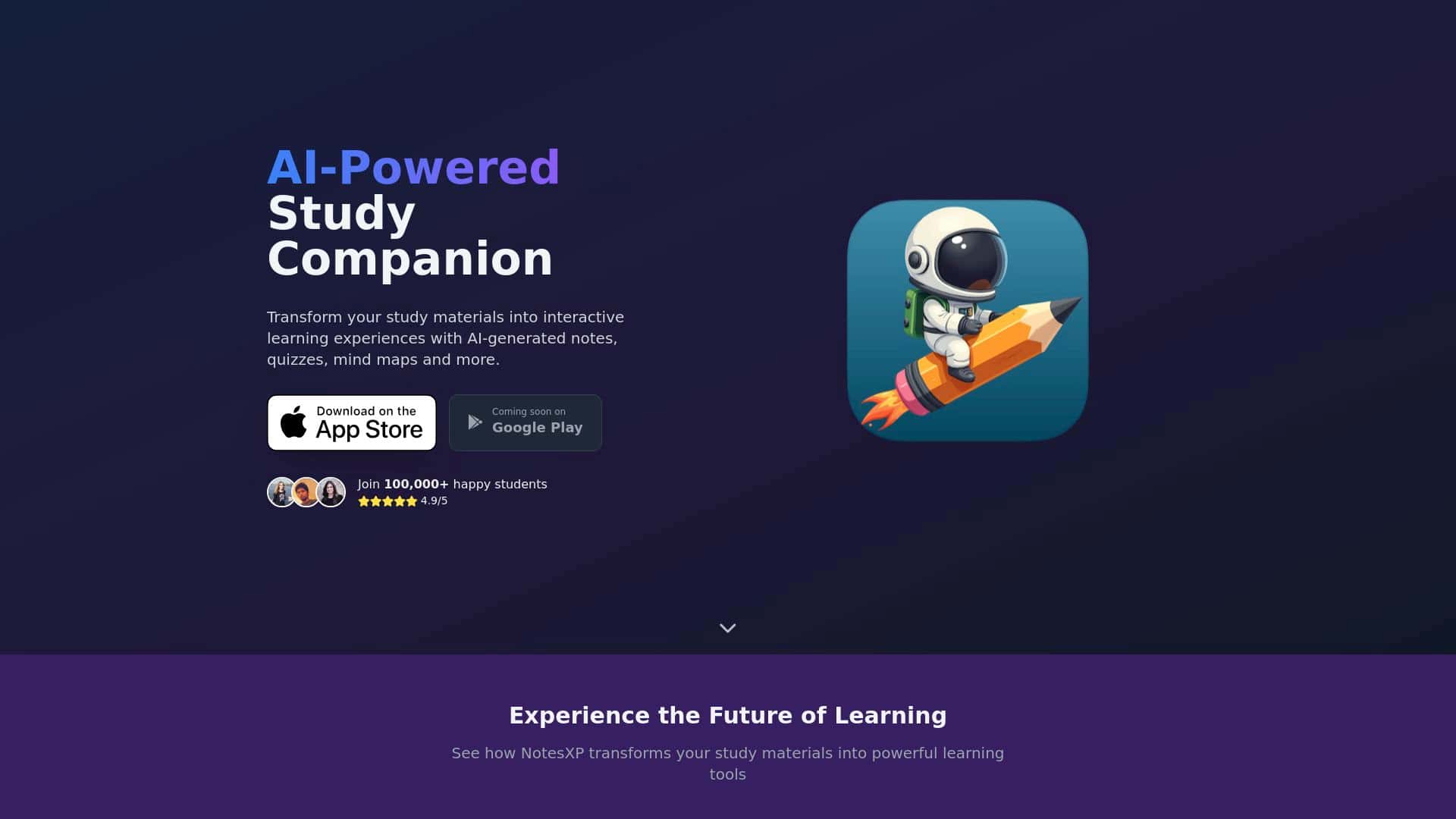
- Platform availability: it’s currently on the App Store, and Google Play is coming soon.
- Technical accuracy isn’t guaranteed: dense, highly specialized materials may need cross-checking.
- Handwriting needs clear photos: good lighting and sharp text matter a lot.
Pricing Plans (what I found)
When I checked, the exact pricing details weren’t clearly spelled out in the information provided here, so I can’t quote specific dollar amounts from this page alone. NotesXP subscriptions are available through the App Store, and users can manage or modify subscriptions anytime via their App Store account.
What I recommend you do before buying: open the App Store listing for NotesXP and look for the current plan options (monthly vs. annual), whether there’s a free trial, and what features are included. Pricing can change, and I don’t want you to rely on an outdated number.
Wrap up
If you’re studying from PDFs, lecture slides, or quick screenshots and you want notes, flashcards, and quizzes generated fast, NotesXP is a pretty strong option. It’s especially helpful for language learners, students doing recurring review (like biology or history), and anyone who likes a mix of reading + listening. I’d even say it’s useful when you’re short on time and just need a solid outline you can revisit.
That said, if you’re working with dense technical papers or you rely heavily on messy handwriting/photos, you’ll probably have to do some cleanup and double-check accuracy. And if you’re the kind of learner who needs deep, citation-level precision, don’t assume the summaries are the final word.
If you want to test it like I did, start with one clear PDF (around 10–15 pages), generate notes, then make flashcards and take one quiz. If the results match your study style, you’ll know fast. If not, you haven’t wasted much time.



