Table of Contents
Let’s be honest—most YouTube videos don’t respect your time. You click for one answer, and suddenly you’re 18 minutes deep into a story you didn’t ask for. That’s exactly why I wanted to test Noiz. It’s a tool built to summarize YouTube videos so you can get the important stuff fast.
In my experience, the “useful” part of a video is usually just a handful of moments—key points, definitions, steps, and conclusions. Noiz aims to pull that out and present it in a way that’s easier to scan than watching the whole thing. And if you’re the type who reads more than watches (hi, that’s me), this kind of tool can be a real time-saver.
Noiz Review
Noiz is an AI-powered summarizer made specifically for YouTube videos. The basic idea is simple: instead of sitting through the whole upload, you get a summary of what’s actually important. It’s meant for students reviewing lectures, professionals who need quick takeaways, and anyone who’s tired of “watch time” eating up their day.
What I like about tools like this is how they fit into real habits. If I’m researching a topic, I don’t want to commit to a 30–60 minute video before I know whether it’s going to help. With Noiz, I’m looking for fast signal: definitions, steps, and the final message. Then, if something looks promising, I’ll go back and watch the relevant parts.
Also, summaries aren’t just for saving time. They’re useful for revisiting later. I’ve personally found that when I read a clean set of key points, it’s much easier to remember what I learned than if I only watched a video once.
Key Features
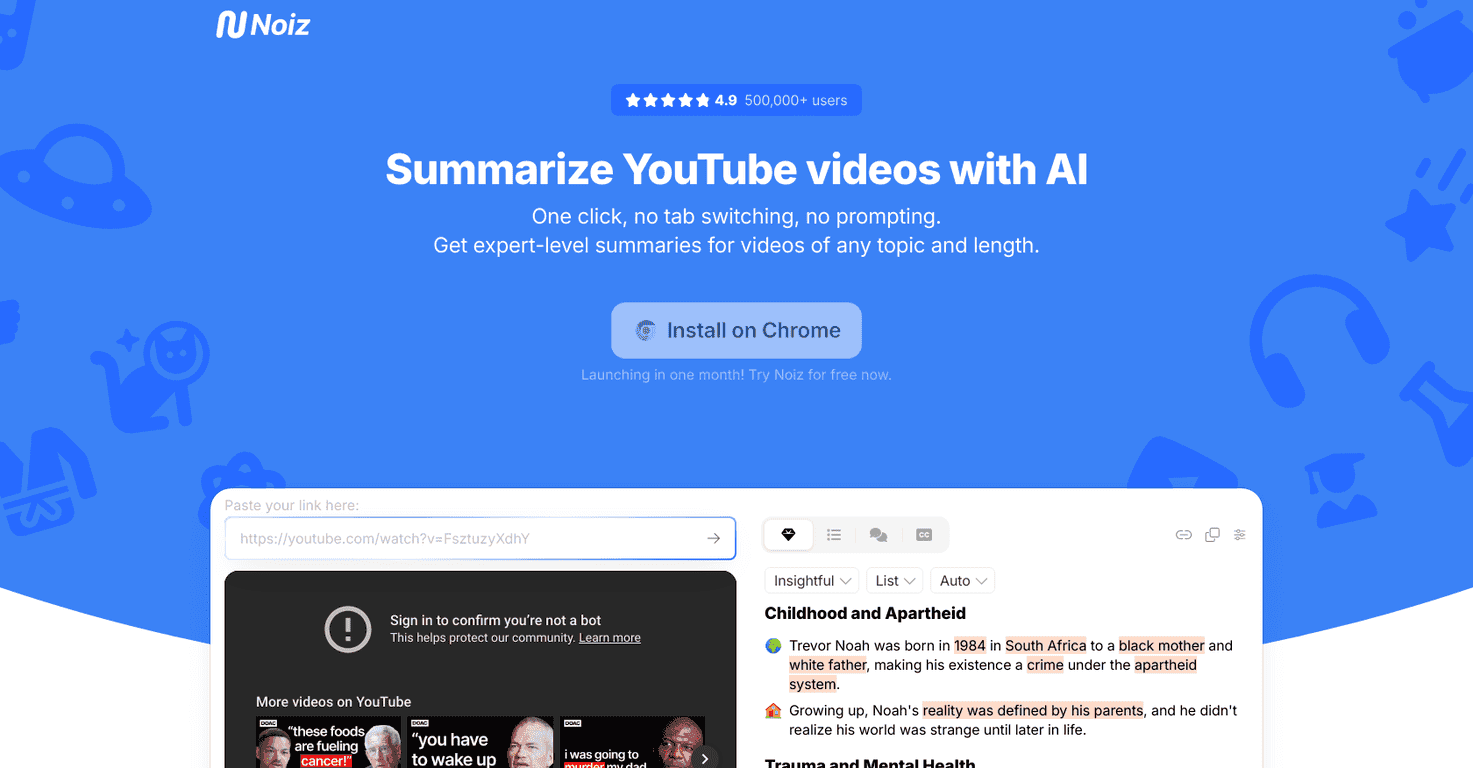
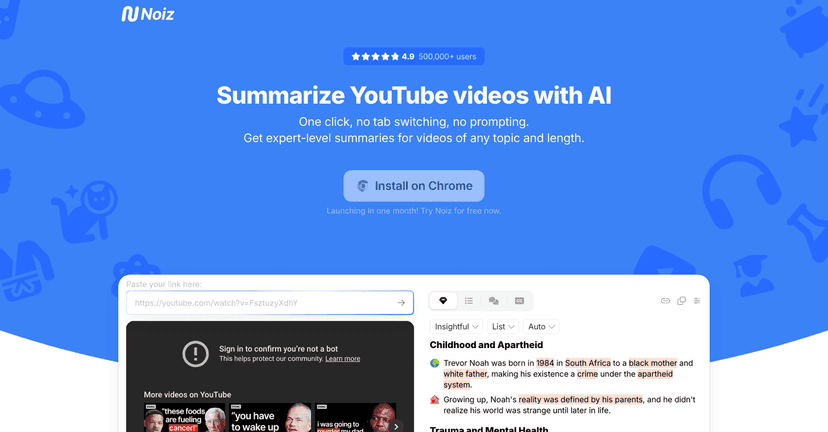
- Key Ideas: You get key points laid out in a simplified format. This is the “scan it in 20 seconds” feature—great when you’re trying to decide whether a video is worth your time.
- Smart Summaries: The summaries are timestamped, which is huge. Instead of a vague paragraph, you can jump to the part of the video that matches the point you’re reading. (In my experience, that’s what separates a helpful summary from a useless one.)
- Timestamped summaries in 41 languages: If you watch content across languages, this matters. It’s not just translating the summary—it’s keeping it usable with the video context.
- Video to Text: Converts video content into readable text. This can be handy if you’re taking notes or if the audio quality is rough.
- Video Summary Generator: Summarizes any YouTube video quickly. I’m usually most interested in the first pass—what’s the thesis, and what steps or examples do they give?
- Learning and Productivity Booster: The main benefit here is obvious: fewer wasted minutes. If you’re studying, this helps you skim first and then focus your full attention only where you need it.
- Content Creation Partner: Extracts information for personal projects. I can see this being useful for script outlines, research notes, or building a quick reference list.
- Trend Navigator: Tracks emerging topics across videos. This one is more “research mode” than “study mode.” If you’re following a niche, it helps you spot what’s getting attention.
- Summary Translator: Translates summaries into over 40 languages. If you’re trying to understand foreign creators faster, this can be a big deal.
- Quality Filter: Helps identify relevant videos quickly. I appreciate features like this because it reduces the time you spend digging through search results.
Pros and Cons
Pros
- Real time savings: Summarizing long videos quickly is the whole point, and it shows. Instead of committing immediately, I can decide fast.
- Easy to use: The workflow feels straightforward—paste/select the video, get the summary, move on. No complicated setup.
- Multi-language support: Timestamped summaries in 41 languages and translation over 40 languages makes it more useful than “English-only” tools.
- Works for more than just talking-head videos: It can still be useful for audio-heavy or presentation-style content where you’d normally struggle to capture details.
Cons
- Limited to YouTube: If you’re trying to summarize content from other platforms, you’ll need a different approach.
- Complex topics can get simplified: For deep, technical subjects, summaries can miss nuance. If a video includes lots of caveats or detailed explanations, you may still need to watch sections yourself.
Pricing Plans
When I looked into Noiz, I didn’t see full pricing details clearly laid out. What is available is a free trial, which I think is the right move—try it on a couple of videos in your usual routine and see if the summaries match what you actually need.
If you want the most accurate pricing, you’ll probably have to check the Noiz website directly or the Chrome store once it’s officially live. The best “test” is simple: pick one long video you’ve watched before (so you know what’s in it), run a summary, and check whether the key points match the parts you care about.
Wrap up
Noiz is one of those tools that makes YouTube feel less like a time sink. If you’re studying, researching, or just trying to stay informed without spending your entire evening watching videos, the summary-first approach is genuinely convenient.
That said, I wouldn’t treat summaries as a full replacement for every video—especially when the topic is complex. But for quick understanding, note-taking, and figuring out what’s worth your attention, it can be a big help.
If you’re curious, I’d start with the free trial. Try it on a few videos you actually care about and see if the timestamped key points save you time the way I think they will.
Promote Noiz




