Table of Contents
Trying to get responses from new people on LinkedIn can feel weirdly hard. You write a “quick hello,” hit send… and then nothing. Or worse—you send something that sounds like it was generated by five other people that day. I’ve been there.
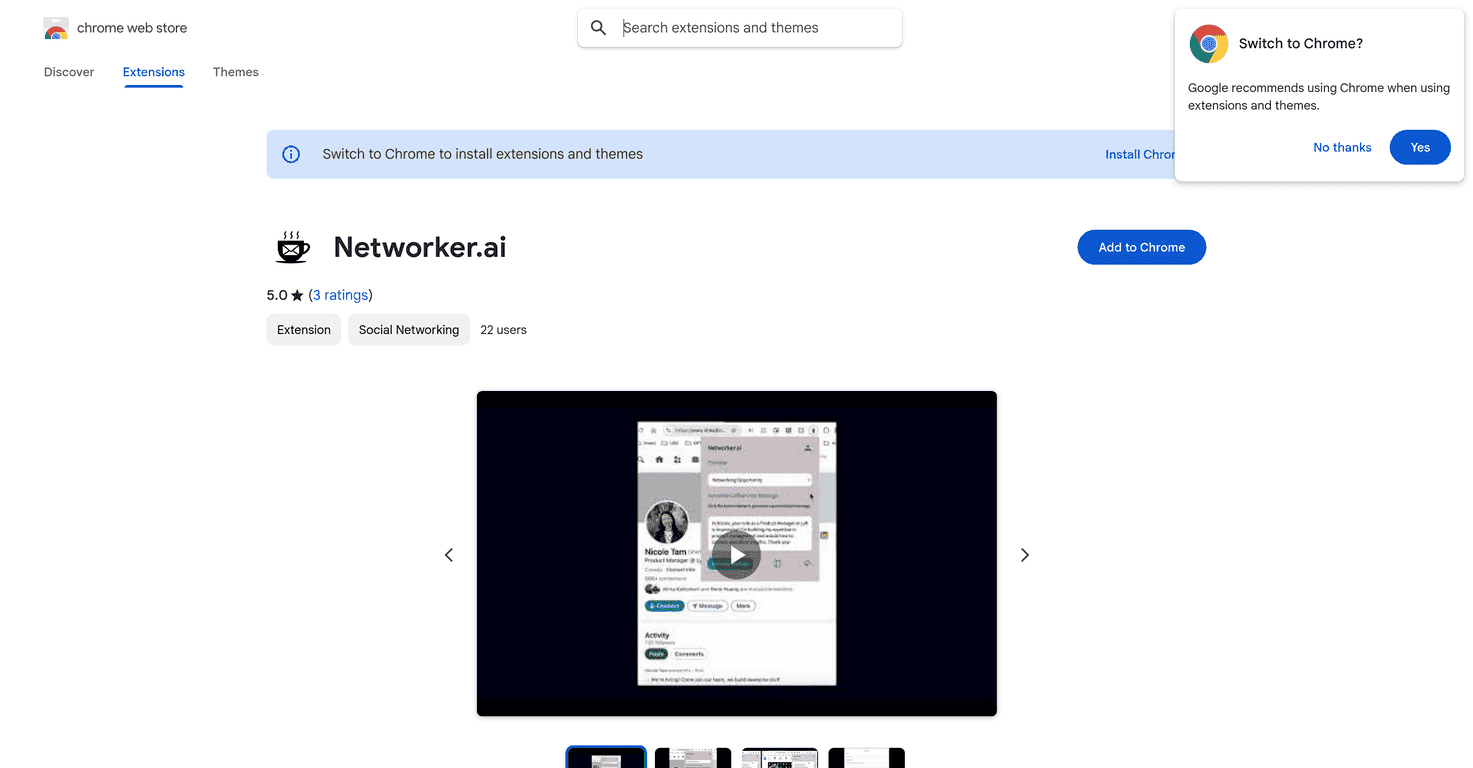
That’s why I decided to test Networker.ai, a Chrome extension built specifically for coffee chat outreach. The pitch is simple: when you’re requesting a coffee chat, it helps you draft a message that references details from the person’s profile—so it doesn’t read like a template.
In practice, the biggest win for me wasn’t just “personalization.” It was speed. If I’m messaging 10–20 people in a week, writing from scratch every time gets old fast. Networker.ai aims to cut that effort while still sounding like a real person talked to a real person.
Networker.ai Review
Networker.ai is built for one main job: drafting LinkedIn messages for coffee chat requests. It uses an OpenAI GPT-based approach to generate copy that includes relevant details from the recipient’s profile. That part matters, because “Hi, I saw you work at X” is fine once—but people can smell generic outreach pretty quickly.
Here’s what I noticed while using it:
- The messages start more “specific” than my usual drafts. Instead of jumping straight to “I’d love to connect,” it pulls in things like job role, company context, or something mentioned on the profile.
- It’s quicker than writing from scratch. If you’re sending multiple requests, shaving even 2–3 minutes per message adds up fast.
- Your background info helps it sound more credible. You can add what you want the other person to know about you, which stops the message from feeling like a cold template.
Now, I’ll be honest: the extension can’t magically make someone want to chat. If the recipient’s profile is sparse, or the details it pulls don’t connect well to your reason for reaching out, you’ll still need to edit. But at least you’re editing a strong starting point, not building everything from zero.
Also, coffee chats are all about tone. You want friendly, concise, and respectful of their time. Networker.ai generally gets the length and structure close, but I still recommend doing a quick pass before you hit send.
Key Features
- Personalized LinkedIn message drafts for coffee chat requests
- You’re not just getting “a message.” You’re getting a draft that’s aimed at a specific outreach goal.
- Uses an OpenAI GPT model
- This is what helps it generate natural-sounding sentences instead of robotic copy.
- References recipient profile details
- The tool tries to pull relevant context from the person you’re messaging, so your outreach feels less mass-produced.
- Adds your own background info
- This is huge for authenticity. When you include a short, real “why me / why now,” the message feels grounded.
Pros and Cons
Pros
- Better first impression: The messages I generated felt more tailored than the default “standard LinkedIn” outreach style.
- Less time drafting: I could move faster when I was sending a batch of requests (think weekly networking sessions or job-hunt outreach).
- Chrome extension is convenient: If you’re already on LinkedIn, it’s a lot easier than switching tools.
- Helps you avoid the “template trap”: Even when I tweaked wording, the structure was a solid base.
Cons
- Quality depends on the recipient’s profile: If their profile doesn’t have much detail, personalization can be limited.
- You still need to review and edit: I wouldn’t send it word-for-word every time. A quick sanity check is necessary.
- It can’t replace a real connection strategy: If you’re reaching out to random people with no real reason, no AI will fix that.
Pricing Plans
Pricing for Networker.ai isn’t clearly stated in the content I reviewed, so it could be free, paid, or subscription-based. To avoid guessing, I recommend checking the Chrome Web Store listing and/or the official Networker.ai site for the most up-to-date plan details.
Wrap up
Overall, I think Networker.ai is a practical tool if you do outreach regularly and you’re tired of writing the same message variations. It helps you generate more personalized coffee chat requests quickly, and it gives you a starting point that usually sounds more natural than typical “template” InMails.
Just don’t treat it like autopilot. The best results come when you (1) add your real background, (2) choose a specific reason to reach out, and (3) do a quick read-through before sending. If you do that, Networker.ai can make networking feel a lot less intimidating—and a lot more effective.
Promote Networker.ai



