Table of Contents
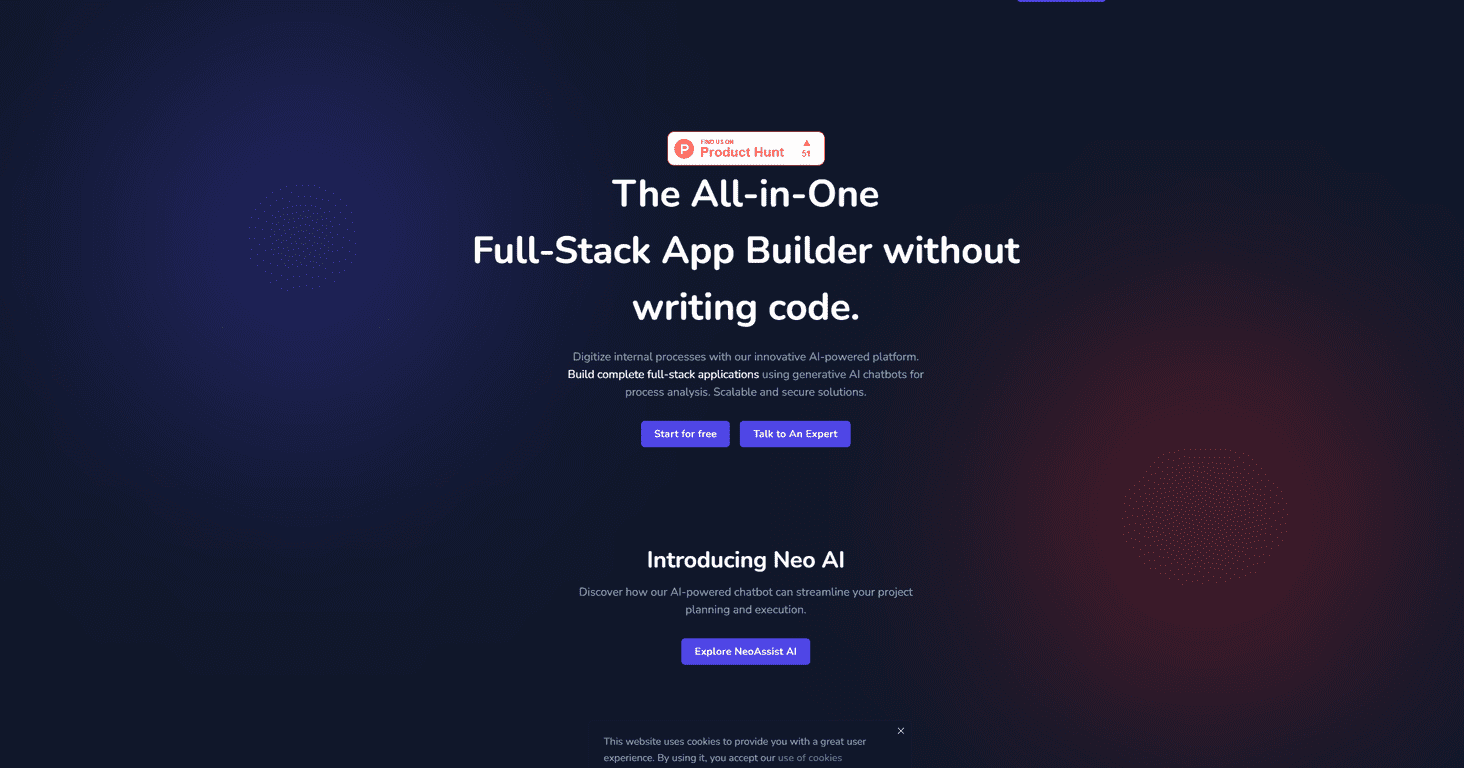
If you’ve ever tried to build an app without a developer on standby, you already know the pain: requirements get messy, timelines slip, and suddenly you’re paying for “rework” instead of progress. That’s why I was curious about NeoApps.AI. The pitch is simple—use AI to generate a full-stack app without writing code—and after digging through how it works, I can see why non-coders would like it.
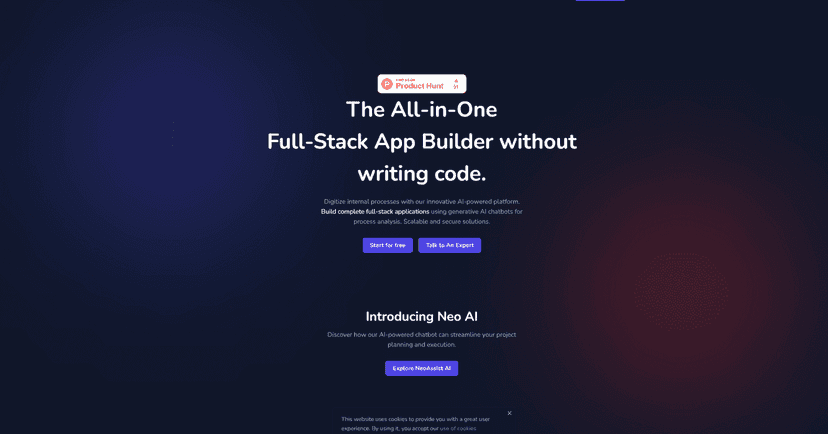
What stood out to me first is the “chat to build” approach. Instead of starting with a blank project and guessing what the system expects, you can talk through what you want. In my experience, that matters a lot. When you’re not technical, you don’t always know the right terms—but you can still describe the outcome. NeoApps.AI leans on that by letting you clarify requirements through a generative AI chatbot, which can save you from those long planning sessions where everyone’s stuck.
Then there’s the automated side. Once you outline the app idea, NeoApps.AI aims to generate the pieces you’d normally assemble manually: database structure, business logic, and the build steps that get you to a deployable app. The “from idea to something running” timeline is a big deal for startups and small teams. If you’ve got a pitch next month or you need an internal tool in weeks (not quarters), even a “few days” turnaround can feel like a win.
That said, I don’t think it’s magic. Even when AI generates a working app, you may still want to tweak details after deployment—especially for specific workflows, edge cases, or anything that needs a very particular UI/UX. Also, if you’re brand new to how these platforms operate, there can be a small learning curve. It’s not hard, but it’s not “click once and forget it” either.
NeoApps.AI Review: Build Apps Without Coding Skills
NeoApps.AI is aimed at people who want to build real apps, but don’t want to spend their nights learning frameworks. In my experience, that’s the biggest selling point: you can focus on what the app should do, not on syntax and setup.
Here’s how it typically feels to use: you describe your app idea, then you use the AI chatbot to clarify requirements. Instead of guessing whether your request was “good enough,” you can iterate in plain language. That’s a lot easier than trying to map everything into technical specs from day one.
Next comes the heavy lifting. NeoApps.AI is designed to generate core pieces automatically—things like the database setup and the business logic that powers the app’s behavior. It’s also built to automate the build and deployment workflow, which is where most DIY app projects stall. Nobody wants to spend the last 30% of the project wrestling with deployment errors.
And yes, the speed claim is plausible. In many cases, you can go from an idea to a working prototype in a matter of days, not months. For example, if you’re trying to launch an internal workflow tool (request forms, approvals, status tracking), that timeline can be the difference between “we’ll build it later” and “we’re using it next week.”
Still, I wouldn’t oversell it. AI-generated apps can need manual adjustments after deployment—especially when you want very specific UI behavior, custom rules, or unusual data relationships. Also, if you’ve never used a no-code or AI build platform before, you’ll want a little time to get comfortable with how to specify requirements clearly. Garbage in, garbage out still applies—just with different inputs.
Key Features That Matter (Not Just Buzzwords)
- Chat-based requirement clarification so you can plan the project in plain language
- Automated database generation to get your data model set up without manual schema work
- Business logic setup to define how the app should behave (the “rules” behind the screens)
- Automatic code generation so you’re not stuck translating your idea into technical implementation
- Automated build & deploy to move from generated app to something you can actually run
- Customization and redeployment so you can iterate without starting over from scratch
Pros and Cons From a Real-User Perspective
Pros
- Lower development costs compared to hiring a full dev team—especially for MVPs and internal tools (often cited as around 60% less vs. traditional approaches)
- Faster build cycles—the “days not months” claim is one of the main reasons people try this in the first place
- Maintenance support powered by AI, which can help reduce the number of issues you have to hunt down manually
- Scalability is a stated goal, which matters if you expect users or data volume to grow
- Quick iterations—when you can adjust and redeploy faster, you get more chances to get the app right
Cons
- There’s a learning curve if you’re totally new to AI-driven app builders. You’ll need to learn how to describe requirements clearly.
- Post-deployment tweaks may be necessary for edge cases, specific workflow rules, or UI preferences that weren’t captured perfectly in the initial prompt.
Pricing Plans: Start Free, Then Scale Up
NeoApps.AI lets you start using the platform for free. For the latest pricing tiers and limits, you’ll want to check the pricing section directly on their website.
Wrap up
NeoApps.AI feels like a practical option if your goal is to build a real app quickly without becoming a full-time developer first. The chat-to-requirements flow, automated database/business logic generation, and build/deploy automation are exactly the parts that usually eat time. Just go in expecting some iteration—and be ready to make a few manual adjustments once the app is live. If you keep your requirements clear and test early, it can be a genuinely efficient way to go from idea to working software.
Promote NeoApps.AI



